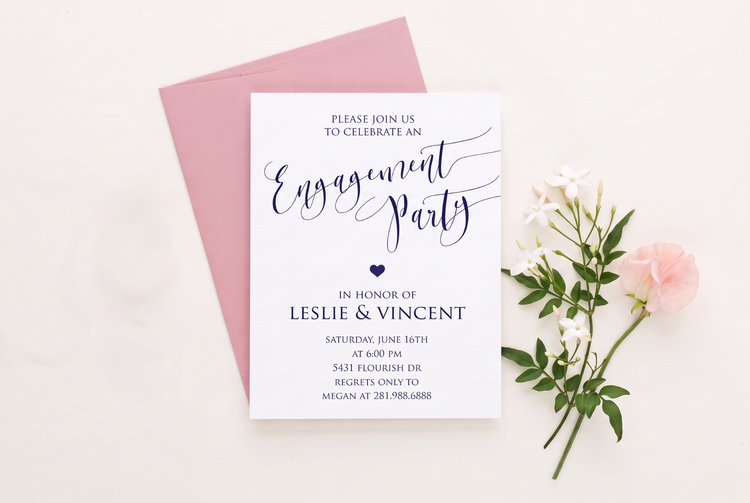
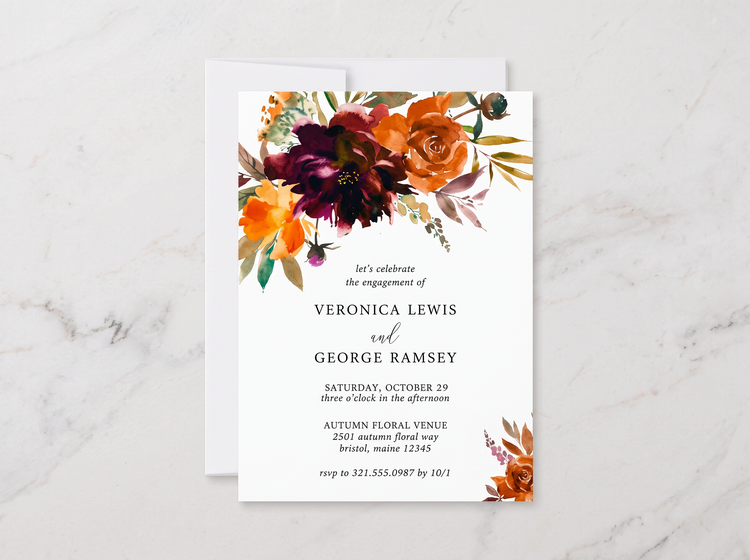
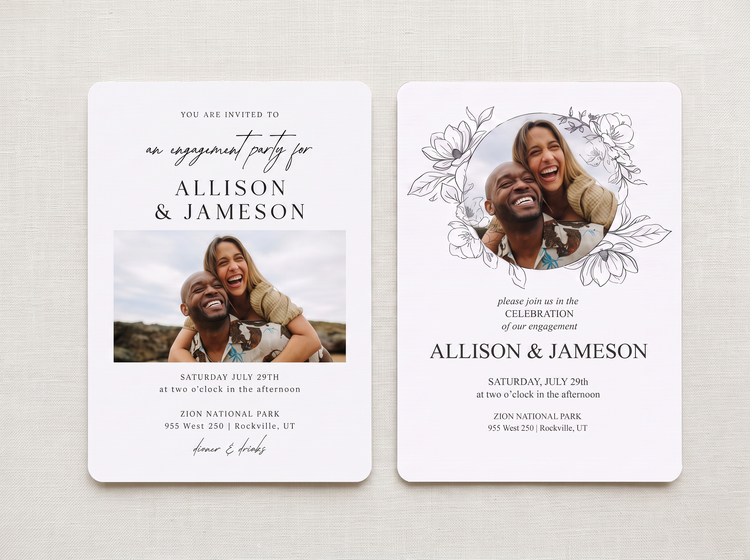
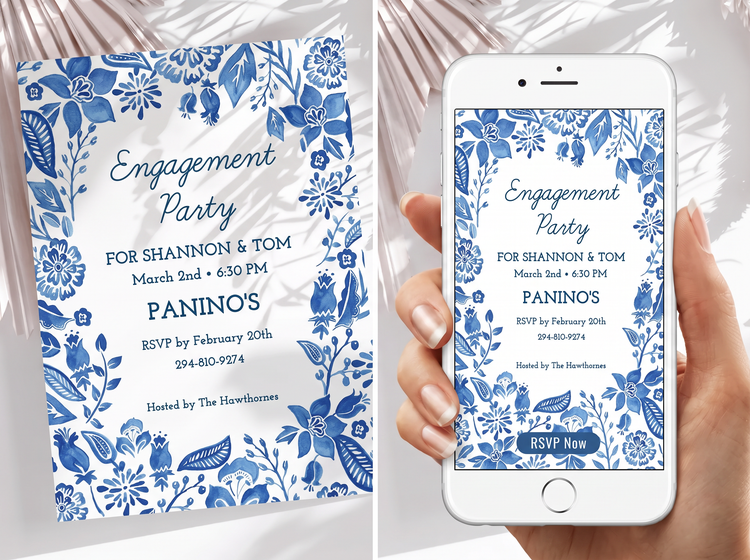
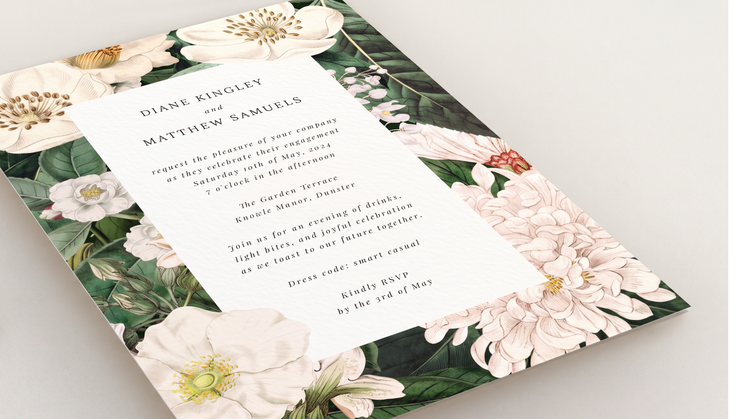
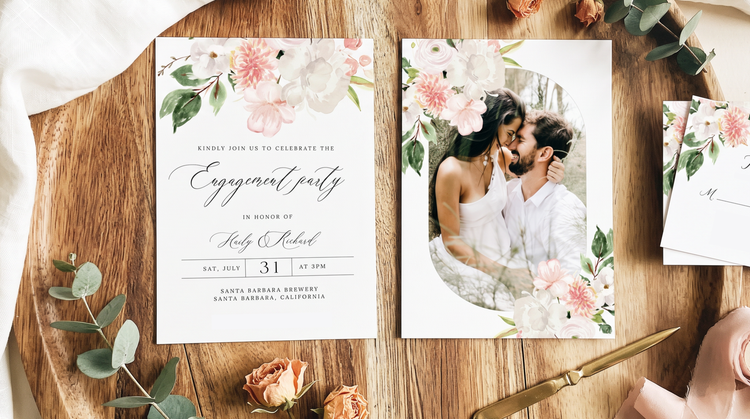
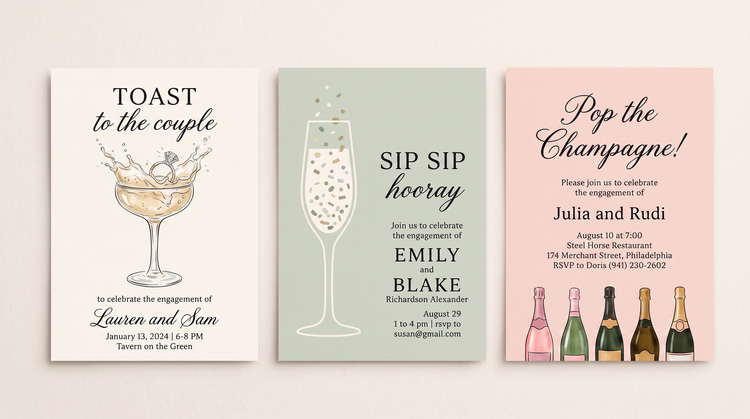
Adobe Firefly can generate formal, casual, and themed engagement party invitations, from elegant script layouts to bright, modern designs. With the Generate Image feature, describe your idea in a text prompt, add the visual style you want, and Firefly will turn it into a fully composed image in moments.
Start with the layout and the mood, then add the details you want included, such as the couple’s names and the celebration date. A prompt like an elegant engagement party invitation with gold script lettering, a blush pink background, and delicate floral accents gives Adobe Firefly enough detail to produce a controlled result. Describe the color palette, typography style, and other details to push the image closer to your vision.
Yes. Adobe Firefly responds to detailed descriptions of any engagement party invitation element, including hand-lettered text, illustrated borders, and photo-style backgrounds. Mention the type of detail or text style you want, and Adobe Firefly will place it according to your prompt.
Yes. Styles range from a simple, understated design to a bold, illustrated layout. In Adobe Firefly, you can use prompt adjustments and style references to fine-tune your results. You can also use top partner models from FLUX, Google, OpenAI, and others, all in the Adobe Firefly workspace. Try a few, then refine the one that fits your event.
Yes. Whether the celebration is a backyard gathering, a formal dinner, or a destination party, Adobe Firefly gives you the range to match the tone and setting. Describe the theme in your prompt, and Adobe Firefly will build the design around it.
Yes. Outputs generated by Adobe Firefly models are safe for commercial use, but if you use a partner model, check that model's terms first since they may differ. Event planners, stationers, and small businesses can use Adobe Firefly to generate engagement party invitation concepts for clients, then refine the details before handing off a finished design. Each design starts from a fresh prompt, so results can be tailored to each client’s celebration.
The best AI image generator gives you real creative control, such as the ability to specify the layout, the details, and the visual style in natural language, and to refine across multiple versions without starting over. Adobe Firefly does this and also brings together top AI models in one studio, with precision editing tools that take you from first generation to finished result.
Adobe Firefly brings together its own models and top partner models from Google, OpenAI, FLUX, and more. You can switch between models in the Model dropdown menu and compare results side by side, then refine your favorite with precision tools in the same studio.
Images generated with Generate Image in Adobe Firefly download as a PNG.
Yes, you can generate an engagement party invitation for free with Adobe Firefly and an Adobe account. A free account gives you access to free daily generations, so you can try Adobe Firefly without a paid plan.
Learn more about using Adobe Firefly for free. For higher-volume use and access to additional features, paid plans are available.