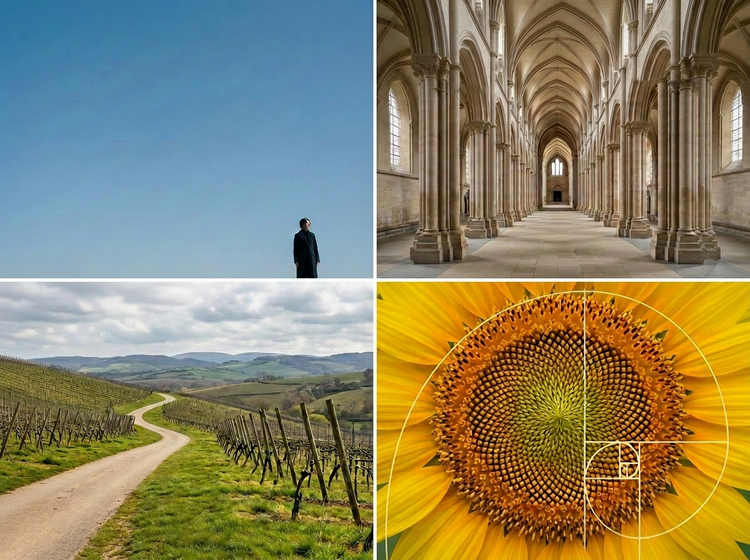
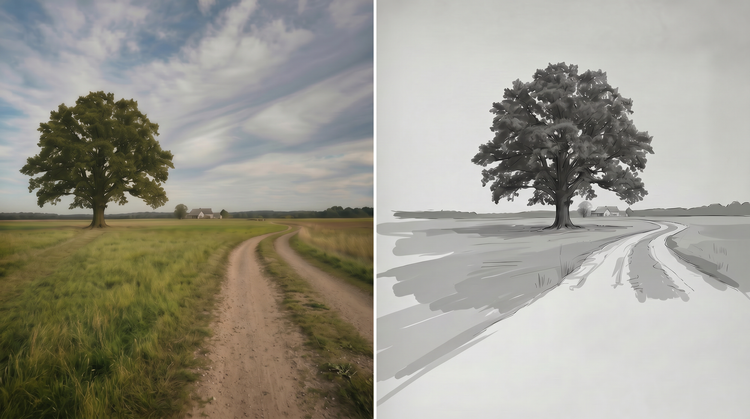
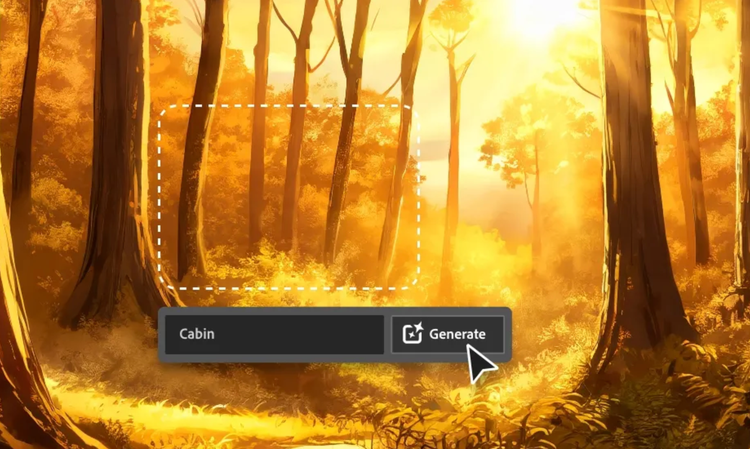
AI-assisted art composition uses artificial intelligence to help you to arrange visual elements within an image. With Adobe Firefly, you describe the layout, spatial relationships and focal hierarchy you want and the AI generates images that reflect those compositional choices. You stay in control of the creative direction while the tool handles the generation.
Yes. Compositions generated with Adobe Firefly models are safe for commercial use. Adobe Firefly models are trained on
Adobe Stock, licensed content and public domain materials. You’re responsible for determining if images generated with partner models are appropriate for use in your project.
Adobe Firefly responds to your prompt descriptions of compositional structure. You can specify arrangements like the rule of thirds, centred symmetry, diagonal movement, layered depth and more. And with adjustable settings for aspect ratio, camera angle and style, you can guide the AI toward the exact visual balance your project requires.
The best AI composition tool gives you precise control over visual arrangement, supports multiple styles and formats and produces output you can use professionally. Adobe Firefly delivers detailed compositional control through text prompts and adjustable settings, with seamless integration into your existing Adobe creative workflow for easy refinement.
Yes. If you have a free account, you’ll get free daily generations, so you can try the Adobe Firefly art composition generator. Learn more about
using Adobe Firefly for free. Additional access is available when you purchase an Adobe Firefly subscription.
No formal training is required. Describe the composition you want in plain language and Adobe Firefly will generate it. Then you can adjust the settings or your prompt to fine-tune the details.
Yes. Adobe Firefly supports reference images that guide the overall aesthetic and compositional direction of your generation. Upload an image you like and then describe the adjustments you want. The AI uses your reference as a starting point while applying your prompt instructions.