https://main--cc--adobecom.aem.live/cc-shared/assets/img/firefly.svg Adobe Firefly
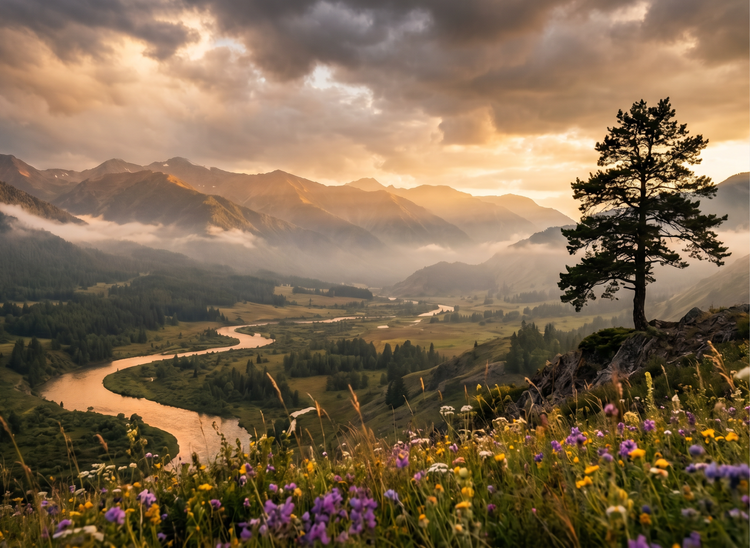
Create balanced, intentional art compositions with Adobe Firefly.
Arrange your visual elements with precision and refine every layout detail fast.
- image
- Describe a subject, an action, a place, a mood, or a style.
- Adobe Generative AI Terms
- https://main--cc--adobecom.aem.live/creativecloud/animation/testdoc/unity/generate.svg Generate
- Describe the composition you want to generate
- Prompt
- Tip
- Unable to process the request
- Please describe what you want to generate.
- Prompt exceeds the max length of 750 characters
https://main--cc--adobecom.aem.live/cc-shared/assets/img/product-icons/svg/firefly-80.svg
Adobe Firefly
https://main--cc--adobecom.aem.live/cc-shared/assets/img/product-icons/svg/firefly-80.svg
Adobe Firefly
The next evolution of creative AI is here for all your ideas, with image, video, audio, and vector tools.
Stronger compositions, faster creative decisions.
Art composition is the foundation of every effective visual. With Adobe Firefly, you can generate images with intentional balance, focal hierarchy, and spatial rhythm built in from the start. Describe your layout, adjust settings for framing and visual weight, and iterate until every element sits exactly where it should.
Direct your layout with a single prompt.
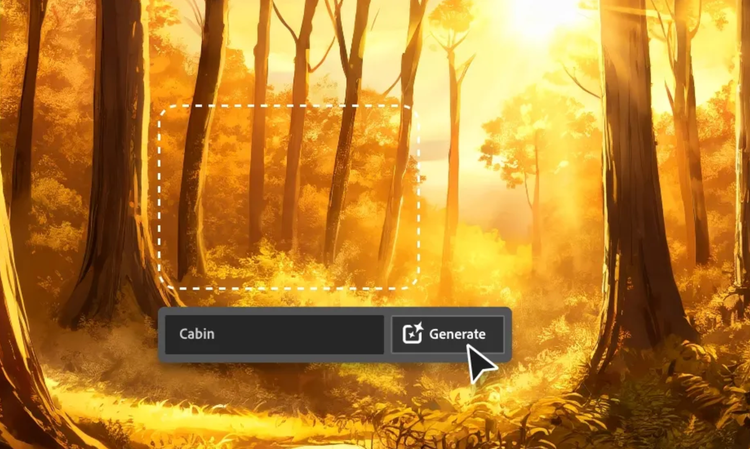
Describe the arrangement you want and Adobe Firefly will generate compositions that reflect your direction. Specify focal points, foreground and background relationships, symmetry, or asymmetry. Your prompt will drive every compositional choice, so include all the details to ensure that the output matches your creative intent.
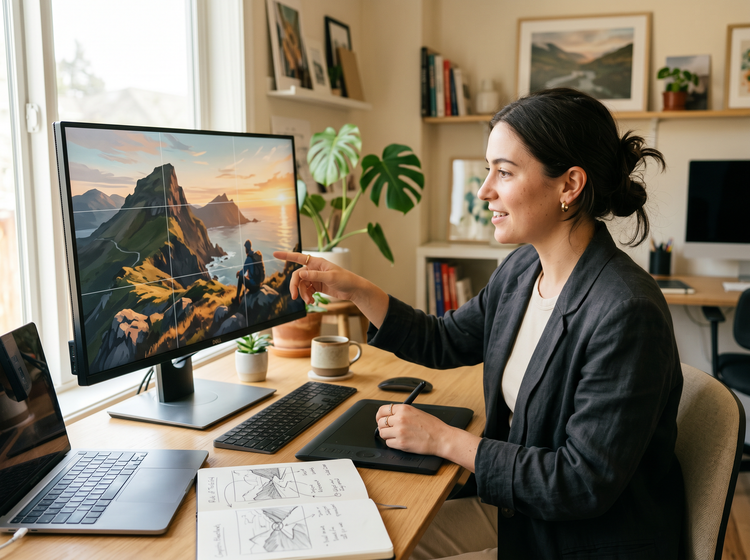
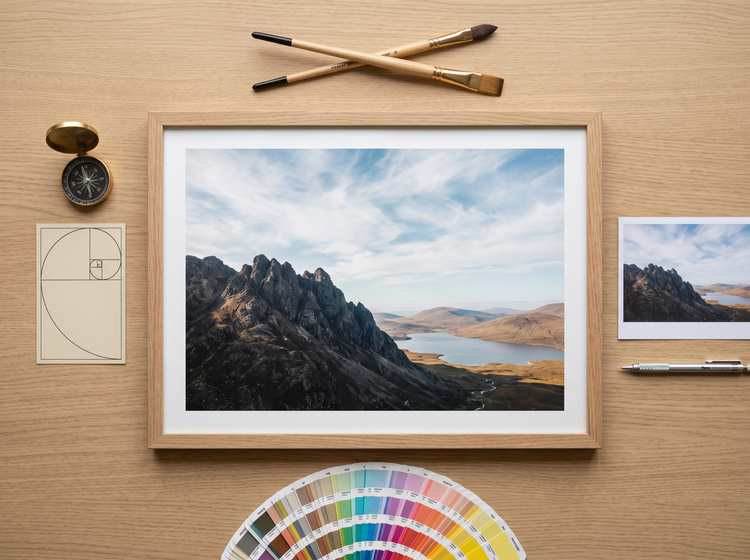
Refine visual balance with precision controls.
Go beyond the initial generation with settings for aspect ratio, camera angle, color and tone, and more. Upload a reference image to guide the overall composition, then fine-tune framing and spatial relationships until every element carries the right visual weight.
Use your compositions in professional work.
Adobe Firefly generates commercially safe output you can use confidently in professional work. Apply your compositions to client presentations, advertising campaigns, editorial projects, and product designs.
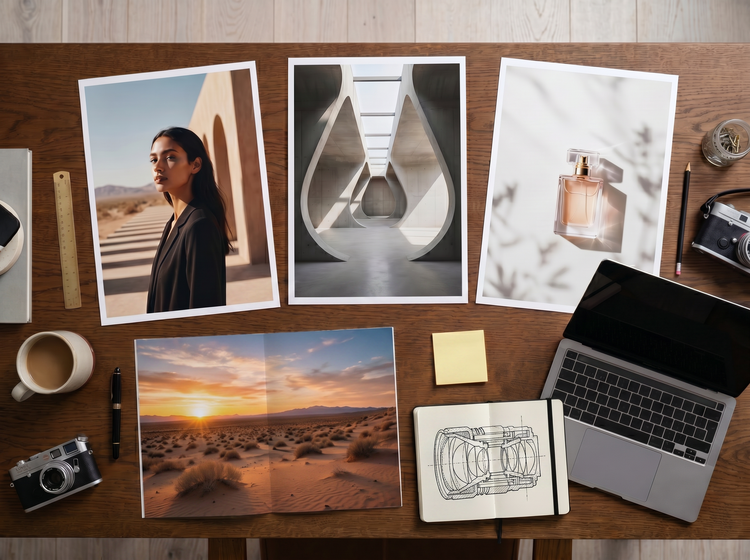
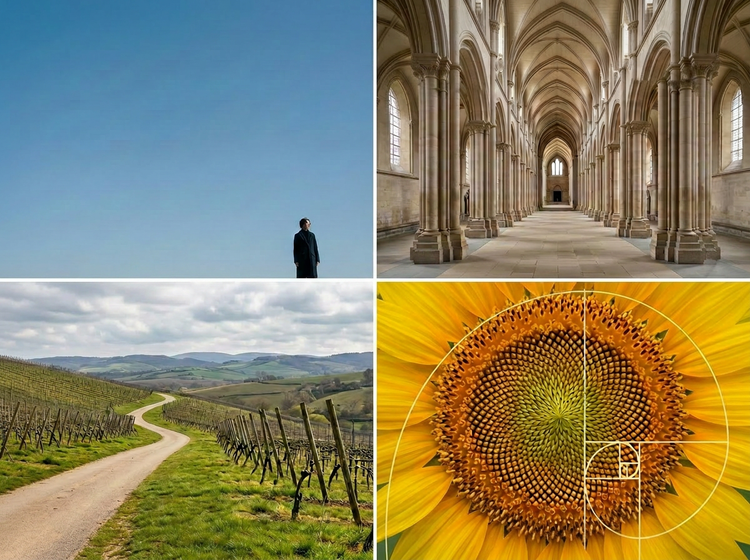
Explore every compositional approach.
Generate compositions across styles and structures. From tightly cropped portraits with shallow depth of field to wide environmental layouts with layered foreground elements, Adobe Firefly gives you the creative range to explore the rule of thirds, the golden ratio, leading lines, negative space, and more.
How to generate art compositions with Adobe Firefly.
Step 1
Open Adobe Firefly and select Generate Image.
Step 2
Describe your composition.
Step 3
Adjust your settings.
Step 4
Generate and evaluate your results.
Step 5
Download and apply your composition.
Steps on how to generate art compositions using Adobe Firefly Generate Image.
PT3M
firefly
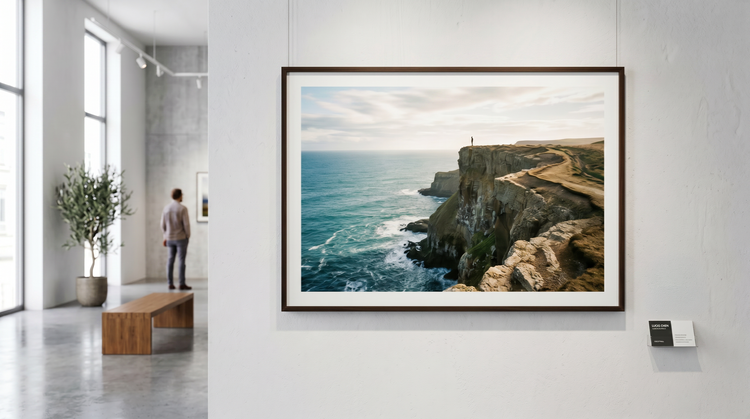
Commercial safety
Generate compositions with Adobe Firefly models that produce commercially safe output. Use your results confidently in client work, commercial campaigns, and published designs.
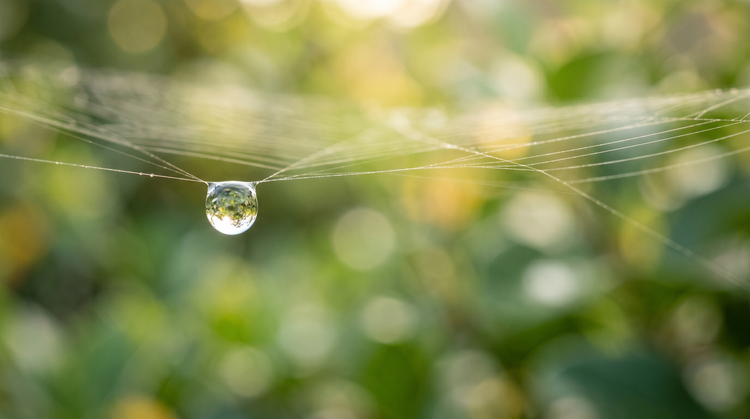
Precise creative control
Direct every aspect of your composition through descriptive prompts and adjustable settings. Specify focal points, depth of field, framing, color temperature, and spatial relationships to get results that match your vision.
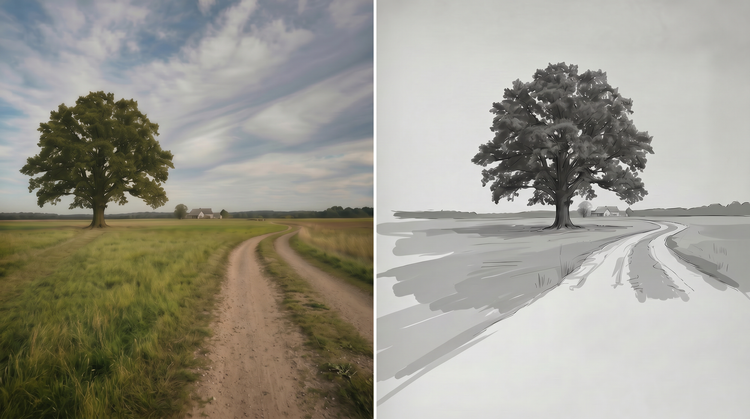
Rapid iteration
Move from rough concept to polished layout in moments. Generate multiple compositional variations from a single prompt, compare them side by side, and refine your direction without starting over.
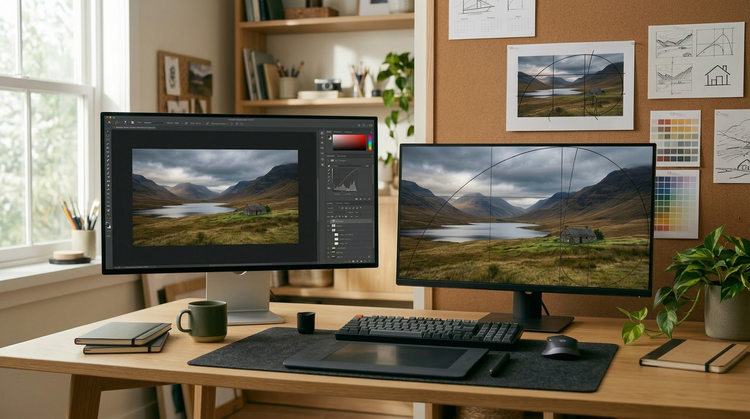
Seamless integration
Open your Adobe Firefly compositions in Photoshop on the web and Adobe Express for a seamless creative workflow, all in one place.
See what else you can create with Adobe Firefly.
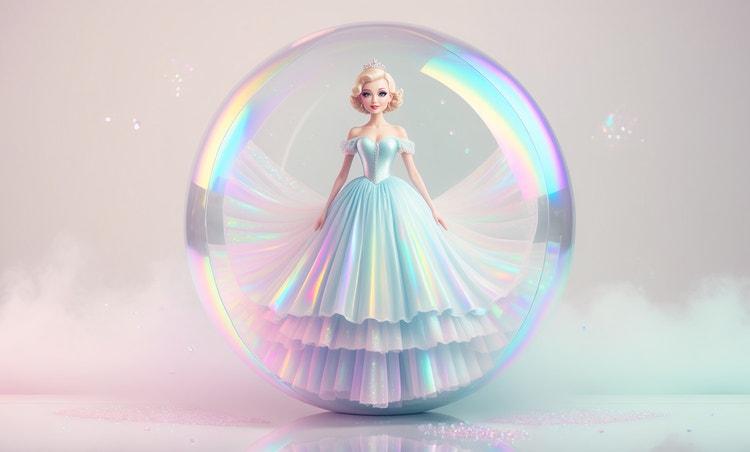




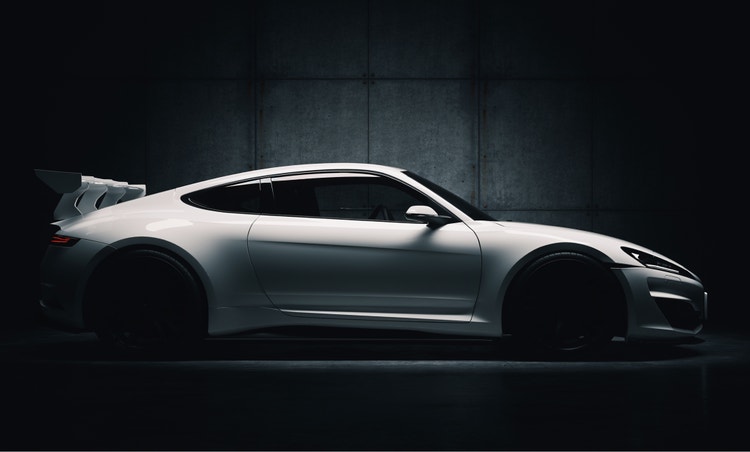
Discover even more features.
Questions? We have answers.
What is AI-assisted art composition?
Can I use AI-generated compositions in commercial projects?
How does Adobe Firefly help with visual balance and layout?
What is the best AI tool for art composition?
Is Adobe Firefly free to use for art composition?
Do I need design experience to use the art composition tools in Adobe Firefly?
Can I use a reference image to guide my composition in Adobe Firefly?
Share this page.
Explore more Firefly tools.
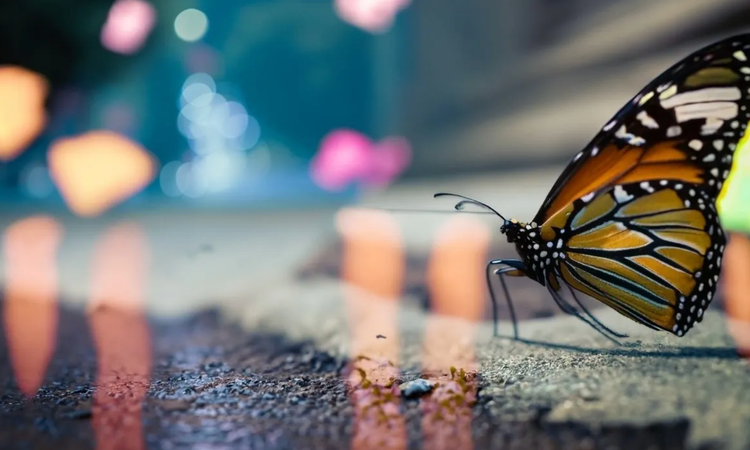
The benefits of generative AI for creatives
Learn how to use generative AI to boost productivity and discover new possibilities while maintaining creative control.
Learn more | Learn more - The benefits of generative AI for creatives

Generative AI is changing creative work
Generative AI can mimic but not replace human intelligence. Learn how it can help you take your creativity to new places.
Learn more | Learn more - Generative AI is changing creative work
AI for graphic designers
Learn about the AI tools available to graphic designers and how they can help you be more productive and take your work in surprising directions.

AI art prompts for graphic designers
Learn how to write effective prompts for generative AI to get effective results for graphic design.
Learn more | Learn more - AI art prompts for graphic designers