“Student Spaces feels like a product that could meaningfully change how students study rather than simply summarise content.”

- Abhee, Information Science major

“This is a game changer! The in-text citations make it easy to refer to actual context within sources. A great product through and through.”

- Mehul, Computer Science major

“Student Spaces gives my other study tools a strong run for their money.”

- Joshua, Communications major

“I'm an auditory learner so I really like the podcast feature. It's helpful to have audio playing and an interactive chat to ask questions.”

- Angel, Communications major

“Student Spaces makes it easy to trust the AI.”

- Alan, Computer Science major

See Student Spaces in action.

Explore ways you can take your knowledge to the next level.

#F0F0F7
Side profile of person surrounded by sound waves. Flashcards for Western music history with question and answer.

Learn with AI that cites its sources.

Get answers you can trust. Student Spaces links its responses back to your exact class materials so you know where your information is coming from.

Get started | Get started Student Spaces

Study together. Better.

Learn as a group. Share notes and study tools. Ask questions. Talk through ideas. Create impressive group presentations, easily.

Get started | Get started Student Spaces

The underside of purple mushroom caps. Three participants in ecology 101 study space and fourth getting added. Two students add resources to the space.
#F0F0F7
Clownfish in a green reef. AI Assistant pop up prompting to create flashcards, a practice quiz or a podcast.

Talk to your favourite tutor. Even at 2am.

Make subjects easier to understand with Adobe Acrobat AI Assistant as your tutor. Add files. Ask questions. Check for accuracy with citations from your sources.

Get started | Get started Student Spaces

Student Spaces FAQs

What are Student Spaces?
Student Spaces is an AI-powered study hub in Adobe Acrobat that helps you to understand, organise and learn from your materials. Upload your files, ask questions and create study tools without jumping between apps or tabs. You can access Student Spaces on Acrobat web from any mobile or desktop browser.
How does Student Spaces help me study smarter?
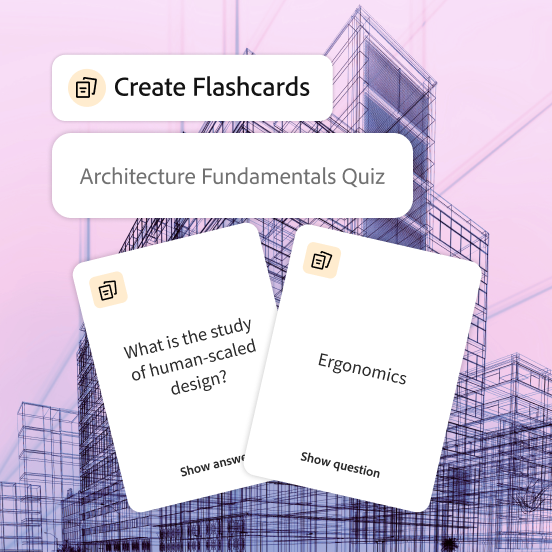
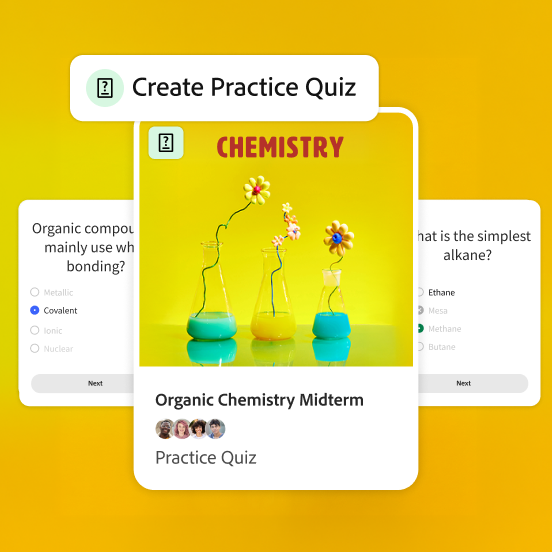
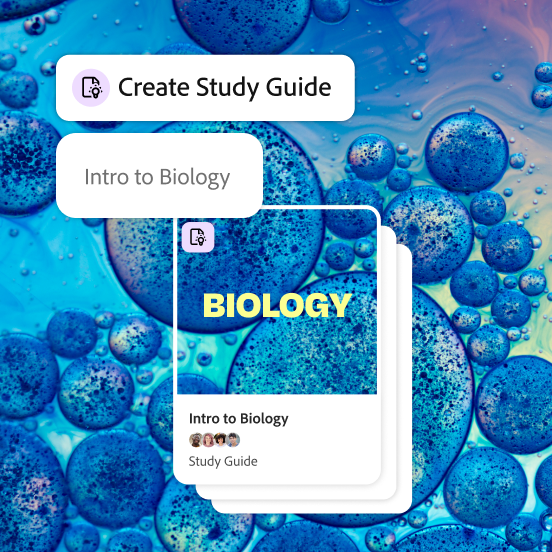
Student Spaces turns your class materials into interactive study tools like flashcards, quizzes, study guides, mind maps, videos and podcasts. You can chat with an AI tutor, take notes and keep everything for a topic together so studying feels simpler and more focused.
What can I create in Student Spaces?
You can upload up to 100 files of 600 pages or fewer and generate tools such as flashcards, practice quizzes, study guides, study packets, presentations, videos, podcasts and mind maps, so you can learn in the way that works best for you.
Is Student Spaces free for students?
Yes. Student Spaces is free for students for a limited time with fair-use limits on standard study tools. Premium tools, like podcasts, presentations and video summaries, are available when you create a free personal Adobe account.
Can I trust the AI responses?
When you upload documents or links, AI-generated answers and study tools include clear citations. You can click any citation to see exactly where the information came from, so you stay in control of what you learn. While we always strive for accuracy across our tools, please make sure that you double-check your responses for accuracy. For more information, please learn more about our generative AI user guidelines.
Can I collaborate with classmates?
Absolutely. You can share a Student Space with classmates or friends and choose their access level, so you can review notes, study tools and materials together in one shared space.