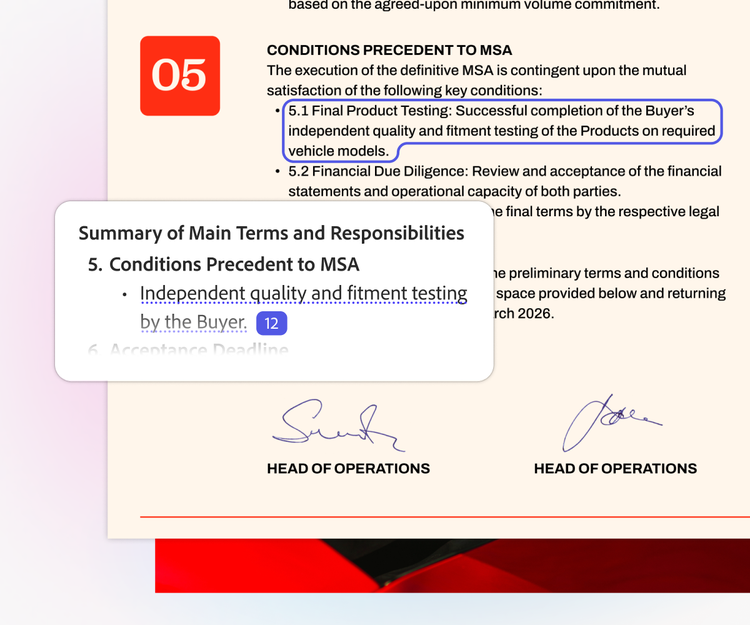
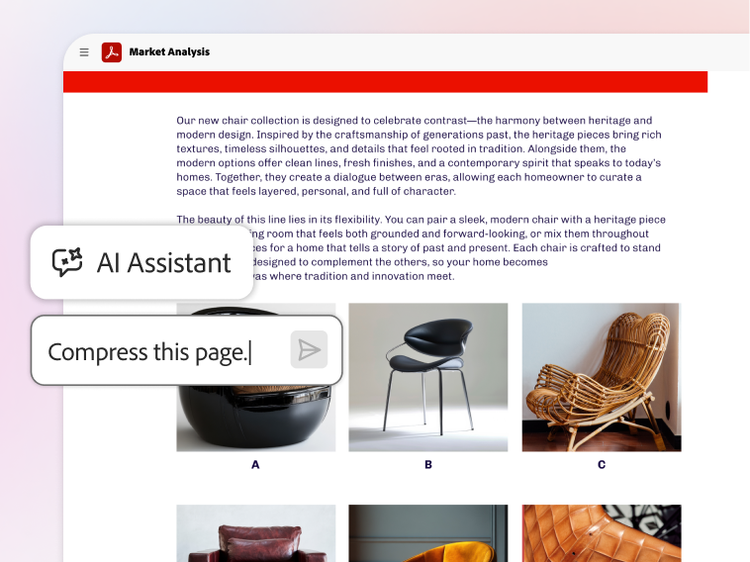
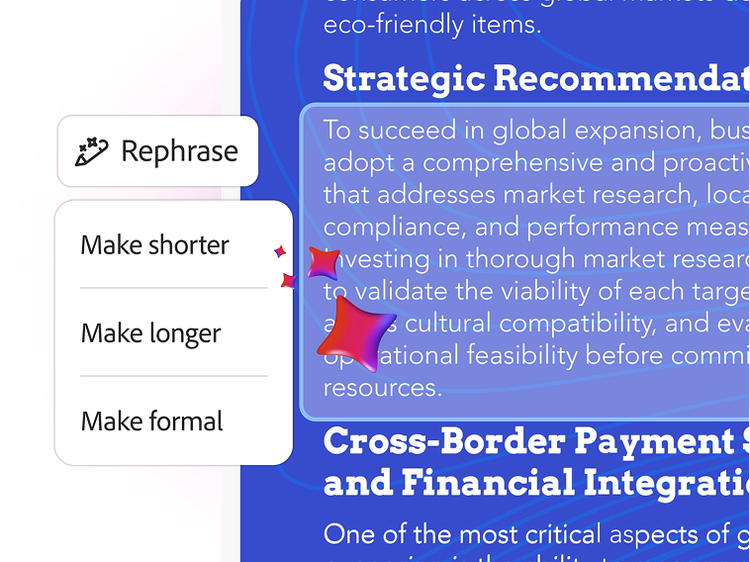
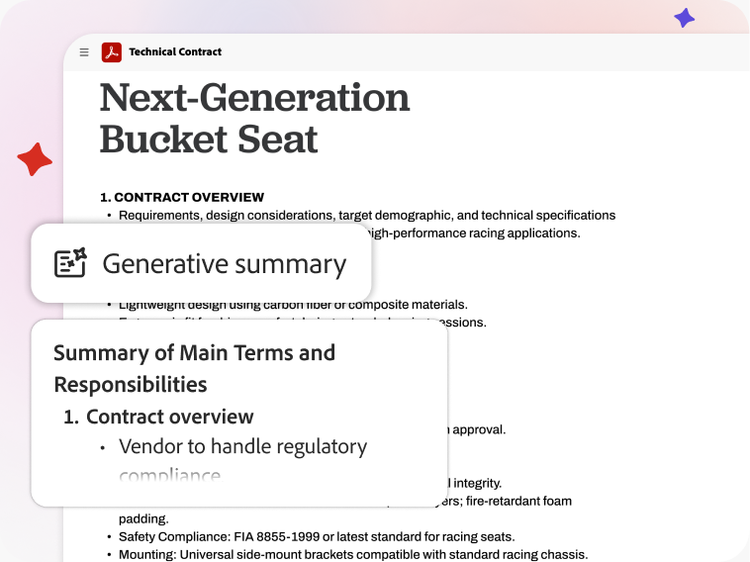
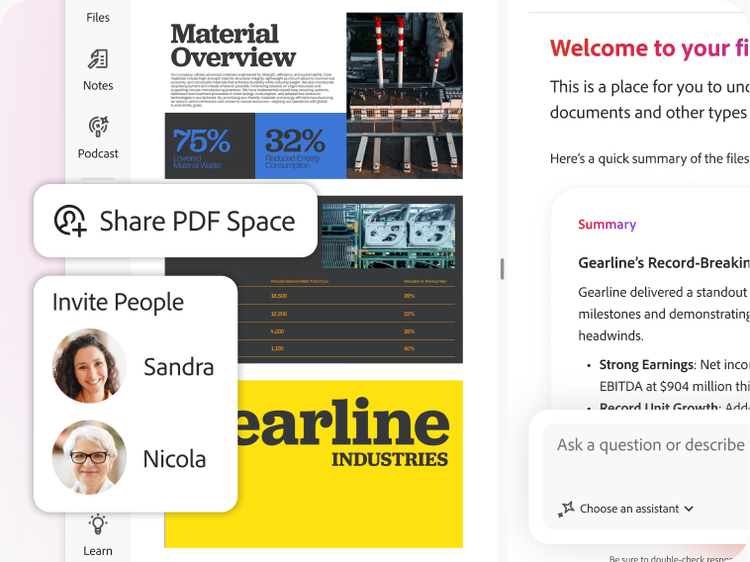
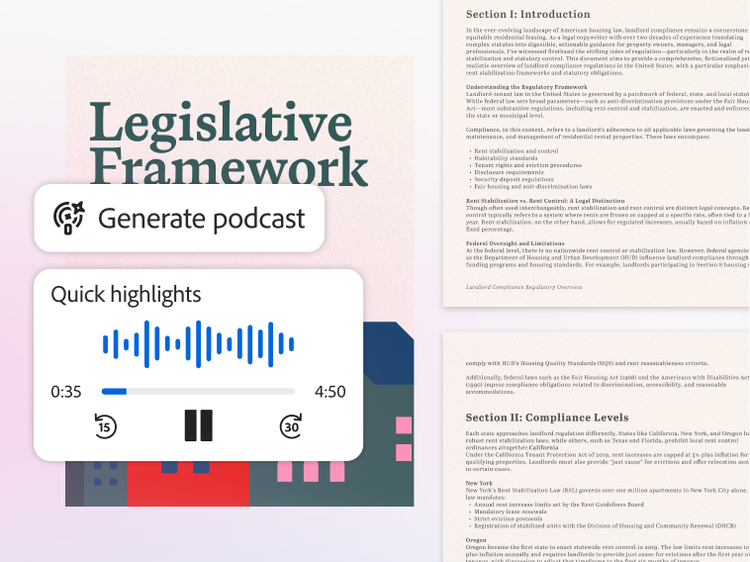
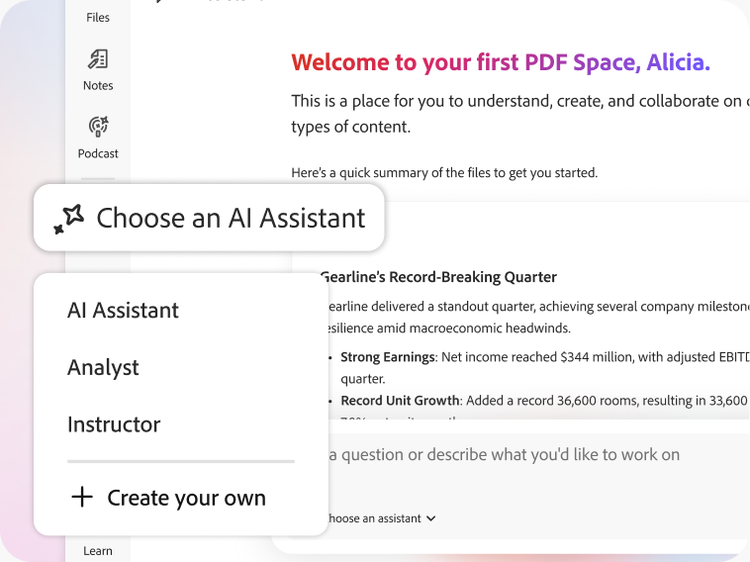
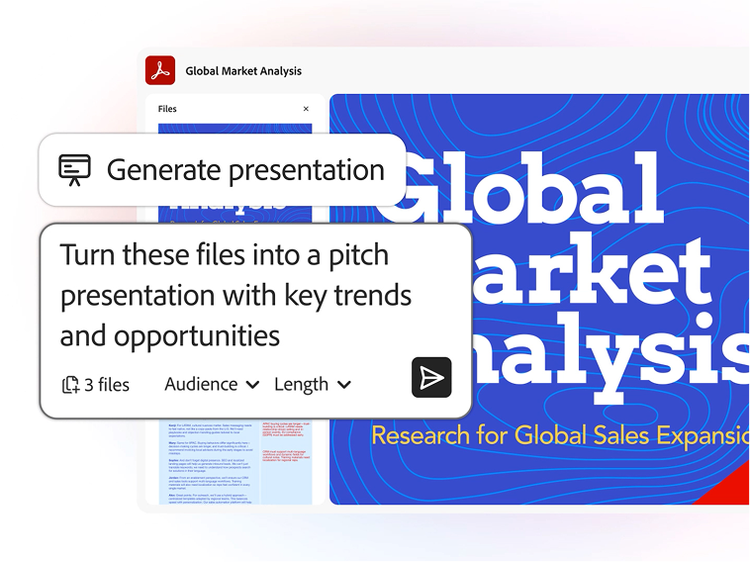
Adobe Acrobat AI Assistant can summarize long documents, answer questions about your PDF's content, generate outlines, and extract key points, all with cited responses. In PDF Spaces, you can combine multiple files into a shared workspace and use AI Assistant to surface insights across all of them or generate a podcast-style audio overview to listen on the go. *Adobe Acrobat also offers AI-powered content rewriting, translation assistance, and smart redaction, built directly into Adobe Acrobat and accessible on desktop, mobile, and web browser with the AI Assistant add-on, Adobe Acrobat Express, or Studio plan.
*Adobe Acrobat AI Assistant currently supports English, Japanese, French, German, Italian, Spanish, Portuguese, Korean, Norwegian, Dutch, Finnish, Swedish, and Danish — including summarizing, answering questions, rewriting, and translating content from or to these languages. Responses in other languages may occasionally occur but are outside the intended scope and should not be relied upon.
Adobe Acrobat AI Assistant reads your entire PDF and produces a structured summary that highlights main topics, key findings, and action items. You can ask follow-up questions in plain language and AI Assistant responds with answers and references to specific pages. Acrobat AI Assistant works with research papers, legal contracts, financial reports, and other complex documents.
Adobe Acrobat AI Assistant is designed to generate grounded responses with citations, so you can verify answers against the original document. It's built on Adobe's secure infrastructure and trained to minimize errors. Adobe recommends reviewing AI-generated summaries against source material.
Adobe Acrobat AI Assistant supports multiple languages including English, Japanese, French, German, Italian, Spanish, and Portuguese, with additional languages to be added in future releases. You can ask questions in your preferred language and receive responses in the same language for supported locales. Al Assistant may inadvertently provide responses in languages other than English, Japanese, French, German, Italian, Spanish, and Portuguese, but these go beyond the intended purpose of the Acrobat Al Assistant capability and should not be relied upon at this time.
See more details here.
Adobe Acrobat AI Assistant processes your documents using Adobe's secure infrastructure and does not use your content to train AI models. Enterprise customers have additional data governance controls available through Adobe Acrobat for enterprise plans. Adobe's privacy policy details how document data is handled when you use AI features.
Creating, uploading, or sharing content that violates a third-party copyright is prohibited. You should seek legal advice if you suspect that your content may violate any third-party copyrights.