https://main--da-cc--adobecom.aem.live/cc-shared/assets/img/firefly.svg Adobe Firefly

Generate bold red, blue and yellow compositions with AI.
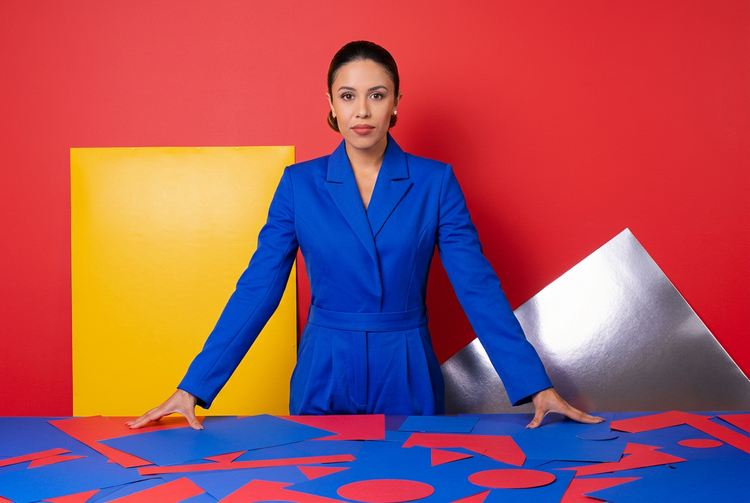
Describe the colour balance you want and generate a composition that puts primary colours exactly where you need them.
- image
- Describe a subject, an action, a place, a mood or a style.
- Adobe Generative AI Terms
- https://main--cc--adobecom.aem.live/creativecloud/animation/testdoc/unity/generate.svg Generate
- Describe the red, blue and yellow composition you want to generate
- Prompt
- Tip
- Unable to process the request
- Please describe what you want to generate.
- Prompt exceeds the max length of 750 characters
- compositionWithRedBlueAndYellow
- Enter prompt


https://main--cc--adobecom.aem.live/cc-shared/assets/img/product-icons/svg/firefly-80.svg

Adobe Firefly
The next evolution of creative AI is here for all your ideas, with image, video, audio and vector tools.
Take control of colour in your compositions.
Balancing red, blue and yellow in a single image takes precision. With Adobe Firefly, you describe the colour relationships, placement and mood you're after and the Generate Image feature turns that language into a visual starting point.
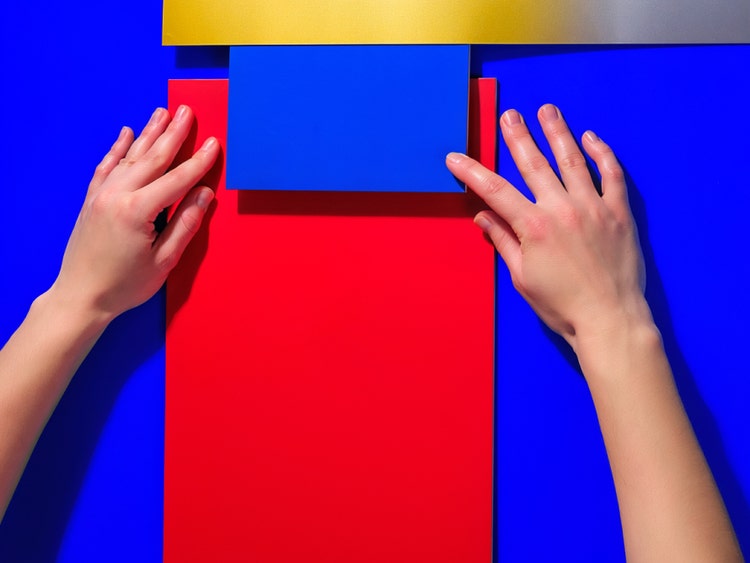
Describe colour weight, not just colour names.
Prompt language gives you control over how much red, blue or yellow dominates a frame. Specify proportions, placement and contrast directly in your text. Try phrases like "red foreground, blue mid-ground, yellow accent" or "equal thirds of primary colour" to guide the composition toward the balance you're building toward.
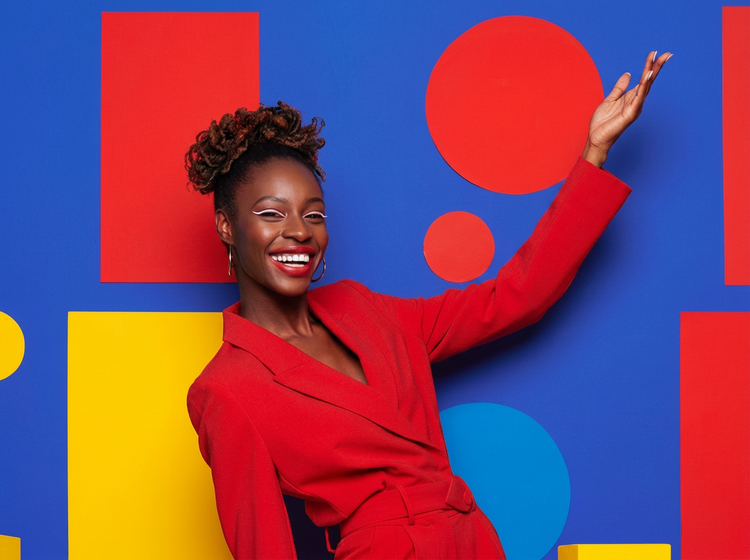
Move from concept to composition fast.
Reach a solid starting point for your composition by writing a prompt. Use the result as a reference, a mood board anchor or a direct asset. Refine your prompt with each generation to narrow in on the exact colour story your project needs.
Bring reference images into your colour workflow.
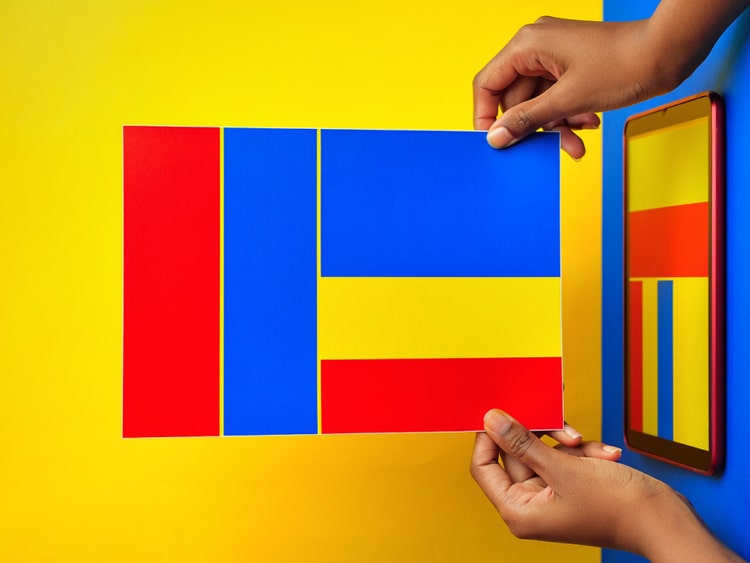
Upload a sketch, a photo or an existing layout using the image-to-image feature to guide Adobe Firefly toward your target palette. When you already have a direction in mind, a reference image keeps the colour register consistent across every generated variation.

Take your results further.
After generating a composition, open it directly in Adobe Photoshop on the web or Adobe Express to make targeted adjustments, add typography or composite it into a larger design. Everything stays inside the Adobe ecosystem, so you're not moving files between apps to get to a finished result.
How to generate red, blue and yellow compositions with Adobe Firefly.
Step 1
Open Adobe Firefly and select Generate Image.
Step 2
Write a prompt that describes your colour composition.
Step 3
Adjust your settings.
Step 4
Generate and review your results.
Step 5
Download and use your composition.
Steps on how to generate red, blue and yellow colour compositions using Adobe Firefly Generate Image.
PT3M
firefly
Precise creative control
Natural-language prompts give you direct control over colour weight, layout and mood. Refine with each generation until the balance is exactly right.
Top AI models
Access Adobe Firefly models and top partner models from companies such as Google, OpenAI and Flux and others, in one place. Choose the model that best fits your compositional style and project needs.
Your complete creative studio
Ideate, generate and refine in a single workspace. From your first prompt to a polished, export-ready composition, the full creative process lives in one place.
Seamless integration
Open your generated compositions directly in Photoshop on the web or Adobe Express for retouching, typography and layout work. Everything stays within the Adobe ecosystem.