https://main--da-cc--adobecom.aem.live/cc-shared/assets/img/firefly.svg Adobe Firefly

Create free noir photography in Adobe Firefly.
Craft dramatic, high-contrast images inspired by film noir in seconds.
- image
- Describe a subject, an action, a place, a mood or a style.
- Adobe Generative AI Terms
- https://main--cc--adobecom.aem.live/creativecloud/animation/testdoc/unity/generate.svg Generate
- Describe the noir photo you want to generate
- Prompt
- Tip
- Unable to process the request
- Please describe what you want to generate.
- Prompt exceeds the max length of 750 characters
- Enter prompt


https://main--cc--adobecom.aem.live/cc-shared/assets/img/product-icons/svg/firefly-80.svg
Adobe Firefly
https://main--cc--adobecom.aem.live/cc-shared/assets/img/product-icons/svg/firefly-80.svg
Adobe Firefly
The next evolution of creative AI is here for all your ideas, with image, video, audio and vector tools.
Cinematic noir images you can use anywhere.
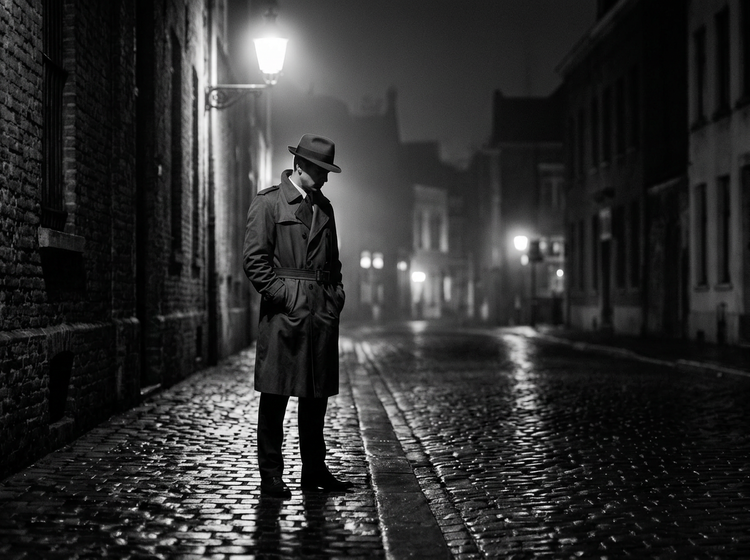
Generate moody, atmospheric noir photography with Adobe Firefly for free. Describe your scene, from rain-slicked streets to lone figures framed by the shadows of venetian blinds and get polished images ready for editorial layouts and creative projects.
Direct the mood with a simple description.
Type a prompt and watch your noir vision come to life. Describe the lighting, the setting and the atmosphere you want. Whether it’s a foggy alley lit by a single streetlamp or a shadowed figure in a rain-soaked cityscape, Firefly translates your direction into a finished composition.
Refine every detail with precision.
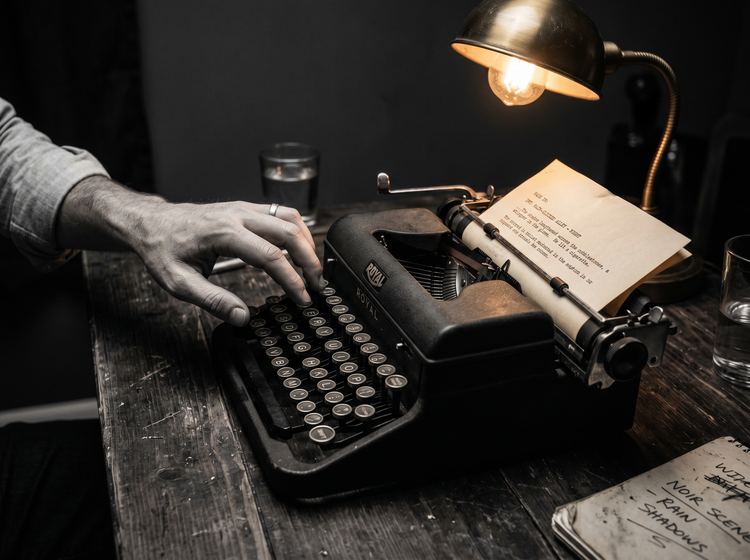
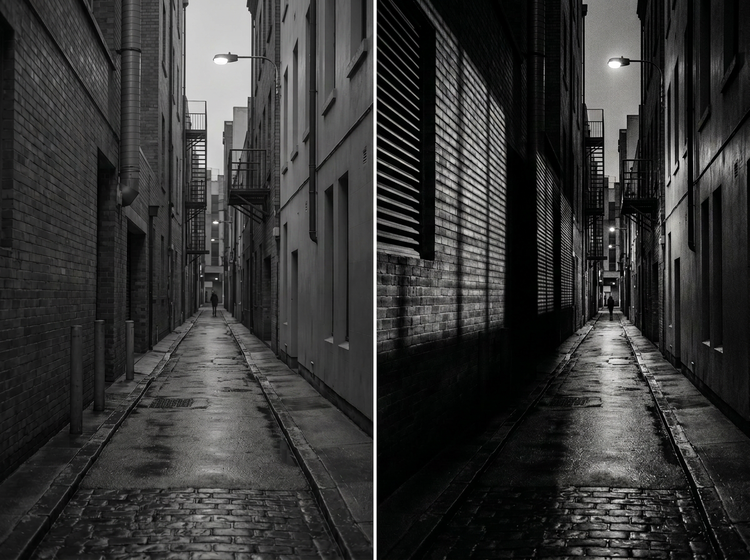
Use detailed prompts to shape contrast, lighting angle and depth. Add terms like “high contrast,” “deep shadows” or “silver gelatin tones” to push your results closer to classic film noir. You can also upload a reference image to guide the overall look and adjust style, composition and colour settings.
Use your noir images with confidence.
Firefly models are trained on Adobe Stock, licensed content and public domain material. Every image you generate with an Adobe Firefly model is commercially safe, so you can use your noir photography in ads, social media, pitch decks, editorial spreads and more.
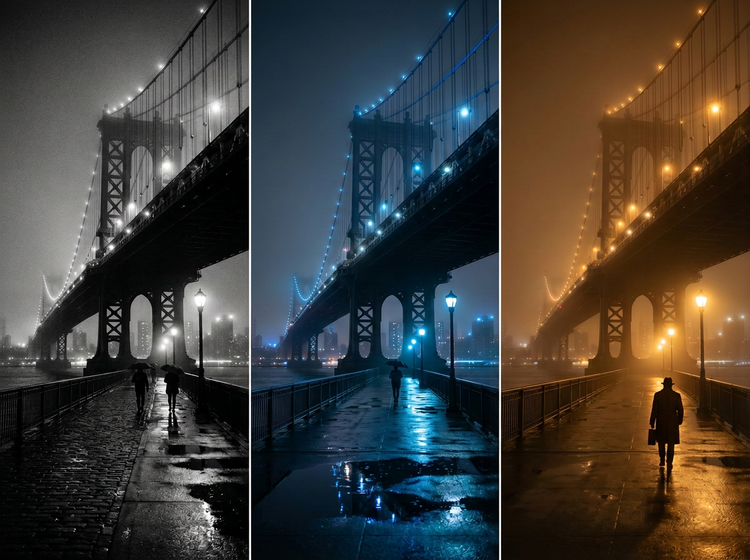
Explore the full range of noir styles.
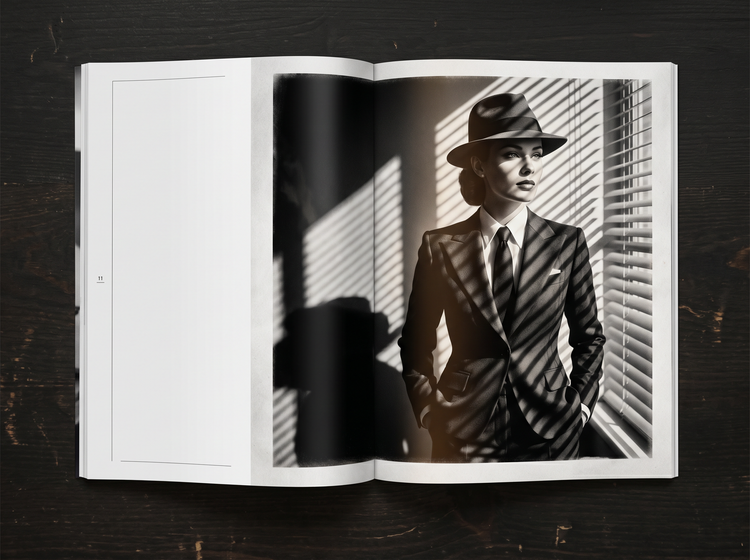
Noir is more than black and white. Generate images in classic silver-tone film noir, modern neo-noir with cool blue accents or the warm amber light of a detective drama. Adobe Firefly gives you the creative range to match any project brief or personal vision.
How to generate noir photography with Adobe Firefly.
Step 1
Open Adobe Firefly and select Generate Image.
Step 2
Describe the noir scene you want.
Step 3
Adjust your settings.
Step 4
Generate and refine your results.
Step 5
Download and share.
Steps on how to generate noir photography using Adobe Firefly Generate Image.
PT3M
firefly
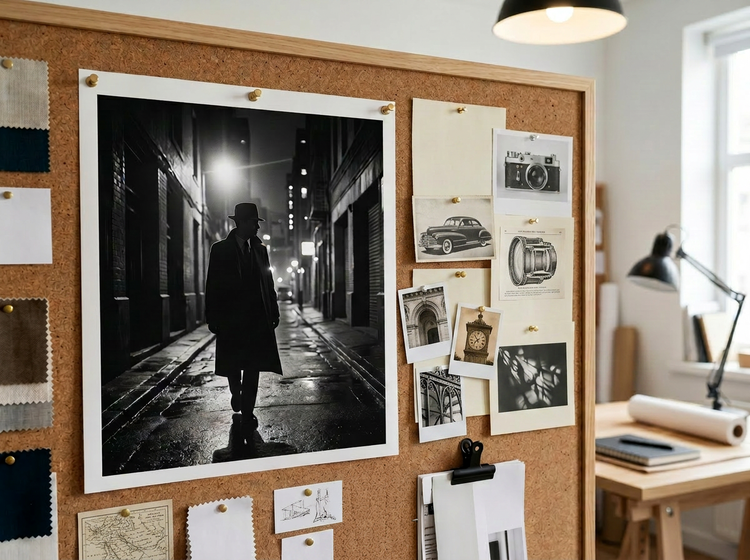
Commercial safety
Generate with Adobe Firefly models trained on Adobe Stock, licensed content and public domain content, so you can confidently use your noir images in professional and client work.
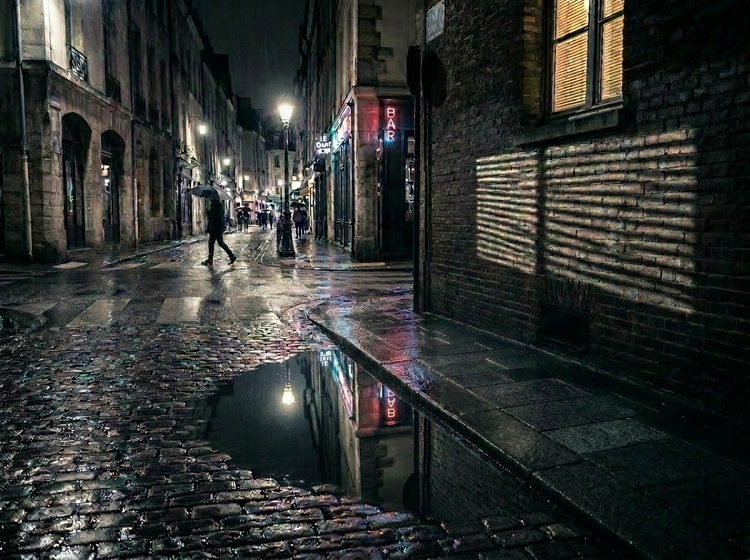
Precise creative control
Shape every aspect of your noir composition. Use detailed prompts to describe shadow direction, contrast level, setting and mood. Adjust settings to dial in the exact look, from classic black-and-white to modern neo-noir colour palettes.
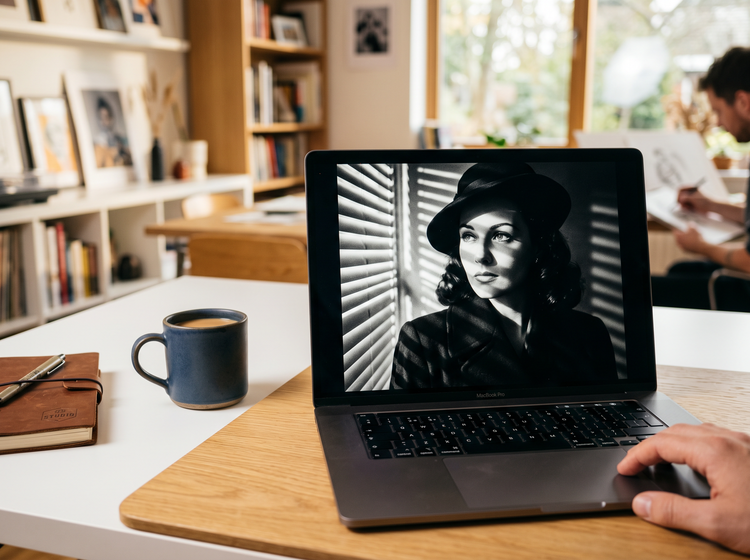
Lightning-fast results
Go from concept to finished noir image in moments. Describe your scene and Adobe Firefly produces polished results you can use immediately.

Seamless integration
Easily open Adobe Firefly creations in Photoshop on the web and Adobe Express for a seamless creative workflow, all in one place.