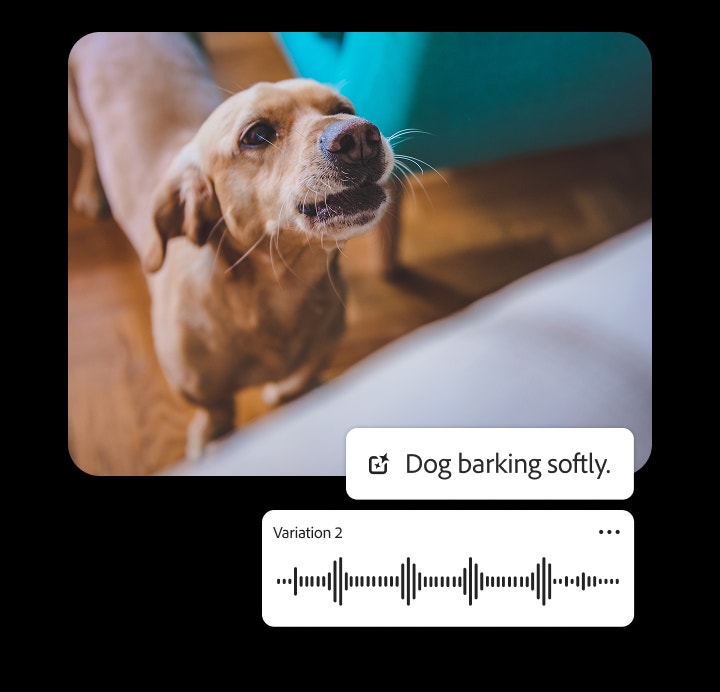

Free dog bark sound effect generator.
Stop searching for the perfect dog bark sound effect and start creating it. With Firefly, you can generate custom dog barking sounds quickly with text description or audio references, no editing required.
https://main--cc--adobecom.aem.live/cc-shared/assets/img/product-icons/svg/firefly-80.svg

Adobe Firefly
https://main--cc--adobecom.aem.live/cc-shared/assets/img/product-icons/svg/firefly-80.svg
Adobe Firefly
Use everyday language to create extraordinary results with generative AI.
Create custom dog bark sound effects with AI.
From film soundtracks to video games, the right bark can instantly set tone and emotion. With Adobe Firefly AI sound effect generator, you can craft realistic dog barks in moments — no technical experience needed.
Describe what you want to hear, like “a sharp doberman alert bark,” “a playful chihuahua yip,” or “a gentle golden retriever woof.” Firefly generative AI interprets your prompt to produce authentic, breed-specific dog barks that fit your creative vision.
Explore endless combinations of tone, energy, and breed to build audio that’s expressive, believable, and uniquely yours.
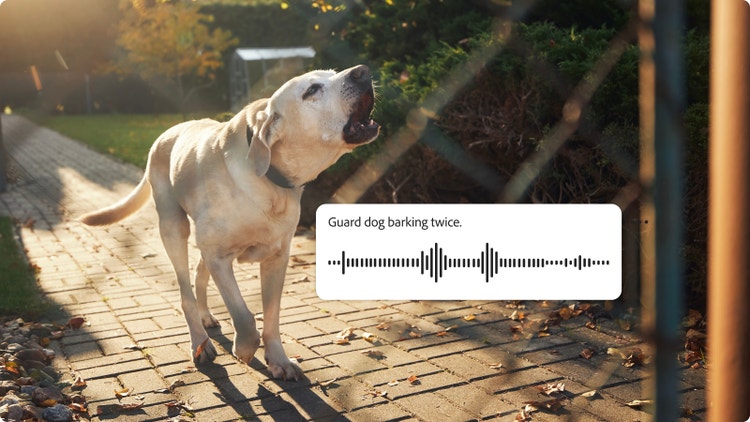
Use a text prompt to create a custom dog bark sound effect.
In Adobe Firefly, you can describe the mood, breed, timing, and energy of the bark with text-to-sound prompts or upload an audio reference to guide your results.
Firefly instantly previews your generated sound, allowing you to refine it in real-time. You can adjust the length, rhythm, and tone until it fits your scene perfectly. Firefly generative AI makes it easy to create and edit dog bark sound effects.
- “Guard dog barking twice”
- “Puppy yelping softly”
- “Dog barking sound effect for animation”
Customize your sound with:
- Breed – Doberman, chihuahua, retriever, and more
- Mood – aggressive, playful, anxious, relaxed
- Loudness and pitch – subtle to powerful
- Environment – indoors, outdoors, or echoing spaces
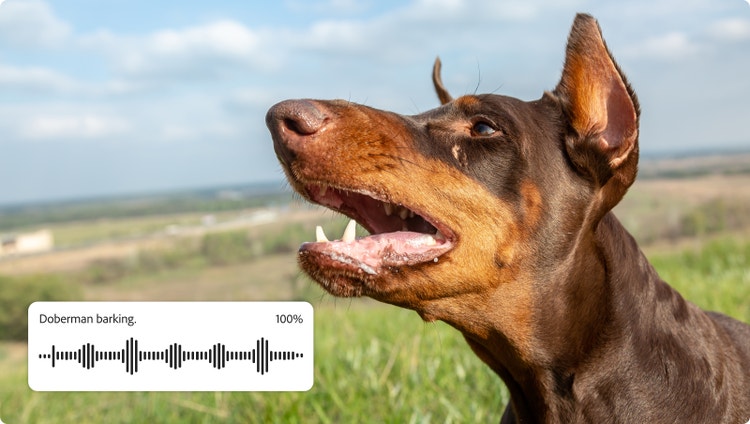
Refine barking dog sounds to perfection.
Once your dog barking sounds are generated, Adobe Firefly gives you precise control over every detail. Adjust the pitch for a deeper growl or a lighter yip, tweak the volume to fit your mix, set the timing for single or repeating barks, or layer multiple sounds for added texture and depth.
Fine-tune with intuitive tools:
- Trim to remove extra noise or tighten your timing.
- Loop to create seamless background ambience.
- Stack barks from different breeds for fuller soundscapes.
Firefly real-time previewing and simple controls make it easy for anyone — from first-time creators to professional sound designers — to polish their audio quickly and confidently.
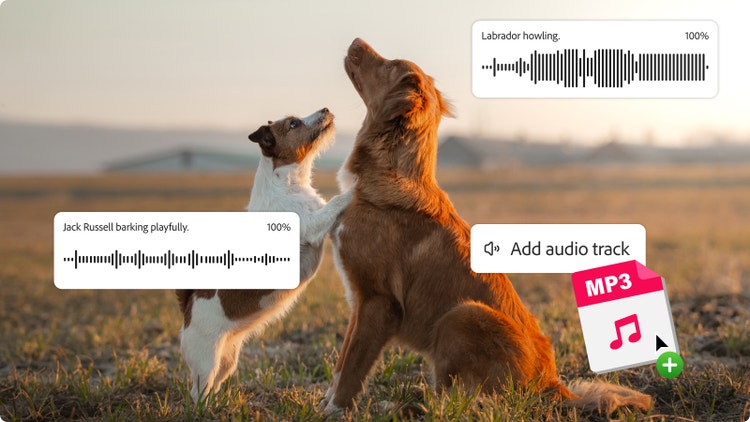
Sync and share your dog bark sound effects.
Whether you need a single, crisp bark or a layered mix of different breeds, Firefly makes it easy to sync your sounds perfectly with visuals or motion. Export in industry-standard formats, such as WAV or MP3, for seamless integration across editing tools and devices.
Use barking dog sound effects in films, podcasts, games, or animated scenes, and enhance your results with more animal sound effects and AI animation tools.
Tips for seamless results:
- Match bark timing precisely to character actions.
- Loop or repeat barks to build ambient backgrounds.
- Blend multiple dog sounds for richer, more cinematic scenes.
How to generate dog barking sound effects.
Generating dog bark sound effects in Adobe Firefly is quick, intuitive, and customizable. Instead of scrolling through endless sound libraries, you can create the exact barking dog sound you need using smart text descriptions or audio references.
Follow these steps to create and export your dog bark sound effects:
- Open Firefly AI sound effect generator.
Start by visiting the Adobe Firefly homepage and selecting the AI sound effect generator. You can also go directly to the sound effect generator. - Upload existing media (optional for reference)
If you have an audio clip of a dog bark you’d like to match, upload it as a reference for even more accurate results. - Describe dog bark sounds with a prompt.
Type a simple prompt, such as “loud guard dog bark” or “puppy yip,” specifying breed, mood, and timing as needed. - Preview barking and adjust audio parameters.
Listen to the generated dog barking sounds and then fine-tune pitch, volume, and repetition until you’re satisfied. - Place sound effects in your project timeline or mix.
Integrate the sound directly into your video, animation, podcast, or music track. - Export and share in your chosen format.
Download your custom dog bark sound effects in WAV, MP3, or other supported formats for use across devices and platforms.
Discover even more generative AI features.
AI image generator AI cartoon generator AI art generator AI drawing generator AI character generator AI tattoo generator Sketch to image AI portrait generator AI anime generator AI comic generator
FAQs about dog bark sound effects.
Can I generate and download dog bark sound effects free?
What kinds of barking dog sounds can I create?
How do I add dog bark sound effects to video or audio?
Can I remix a puppy or dog bark sound I already have?
What formats can I download dog barking sound effects in?
Can I create other dog sounds besides barking?
Are dog barking sound effects royalty-free?
You may also like
Create realistic nature sound effects with generative AI.
Nature sound effects are the foundation of immersive sound design. Generative AI makes it quick and easy to create a high quality library of free nature sound effects for any project.
Learn more | Learn more - Create realistic nature sound effects with generative AI
Create realistic animal sound effects with generative AI.
Animal sound effects can be used to add realism to any scene, video, or audio story. Learn how generative AI can be used to create any animal sound from cat meows to lion roars.
Learn more | Learn more - Create realistic animal sound effects with generative AI
How generative AI works: From training to output.
Generative AI is all over the headlines, and that’s not empty hype. This new technology is likely to be part of your life soon — if it’s not already. Learn how generative AI works and start streamlining your workflow.
Learn more | Learn more - How generative AI works: From training to output

Generative AI is changing creative work.
Generative AI can mimic — but not replace — human intelligence. Learn how it can help you take your creativity to new places.
Learn more | Learn more - Generative AI is changing creative work