
Delete PDF pages within your file and present colleagues with a perfectly organised document. Wherever you are, Adobe Acrobat makes it easy for you to delete, add and arrange pages in a PDF.
Adobe Acrobat
Learn how to quickly remove PDF pages that are no longer needed and then save your PDF document as a new file.
Delete PDF pages within your file and present colleagues with a perfectly organised document. Wherever you are, Adobe Acrobat makes it easy for you to delete, add and arrange pages in a PDF.

Pull a range of pages to organise PDF files by extracting them into an existing or new document — like copying and pasting entire pages in just a few clicks.

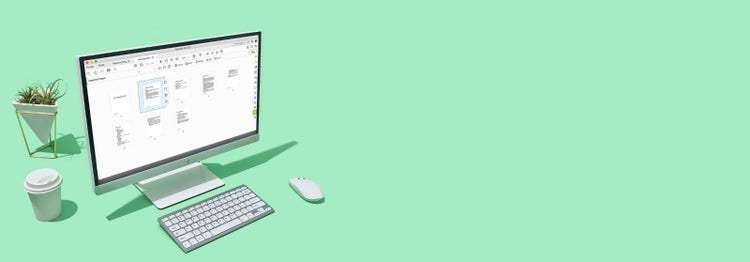
Drag and drop a new file in the thumbnail view of your PDF. Then, reorder your pages to customise your file exactly how you want it.

Delete and organise PDF pages and view any PDF online from any browser on any device with the Acrobat Reader mobile app.

Use our handy online tool to immediately delete unneeded pages from your document and re-save your file — right from your browser.
₹477.90/mo
incl. GSTConvert, edit, e-sign, protect.
₹638.38/mo
incl. GSTOur most comprehensive PDF solution with full convert and edit capabilities, advanced protection, and powerful e-signature features.
Filters
Sort
Popularity
Alphabetically
coll-no-results-text
Categories
REFINE YOUR RESULTS
Close
Special Offers – opens in a new window
filter by category
RESOURCES
1 result in
results in
coll-result-mobile-text
results in
1 result in
results for
1 result in
results in
Your search for returned no results
Your search for returned no results
View more
coll-all-filters-text
coll-filters-category-text
coll-filters-applied-text
coll-filters-results-text
coll-filters-reset-text

At Adobe, we’re serious about protecting your personal information. To ensure your account details are safe, we use Secure Sockets Layer (SSL), an industry standard for encrypting private data over the internet.
