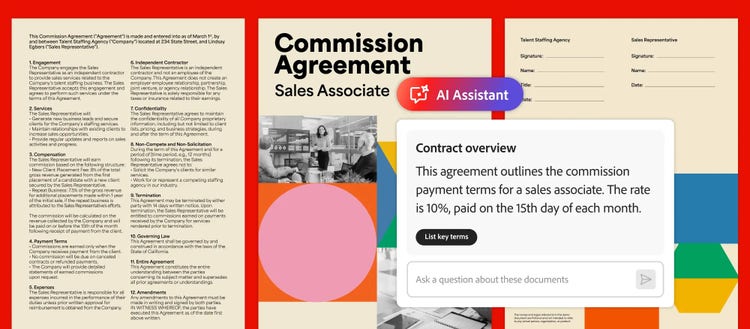
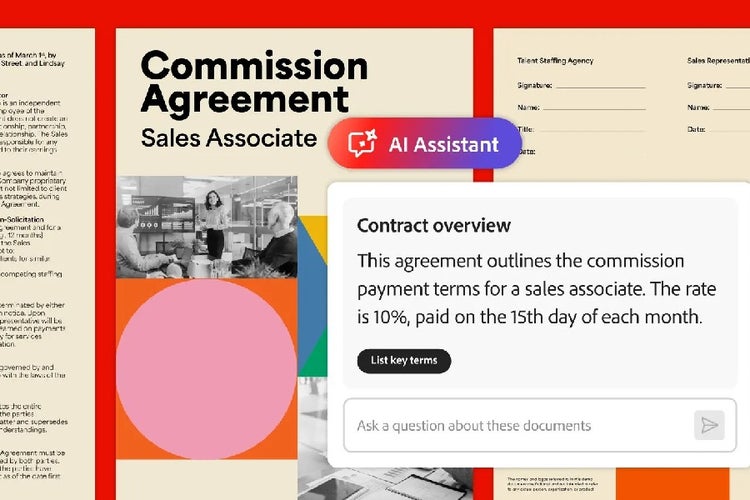
Follow this AI-assisted contract review process to cut hours of manual review time down to minutes. Using Adobe Acrobat’s AI-powered tools, you can run a fast, accurate first-pass review of any contract.
-
Open the PDF file in Adobe Acrobat.
-
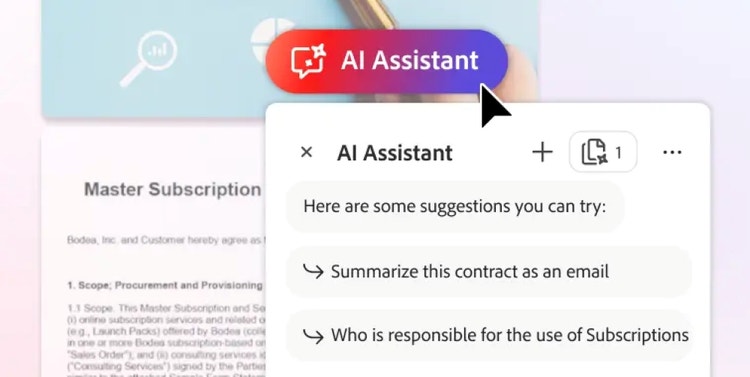
Click the chat icon on the right panel.
-
Type in your prompt. Here are some things you could try:
a. Run an initial summary prompt to get a quick overview of the document. Prompt example: “Analyse this contract and summarise key points: parties, effective date, term/renewal, payment terms, termination, liability/indemnity, confidentiality, dispute resolution, and any immediate red flags.”
b. Extract clauses in a contract-review format. Prompt example: “Create a contract review format: list each clause title, clause text excerpt, risk level (low/medium/high), why it’s a risk, and recommended action (accept / negotiate / consult lawyer).”
c. Flag specific risks and statutory checks. Prompt example: “Flag any clauses that could be problematic under Indian law (Indian Contract Act, 1872), data protection (DPDPA 2023), consumer protection, tax ,or labour law.”
d. Request plain-language summaries for non-legal stakeholders. Prompt example: “Summarise the payment & termination clauses in plain English for our finance team.”
-
Review the outputs of AI Assistant and be sure to countercheck it against the original contract to be safe.