https://main--cc--adobecom.aem.live/cc-shared/assets/img/firefly.svg
{{firefly}}
Generate and edit images, video, and audio all in one AI-powered creative studio. Get started for free.
mas-field: ACOM-CC / Pro / Individual / com / Ccfm → Title
Get free daily generations for images, video, and audio in Firefly.
mas-field: ACOM-CC / Pro / Individual / com / Ccfm → ctas[Create now]
- Generate image
- Generate video
- Adobe models
- Commercially safe
- Partner models
- Models created by others
- Adobe Generative AI Terms
- https://main--cc--adobecom.aem.live/creativecloud/animation/testdoc/unity/generate.svgGenerate
- Describe what you want to generate
- ...
- Unable to process the request
- Please describe what you want to generate.
- Prompt exceeds the max length of 750 characters
- Prompt
- Describe an image you'd like to generate.
- Describe a video you'd like to generate.
- By using Adobe Firefly, you agree to the Adobe Terms of Use and Privacy Policy.
- Select a feature
Get started with Firefly.









Core capabilities
Your all-in-one AI creative studio.
Find industry-leading generative AI tools for images, video, and audio in Firefly. Explore creative directions, refine your work with precision tools, and create with top AI models, all without switching apps. Get started for free.
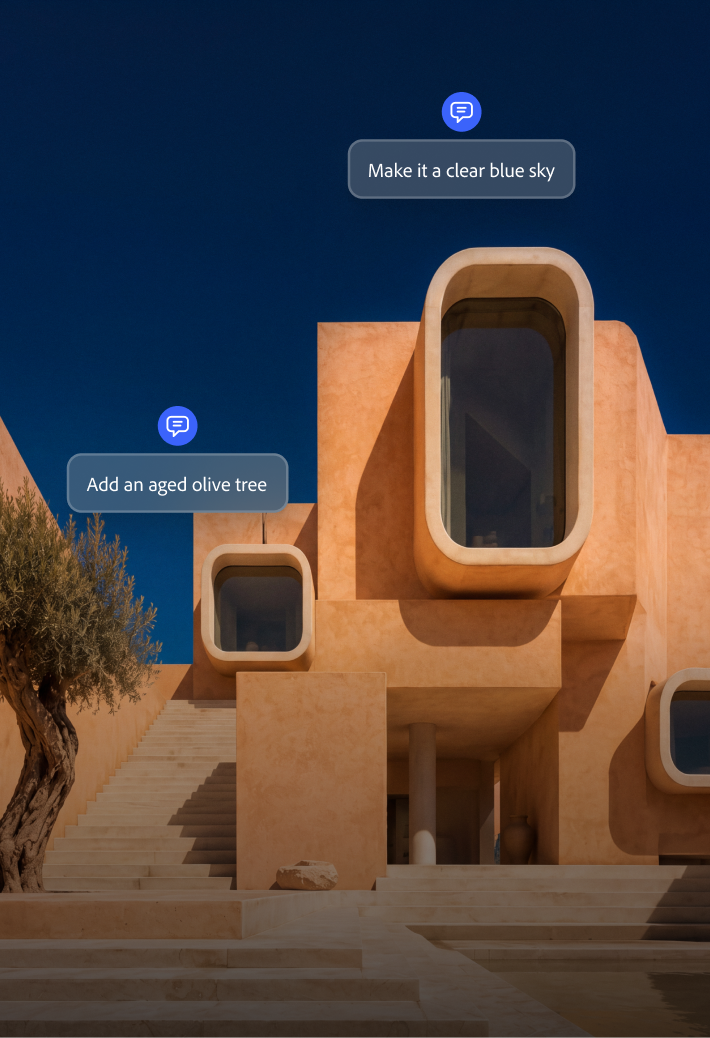

Generate and refine images for any project.
Describe what you’re picturing and create it from scratch. Perfect any image with easy ways to remove distractions, crop and expand, upscale, and more.
Get the shot you’re missing, fast.
Fill a gap in your video by quickly generating B-roll, a transition, or new clip from a prompt, matched to the resolution and aspect ratio you need.

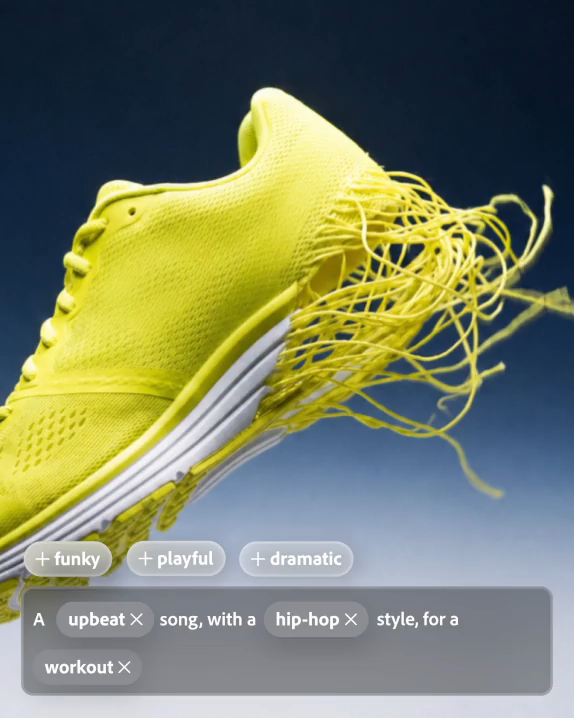
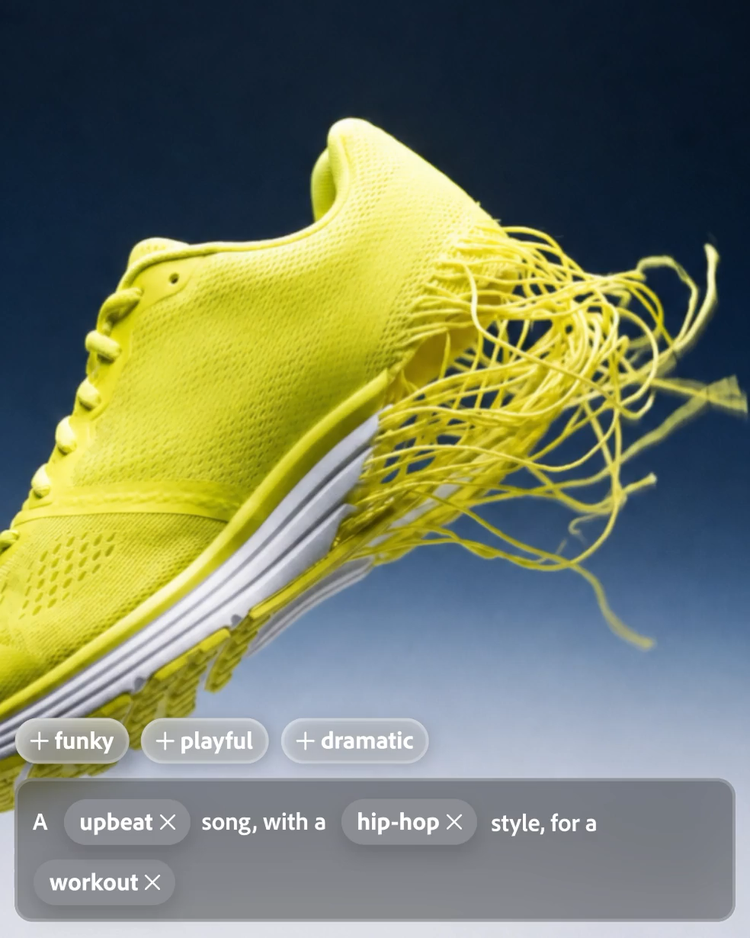
Generate custom music and dialogue.
Add studio-quality music, speech, and sound effects to match your scene’s mood, all in the same studio as your video edit.
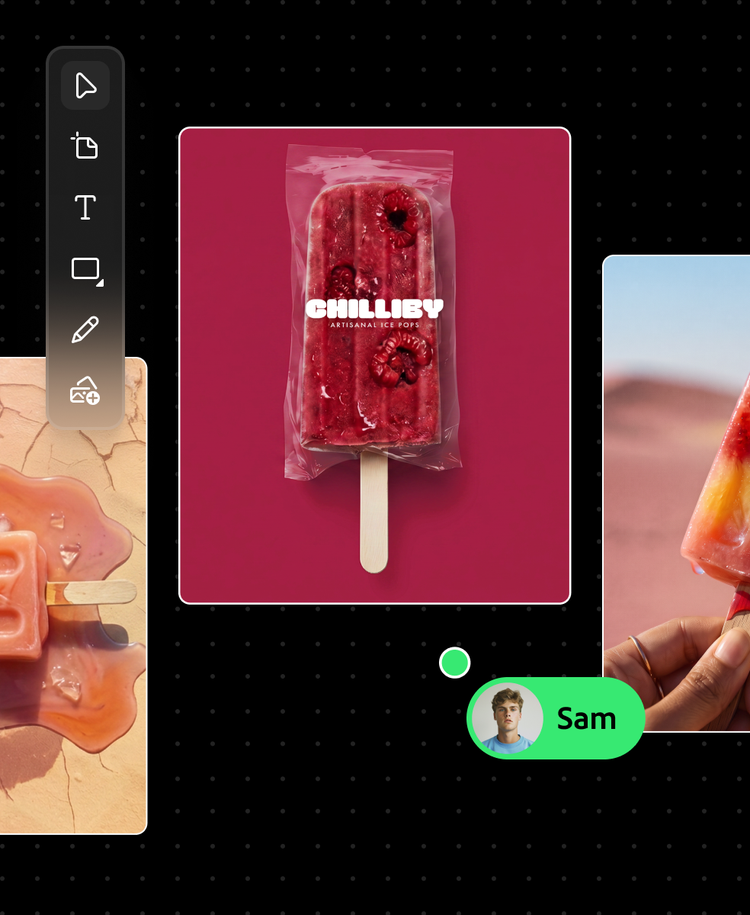
Explore ideas before you commit.
Quickly visualize ideas with Firefly Boards. Create mood boards where you can generate images and video and remix ideas until a direction clicks.
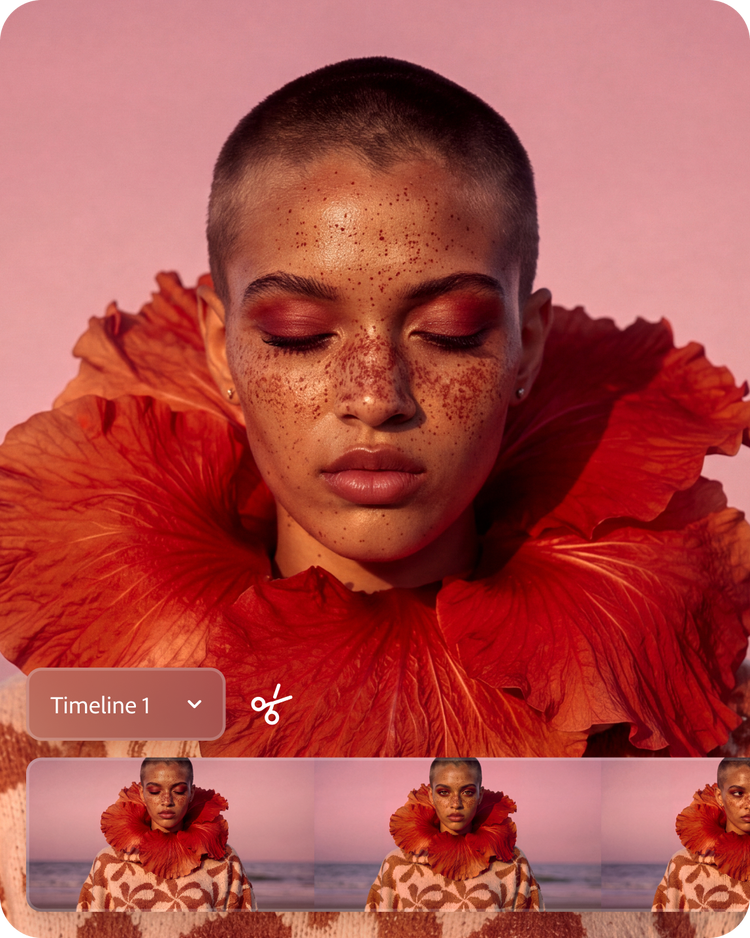

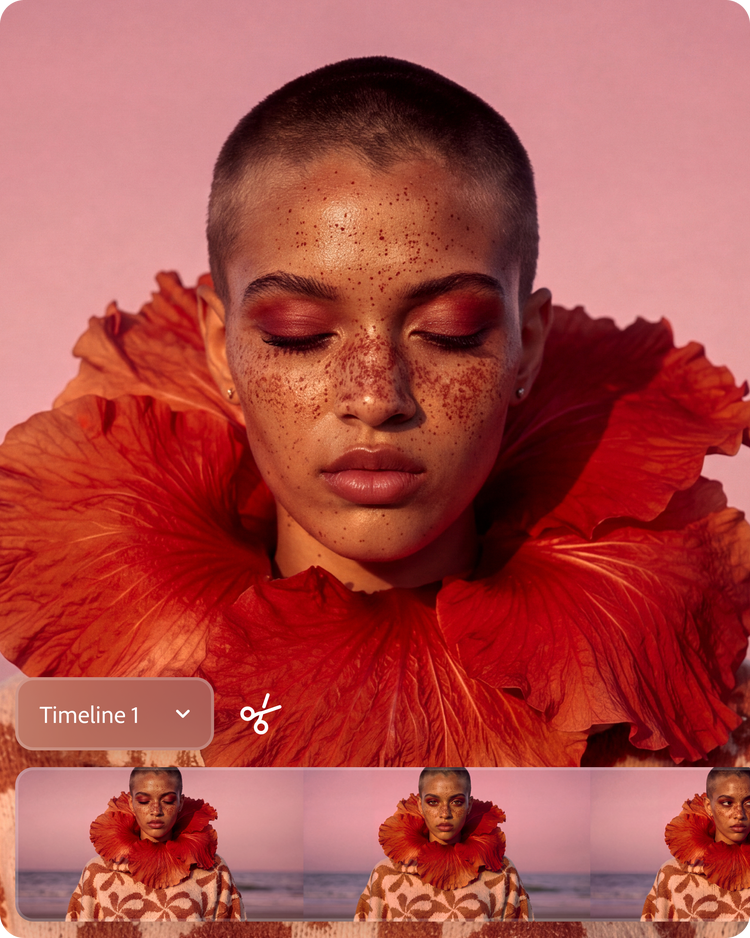
Combine your footage with generated clips.
Trim, layer, and refine your footage and generated clips together. Clean up audio, add captions, and shape the final cut in one timeline.
Own what you create, always.
Firefly models never train on what you create or upload, so your authorship stays yours. Plus, everything generated with Firefly models is safe for commercial use.

Adobe MAX is live now.
Join us for creative skill-building and visionary keynotes. Find inspiration and discover what's possible.
Click and drag to rotate.
Tap to dive deep into the artwork.
“I love moving between image, video, and audio without breaking my flow. I spend my time making creative decisions instead of constantly switching apps.”
Magdiel Lopez
Multidisciplinary Designer and Visual Artist
Workflows
Built for the way you create.
Firefly is both a standalone app and the technology that powers time-saving editing capabilities within Adobe apps, creating a full-circle creative AI ecosystem.
Complete common tasks in a few clicks.
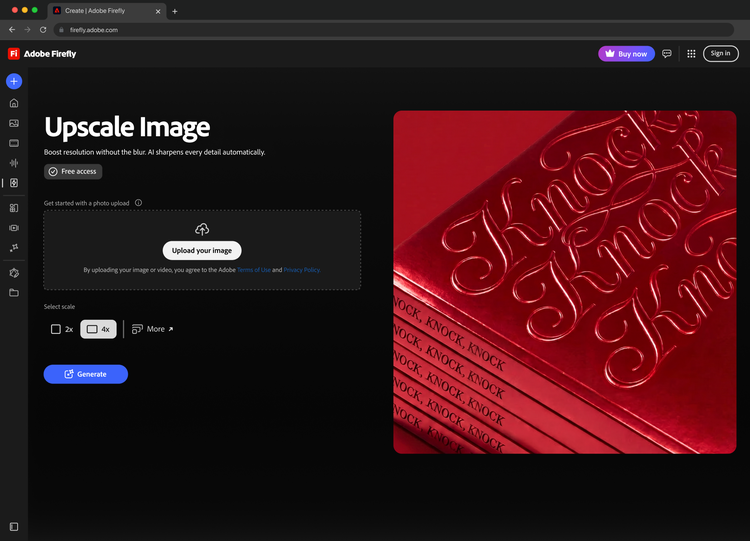
Use templated workflows to make quick work of common creative tasks. Remove an object or person, expand images, upscale for print, and more.
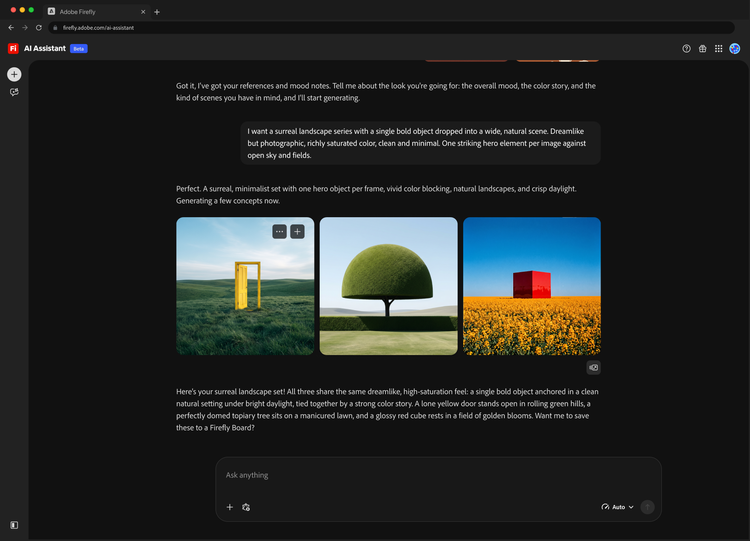
Direct multi-step projects through conversation.
Describe your vision and Firefly AI Assistant delivers a plan to review and modify, recalls preferences, and lets you refine results through conversation, choosing the right Adobe tools to get it done.
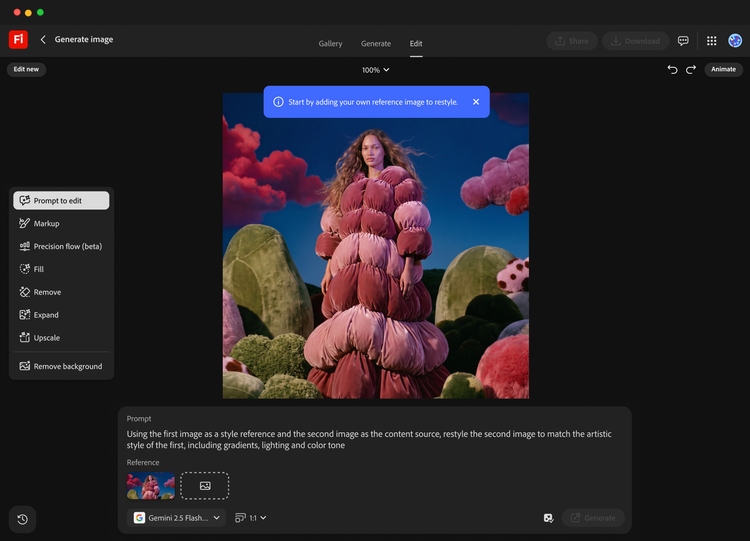
Create with precision from start to finish.
Generate, assemble, and make detailed edits to video, images, and audio while keeping style and quality consistent, all in one studio.
Do more with a Firefly plan.
Keep ideas flowing and breeze through busywork with a paid Firefly plan. Choose from a variety of options to fit your creative needs.
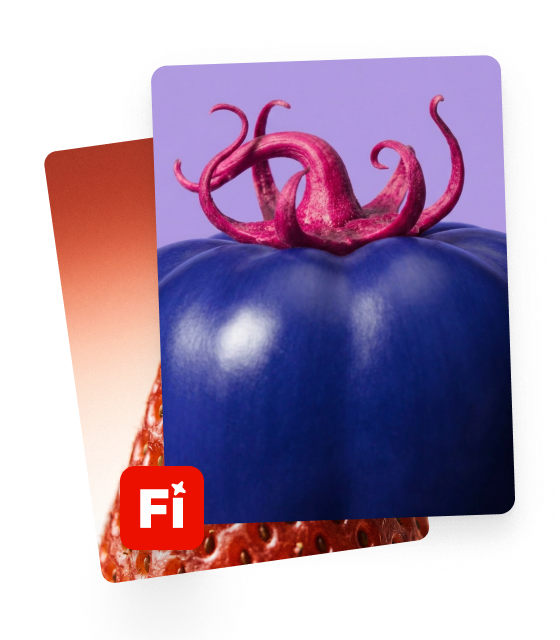
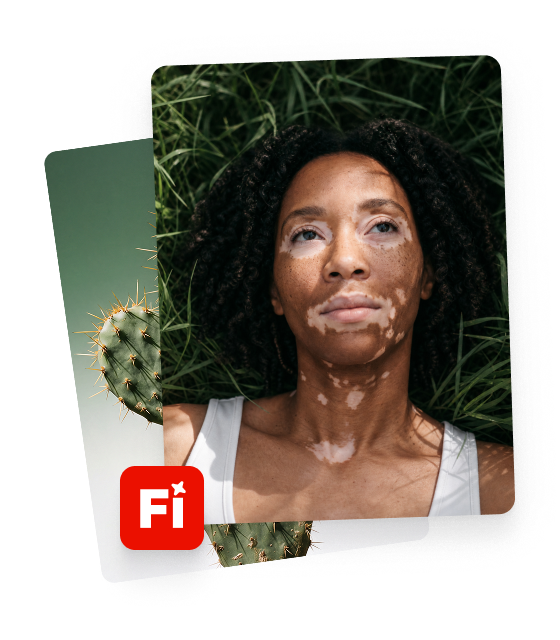
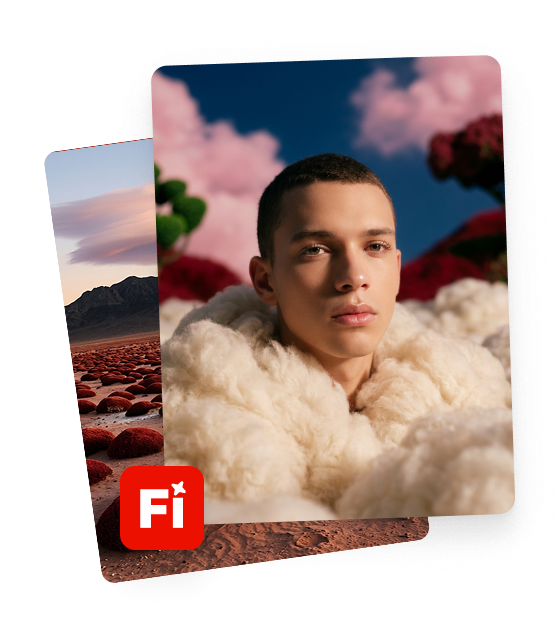

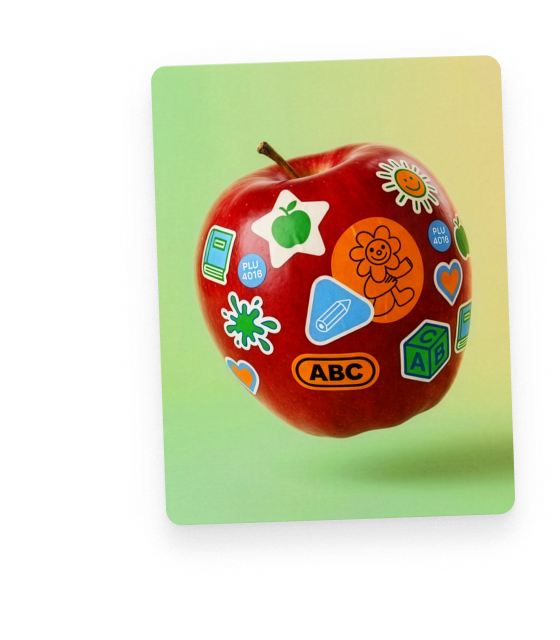




Features and releases
Explore what’s new in Adobe Firefly.
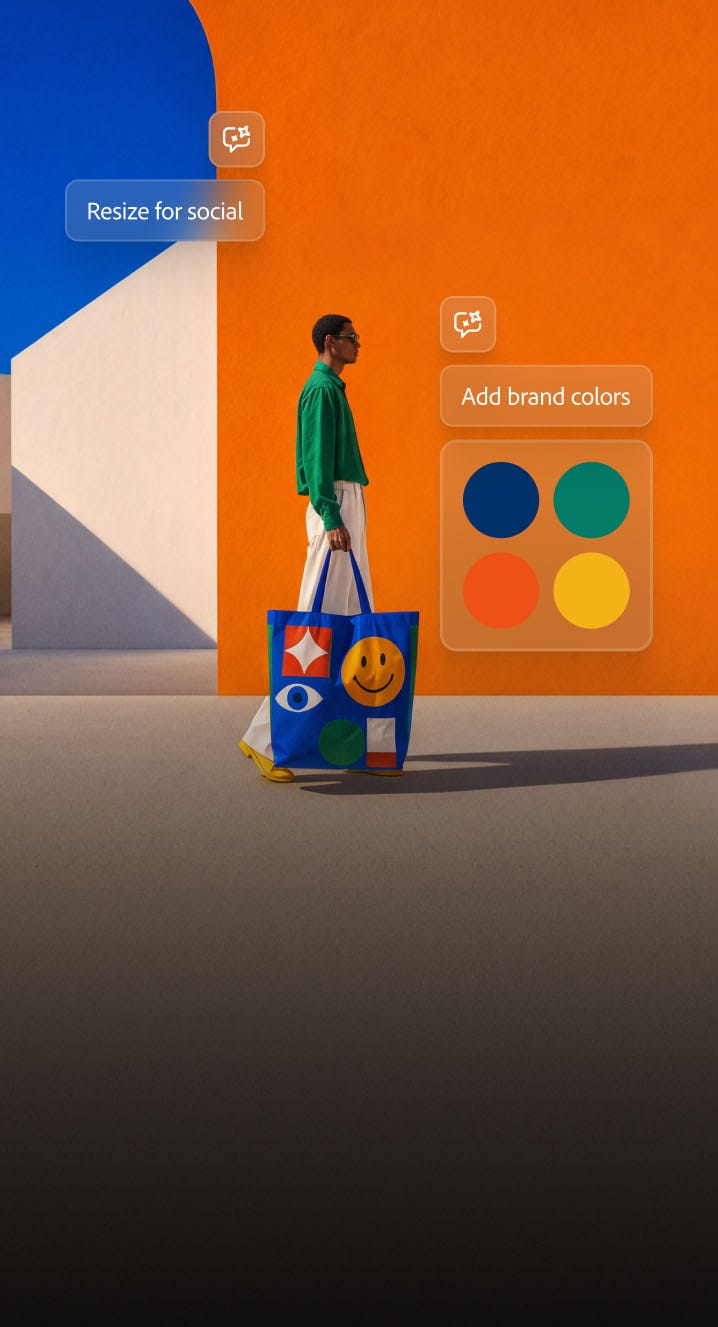
More you. Less to do. AI Assistant.
Save time with the AI Assistant that follows your lead and remembers your style and preferences. So you can focus on the fun stuff.
Learn more | Learn more AI Assistant

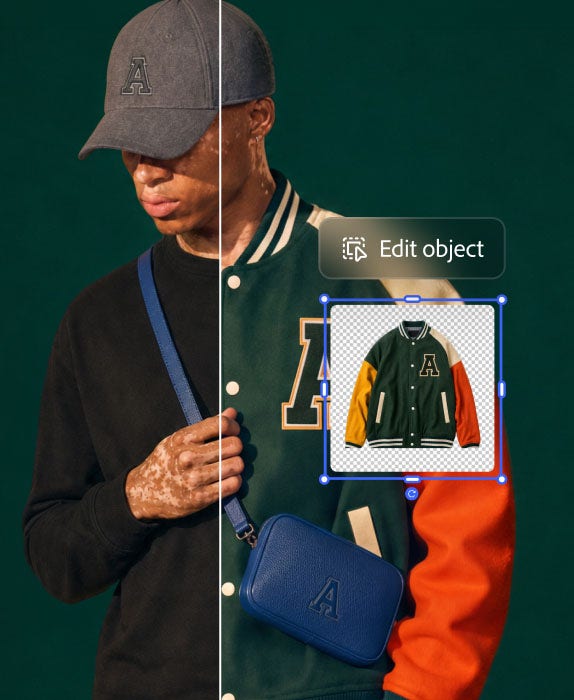

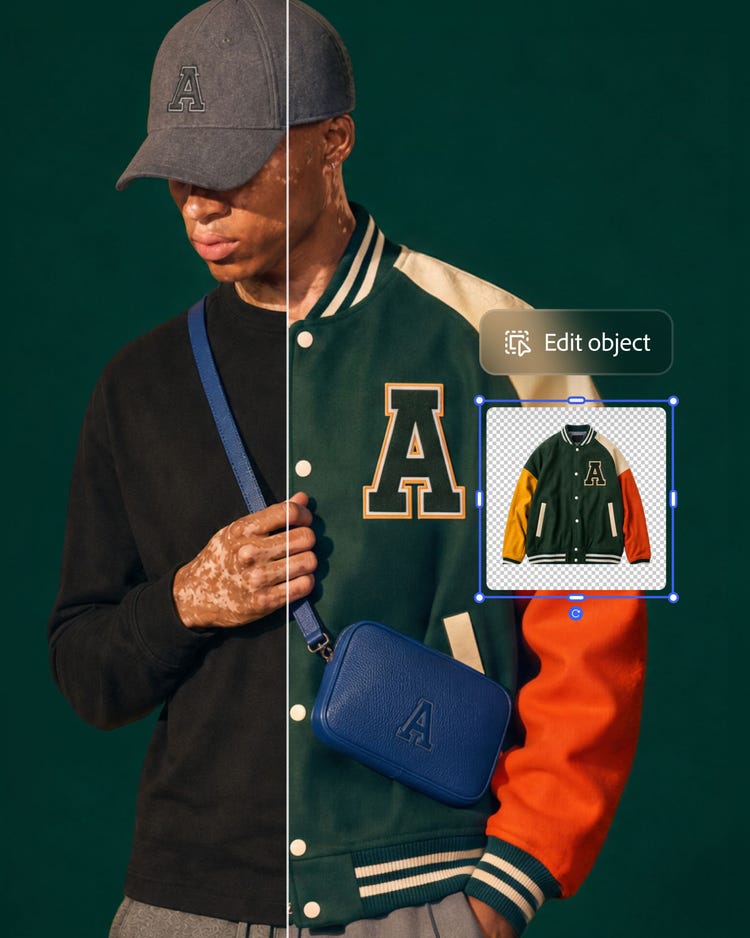
Adjust any part of your pic.
Swap an outfit while keeping the model, lighting, and setting the same. The image editor identifies an object and gives you precise control over edits.
Video editing, made drag-and-drop easy.
A simplified timeline lets anyone arrange, preview, and edit clips. Go from raw assets to a finished video faster with Firefly editing tools.

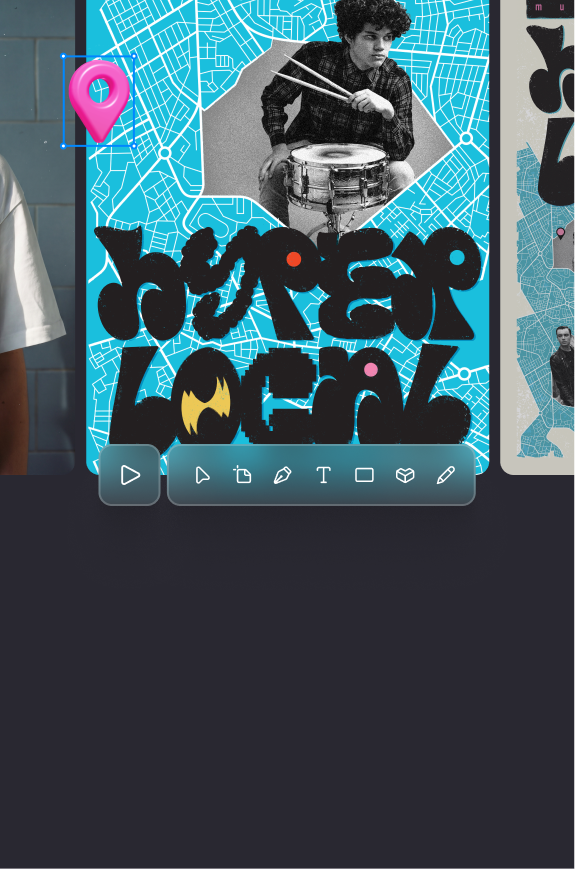
Design across mediums. Stay on one canvas.
Design across vector, raster, motion, and print on one canvas with Firefly Design. Precision where it matters, AI where it helps.
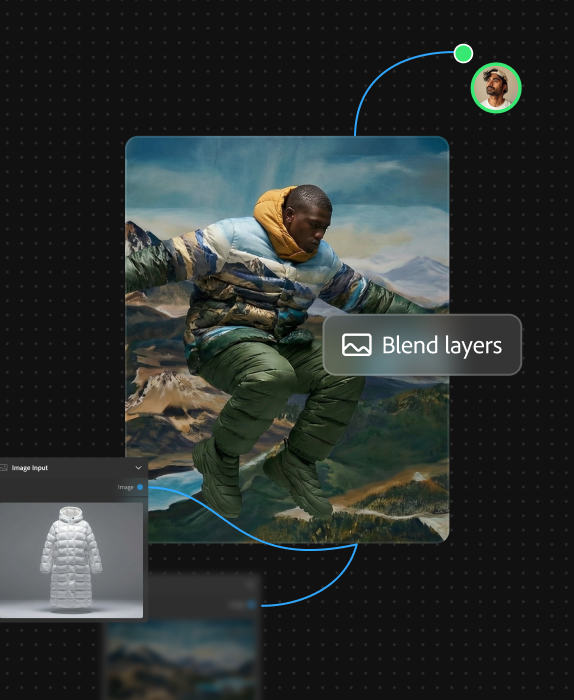
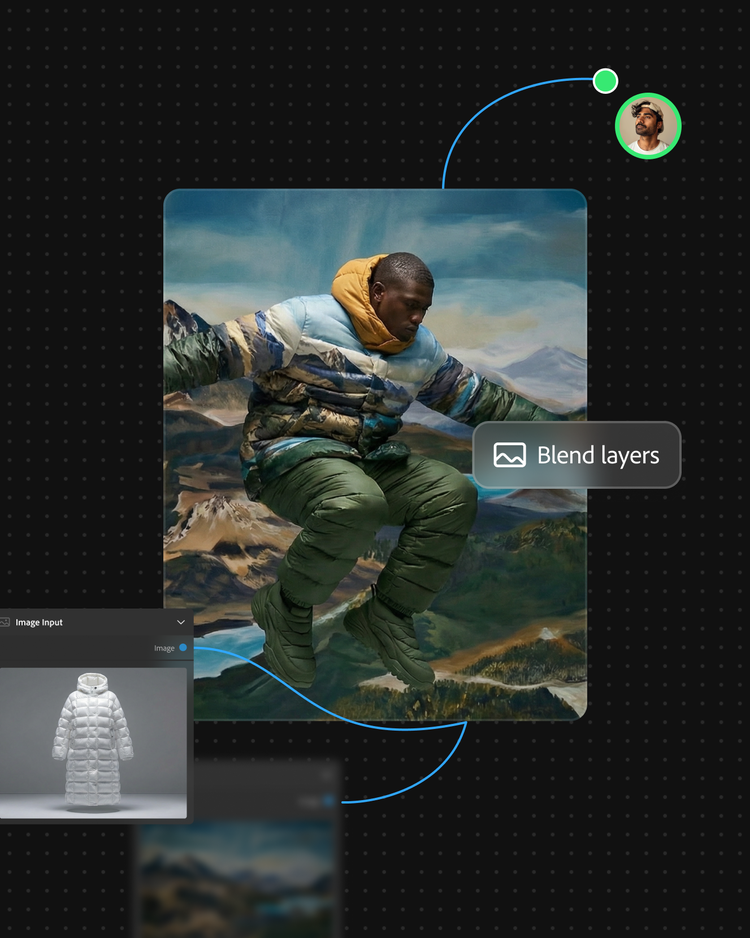
Create custom AI workflows.
Connect your ideas, models, and Adobe apps like Photoshop into one repeatable creative process with Firefly Graph.
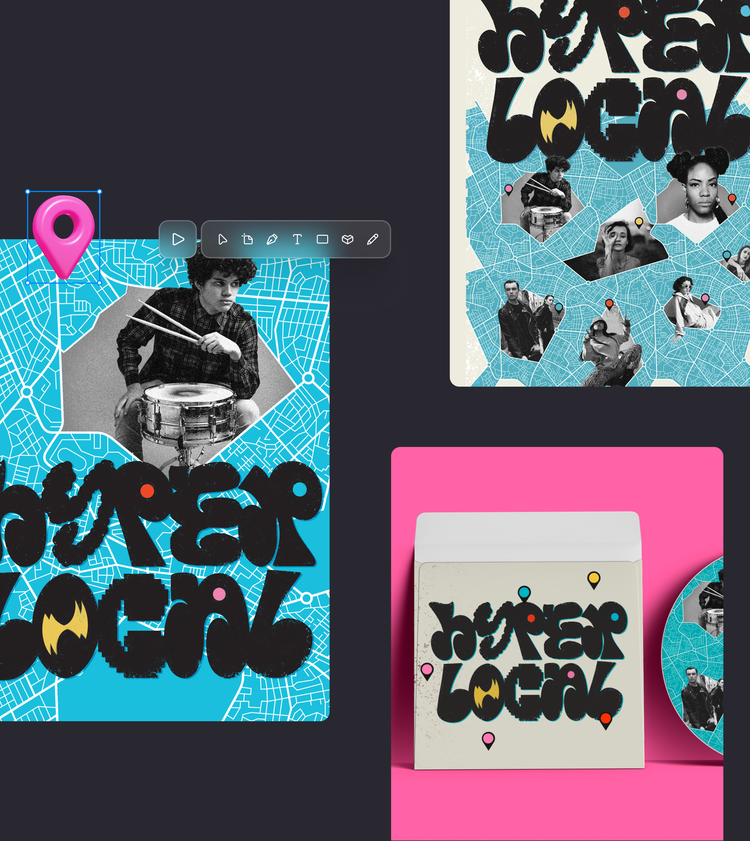
Firefly is for everyone.
Content creators and video editors.
Get all the tools you need to grow your audience. Quickly generate and edit videos and social posts, and translate your content into multiple languages without losing tone and timing.
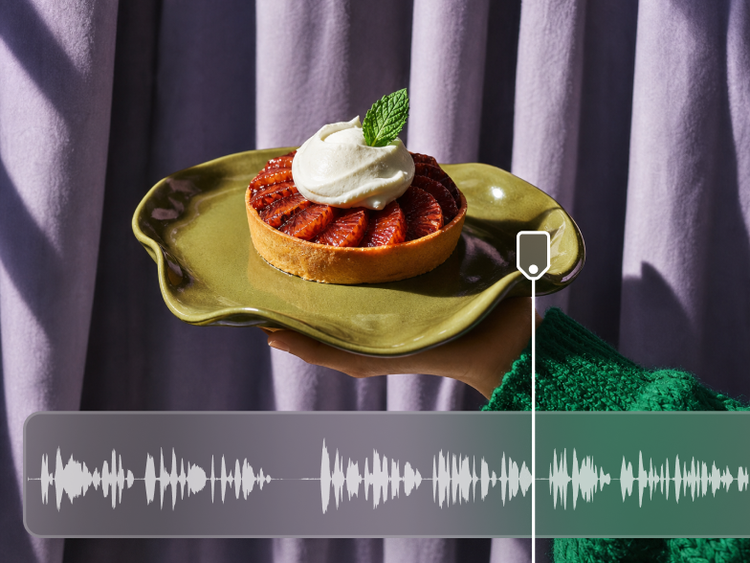
Art directors and marketers.
Iterate on ideas and deliver on-brand content at scale with Firefly. Quickly generate images, spin up variations, and easily reformat content for any surface, from social media to print.
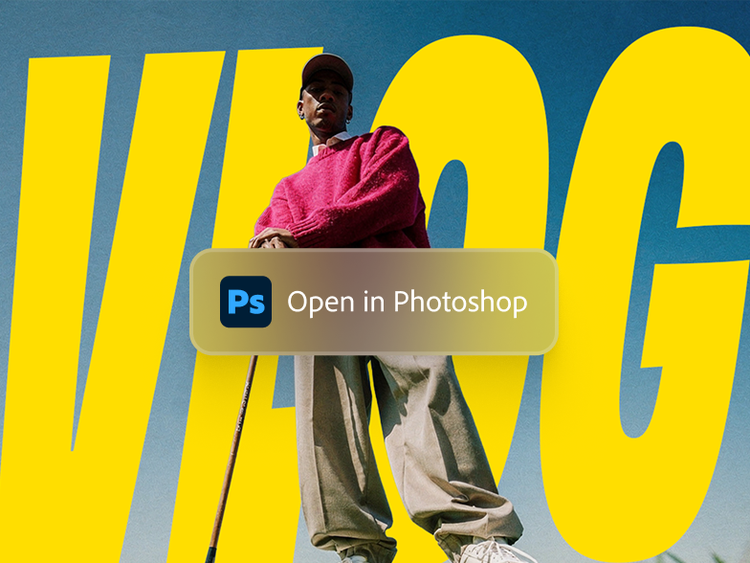
Design teams who collaborate.
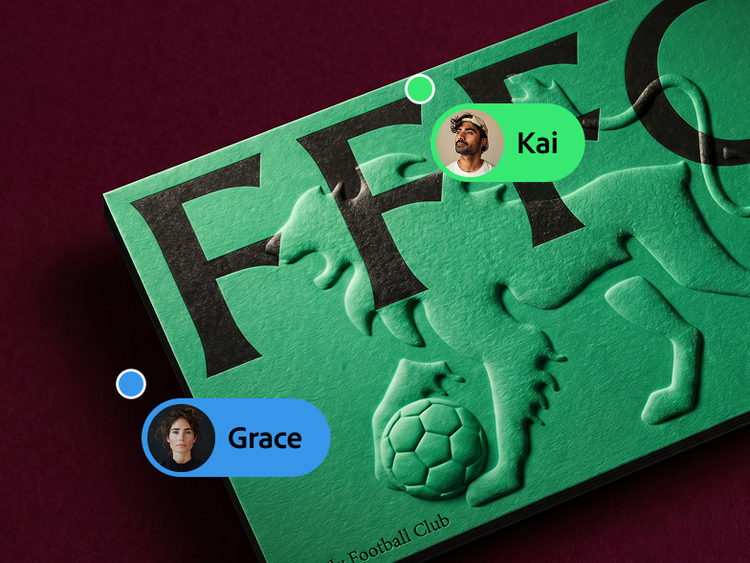
Explore and create faster with teammates on an infinite canvas. Visualize, test, and align on ideas for mood boards, storyboards, brand identities, and mock-ups.
Choose a plan.
- {{individuals}}
- {{students-and-teachers}}
- Business
Frequently asked questions
What is Adobe Firefly?
Adobe Firefly is an AI-powered creative studio that helps you create and edit images, videos, audio, and vector graphics from simple text prompts. Adobe Firefly supports the entire creative process, whether you’re ideating with mood boards or storyboards, generating new B-roll or visual concepts, editing your existing photos or video clips to match your vision, or stitching all your content together in a timeline. Adobe Firefly offers a spectrum of controls, from speedy generations and edits to precision editing so you can fine-tune your work. Users can access the Adobe Firefly web application on desktop and mobile or download the Adobe Firefly mobile app on iOS and Android.
What is generative AI?
Generative AI is a type of artificial intelligence that translates text prompts and other inputs into original creative content such as images, videos, audio, and documents. Adobe Firefly uses generative AI to help creators go from idea to finished asset faster, with controls for adjusting style, lighting, color, and composition. Built on over 40 years of Adobe creative technology, Adobe Firefly is designed to give creators precise control over their AI-generated results.
What is Adobe Firefly best for?
Adobe Firefly is best for generating production-quality images, videos, audio, and vectors from text prompts as well as applying automatic edits such as upscaling, cropping and expanding, and removing and replacing backgrounds. It also excels at accelerating creative workflows across ideation, prototyping, and content production. Firefly models are ideal when you need commercially safe AI outputs with precise creative control, deep integration with other Adobe apps, or multi-format content from a single platform. Common use cases include campaign asset creation, social media content, video B-roll and sound design, brand identity exploration, and concept mood boarding.
What can you create with Adobe Firefly?
You can create a wide range of creative content from text prompts with Adobe Firefly, including:
- High-resolution images and vector graphics
- Video clips from text or still images
- Sound effects, music, and speech
- Audio and video translations in over 20 languages
You can also use tools like Generative Fill, Generative Expand, and Prompt to Edit to refine your work.
What AI models are available in Adobe Firefly?
Adobe Firefly includes Adobe’s own commercially safe generative AI models for images, video, audio, and vectors, plus partner models from Google, OpenAI, ElevenLabs, Luma AI, Runway, and others. Explore a range of aesthetic styles and capabilities across text-to-image, text-to-video, and image-to-video workflows, all within a single app.
What is the best AI image and video generator?
The best AI image and video generator helps creators go from text prompt to polished, production-ready content quickly, with precise creative control and outputs that are safe for commercial use. Adobe Firefly makes this easy with intuitive features for turning text prompts into images and videos, turning images into videos, generating sound effects, and collaborating on Firefly Boards. Adobe Firefly has been used to generate over 18 billion assets globally, combining commercially safe Adobe models with top third-party models in one place.
How does Adobe Firefly compare to other AI image, video, and audio generators?
Adobe Firefly supports the entire creative process from ideation to production, allowing you to go from idea to finished output in a single space. With Adobe Firefly, you can access and experiment with a wide range of top AI image, video, and audio models in one place.
While some AI tools offer quick one-off generations, Adobe Firefly offers precision controls that allow users to fine-tune settings and prompts prior to generation as well as editing tools that refine existing or generated content to match your vision.
Creators focused on brand, marketing, or educational content can use commercially safe Adobe Firefly generative AI models with confidence. Adobe Firefly outputs also include built-in Content Credentials to provide transparency about how a file was created or edited and who was involved in the process.
What is Firefly Boards?
Firefly Boards is an AI powered visual workspace where you can brainstorm, organize, and iterate on ideas with teammates on an infinite canvas. You can generate and edit images and videos, then arrange concepts into mood boards or storyboards. Firefly Boards helps creative teams collaboratively visualize, test, and align on ideas before moving to final production.
Who would benefit most from using Adobe Firefly?
Adobe Firefly is built for designers, photographers, video editors, marketers, social media creators, and anyone who wants to turn ideas into high-quality content using AI. Creative professionals use Adobe Firefly to accelerate ideation and produce campaign-ready visuals, while creators generate and edit studio-quality images and videos for multiple social and content platforms.
How do marketers use Adobe Firefly?
Marketers use Adobe Firefly to rapidly produce on-brand campaign visuals, social media graphics, video content, and localized assets across multiple languages and channels. Adobe Firefly integrates with Adobe GenStudio and Adobe Express, allowing teams to plan, create, and activate content at scale.
How can content creators use Adobe Firefly for social media?
Content creators use Adobe Firefly to quickly generate eye-catching images, video clips, thumbnails, and graphics optimized for social media platforms. You can produce scroll-stopping visuals from a text prompt, add motion and transitions to still images, and generate sound effects, all within the Adobe Firefly app.
Is Adobe Firefly commercially safe?
Adobe Firefly models are commercially safe. Adobe Firefly models are trained on licensed content from Adobe Stock and public domain content where copyright has expired, and Adobe does not train on users’ personal or generated content.
How does Adobe ensure responsible AI in Adobe Firefly?
Adobe performs internal testing on Adobe Firefly generative AI models to mitigate harmful biases and stereotypes and provides feedback mechanisms for users to report concerns. Adobe co-founded the Content Authenticity Initiative (CAI) in 2019, a coalition of over 3,300 members working to establish industry standards for content transparency. Adobe Firefly outputs include Content Credentials that indicate AI was used in the creation process.
Does Adobe train Firefly on my personal content?
No, Adobe does not train Adobe Firefly models or partner models on any Creative Cloud subscribers’ personal content. The Adobe Firefly models are trained on licensed content and public domain content where copyright has expired. Adobe also offers Adobe Firefly Custom Models, which let you train on your own assets to generate content matching your unique brand, style, and design language. Learn more about Adobe Firefly Custom Models.
What languages can I use for prompts in Adobe Firefly?
Adobe Firefly accepts text prompts in multiple languages, making it one of the most globally accessible creative AI tools available. For audio and video translation features, Adobe Firefly supports over 20 languages while preserving the original speaker’s voice and pitch. This multilingual support helps creators and businesses produce localized content for audiences worldwide.
What apps does Adobe Firefly work with?
Adobe Firefly works seamlessly with apps across the Adobe Creative Cloud ecosystem. You can bring generated content into Adobe Photoshop, Illustrator, Premiere, Lightroom, Adobe Express, and more for further editing and production. You can also use Firefly AI Assistant to start and complete projects. Simply describe your project, and Firefly AI Assistant chooses the correct Adobe tools to get the job done.
Does Adobe Firefly work on mobile devices?
Yes, Adobe Firefly is available on mobile web and as a mobile app on both iOS and Android devices. Adobe Firefly on mobile lets you create on the go with features like Generate Image, Generate Video, Generate Sound Effects, and Generative Expand. Your Adobe Firefly creations sync automatically with your Adobe Creative Cloud account, allowing you to start on mobile and continue on the web.
What file formats can I export from Adobe Firefly?
Adobe Firefly lets you export generated images in standard formats like PNG, JPG, SVG, and WEBP, generated videos in MP4, and audio in .WAV files.
Is Adobe Firefly free to use?
Yes, Adobe has a free plan that provides users with free daily generations to try Adobe Firefly. If you need more generations than the free plan includes, you can upgrade to a paid subscription. Paid plans offer a range of access, generative credits, and perks. Reference Adobe Firefly plans to learn more.
What are generative credits in Adobe Firefly?
Generative credits are tokens you use to generate AI content across Adobe Firefly and Adobe Creative Cloud apps. Your Adobe Firefly or Creative Cloud paid plan includes a monthly allocation of credits that reset each billing cycle. Learn more about generative credits.