https://main--cc--adobecom.aem.live/cc-shared/assets/img/product-icons/svg/firefly-80.svg
Adobe Firefly
https://main--cc--adobecom.aem.live/cc-shared/assets/img/product-icons/svg/firefly-80.svg
Adobe Firefly
The next evolution of creative AI is here for all your ideas, with image, video, audio, and vector tools.
Use the Firely AI voice generator for any project.
Generate AI voices for podcasts, video and audio ads, course videos, YouTube scripts, audiobooks, phone systems, sales scripts, and more.



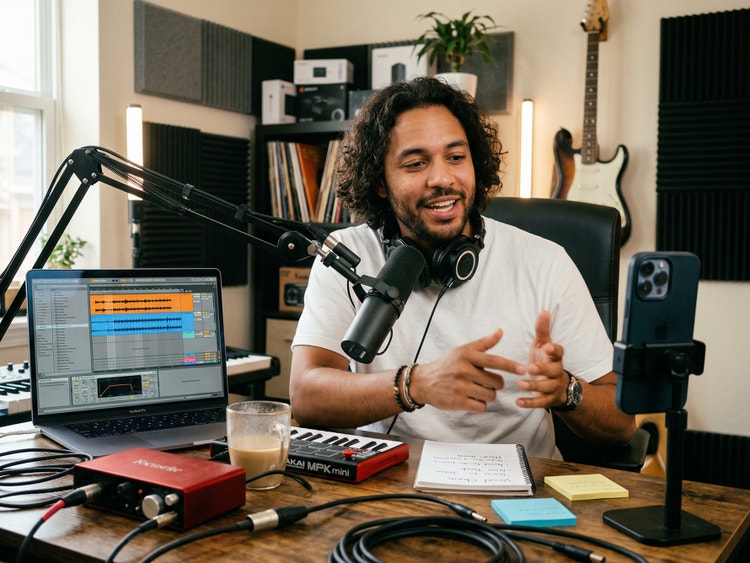
What is an AI voice generator?
An AI voice generator uses artificial intelligence to convert text into natural-sounding speech by mimicking tone, pitch, and style. AI voice generation in Firefly, like AI sound effect generation, is fast, scalable, and ready for use in production, so you can create realistic, human-sounding voiceovers from simple scripts for any project.
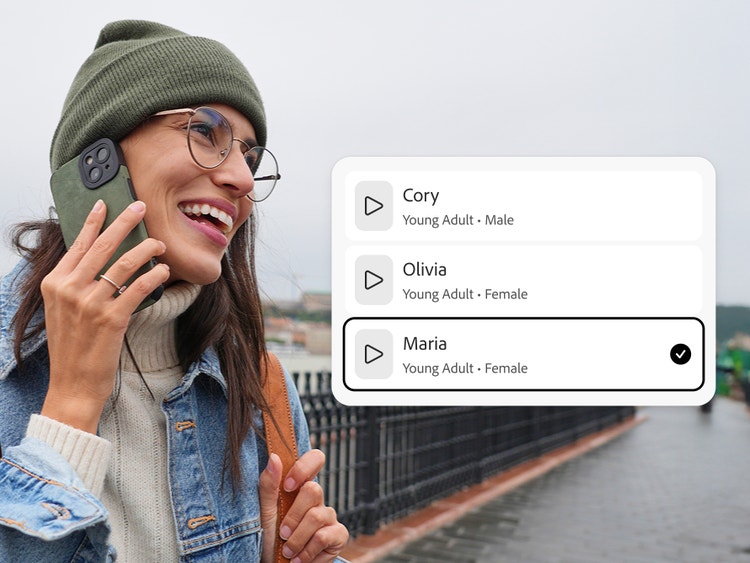
Explore AI voiceovers of different genders, tones, accents, and ages.
Turn your text to speech into male or female voices, and choose from a range of tones, emotions, languages, and voice styles from young adult to senior. You can also explore partner models like ElevenLabs for more voices, different accents, and creative flexibility.

Fine-tune voices with editing controls in the AI speech generator.
Use the controls in Firefly to adjust pacing, pronunciation, and delivery. Generate variations until you find one you like, and then refine that output by adjusting speed, pitch, and choosing an emotion to shape the speaker’s tone.
Create natural-sounding AI voiceovers for any project.
With Firefly, you can create AI voices to narrate anything, including YouTube videos, marketing videos, product demos, social content, training materials, podcasts, audiobooks, and presentations. If you need a face to go with your voiceover, you can use Firefly to create an AI avatar.
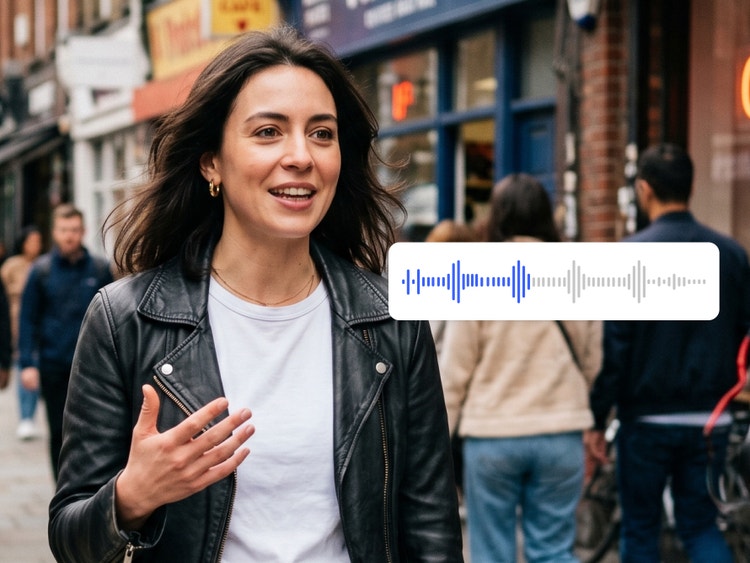

Make AI voiceovers part of your video workflow.
Once you’ve generated voiceovers with the AI voice generator, you can download them for use in your video projects. Insert them and generated videos into your timeline in the AI video editor, or upload them into Premiere for use in other video work.
Generate commercially safe AI voiceovers with the Firefly Speech Model.
Voiceovers generated with the Firefly Speech Model are safe for commercial use, giving teams and individual creators confidence to create professional audio content with clear usage rights and responsible AI practices.

Generate voices in multiple languages.
Create dialogue in over 20 languages with multiple accents. Enter text in any supported language and generate natural-sounding speech for any project.









How to generate AI voices with the AI voice generator in Firefly.
Step 1
Open Adobe Firefly.
Step 2
Select the Firefly AI speech generator.
Step 3
Enter your script.
Step 4
Choose a voice.
Step 5
Refine your voice style and expressions.
Step 6
Generate your voiceover.
Step 7
Export and use your audio.
- How to generate AI voices with the AI voice generator in Firefly.
- Steps on how to generate AI voices with the AI voice generator in Firefly.
- PT5M
- firefly
Why use Firefly for AI voice generation?
The AI voice generator in Firefly uses artificial intelligence to turn text into high-quality, natural-sounding speech suitable for professional voiceovers. Firefly is the ideal tool for turning text to speech because it offers these key advantages:
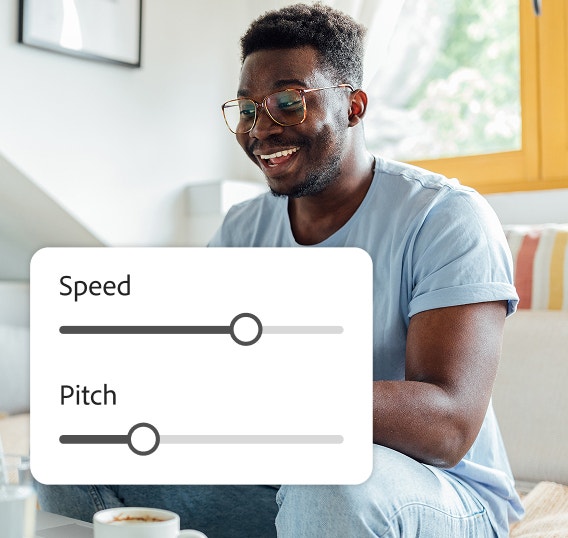

Excellent controllability
You can customize tone, style, pacing, pronunciation, and add pauses in the AI speech generator.
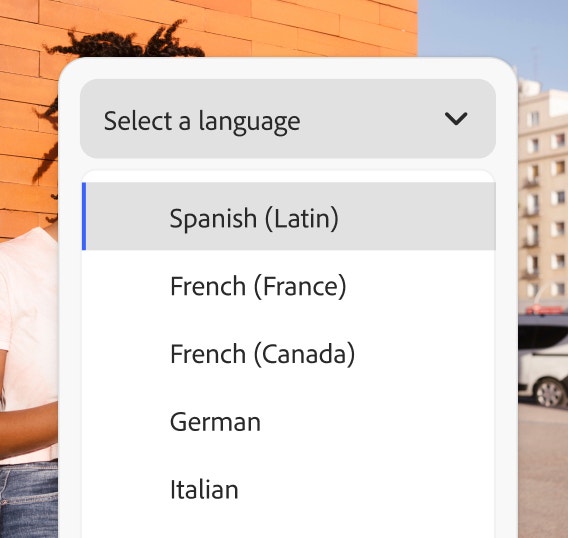
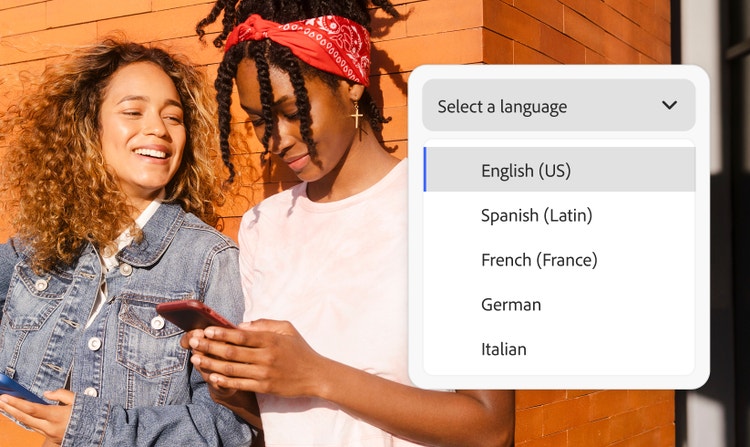
Multiple languages
Generate speech with voices in more than 20 languages and several regional accents with the ElevenLabs partner model.


Seamless integration
Download your audio file and apply it easily to projects in other Adobe apps for a quick gaming, video, or animation workflow.


Commercially safe model
The Firefly Speech Model is trained on licensed and public domain content so you can use your outputs for professional projects.
See what else you can do in Firefly.





Discover even more features.
Questions? We have answers.
What is the best AI voice generator?
What can AI voice generators be used for?
Is the Adobe Firefly AI voice generator free?
Is the Adobe Firefly AI voice generator commercially safe to use?
Yes, you can use outputs generated by the Firefly Speech Model knowing that they are commercially safe.
Adobe developed the Firefly family of models to be commercially safe, and to prevent them from creating content that infringes copyright or intellectual property rights. Adobe focuses on training its models in a way that is responsible and respects the rights of creators. We deploy safeguards at each step (prior to training, during generation, at prompt, and during output) to ensure Adobe Firefly models do not create content that infringes copyright or intellectual property rights and that it is safe to use for commercial and educational work. In addition, Adobe provides intellectual property indemnification for enterprise customers for content generated with Adobe Firefly.
Which AI models can you use with Adobe Firefly?
How do I make an AI voiceover sound more human and less robotic?
What should I do if an AI voice sounds unnatural in long scripts?
What languages does Generate Speech support?
Share this page
Explore more Firefly tools.

How generative AI works
Generative AI is all over the headlines, and that’s not empty hype. This new technology is likely to be part of your life soon — if it’s not already
AI for graphic designers
Learn about the AI tools available to graphic designers and how they can help you be more productive and take your work in surprising directions.

What are the benefits of generative AI for creatives?
New generative AI tools are rapidly changing how we work and create.
Learn more | Learn more - What are the benefits of generative AI for creatives?

Generative AI is changing creative work
Generative AI can mimic — but not replace — human intelligence.
Learn more | Learn more - Generative AI is changing creative work