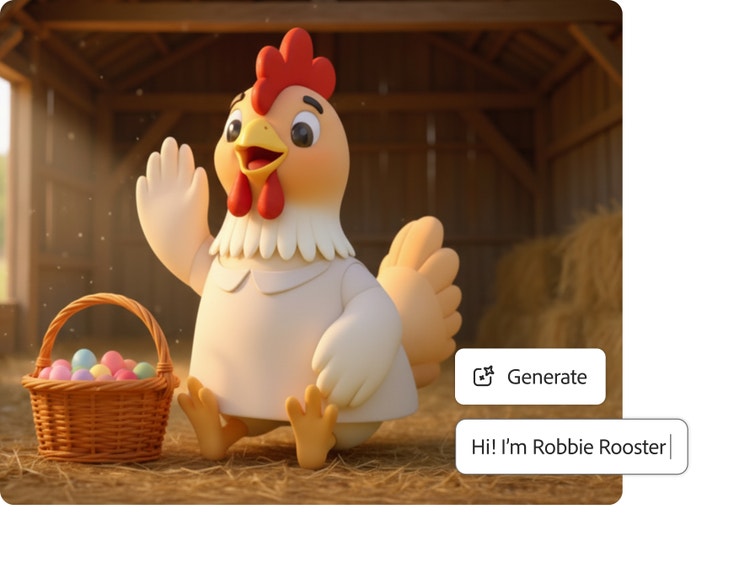
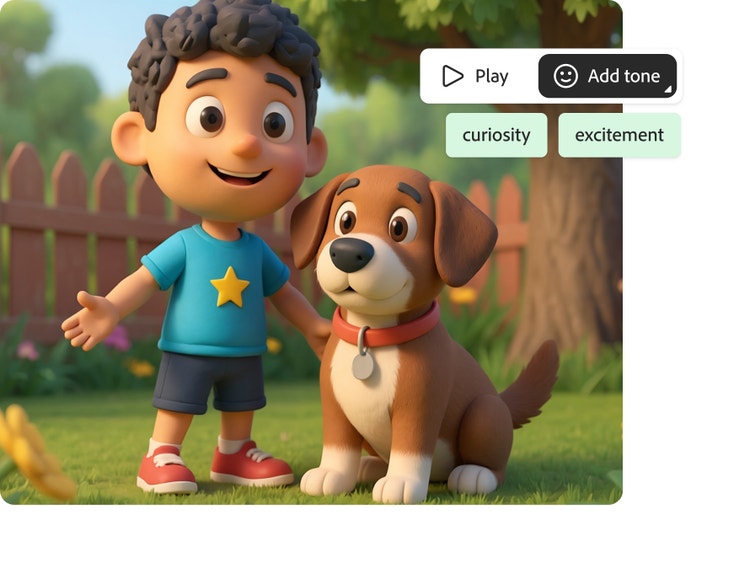
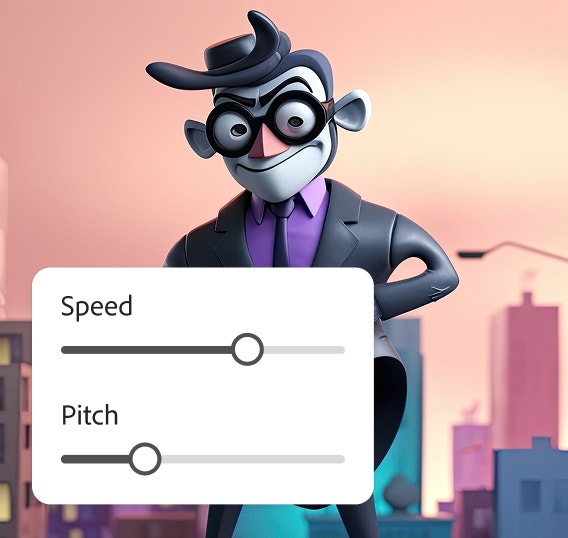
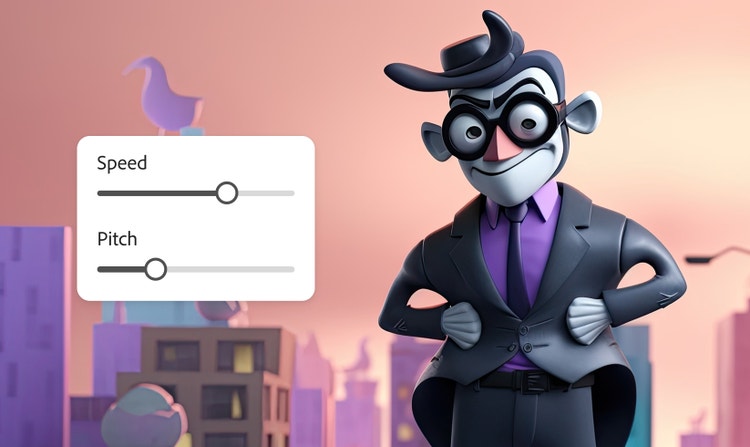
The best character voice generator empowers you to turn text into expressive speech with adjustable emotion, pitch, and pacing to fit unique heroes, villains, or cartoon creatures. Adobe Firefly supports this through its own free-to-use and commercially safe Firefly Speech Model as well as partner models such as ElevenLabs, which generate natural, multilingual speech in over 20 languages. This ensures you get high-quality audio that integrates seamlessly with professional animation and gaming workflows.
Yes, you can use the Adobe Firefly character voice generator for free with an Adobe account. If you have a free account, you’ll get free daily generations to create custom character voices for animation, gaming, and other projects. Learn more about
using Adobe Firefly for free. Paid Adobe Firefly plans are available for higher-volume generations and access to more partner models.
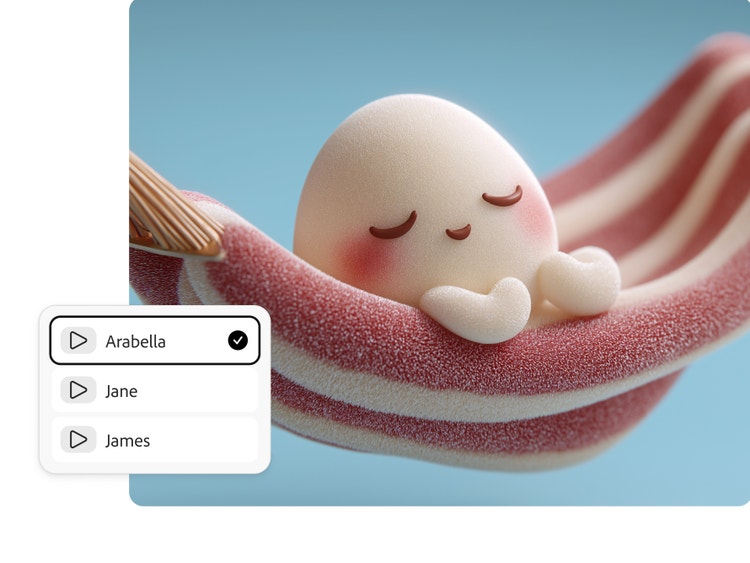
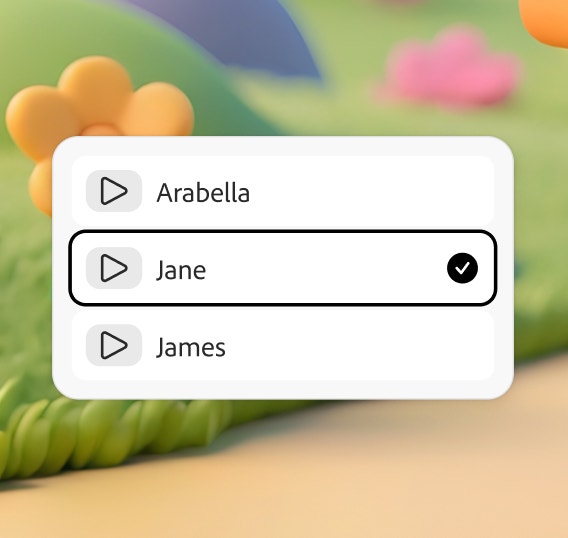
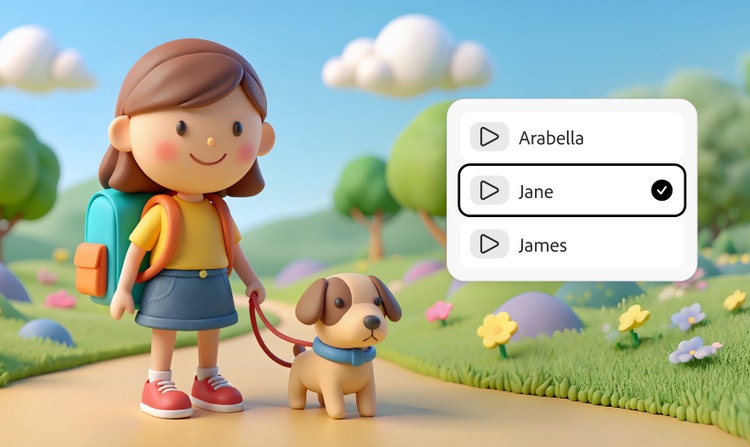
An extensive library of over 60 voices is available from Adobe and trusted partners like ElevenLabs.
You can download your custom character voice as a WAV file.
The Firefly AI character voice generator creates expressive, realistic voices with creative AI technology.
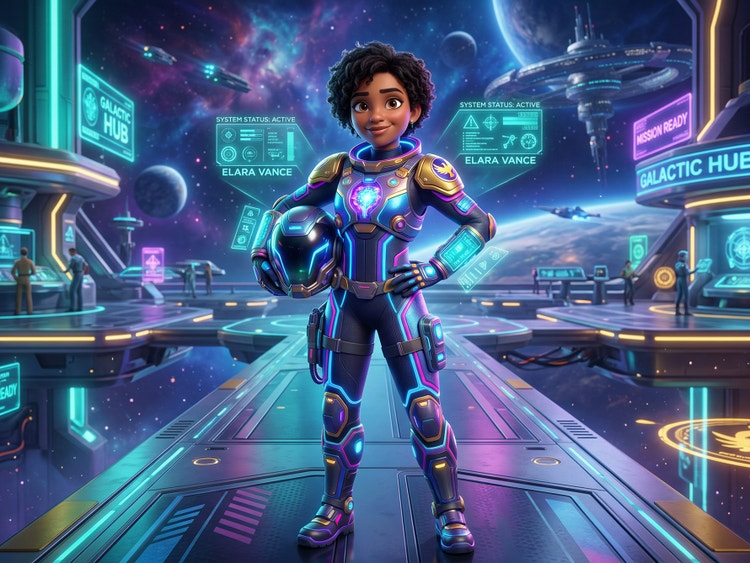
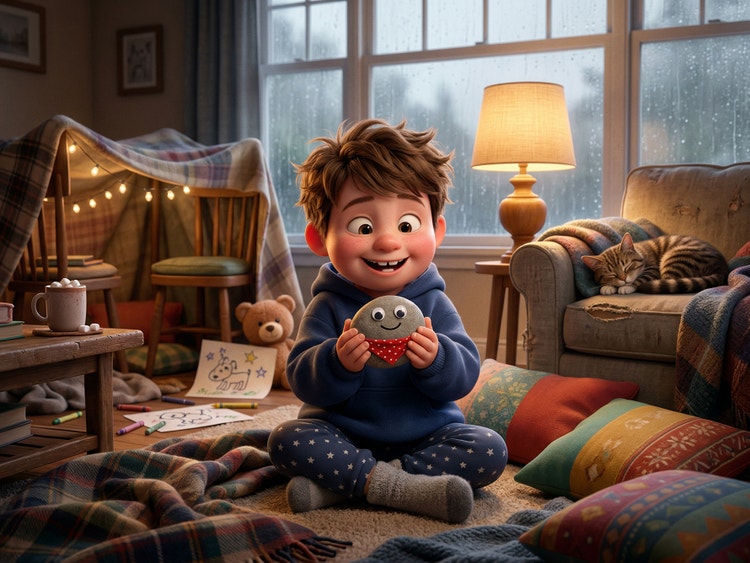
The Firefly AI voice generator supports a wide variety of character voice types, including anime protagonists, fantasy creatures, cartoon mascots, video game characters, and more. You can shape each voice to fit your scene by adjusting pitch, pacing, and emotion to ensure that your character’s performance feels polished and ready for production.
Yes. Firefly can generate voices that match the style and emotion of anime. Whether you're working on a lighthearted scene or something more intense, you can shape each voice to capture the tone, rhythm, and personality that make anime characters feel alive.
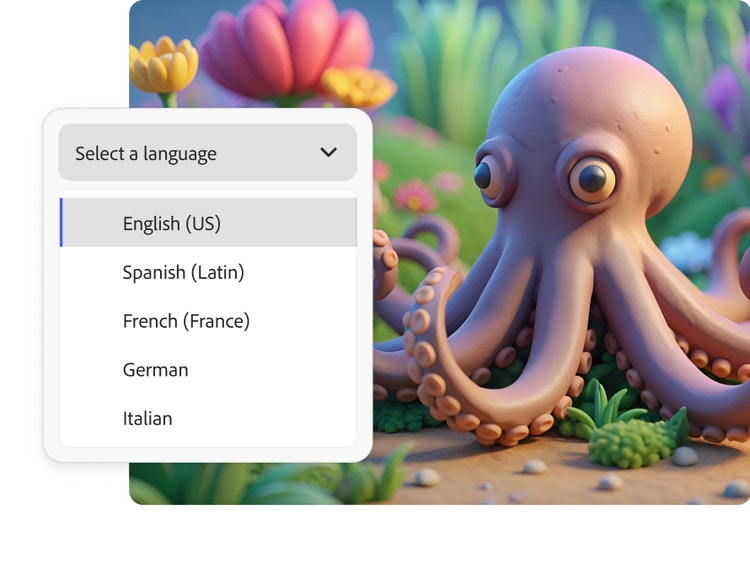
Adobe Firefly Generate Speech supports over 20 languages. The Firefly Speech model supports English (US, India), Spanish (Spain, Argentina, Latin America), French (France, Canada), German, Italian, Hindi, Dutch, and Mandarin (China). Type your dialogue in any of these languages and then select the language in the Speech Settings panel, then generate your dialogue to create characters that sound like native speakers. Partner model ElevenLabs Multilingual v2 supports English (USA, UK, Australia, Canada), Japanese, Chinese, German, Hindi, French (France, Canada), Korean, Portuguese (Brazil, Portugal), Italian, Spanish (Spain, Mexico), Indonesian, Dutch, Turkish, Filipino, Polish, Swedish, Bulgarian, Romanian, Arabic (Saudi Arabia, UAE), Czech, Greek, Finnish, Croatian, Malay, Slovak, Danish, Tamil, Ukrainian, and Russian.