https://main--da-cc--adobecom.aem.live/cc-shared/assets/img/firefly.svg Adobe Firefly

Create detailed macro plant photos with Adobe Firefly.
Generate botanically rich close-ups fast with macro plant photography.
- image
- Describe a subject, an action, a place, a mood, or a style.
- Adobe Generative AI Terms
- https://main--cc--adobecom.aem.live/creativecloud/animation/testdoc/unity/generate.svg Generate
- Describe the macro plant image you want to generate
- Prompt
- Tip
- Unable to process the request
- Please describe what you want to generate.
- Prompt exceeds the max length of 750 characters


https://main--cc--adobecom.aem.live/cc-shared/assets/img/product-icons/svg/firefly-80.svg
Adobe Firefly
https://main--cc--adobecom.aem.live/cc-shared/assets/img/product-icons/svg/firefly-80.svg
Adobe Firefly
The next evolution of creative AI is here for all your ideas, with image, video, audio, and vector tools.
Capture the hidden beauty of plants.
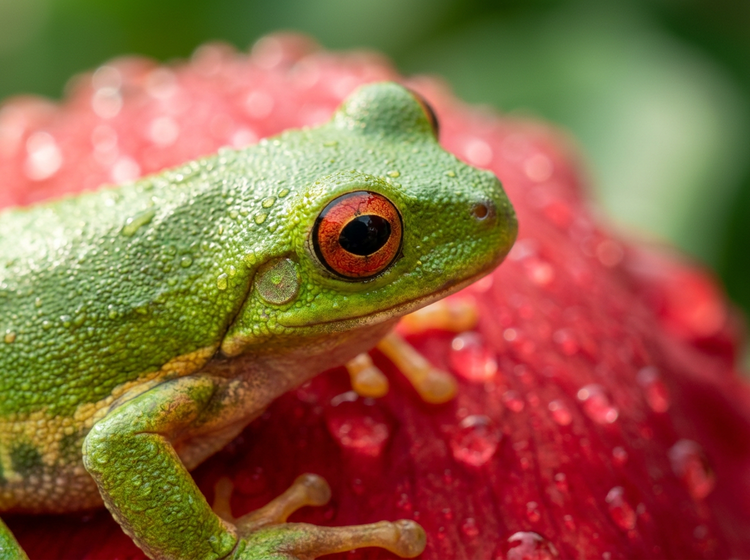
Generate macro images of plants that reveals every dew-covered petal, intricate leaf vein, and pollen-dusted stamen. Adobe Firefly lets you produce studio-quality botanical close-ups with a simple text prompt to meet your creative vision.
Reveal every botanical detail.
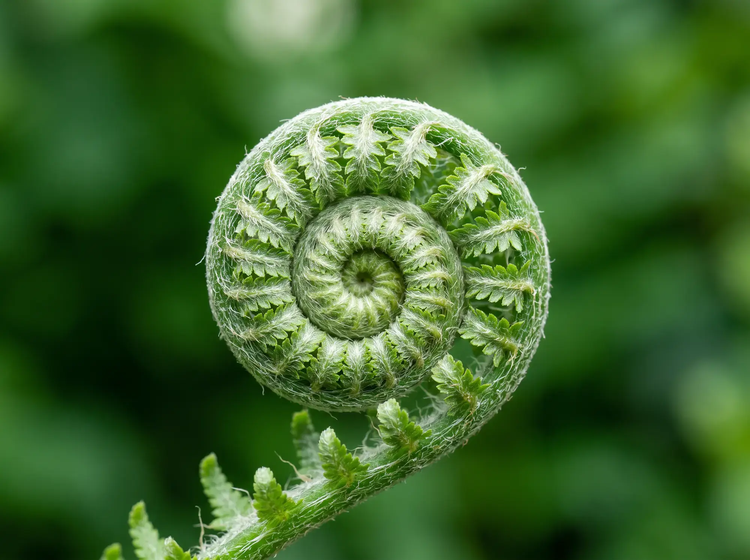
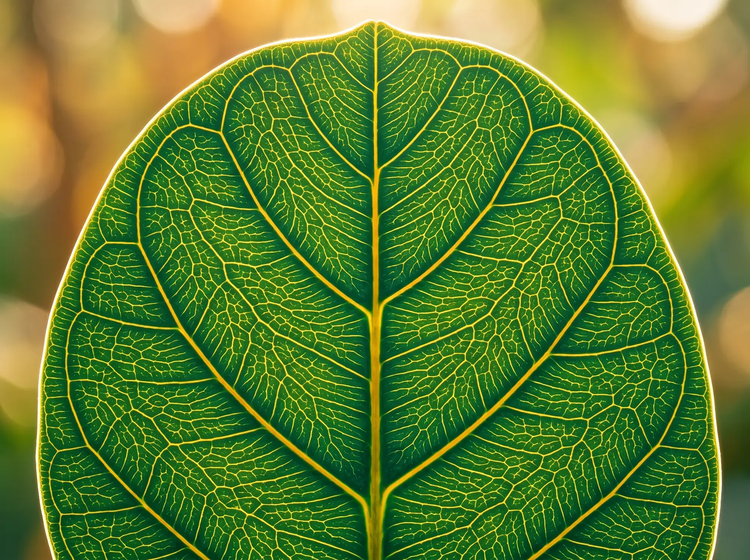
Describe the plant subject you want and Adobe Firefly generates macro images that show textures invisible to the naked eye. From fibrous stem cross-sections to the translucent veins of a backlit leaf, your prompt controls the level of magnification and detail.
Control depth of field and lighting.
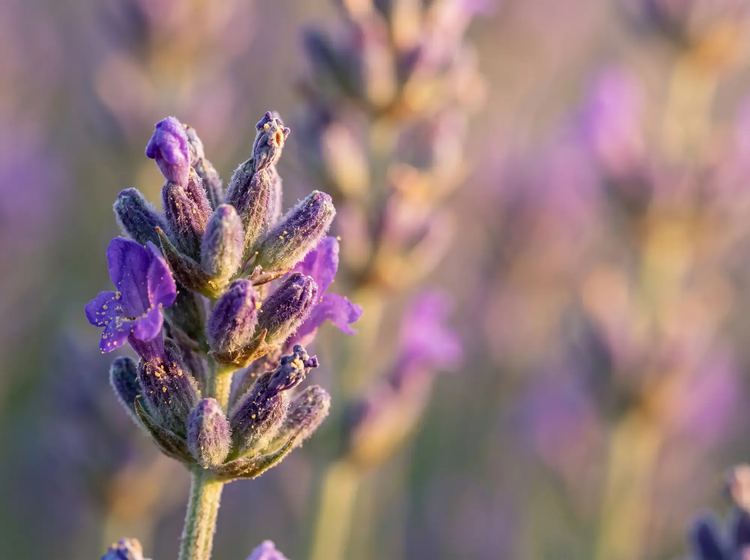
Use prompts to dial in the exact look your project needs. Specify a shallow depth of field for light-filled bokeh backgrounds, warm golden-hour light for editorial warmth, or cool diffused tones for a scientific feel. You can also upload a reference image to guide the overall aesthetic direction.
Use your images with confidence.
Adobe Firefly models are trained on licensed Adobe Stock content and public domain material, so every macro plant image generated with an Adobe Firefly model is safe for commercial use in client work, marketing materials, product packaging, and editorial layouts.
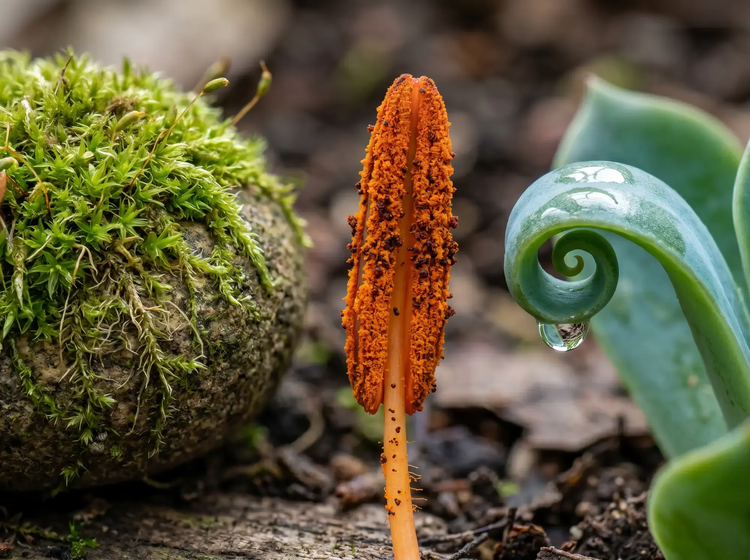
Explore endless botanical subjects.
Generate macro images of succulents, wildflowers, tropical leaves, mossy bark, seed pods, and more. Adjust your prompts to explore different plant species, seasonal variations, and color palettes until every image matches your creative direction.
How to generate macro plant photography with Adobe Firefly.
Step 1
Open Adobe Firefly and select Generate Image.
Step 2
Describe the macro plant image you want.
Step 3
Adjust your settings.
Step 4
Generate your results.
Step 5
Download and share.
Steps on how to generate macro plant photography using Adobe Firefly Generate Image.
PT3M
firefly

Commercial safety
Generate macro plant images with Adobe Firefly models trained on Adobe Stock, licensed content, and public domain content, so you can confidently use your botanical close-ups in professional and client work.

Precise creative control
Fine-tune every aspect of your macro image. Use detailed prompts to describe magnification, depth of field, color temperature, and background blur, then adjust settings to get the exact composition, lighting, and tone your project requires.

Fast results, no equipment required
Traditional macro photography demands specialized lenses, tripods, and controlled lighting. With Adobe Firefly, you describe your image and your results are generated in moments, so you can move straight to refining and using your botanical close-ups.
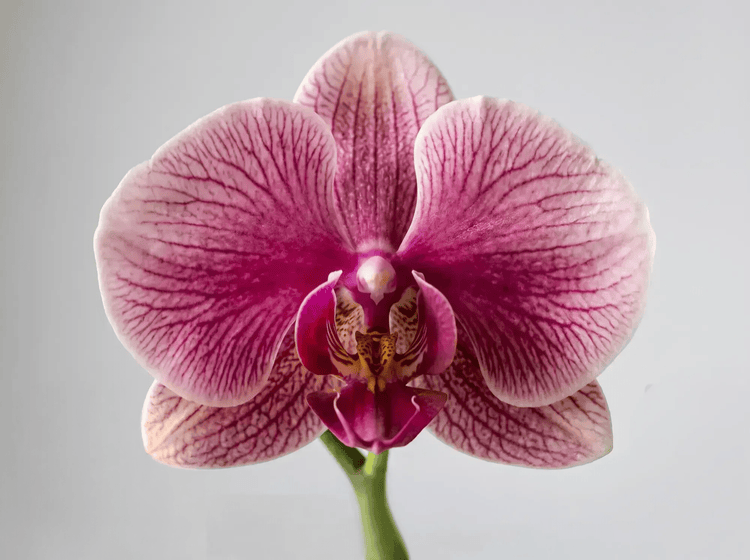
Seamless integration
Easily open Adobe Firefly creations in Photoshop on the web and Adobe Express for a seamless creative workflow, all in one place.
See what else you can create with Adobe Firefly.



Discover even more features.
Questions? We have answers.
Can I use AI-generated macro plant images commercially?
How do I write a prompt for realistic macro plant photography in Firefly?
How should I describe magnification in my macro plant prompts?
What is the best AI tool for macro plant photography?
Is Adobe Firefly free for generating macro plant images?
Can I generate macro images of specific plant species?
Do I need photography skills to generate macro plant images?
Share this page.
Explore more Firefly tools.

The benefits of generative AI for creatives
Learn how to use generative AI to boost productivity and discover new possibilities while maintaining creative control.
Learn more | Learn more benefits of generative AI for creatives

Generative AI is changing creative work
Generative AI can mimic but not replace human intelligence. Learn how it can help you take your creativity to new places.
Learn more | Learn more how generative AI is changing creative work
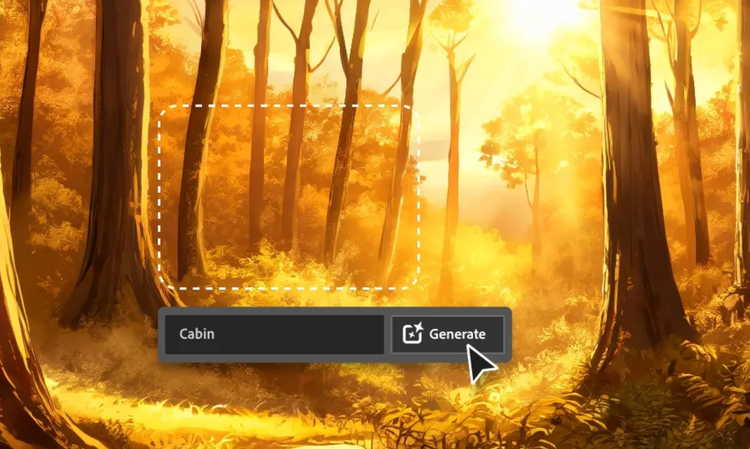
AI for graphic designers
Learn about the AI tools available to graphic designers and how they can help you be more productive and take your work in surprising directions.

AI art prompts for graphic designers
Learn how to write effective prompts for generative AI to get amazing results for graphic design.
Learn more | Learn more AI art prompts for graphic designers