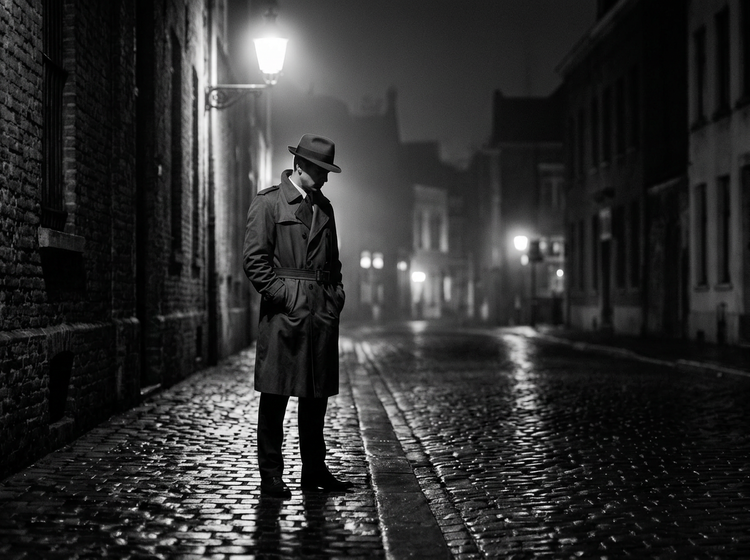
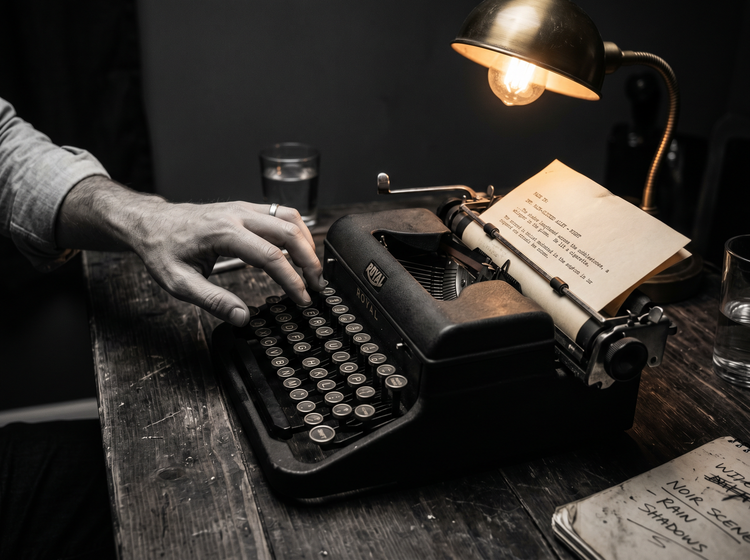
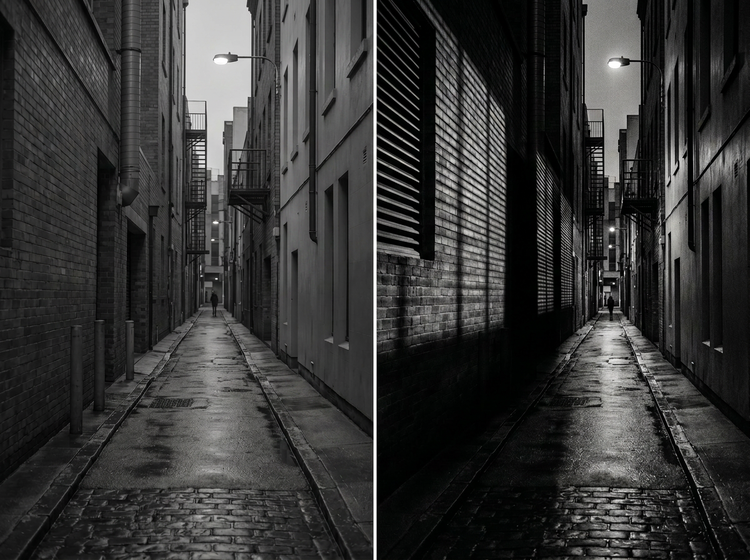
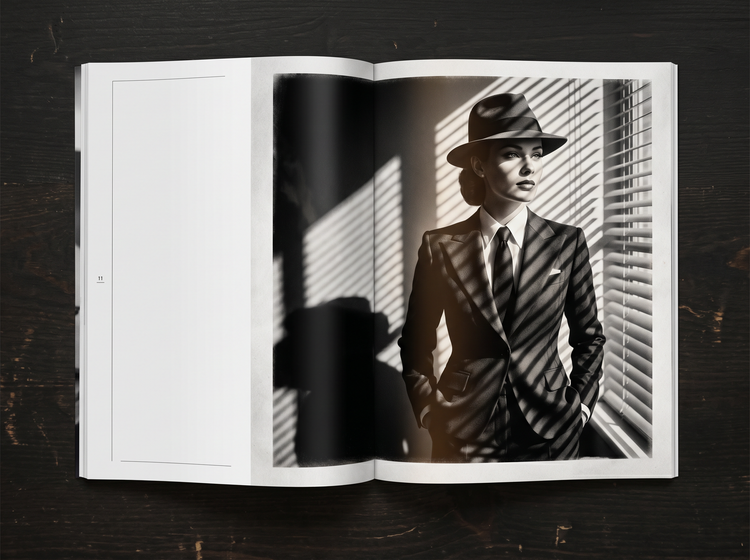
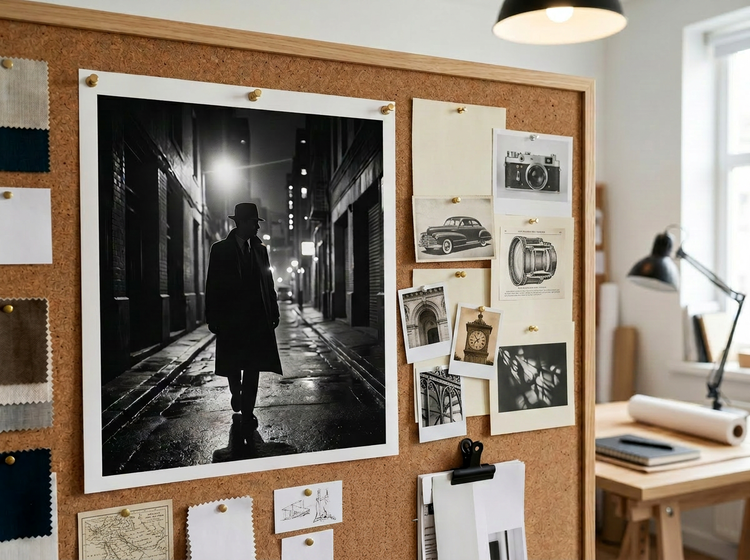
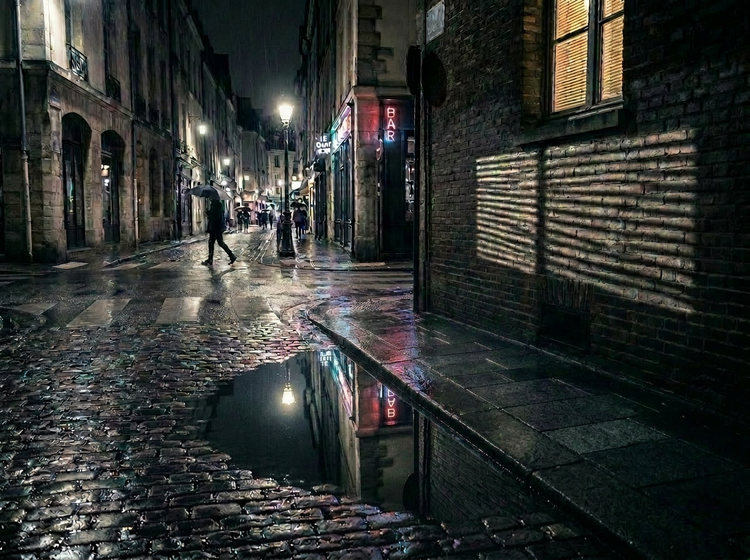
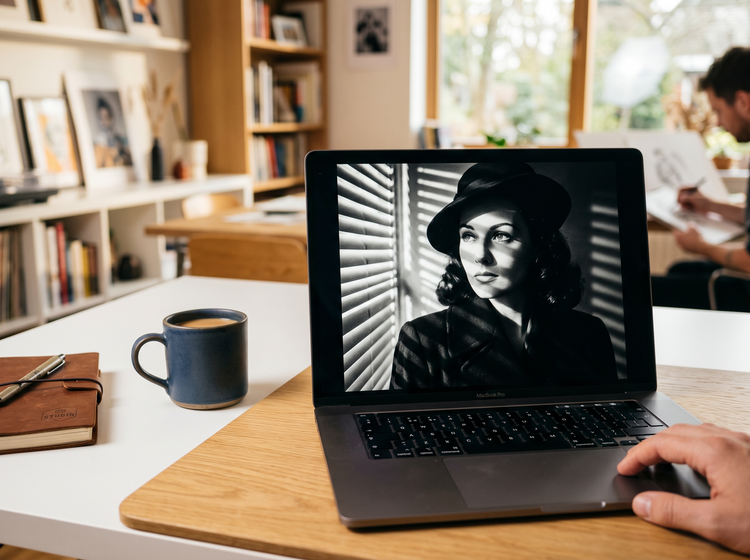
Use specific visual cues in your prompt. Describe deep shadows, high contrast, dramatic single-source lighting, and classic noir settings like rain-soaked streets, dimly lit offices, or fog-filled alleys. Adding terms like “silver gelatin,” “chiaroscuro lighting,” or “1940s film noir” helps Adobe Firefly produce more convincing results. You can also upload a
reference image to guide the overall style.
Yes. Images generated with Adobe Firefly models are designed to be commercially safe, as they are trained on
Adobe Stock, licensed content, and public domain materials. You can use your noir images in ads, editorial content, social media, presentations, and other professional work. You are responsible for determining if images generated with partner models are appropriate for use in your project.
The best prompts for noir-style photography combine a subject, a setting, a lighting direction, and a mood. For example: “A detective in a fedora standing in a rain-soaked alley, single overhead streetlamp casting long shadows, high contrast black and white, classic film noir.” Specific details produce more accurate results. Experiment with terms like “low-key lighting,” “venetian blind shadows,” and “wet cobblestones” to push the noir atmosphere further.
The best AI noir photography generator produces realistic, high-contrast images with accurate shadow work, atmospheric depth, and stylistic range across classic and modern noir aesthetics. Adobe Firefly delivers these results alongside integration with the Adobe creative ecosystem, providing images that are fully controllable, editable, and commercially safe for real-world use.
Yes. If you have a free account, you can start creating noir photography images in Adobe Firefly using free daily generations. This lets you explore what Adobe Firefly can do without committing to a plan. Learn more about
using Adobe Firefly for free. When you’re ready for more, you can upgrade to a paid subscription for additional access.
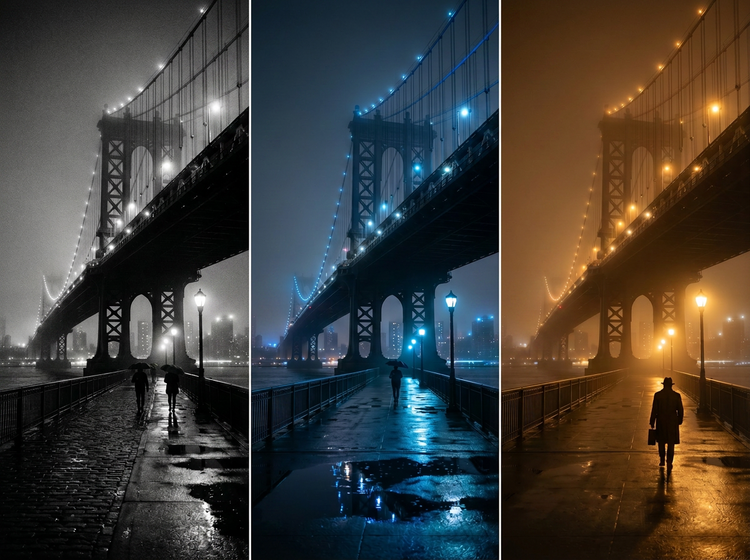
You can generate both. Classic black-and-white noir, modern neo-noir with saturated color accents, and everything in between. Use your prompt to specify the color treatment you want. Terms like “cool blue neo-noir” or “warm amber film noir” guide Adobe Firefly toward the palette you have in mind.
No. Describe the scene you want in plain language and Adobe Firefly does the rest. No photography skills or lighting equipment needed. You can refine your results by adjusting prompts and settings until the mood and composition match your vision.