Powerful 64-bit architecture
Significantly boost performance with the 64-bit architecture. Effortlessly work on large, complex XML and non-XML content with better memory management and a larger memory space.
FrameMaker empowers technical communication professionals to do what they do best - create brilliant technical content experiences for their customers. See all the great things FrameMaker can do.

Significantly boost performance with the 64-bit architecture. Effortlessly work on large, complex XML and non-XML content with better memory management and a larger memory space.

Save time with performance enhancements that make opening and publishing files to PDF or Responsive HTML5 a whole lot faster.
Unlock new capabilities with updated Adobe and various open-source libraries, which offer more stability and patch vulnerabilities.
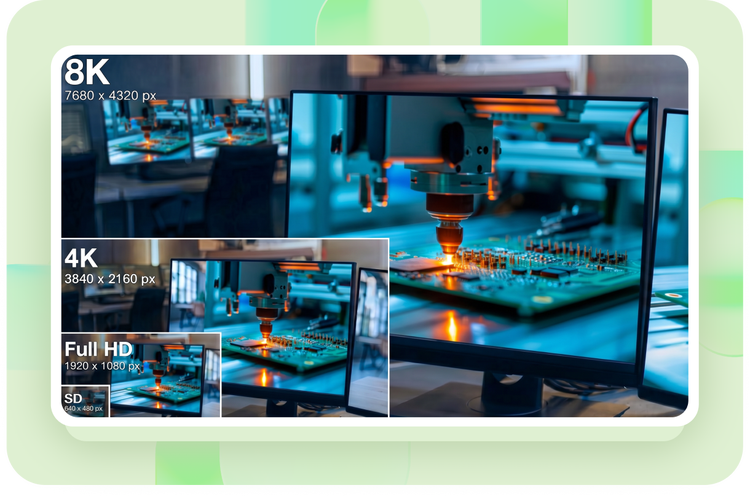
Work in HD with support for up to 4K displays as the UI automatically scales to the system resolution.
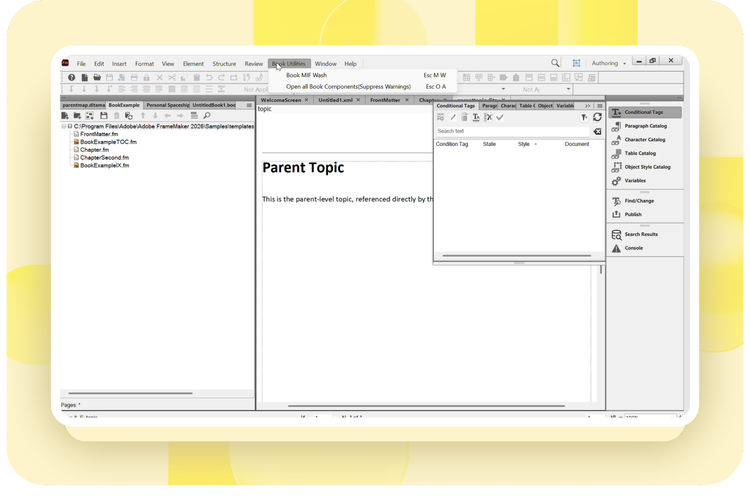
Consolidate variables and conditional tags into a single book-level template (.MLT). Use the new Book-level Configuration option to view and manage them from one location, ensuring consistency across every document in your book.
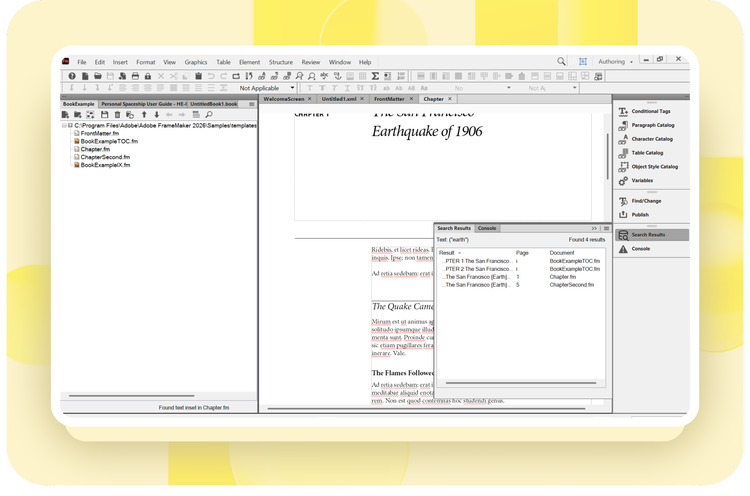
Locate every match across books, documents, and maps before making changes. The new Find All option supports case-sensitive searches, whole-word matching, regular expressions, and wildcards for more efficient searching.
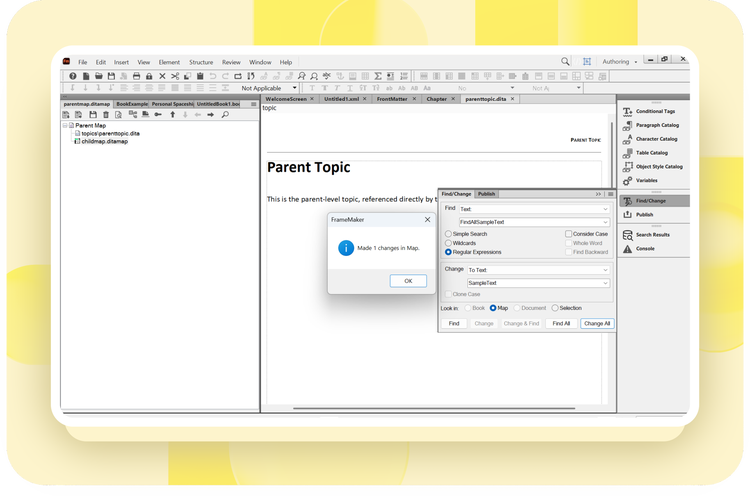
Search and replace text across nested DITA maps without manually opening each child map. Quickly locate and update content throughout your DITA map hierarchy, with prompts to save changes after each update.
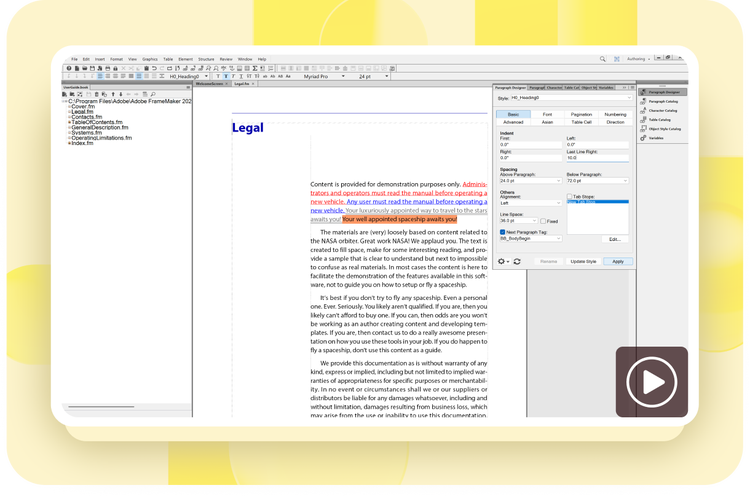
Ensure visibility of numbers located on the extreme right of a list or table of contents by using last line right indent.
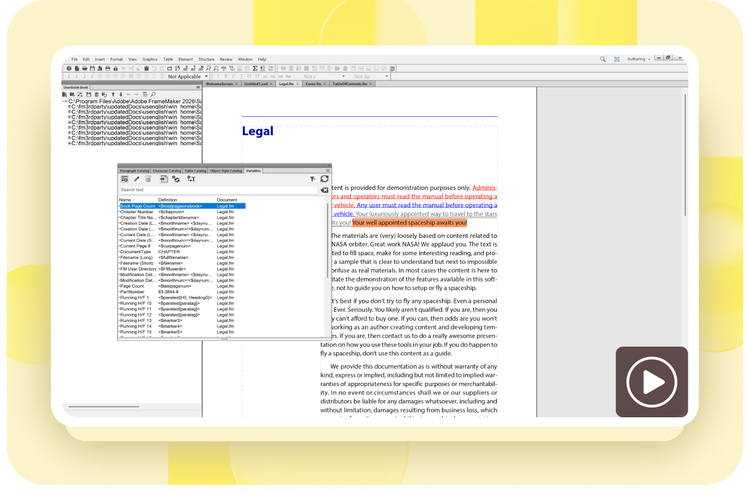
Eliminate the manual process for setting up page numbers by inserting a book variable at a document level which will display the total pages of the entire book once updated.
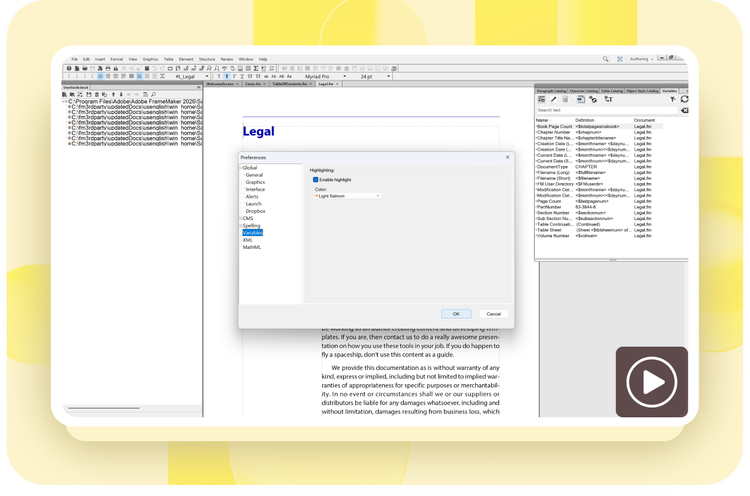
Highlight all the variables in a document with a single click, allowing authors to easily distinguish variables from regular content.
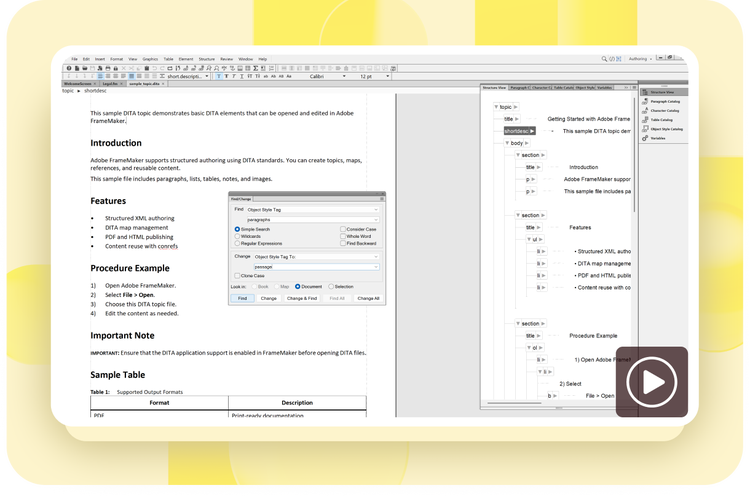
Ensure document consistency by saving frequently used object properties as a style and easily replacing existing Object Style tags as needed.
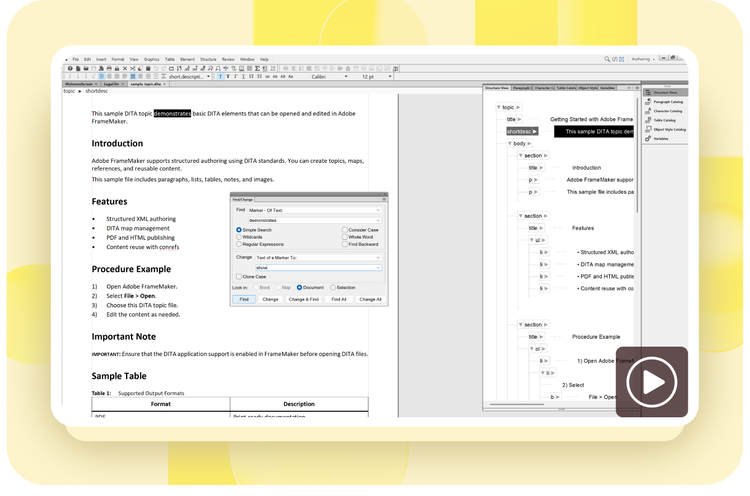
Use the Find/Change dialog box to quickly change the description of a marker, ‘Marker: of Text.’
Work seamlessly with an all-new minimalist, yet flexible user interface.

Search text in DITA map files 15X faster with the latest performance enhancements in FrameMaker.
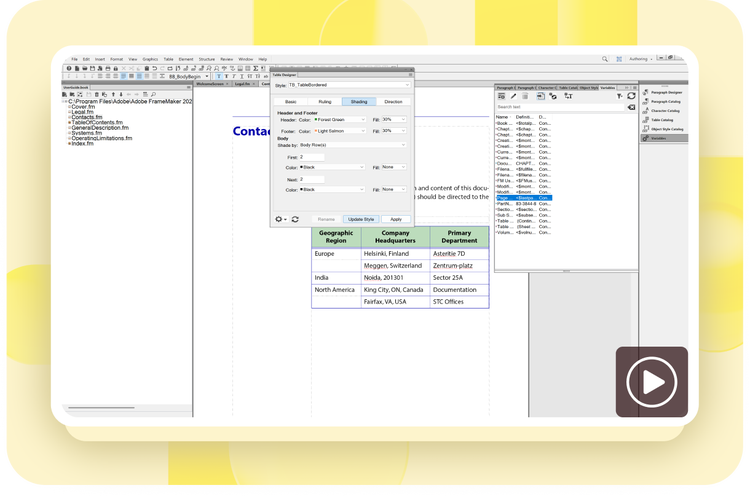
Work efficiently with tables in FrameMaker with easy ways to resize a selected cell, row, column, or an entire table. Select unique colors for header and footer rows, and easily convert a body row into header or footer row.
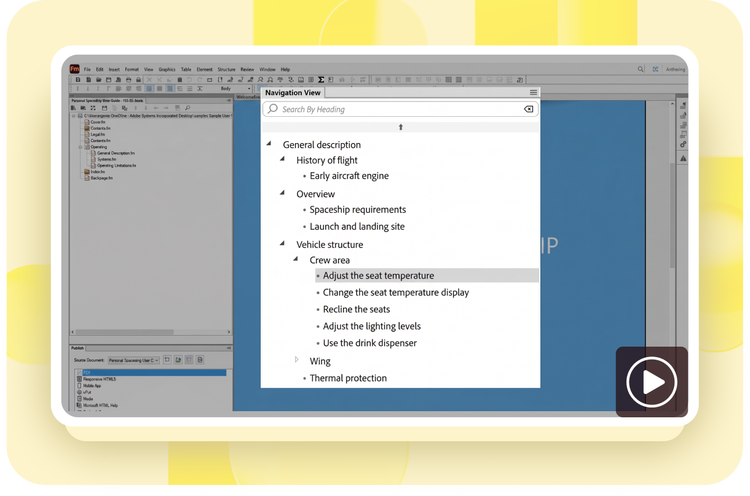
Use the New Navigation View for classic (non-XML) documents to navigate through unstructured content with ease.
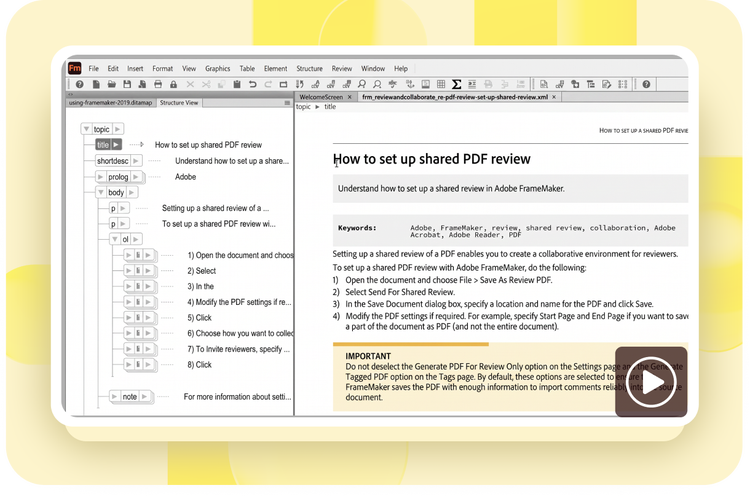
Work more efficiently with the updated WYSIWYG View that merges Simplified View capabilities. For DITA content, easily work through the topic by using shortcuts such as Tab, Shift+Tab, Ctrl+B, Ctrl+I, Ctrl+U, and more.
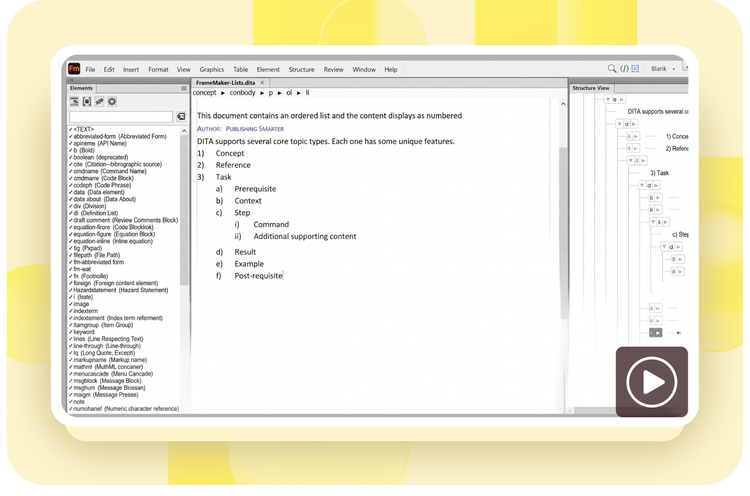
Work more intuitively with a powerful XML/DITA workspace. Take advantage of an enhanced Structure View; breadcrumbs in WYSIWYG view; and the ability to insert, paste, or delete before or after content in Structure View.

Quickly apply new or existing CSS3 formatting rules on your structured content by seamlessly importing it into an Element Definition Document (EDD) or template.
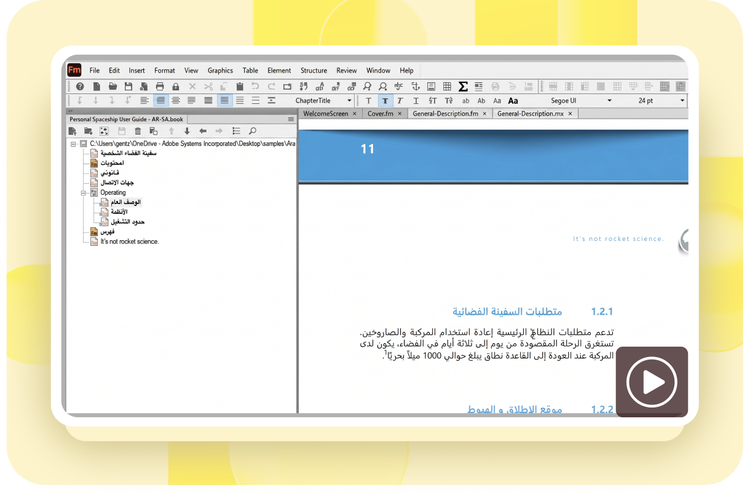
Enjoy support for right-to-left (RTL) languages—Arabic, Hebrew, and Farsi. Work with RTL and left-to-right (LTR) content in the same paragraph, document, or book.
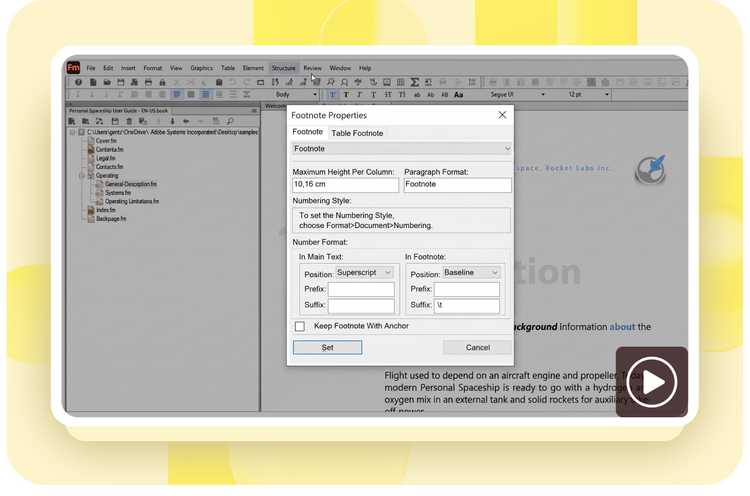
Make referencing easier by keeping footnotes on the same page as content, and split it across columns, if needed.

Get out-of-the-box support for Duden, a trusted German dictionary, for more accurate spelling and hyphenation.
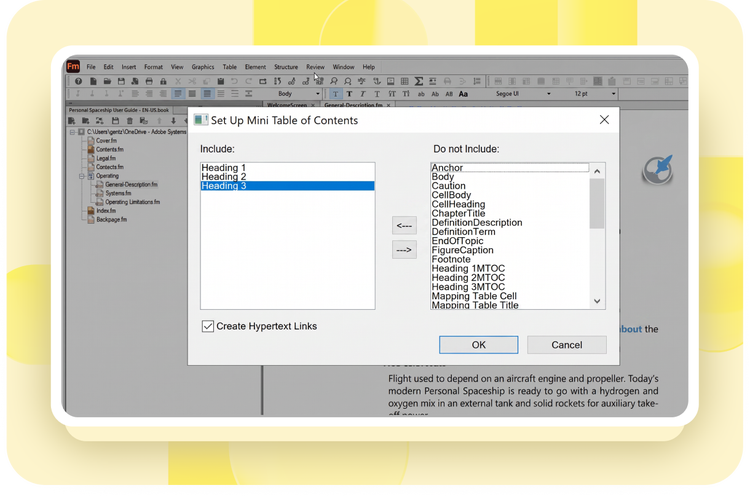
Make long documents more readable and easier to navigate with mini TOCs, which update automatically.
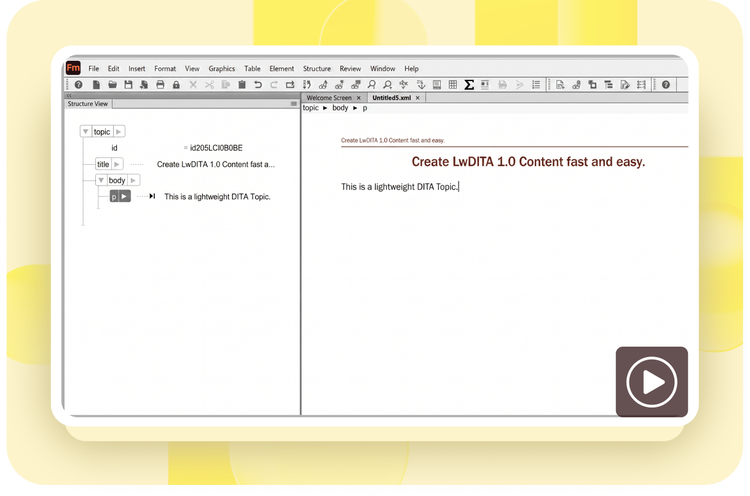
Use the LwDITA standard (Beta) for authoring and publishing content. Simply set the LwDITA authoring mode in the application mappings UI to start authoring Lw-Topic or Lw-Map. Configure templates for LwDITA separately when generating PDF output.
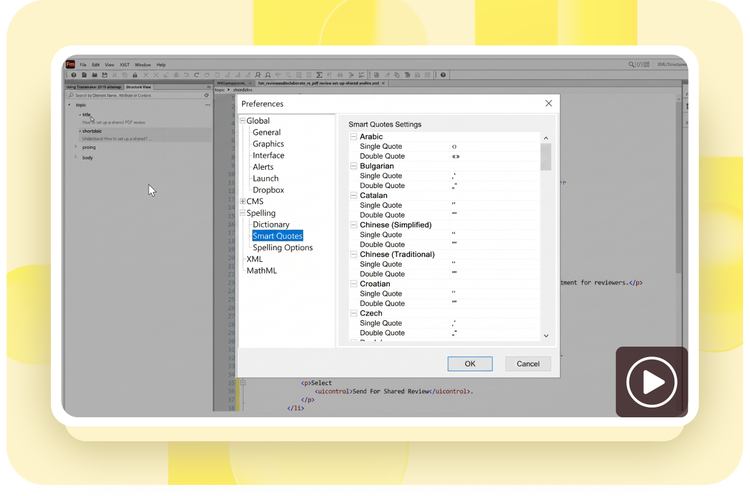
Display accented or unaccented smart quotes that match the language you are authoring in by selecting from a predefined list in Preferences.
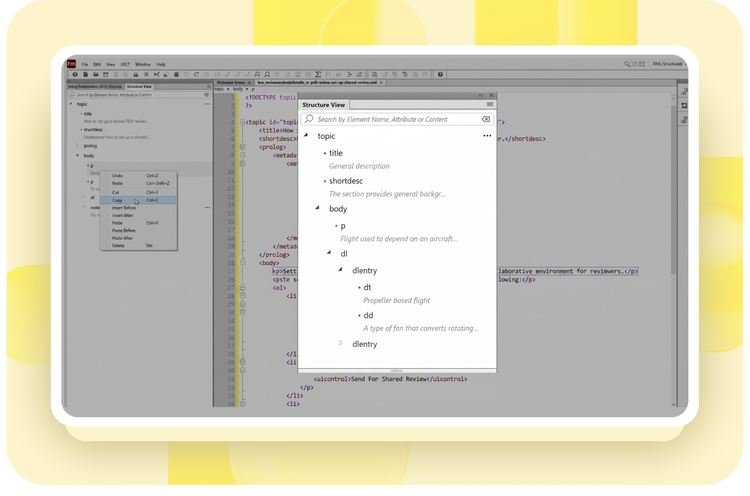
Leverage the new, intuitive Structure View while working on content in XML or source code view. Use the powerful search functionality to locate content, elements, or attributes. Cut, copy, paste, and more using the context menu.
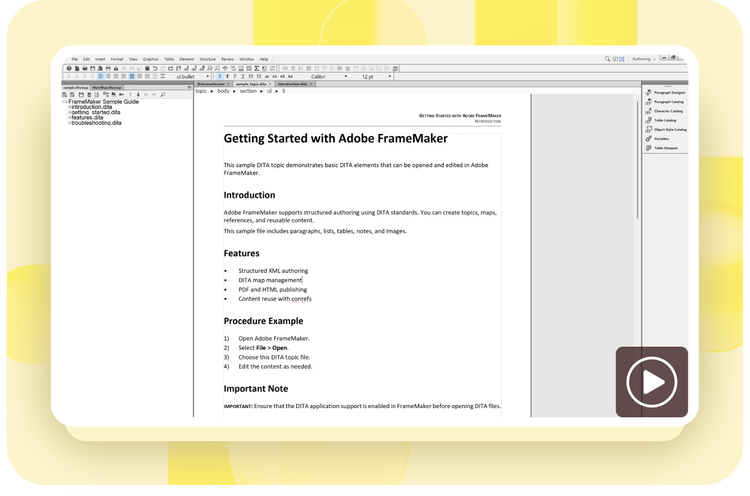
Now a DITA map opens simultaneously in the resource manager (Tree View) and as a document, making it easier to edit metadata and work with a DITA map.
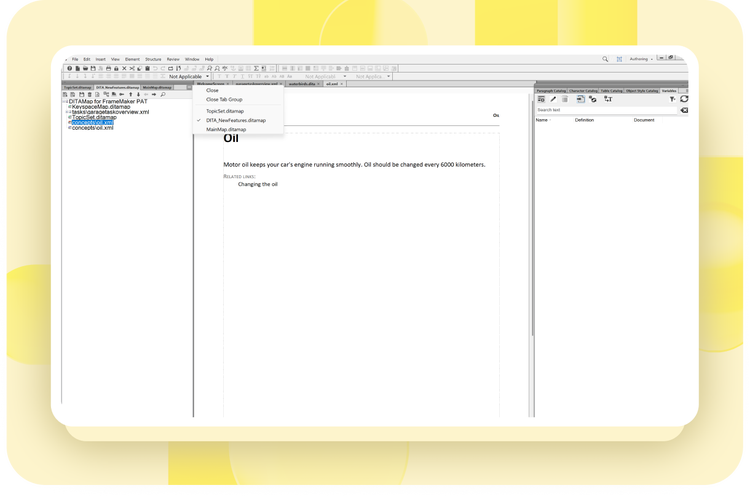
Effortlessly navigate between multiple DITA maps through a simple drop-down menu showing all opened tabs. Simply select the DITA map you want to bring into focus.

Ensure correct spacing before and after words while running a spelling and punctuation check. Choose your preferred punctuation and special characters in the settings.
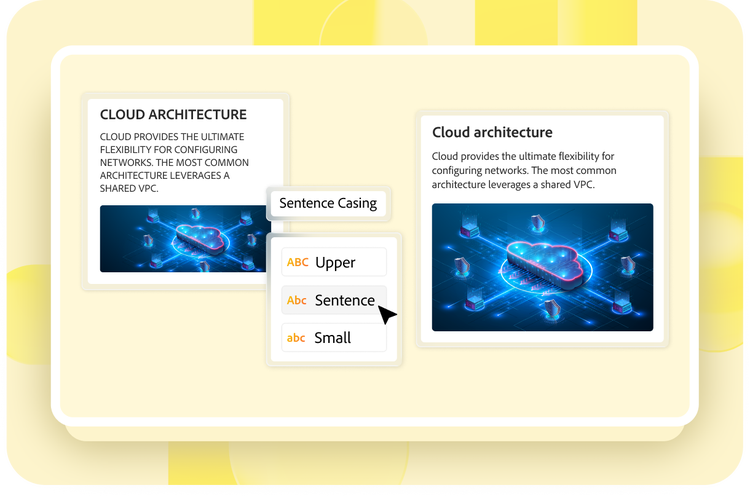
Easily format text to sentence case across a document with a single click.
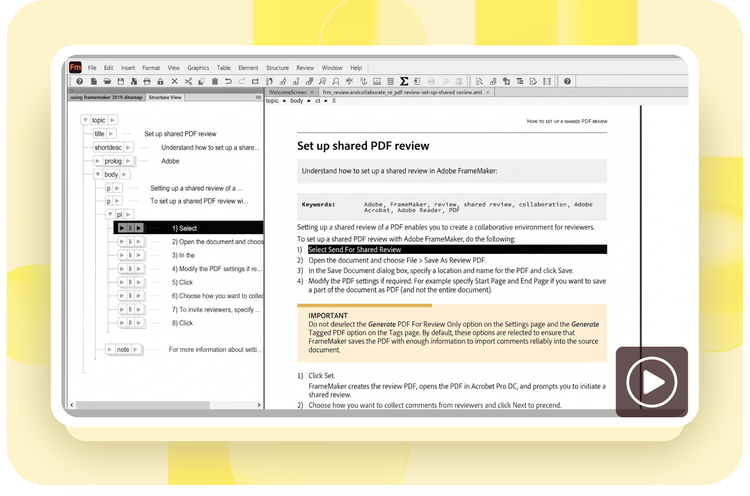
Easily switch between WYSIWYG and XML View faster than ever before.

Quickly reference acronyms using the <abbreviated-form> element (DITA 1.3) and see it rendered correctly while publishing to PDF and HTML5.


Map styles or create new ones automatically while importing Word documents (including Word 2016 and RTF 1.9) into FrameMaker. Configure and reuse settings across multiple Word documents.
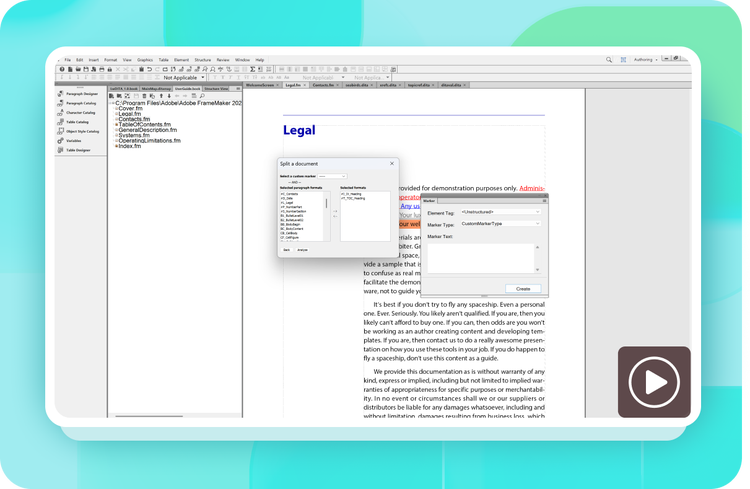
Split imported Word or existing FrameMaker documents into smaller chapters using marker or paragraph styles. A powerful preview allows you to see the new book and chapter structure that will be generated.

Smoothly import a Word document and convert it into a DITA map.
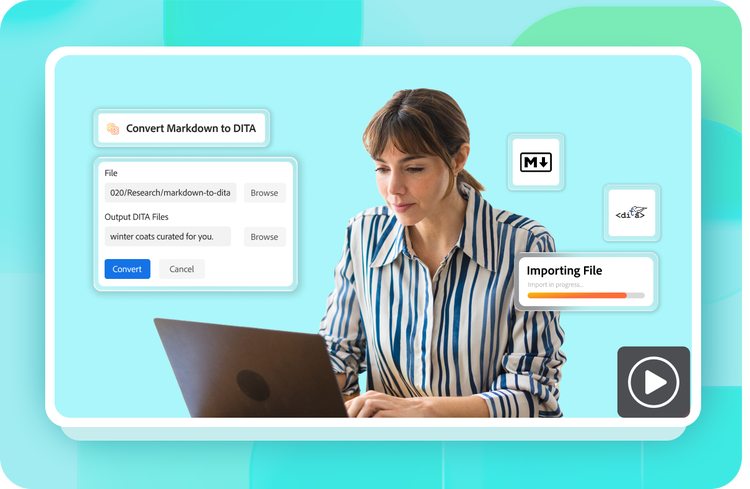
Easily import and convert Markdown files to a DITA-based document.
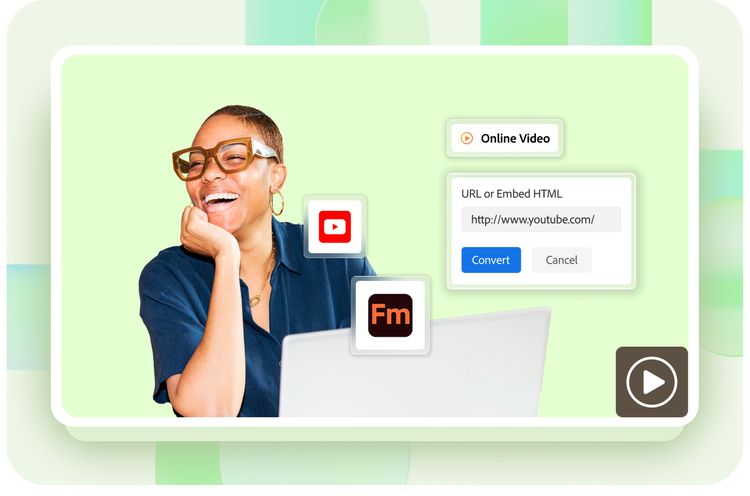
Seamlessly insert YouTube videos into unstructured, DITA and LwDITA documents. You can view them when content is published as PDF and HTML5.
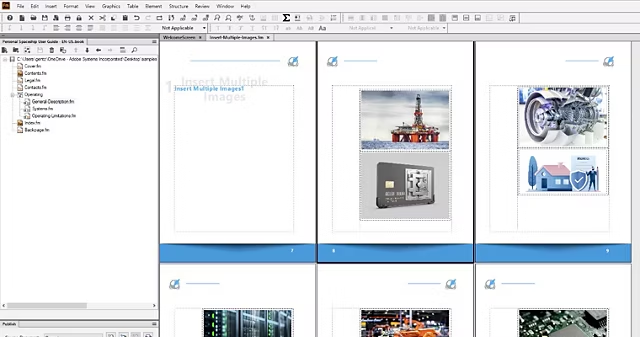
Effortlessly import and work with hundreds of images in the same document faster than ever before.

Enrich your content by inserting audio and video files with support for DITA 1.3 <object> and LwDITA <audio> or <video> elements, which are then rendered while publishing to PDF and HTML.
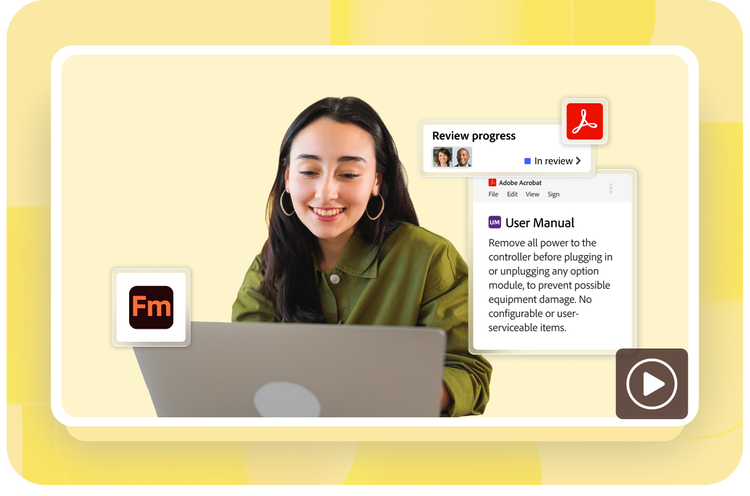
Seamlessly collaborate with subject matter experts using Adobe Acrobat desktop and online services*. Simply generate a Review PDF within FrameMaker and host it on Document Cloud. Once feedback has been collected, import it into the FrameMaker source document and view it in the Review pod.
*Adobe Acrobat desktop and online services require an Adobe Technical Communication Suite subscription.
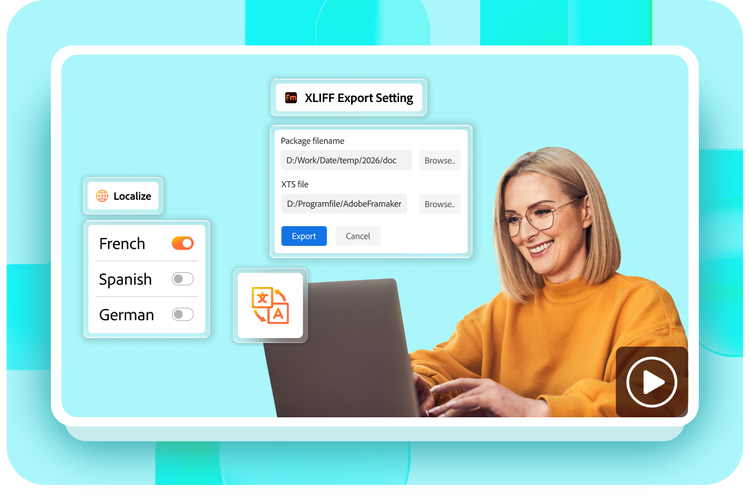
Reach global audiences by leveraging the all-new translation support to export XLIFF files for your content. Simply import the translated content back into FrameMaker.
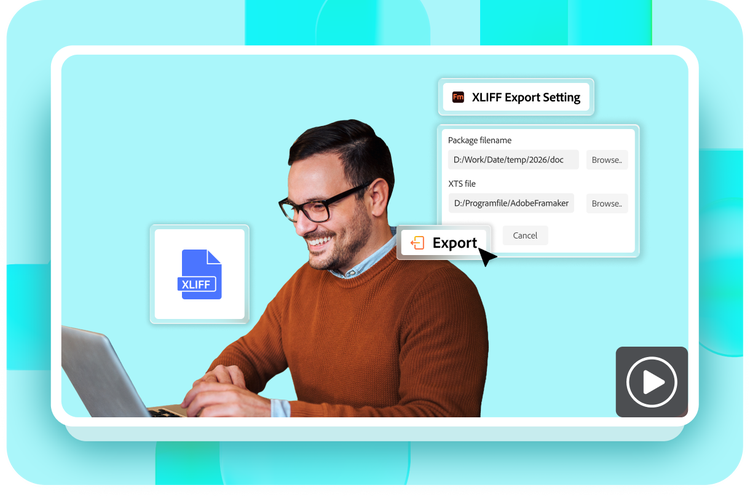
Make the translation of content vendor- and tool-agnostic, with the new Export-Import XLIFF engine in FrameMaker. Generate pre-segmented XLIFF 1.2 output that can be understood by any translation vendor with ease.
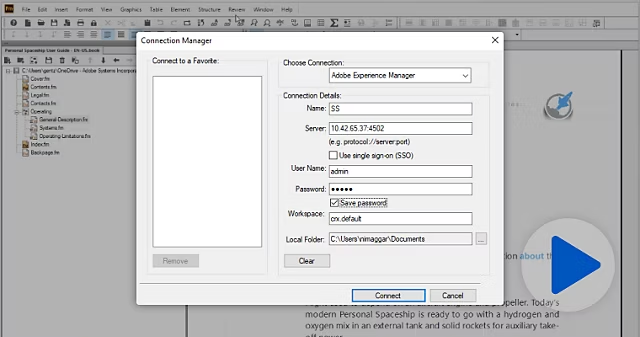
Enjoy enhanced support for authoring and publishing content for Adobe Experience Manager Guides as a cloud service, that uses UUID-based file referencing system. The flat hierarchy ensures references are maintained even when the files are relocated.
Managing FrameMaker documents via the Adobe Experience Manager connector is 10X faster with improved performance of check-in, check-out, and cancel check-out operations.

Seamlessly connect FrameMaker with Adobe Experience Manager. Search the Experience Manager repository and set up file check-in and check-out preferences from within FrameMaker. Use advanced controls for multi file check-in, check-out and cancel check-out. Performance enhancements speed up file browsing.

Instantly connect to Microsoft SharePoint Online or a SharePoint 2016 CMS to perform search, read, write, delete, update, check-in, and check-out operations on a configured repository.
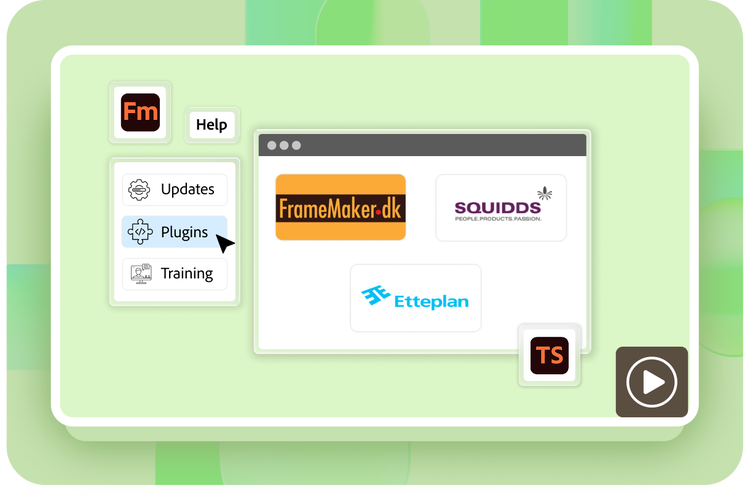
Tap into the robust Adobe Technical Communication partner network to get custom plug-ins or solutions. Now easily accessible via the Help menu.

Enhanced configuration options allow specifying the path to where files are to be downloaded, and more.
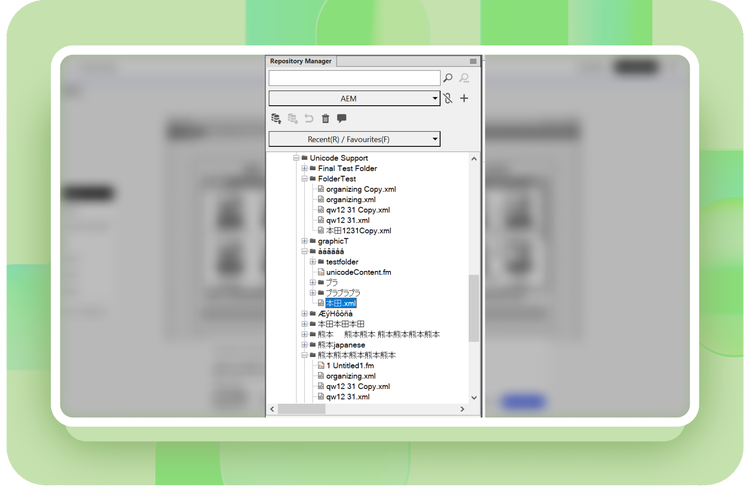
Use Unicode characters in files and folders accessed or created through the Experience Manager Guides connector. Unicode is also supported for comments, version labels, and file metadata throughout your workflow.
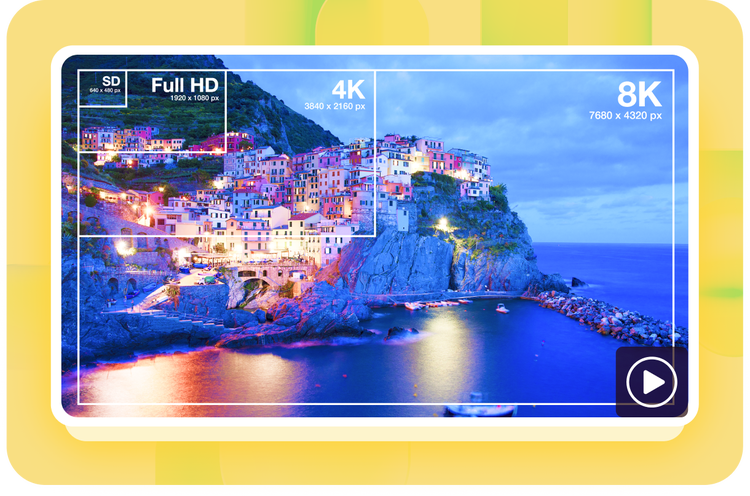
Ensure highest quality of images in HTML5 output as well as in non-web formats like .bmp and .tiff.
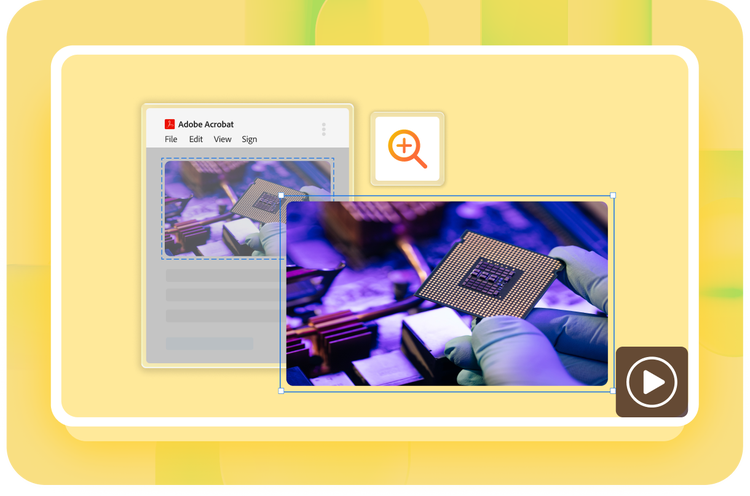
Publish PDFs natively that include high-quality graphic objects like dashed lines, arcs, shapes, curves, etc.

Save time with performance enhancements that make PDF publishing 5X faster.
Publish your technical content to best-in-class PDFs using a modern PDF engine from Adobe.

Generate out-of-the-box PDF/A1, PDF/A2, PDF/A3, PDF/X1, PDF/X2, PDF/X3, and PDF/X4 fully compliant PDFs. The selected preset while publishing will automatically manage the final PDF output settings, including image compression and other options.
Enhance the end-user experience with the ability to embed reference PDF documents in the published PDF output with a single click in FrameMaker.
Publish well-tagged Section 508 compliant PDFs that conform to PDF 2.0 standards for unmatched content accessibility. The same PDF will correctly render in the mobile version of Adobe Acrobat Reader.
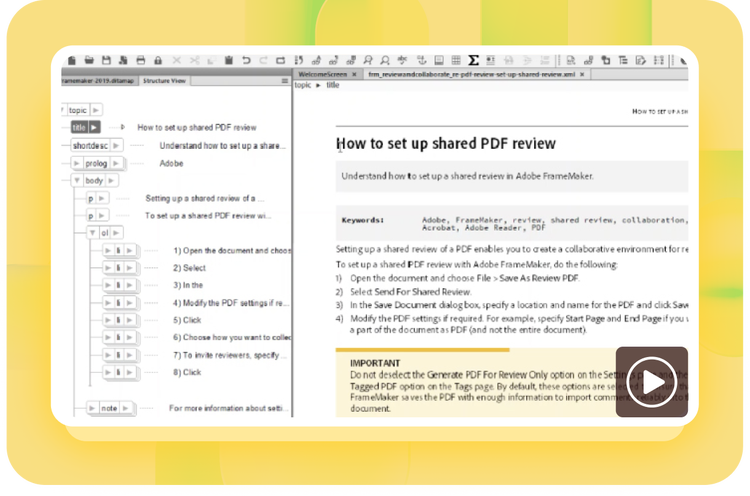
Leverage enhancements in the powerful DITA engine as well as DITA template customizations to publish a WYSIWYG PDF for your DITA content (DITA map/bookmap). Make changes and apply DITA templates while importing or exporting a PDF by storing them as a part of the settings file itself.
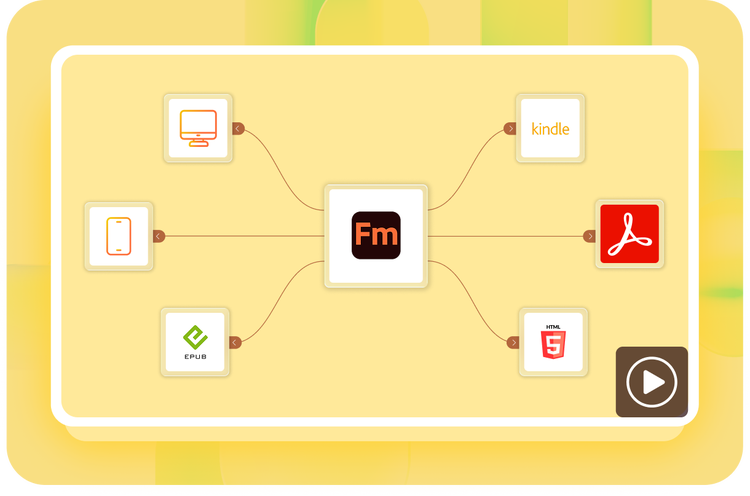
Publish as Responsive HTML5, EPUB, Kindle, PDF and CHM. Create content-centric mobile apps with a single click.
Leverage the new cutting-edge HTML engine, rewritten from the ground up, to generate Responsive HTML5 output smoothly and swiftly. Capture more styling information with CSS3 enhancements like auto-numbering, pseudo-class generation, and more.
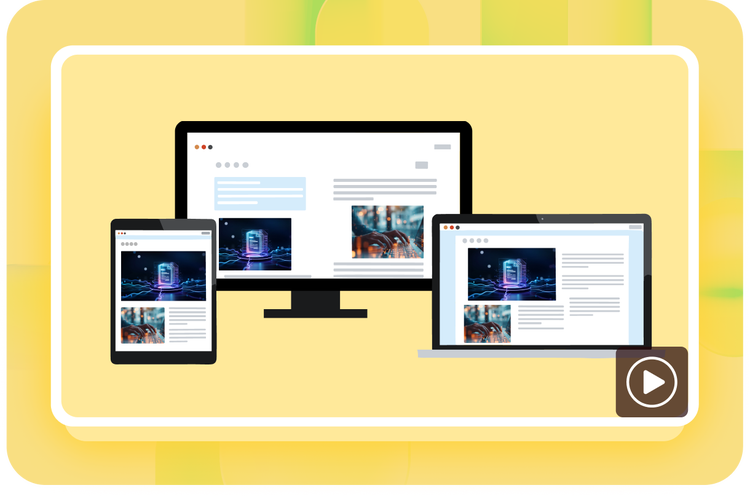
Deliver personalized content experiences with Responsive HTML5 layouts that have best-in-class search and navigation. Show or hide widgets, such as glossary and TOC.
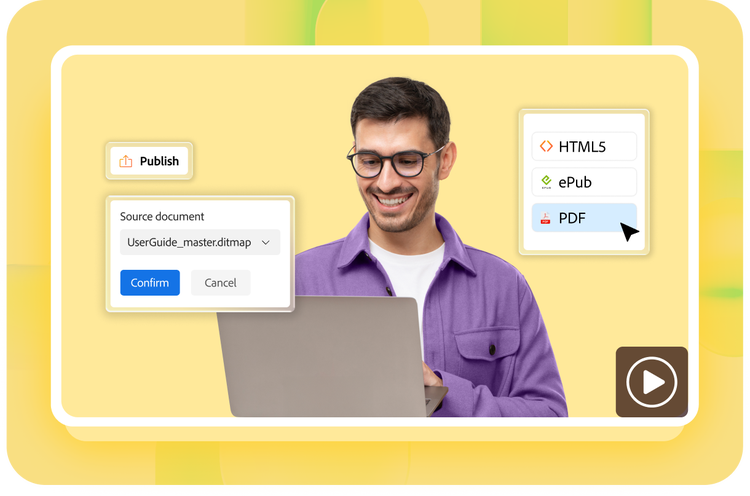
Easily apply DITA templates and access ditafm-output controls from the Publish pod. Store templates as a part of the settings file for easy import and export.
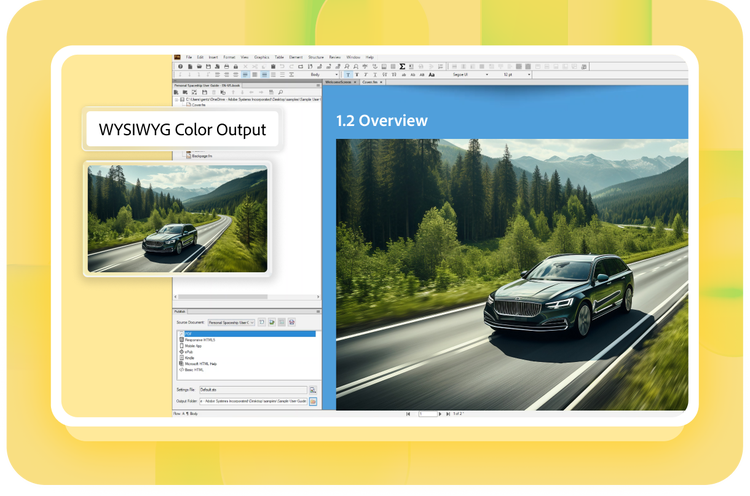
Get predictable and consistent color output as you use images and other elements in your documents.

Leverage out-of-the-box support for DITA-OT 3.x to seamlessly publish content in various formats—including PDF, HTML, Microsoft HTML Help (CHM), and Java Help. Use the free OASIS DITA-OT plug-in to carry out DITAVAL-based filtering while publishing.
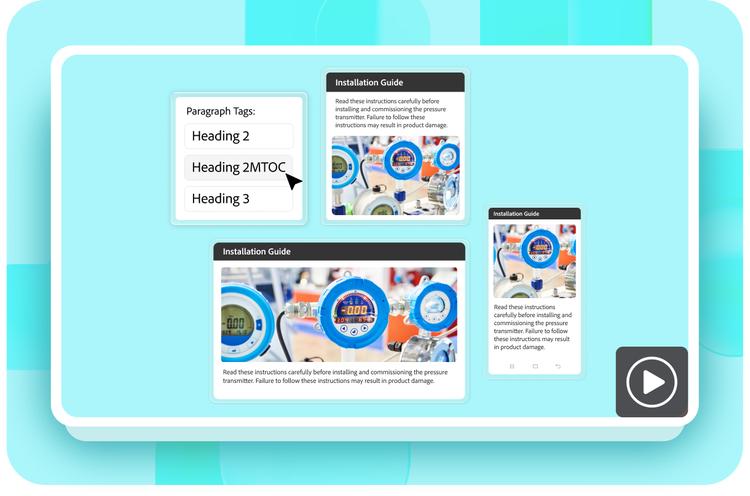
Efficiently reuse existing content from within a document or across multiple documents. FrameMaker provides several different single-sourcing techniques such as conditional text, text insets, content references, and variables.
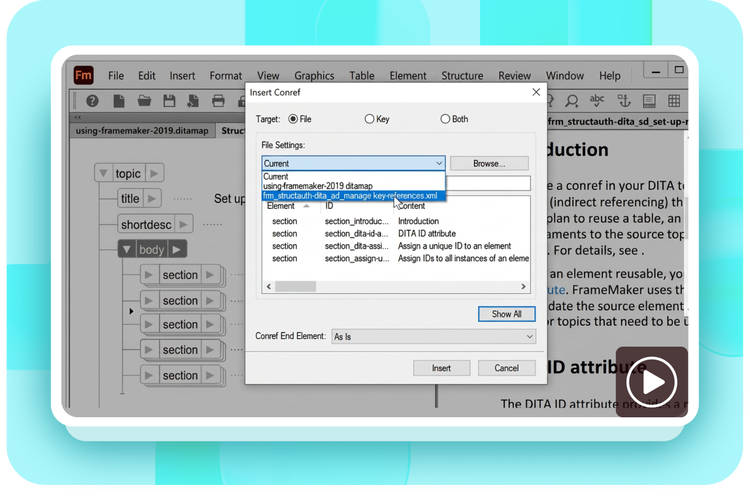
Reusing content is now easier with support for conrefed content (text/images). Other enhancements include the ability to choose the default keyspace for loading keys (for opened DITA map), setting a specific map for all keys loading while opening DITA documents, and more.

Work smarter by scheduling publishing tasks to run automatically using the powerful capabilities of Adobe FrameMaker Publishing Server.
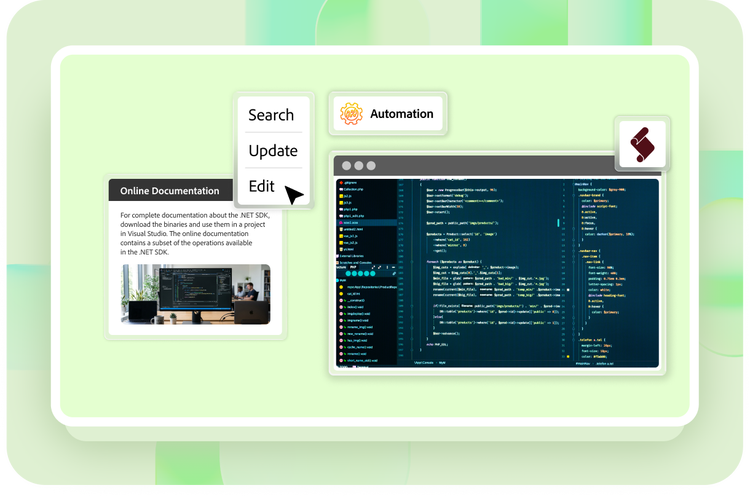
Create powerful scripts with Adobe ExtendScript, develop native plug-ins, or integrate with third-party services using the comprehensive FrameMaker API and Developer kit.





.