



• File size larger than 100 MB
  • Unable to process the request
  • We are unable to process this file type. Please try again.
  • Only one file can be uploaded at a time.
  • Image is smaller than the minimum dimensions (512 x 512 pixels). Please resize and try again.
cgen
ff_source=adobe-com&ff_campaign=3d-generator

Create 3D models and images from a prompt using Firefly as a 3D generator.

A 3D generator helps you to create images that simulate three-dimensional depth, lighting, shadows, materials and perspective. In Firefly, you can use Generate Image for free to go from picture to 3D model or create stlylised 3D imagery from a text prompt, no rendering skills required.

#ffffff

Explore a 3D model generator for polished renders.

Transform a product photo, concept sketch, rough draft or visual reference into a polished 3D model in minutes. Firefly image-to-image AI helps preserve the original composition while adding photorealistic depth, lighting, shadows and material detail, so you can turn an early idea into a more dimensional image without starting from scratch.

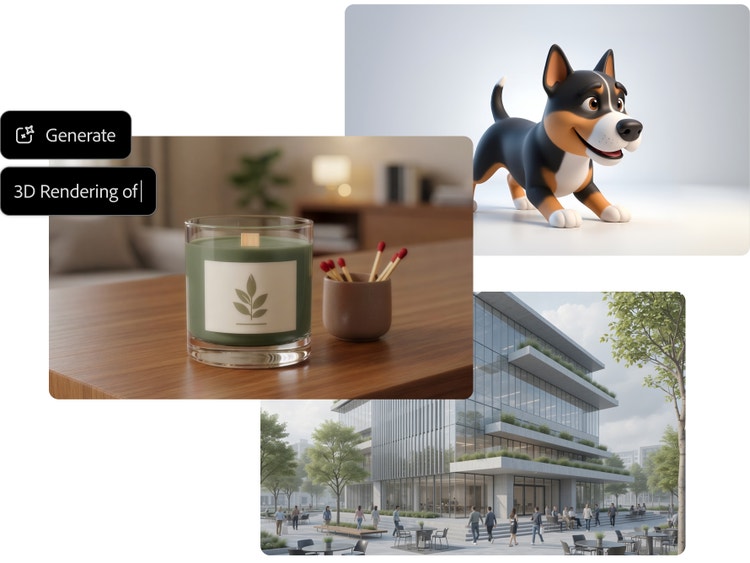
Collage of AI-generated images showing a 3D cartoon dog, a candle on a wooden table and a modern glass office building, with a prompt field for generating a 3D rendering.
#ffffff
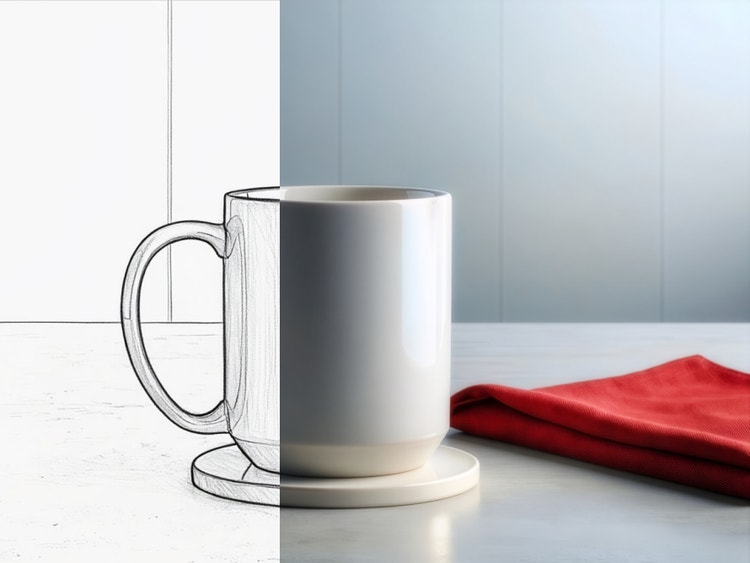
White ceramic mug transitioning from a black-and-white pencil sketch to a photorealistic image, with a folded red cloth beside it.

Use Firefly as your 3D model generator for any project.

From ecommerce product renders and branded campaign visuals to video game characters and architectural concepts, Firefly Generate Image makes it easy to create polished 3D-style compositions in minutes. Start with a text prompt or reference image, then use Firefly to turn an image to 3D model to guide the look, composition and style. No complex design skills required.

#ffffff

Edit, refine and perfect your 3D-generated images.

After you create a 3D image, you can continue refining it with the Firefly photo editor. Remove unwanted objects or backgrounds, expand the frame, adjust lighting and composition or make targeted edits to specific areas of the image. From ecommerce renders to architectural concepts and branded visuals, Firefly helps you to move from first idea to finished asset seamlessly.

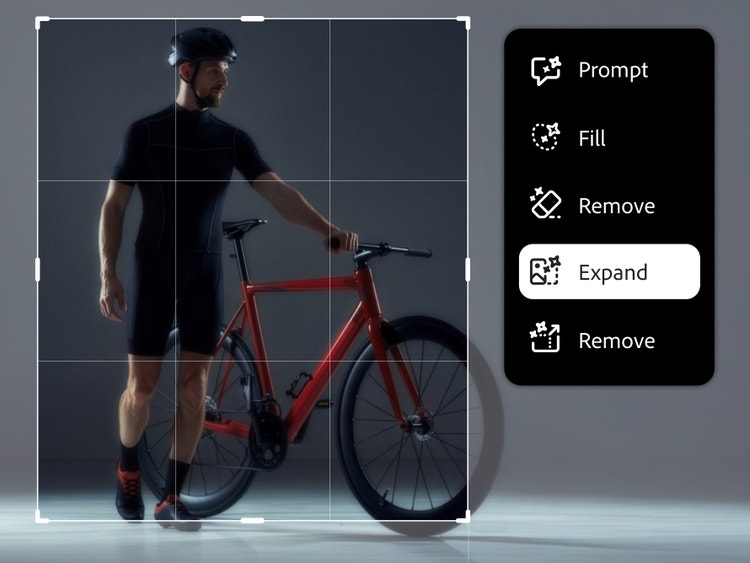
Cyclist standing beside a red bicycle within an image editing interface, with the Expand tool selected to extend the image beyond its original frame.
#ffffff
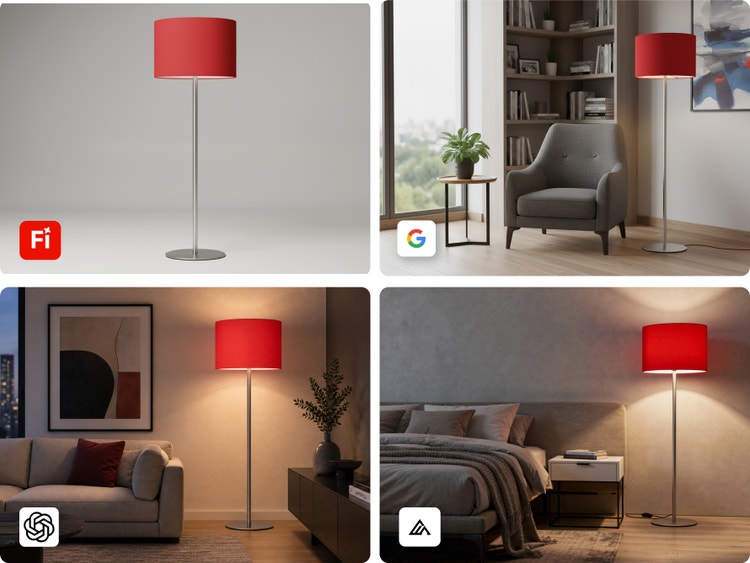
Four AI-generated variations featuring the same red floor lamp, shown as a stand-alone product and styled in sitting room, lounge and bedroom interiors.

Discover more 3D generator workflows in Firefly.

Use the Firefly Image Model or partner models, like FLUX and Gemini, to explore different aesthetics, rendering styles and creative directions in the same Firefly workspace. Once you generate your 3D image, you can open it in Adobe Photoshop for compositing and retouching, bring it into Adobe Express for social publishing, take it to Generate Video for even further use on social media or continue refining across Creative Cloud apps.

How to generate a 3D image with Adobe Firefly.

Why use Firefly as your 3D image generator?

Use Firefly as a free 3D generator to create photorealistic images from a text prompt or explore Firefly image-to-image AI with a reference image. Whether you’re trying an AI 3D model generator for the first time or creating commercial content, you can quickly move from an idea to a polished visual.

#FFF
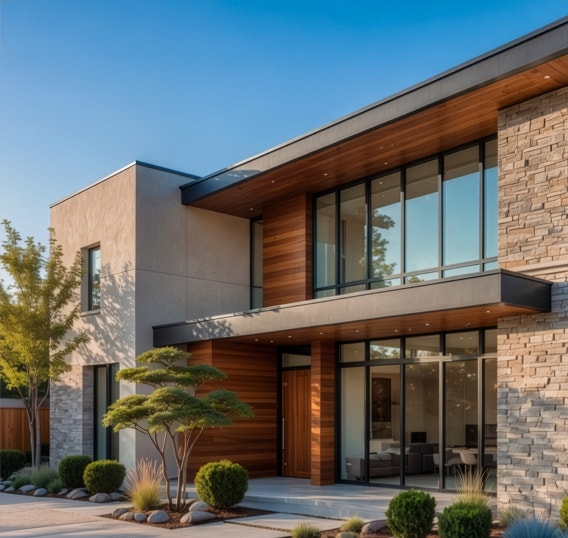
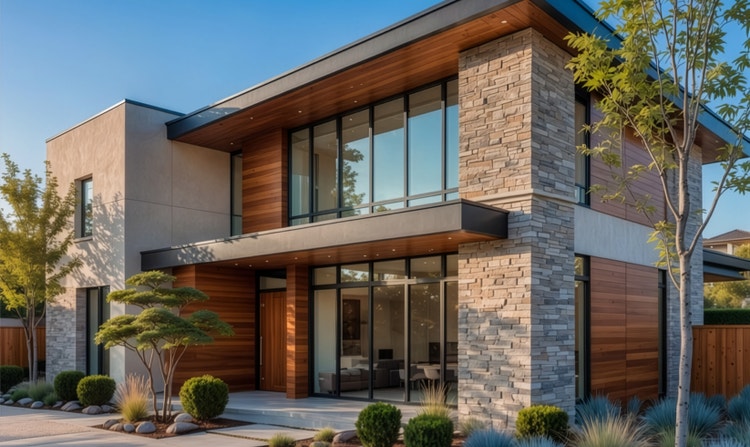
Photorealistic 3D rendering of a modern two-story home with stone, wood and glass details surrounded by landscaped greenery.

Studio-quality 3D images without the software

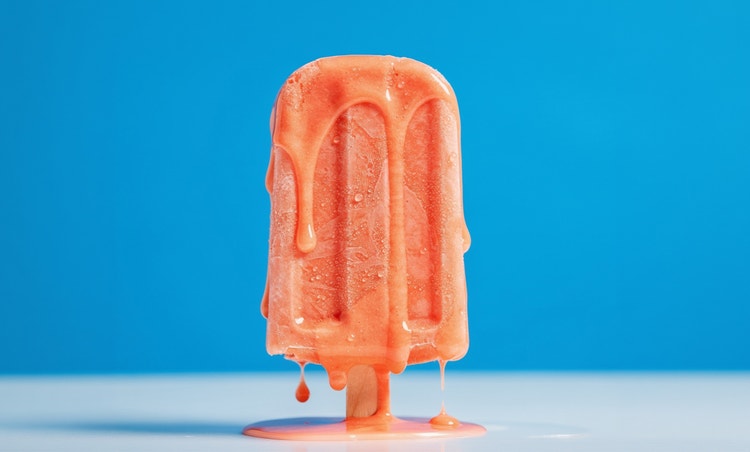
Firefly generates 3D-style visuals with realistic depth, lighting, shadows and material detail, helping creators iterate and ideate quickly before committing to a creative direction.

#FFF
Stlylised cartoon tree character giving a thumbs-up, shown with several 3D character variations.

Full creative range

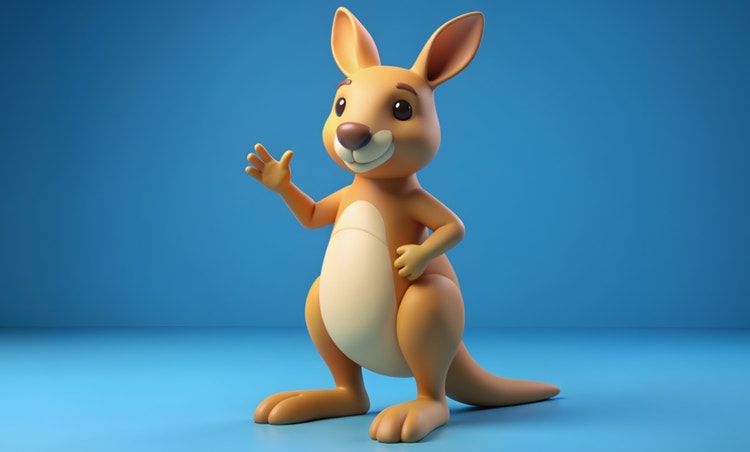
Use the Firefly 3D model generator to create everything from hyperrealistic product renders and architectural visualisations to stlylised characters, abstract sculptures and isometric 3D scenes.

#FFF
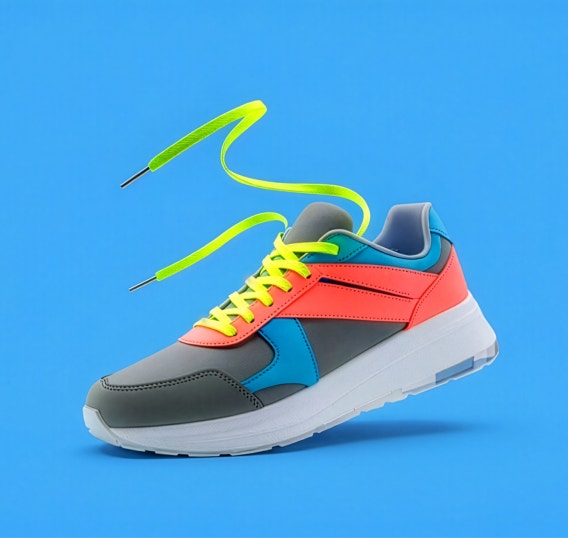
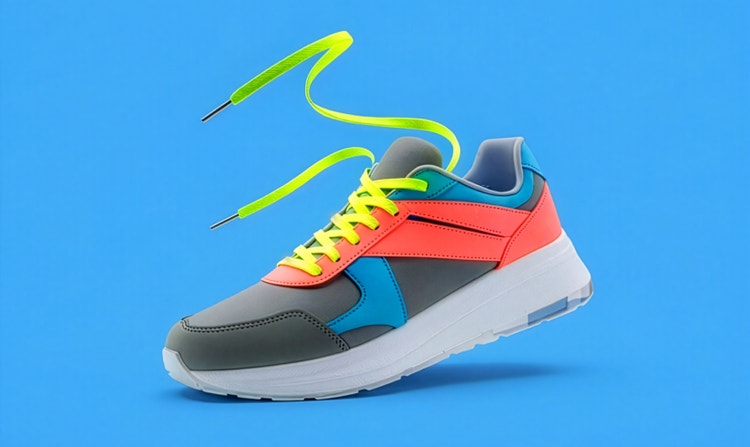
Colourful 3D-rendered sneaker with neon yellow laces suspended above a bright blue background.

More models to choose from

Explore different looks across Firefly and AI partner models like GPT Image, FLUX and Gemini. Each model brings a different style, tone and level of realism to your 3D image.

#FFF
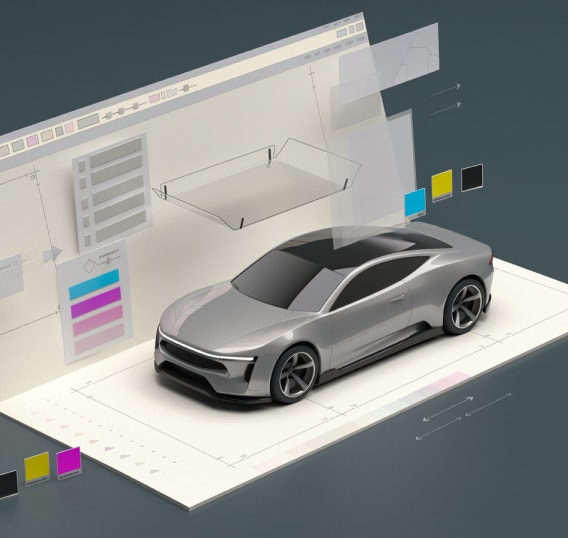
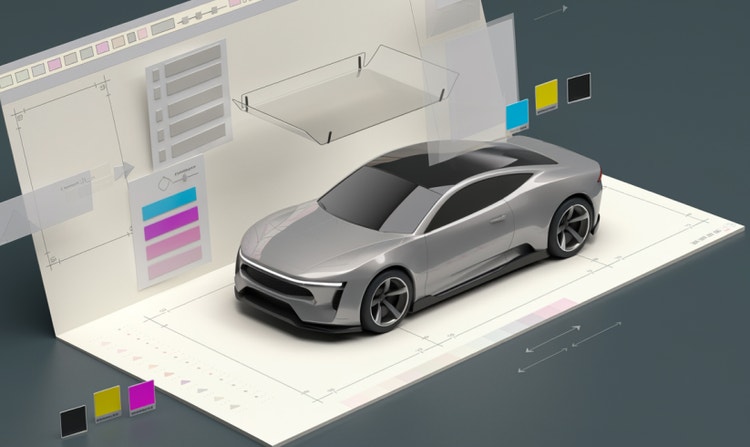
3D model of a silver concept car displayed within a digital design workspace with modelling guides and colour controls.

Seamless workflows

Keep refining your 3D images without interrupting your process. Animate it into a short video, refine it with built-in editing tools or bring it into other Adobe apps for additional design, retouching and publishing. From first prompt to final asset, Firefly helps you to move quickly from idea to polished output.

See what you can do in Firefly.

Discover even more features.

Questions? We have answers.

Share this page.

#F0F0F7

Explore more Firefly tools.