https://main--cc--adobecom.aem.live/cc-shared/assets/img/firefly.svg Adobe Firefly

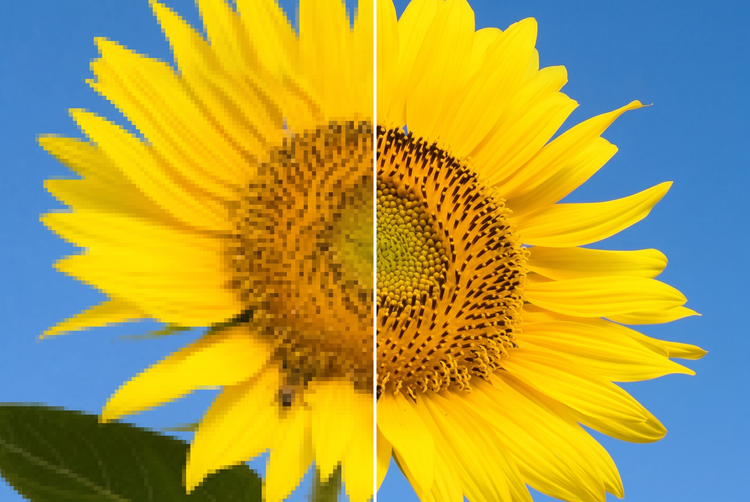
Enlarge and sharpen your photos for free with the 4K upscaler.
Upload any photo and Adobe Firefly increases its resolution up to 4K, adding sharp detail without stretching or distorting your original image.

Or tap here
File must be JPEG (JPG), PNG or WEBP and up to 100 MB.
By uploading your image or video, you agree to the Adobe Terms of Use and Privacy Policy and confirm you are 18 years of age or older.
Or tap here
File must be JPEG (JPG), PNG or WEBP and up to 100 MB.
By uploading your image or video, you agree to the Adobe Terms of Use and Privacy Policy and confirm you are 18 years of age or older.
Or drag and drop here
File must be JPEG (JPG), PNG or WEBP and up to 100 MB.
By uploading your image or video, you agree to the Adobe Terms of Use and Privacy Policy and confirm you are 18 years of age or older.
- File size larger than 100 MB
- Unable to process the request
- We are unable to process this file type. Please try again.
- Only one file can be uploaded at a time.
- Image is smaller than the minimum dimensions (512 x 512 pixels). Please resize and try again.

{{nbsp}}
Quickly upscale any photo to 4K resolution.
Enhance a photo before printing, framing or sharing for free with the 4K image upscaler in Adobe Firefly.
Add resolution without losing detail.
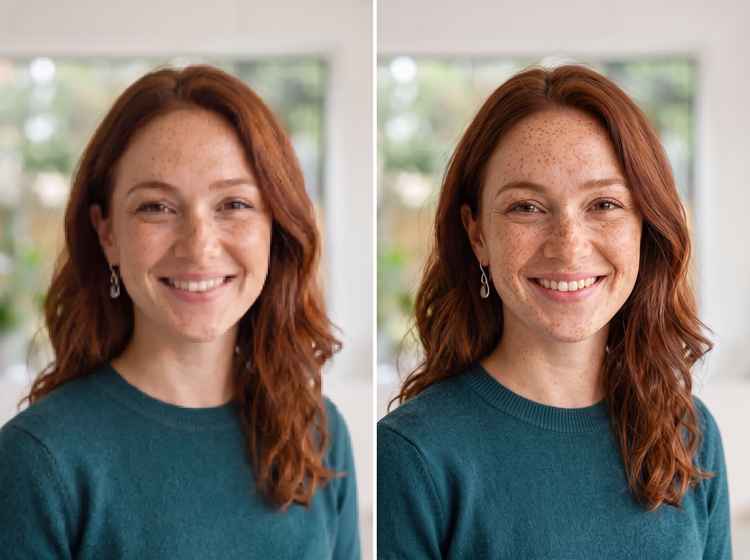
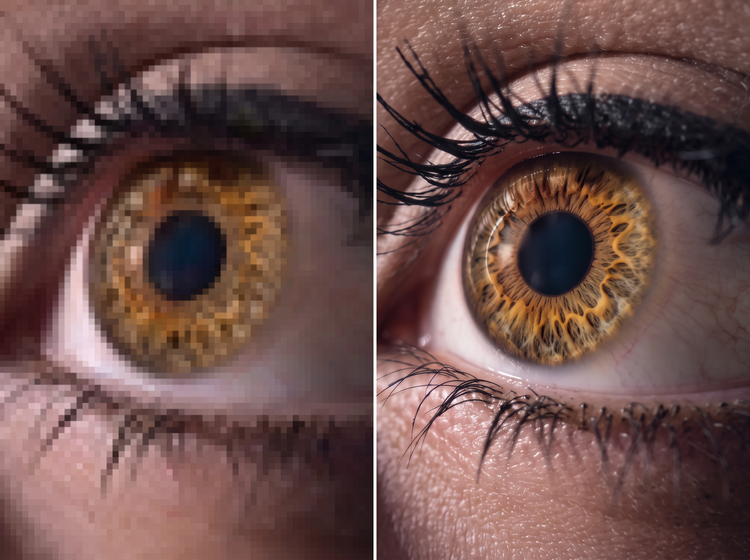
Adobe Firefly adds fine detail to your photo as it increases the pixel count, so edges, textures and small elements stay clear when your image gets bigger.
Prepare photos for print and display.
Turn a lower-resolution snapshot into a photo that holds up on a poster, canvas print or large screen, without blur or pixelation creeping in.
Combine with other Adobe Firefly tools.
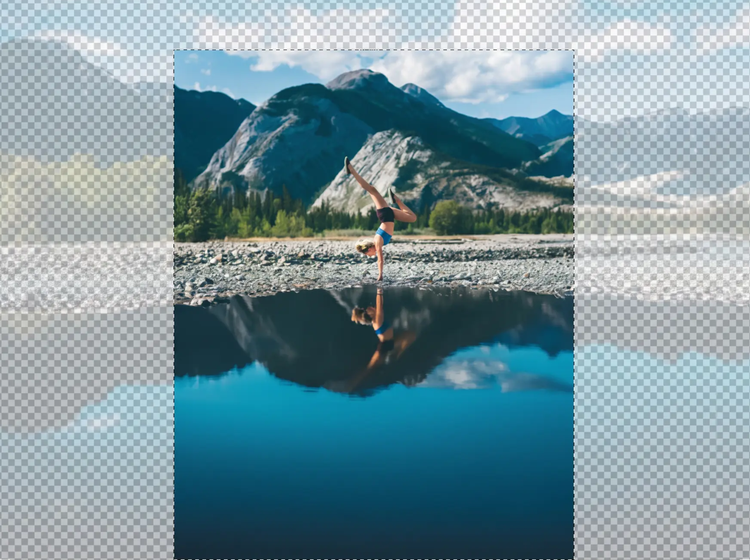
Pair 4K upscale with Generative Expand to widen your canvas or with photo manipulation to adjust specific parts of the scene before you enlarge it.
How to upscale a photo to 4K with Adobe Firefly.
Step 1
Open Adobe Firefly and select Edit Image.
Step 2
Upload your photo.
Step 3
Select the Upscale tool.
Step 4
Generate and review your results.
Step 5
Download and use your upscaled photo.
Steps on how to increase a photo’s resolution to 4K using Adobe Firefly.
PT4M
firefly
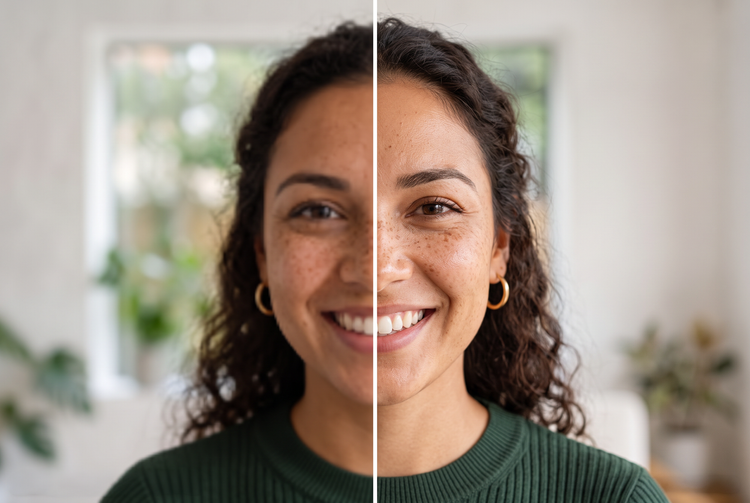
Precise creative control
Choose exactly how much detail to add and preview the result before you commit. Fine-tune the enhancement so your photo looks sharp without looking artificial.


Top AI models, all in one place
Adobe Firefly brings together its own models and partner models from Topaz. Generate with the model that’s best suited to your style, without switching between tools.

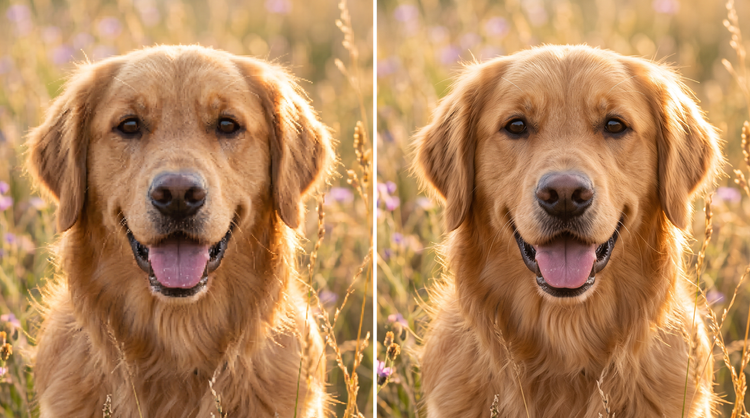
Your complete creative studio
One studio carries you from a first upload to a finished image. Enhance resolution, refine details and regenerate all in Adobe Firefly.

Built for creators
Get fast results when you need them using intuitive tools that automate common image edits. Dial in the details with precision tools when details matter. Firefly adapts to the way you create.