https://main--cc--adobecom.aem.live/cc-shared/assets/img/firefly.svg Adobe Firefly

Free AI haircut generator: Preview your next cut with Adobe Firefly.
Upload a photo and preview a new haircut before you sit in the chair. Adobe Firefly shows you lengths, layers and shapes so you know exactly what to ask for.


Or tap here
File must be JPEG (JPG), PNG or WEBP and up to 100 MB.
By uploading your image or video, you agree to the Adobe Terms of Use and Privacy Policy and confirm you are 18 years of age or older.
https://main--cc--adobecom.aem.live/cc-shared/assets/svg/s2-icon-upload-20-n.svg Upload your photo
Or tap here
File must be JPEG (JPG), PNG or WEBP and up to 100 MB.
By uploading your image or video, you agree to the Adobe Terms of Use and Privacy Policy and confirm you are 18 years of age or older.
https://main--cc--adobecom.aem.live/cc-shared/assets/svg/s2-icon-upload-20-n.svg Upload your photo
Or drag and drop here
File must be JPEG (JPG), PNG or WEBP and up to 100 MB.
By uploading your image or video, you agree to the Adobe Terms of Use and Privacy Policy and confirm you are 18 years of age or older.
- File size larger than 100 MB
- Unable to process the request
- We are unable to process this file type. Please try again.
- Only one file can be uploaded at a time.
- Image is smaller than the minimum dimensions (512 x 512 pixels). Please resize and try again.

https://main--cc--adobecom.aem.live/cc-shared/assets/img/product-icons/svg/firefly-80.svg
Adobe Firefly
https://main--cc--adobecom.aem.live/cc-shared/assets/img/product-icons/svg/firefly-80.svg
Adobe Firefly
The next evolution of creative AI is here for all your ideas, with image, video, audio and vector tools.
Try a new haircut without the commitment.
With a free AI haircut generator from Adobe Firefly, you can upload a photo and preview different lengths, layers and shapes before you book your appointment. See how an edgy pixie or a soft lob would look on you, then walk into the salon with a clear picture in hand.
See your next haircut on your own photo.
Upload a photo of yourself and Adobe Firefly will generate a realistic preview of how a new cut would look on you. Try a blunt bob, a wolf cut or long layers and see how they look with your actual features, rather than a generic model. Compare as many lengths and shapes as you like before you decide.
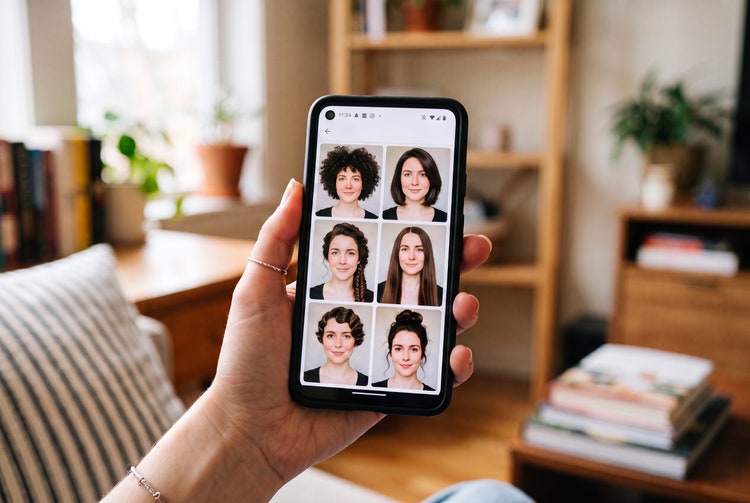
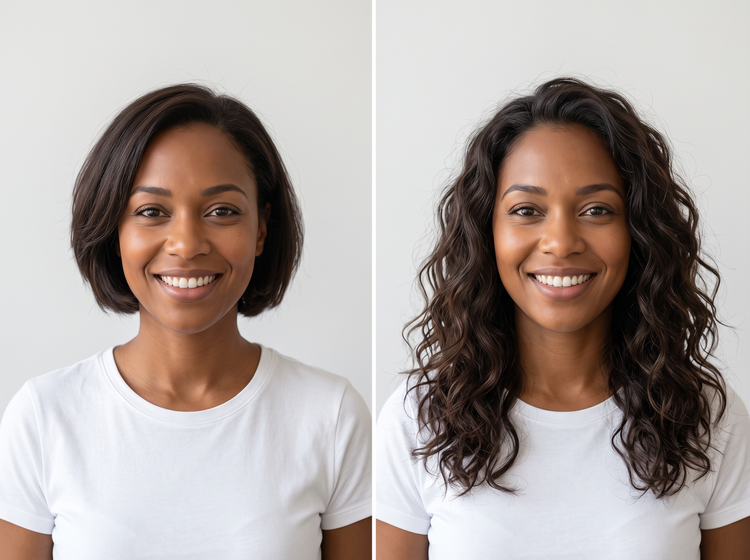
Compare lengths and shapes side by side.
Generate more than one version of your photo so you can weigh your options directly against each other. Put a chin-length bob next to your current length or set straight blunt-cut fringe against softer curtain fringe. Adobe Firefly will keep your face shape and features consistent across every preview, so the cut is the only thing that changes.
Refine your cut with precise prompts.
Adjust your prompt to describe exactly what you want. Ask for a shorter length, a blunter edge or a different fringe shape and Adobe Firefly will regenerate your preview to match. Use Generate Image to keep exploring or take your favourite result further in another Adobe app.
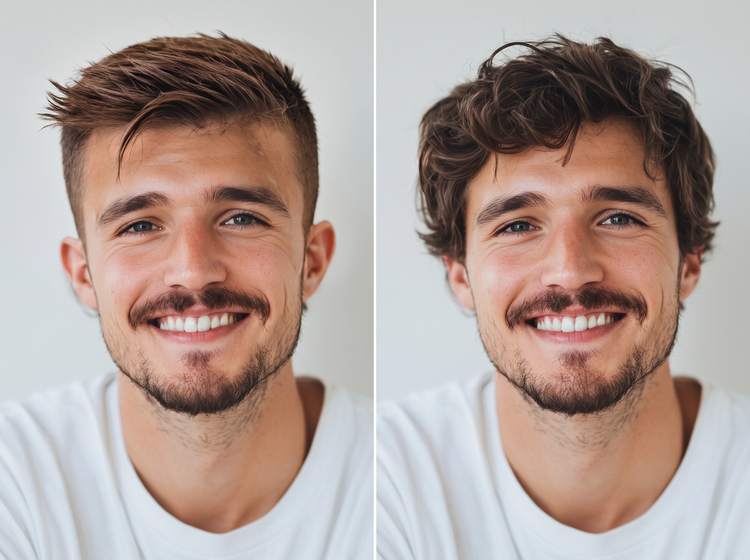
How to generate a haircut preview with Adobe Firefly.
Step 1
Open Adobe Firefly.
Step 2
Upload your photo.
Step 3
Describe the haircut you want.
Step 4
Generate and compare results.
Step 5
Download and share.
- How to generate a haircut preview with Adobe Firefly.
- Steps to try a virtual haircut preview using Adobe Firefly.
- PT5M
- firefly
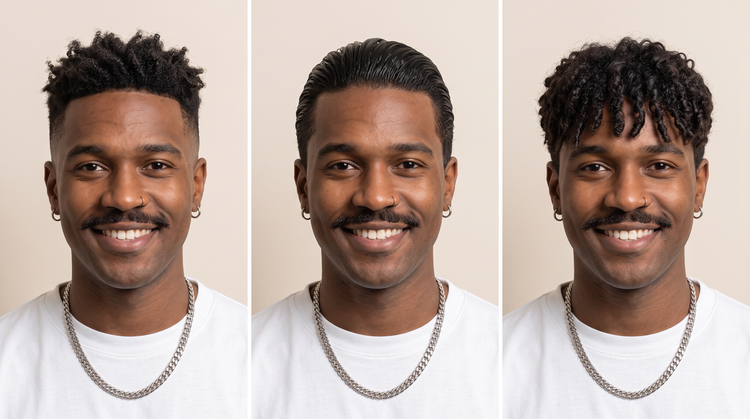
Precise creative control
Set the exact length, layering and fringe shape you want in your prompt, then adjust and regenerate until the preview matches what you have in mind. You decide the cut. Adobe Firefly will build the preview around it.
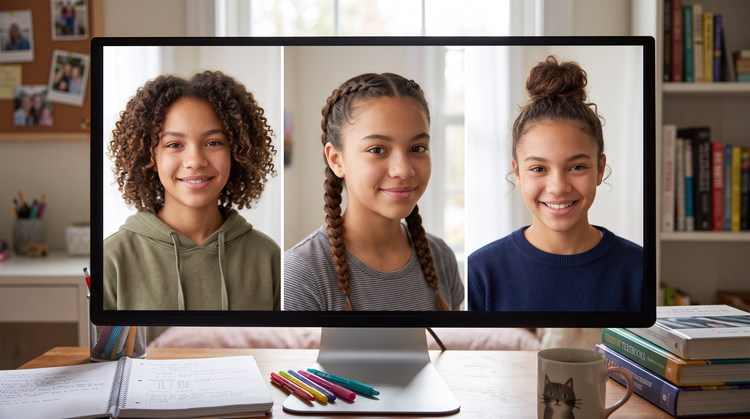
Top AI models, all in one place
Adobe Firefly brings together its own models and top partner models from Google, OpenAI, FLUX and more. Build your images with the model that’s best suited to your style, without switching between tools.
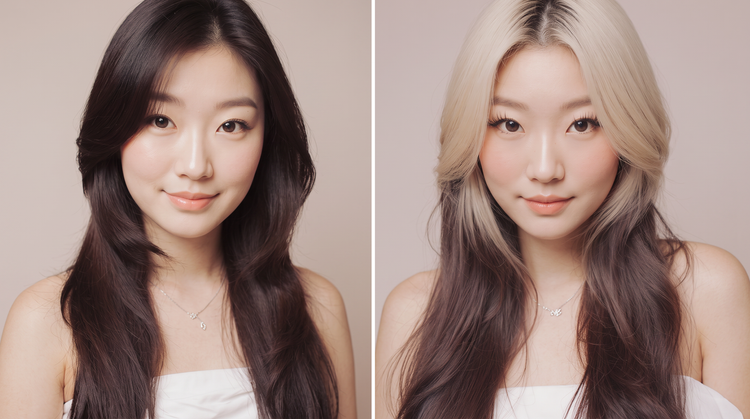
Realistic results
Based on your photo, the AI haircut generator in Adobe Firefly will preserve your face shape, hairline and features, so you can get an accurate idea of how each cut and style will look on you.
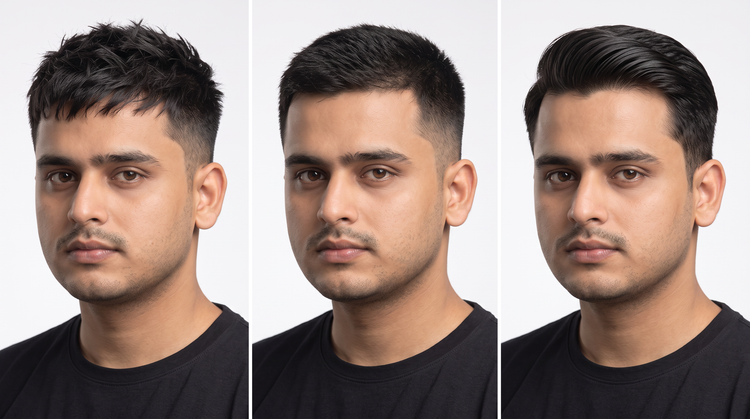
Seamless integration
Take your haircut preview further. Open it in Photoshop on the web for detailed retouching or bring it into Adobe Express to put together a before-and-after to share with your stylist.