linear-gradient(180deg, rgba(255, 255, 255, 1) 50%, rgba(255, 255, 255, 0) 100%) , linear-gradient(180deg, rgba(255, 255, 255, 1) 35%, rgba(255, 255, 255, 0) 90%) , linear-gradient(90deg, rgba(254, 81, 70, 1) 0%, rgba(179, 11, 0, 1) 100%)
con-block-row-lockup (m-icon)
https://main--dc--adobecom.aem.live/dc-shared/assets/images/product-icons/svg/acrobat-pro-64.svg Adobe Acrobat

Work smarter with a 14-day free trial for your team.

With Acrobat Pro for teams and AI Assistant, you have full access to advanced PDF tools so you can work anywhere, on any device.

PRICE - ABM - Adobe Acrobat Pro and AI Assistant for teams for the {{annual-paid-monthly-plan}}. Other annual plans available.

con-block-row-supplemental (s-body)
Fee applies of half your remaining annual commitment if you cancel 14 days after your free trial ends. | top | If you cancel 14 days after your free trial ends, your service will only continue until the end of that month’s billing period.
con-block-row-text
{{start-free-trial}} | Start free trial Acrobat Pro and AI Assistant for teams See plans and pricing | See plans and pricing Acrobat for business
con-block-row-list
  • Free trial includes premium features on desktop, web, and mobile
  • Get up to 10 licenses with free trial plus an admin console for easy management

How the 14-day free trial works.

Try Acrobat Pro for teams and Acrobat AI Assistant with a 14-day free trial. You won’t be charged until after your free trial ends, and then you’ll still have an extra 14 days to cancel and receive a full refund.

linear-gradient(to right, #f47ab2 0, #FFCE2E 100%)

Day 1

Start your free trial today | 14-day free trial

#FFCE2E

Day 15

Your subscription starts and billing begins. | 14-day full refund period

Day 28

Full refund period ends.

What can you do with your free trial of Acrobat Pro and AI Assistant?

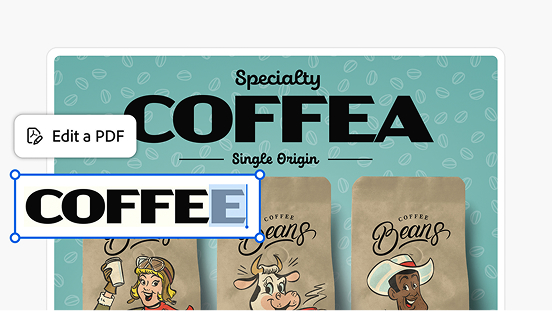
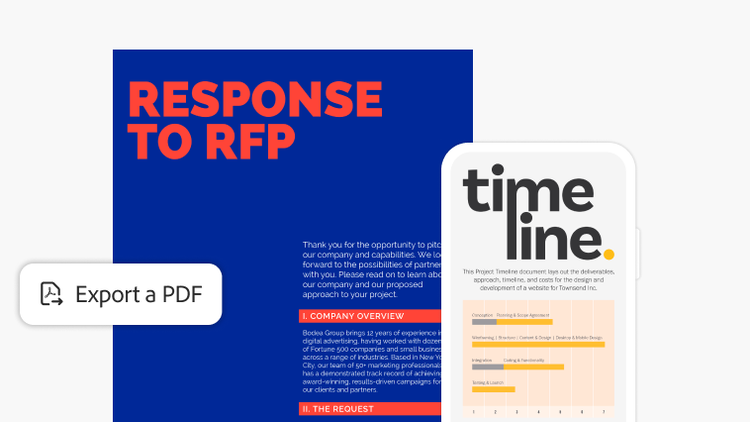
Convert file types.

Turn your PDF into a different file type and vice versa. Converting file types is simple and easy with Acrobat.

Organize and reorder pages.

Organize and reorder pages.

Add and reorder pages simply by dragging and dropping. Easily delete any you don’t need.
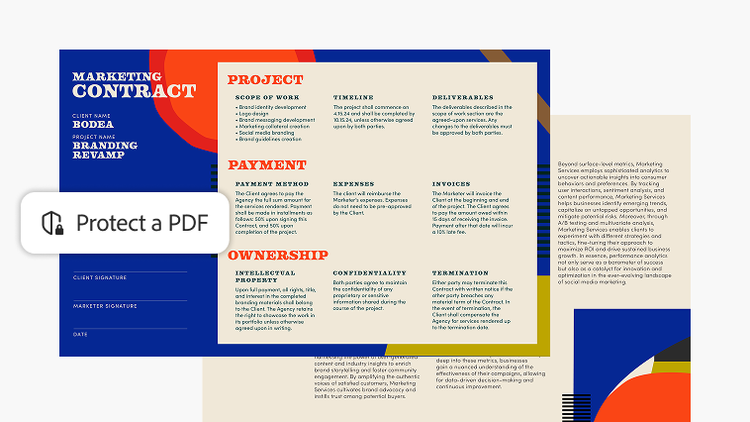
Keep documents safe.

Protect sensitive documents with a password. Use other security features to restrict editing, printing, copying, and more.
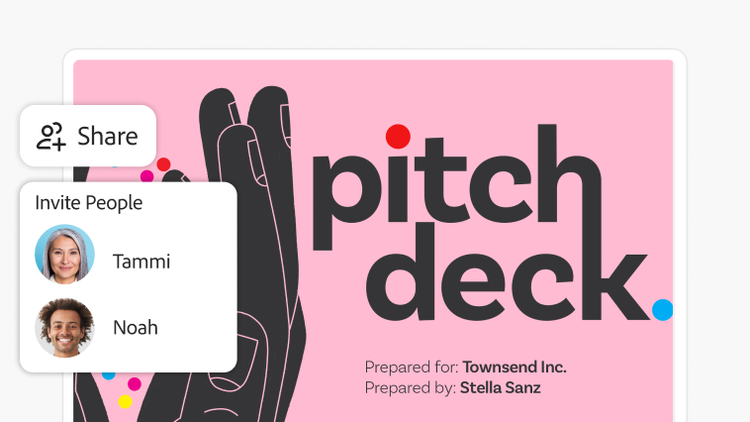
Share and get feedback.

Send documents to anyone with a link. Reviewers can leave comments and make annotations without logging in.
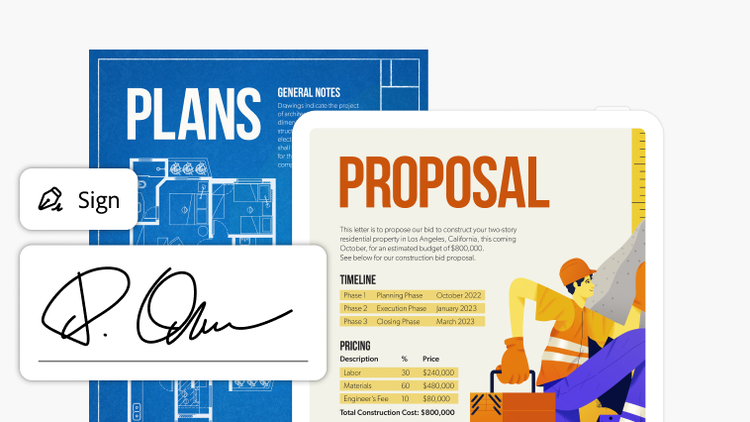
E-sign and request signatures.

Fill and sign PDFs wherever you are. Send files out for signature — no login needed for recipients.

#F8F8F8

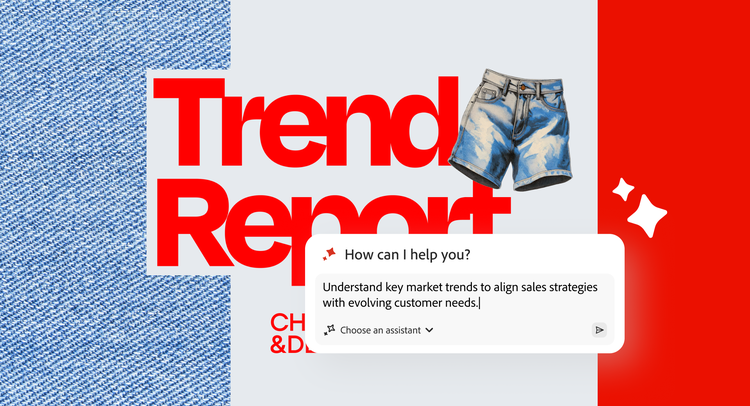
Unlock insights and next steps with PDF Spaces.

Bring all your project files into one workspace and ask AI Assistant questions to get deep insights with precise citations.
Learn More

Your free trial comes with more than great tools.

https://main--da-dc--adobecom.aem.page/dc-shared/fragments/acrobat/discover-small-business-video-blade

Questions? We have answers.

How many people on my team can get the free trial?
The free trial of Acrobat Pro for teams with AI Assistant is available for up to 10 licenses, so your team can explore PDF and e-signature workflows, get AI-powered insights from their documents, and share and collaborate with greater ease.
How do I download and install my free trial version?
After clicking Start free trial on this web page, you’ll be asked to provide your email address. If you already have an Adobe ID you’ll be asked to sign in. Otherwise, follow the steps to start your free trial.
When does the free trial period officially begin?
The free trial period begins on the day you sign up. At the end of the free trial period, your payment method will be charged unless you cancel. Cancel before your free trial ends and you won't be charged. When the free trial expires, you can still use Acrobat to view PDFs, comment, and fill forms. To access premium features again, you’ll need to purchase Acrobat.
Can I get technical support or help during my free trial period?
Yes. Visit our support page to access a range of free information, including tutorials, forums, and expert advice.
What are the differences between the Acrobat for teams and Acrobat for enterprise plans?

Acrobat for teams plans are designed for small and midsize teams that need full-feature PDF and e-signature solutions.

Acrobat for enterprise plans are designed for large organizations with complex needs. They’re best for customers that need full-feature PDF solutions with enterprise-level control and management — with or without embedded e-signature capabilities.

What’s the difference between Acrobat Pro and Acrobat Studio?
Acrobat Pro delivers powerful tools for working with PDFs and creating and managing e-signatures. Acrobat Studio is our most advanced Acrobat offering, bringing together productivity and creativity tools in a secure, all-in-one solution. It includes everything in Acrobat Pro as well as Acrobat AI Assistant and PDF Spaces to unlock insights across documents plus Adobe Express Premium, the app that makes content creation quick and easy for everyone in your organization. The latest features in PDF Spaces help you collaborate smarter and easily remix your documents with AI to generate presentations and podcast-style audio.
What do I get with the business plan that I don’t get with an individual plan?

Acrobat business plans include the Acrobat for teams and Acrobat for enterprise plans. By choosing one of our business plans, you’ll be able to seamlessly add users as your organization grows. With an individual plan, you’ll only have access to a single license for one user.

With our business plans, you’ll also get organization-level benefits. These include an admin console for simplified license management, 24x7 tech support, and company ownership and access to your critical documents.


Where can I learn more about all the integrations you offer with Acrobat solutions?
You can learn more on our integrations page.
Where can I learn about your document security standards?
Acrobat is backed by Adobe’s security standards. Learn more
In what languages is Acrobat available? What languages can I choose from?
See the Acrobat system requirements page for information.