



How to generate citations using Adobe Acrobat
An online citation generator takes the guesswork out of bibliographies, automatically formatting your sources in APA, MLA, Chicago, and other styles in seconds.
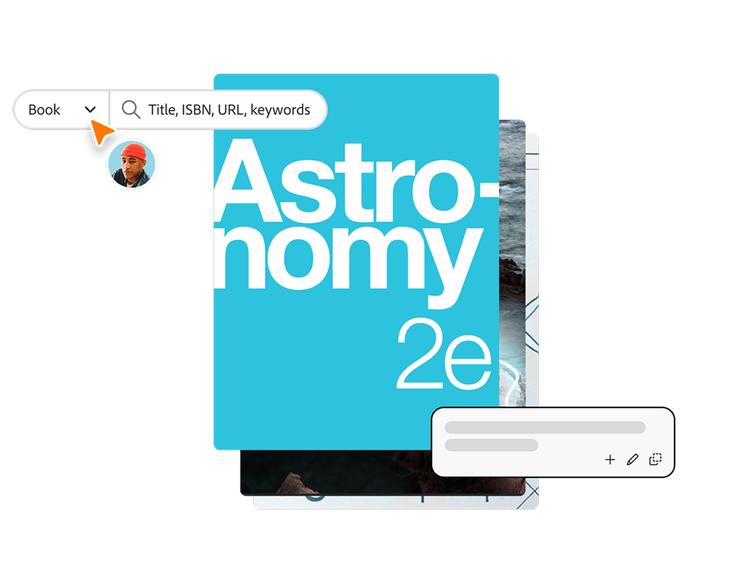
How to use Student Spaces in Acrobat as a citation generator
Student Spaces provides an intuitive way to generate properly formatted citations, no matter your source. Follow these steps to create accurate references for your academic work.
1. Navigate to Student Spaces.
Student Spaces is free to use, no login required. This dedicated learning environment includes several tools designed specifically for students and researchers, including the ability to generate citations.
2. Upload your source or use the chat function.
You have two options for generating citations. Upload a document directly, such as a PDF of an article, or use the chat function to request a citation. Provide details about your source, including the author, title, publication date, and other relevant information.
3. Specify citation format.
Select your required citation style from the available options. The three most popular academic formats are American Psychological Association (APA), Modern Language Association (MLA), and Chicago style.
4. Use your generated citation.
Once your citation is generated, review to verify that all information is accurate. You can use either in-text references that live within your paper or full citations that are used to create a bibliography, then submit your work.
Generate citations for free – APA, MLA, Chicago, and more
Whether you're racing to finish a research paper or preparing an essay for a deadline, you have likely felt the tedium of correct citation formatting. Team up with Student Spaces in Acrobat to get reliable, well-formatted citations in seconds. Simply enter a URL, ISBN, DOI, or source title, and the tool handles the rest, so you can spend less time worrying about punctuation and more time focused on your ideas.
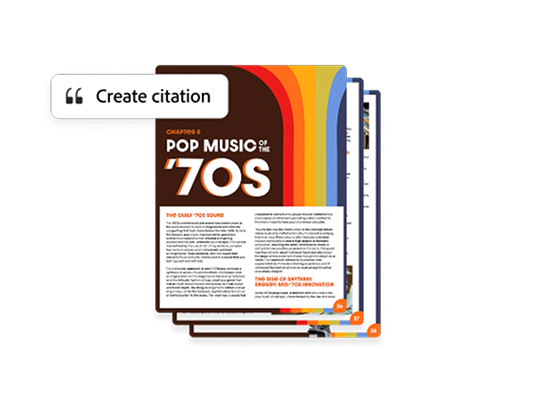
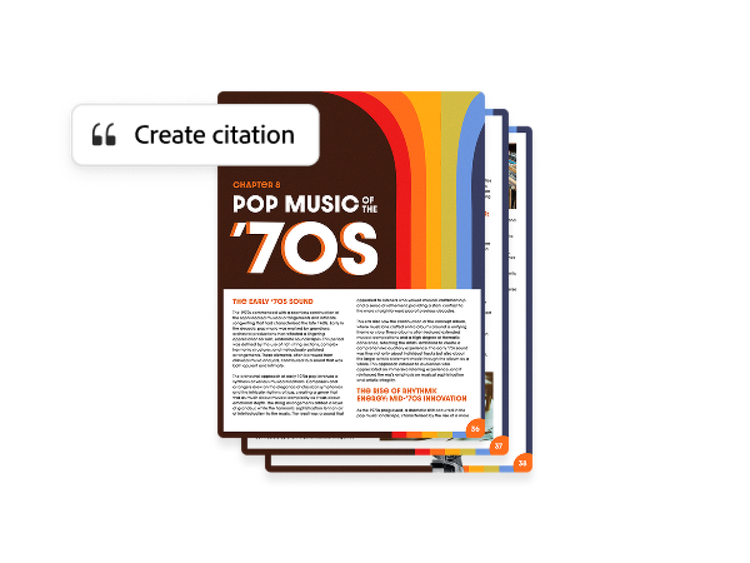
Need citations? Just ask.
Ask for what you need in plain language, and Student Spaces in Acrobat takes it from there. It provides sources formatted according to style guidelines, giving you ready-to-use citations in seconds.
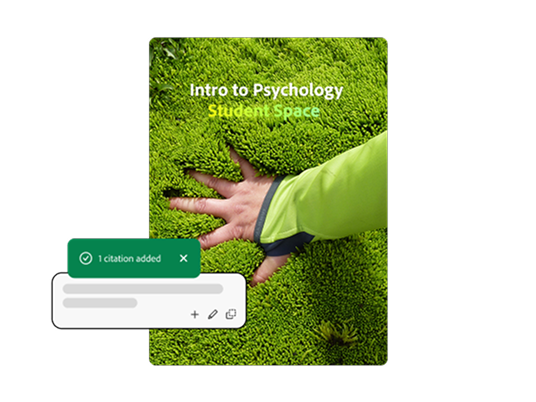
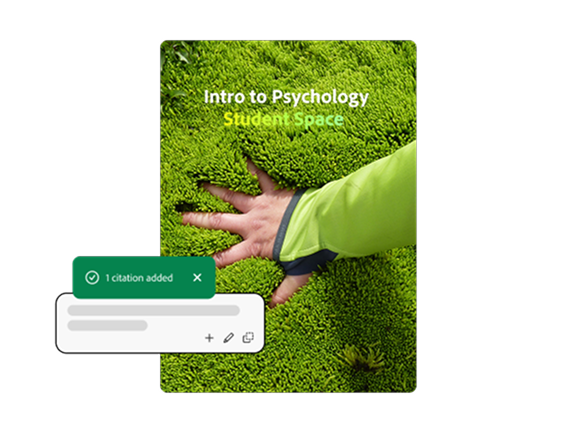
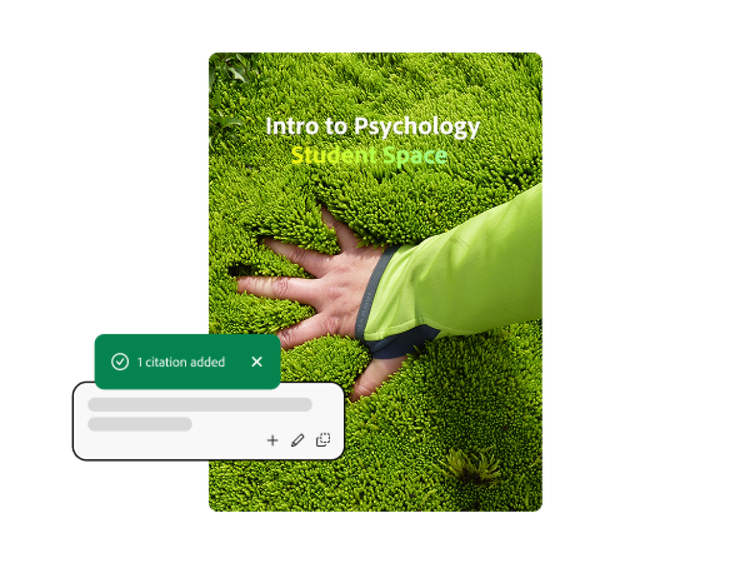
Get what you need, ready to use.
Generate sources that are formatted to your requirements, ready to add directly to your paper. Choose between APA, MLA, and Chicago style formats.
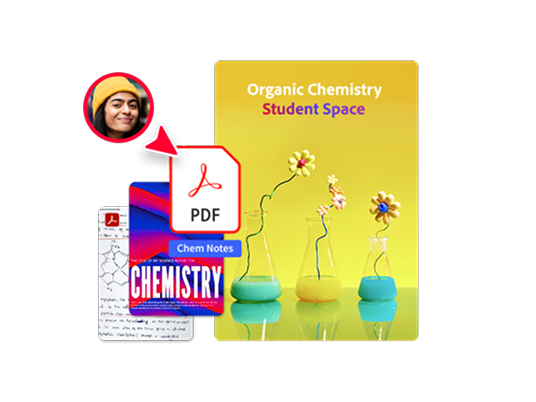
Build your own library of references.
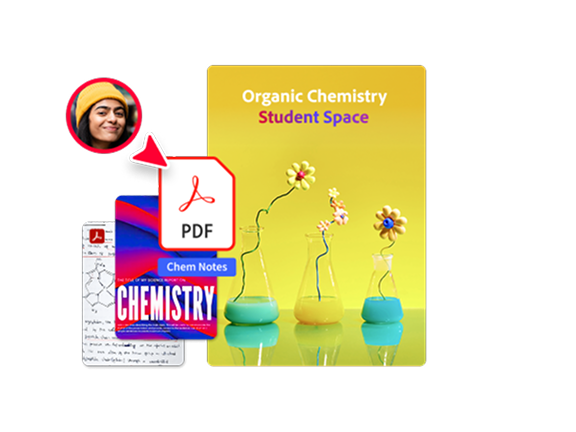
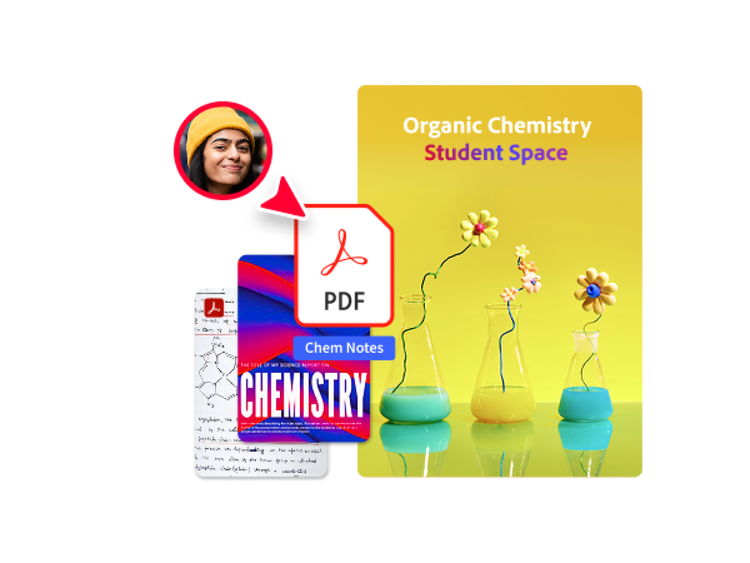
When you upload sources to Student Spaces, they are added to your file list. Save your work by creating an account so that you can return to a project and pick up right where you left off.
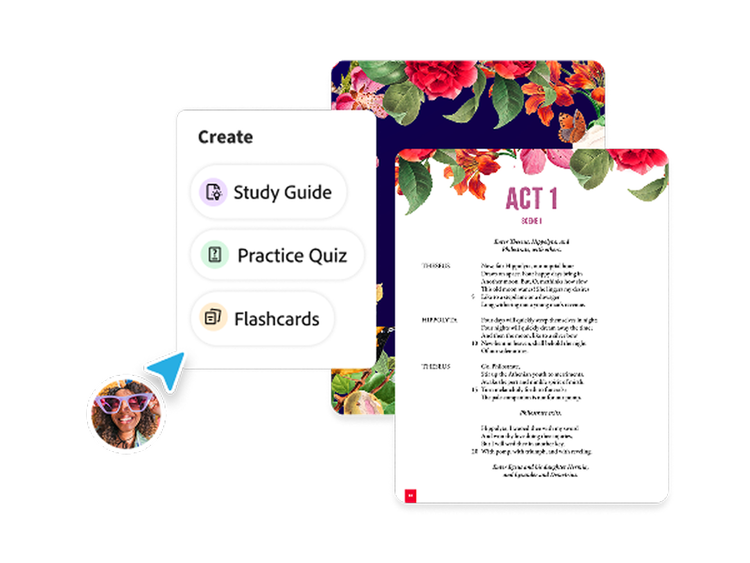
Do more with Student Spaces.
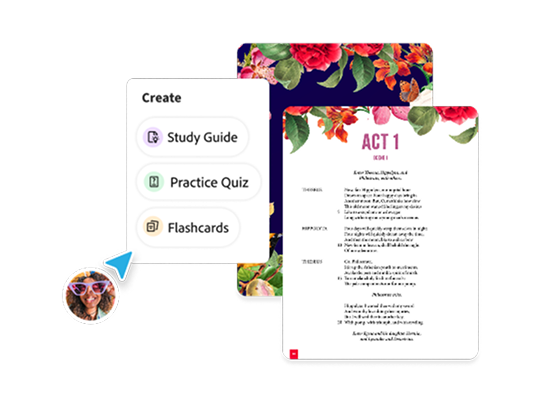
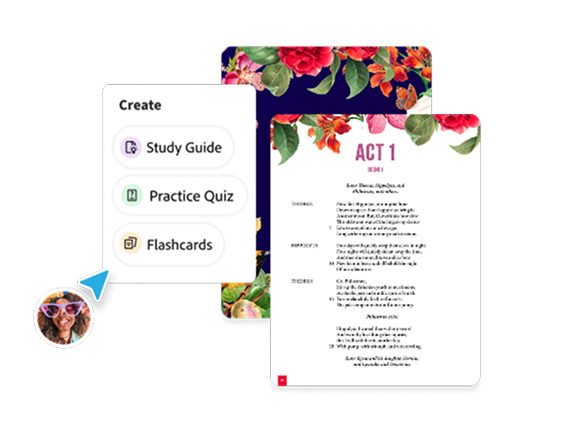
Your library is more than just a place to store documents. Summarize a paper, create flashcards, or quiz yourself to test your knowledge, all with your growing collection of trusted sources.
FAQs about citation generators
What citation styles can I use with Student Spaces in Adobe Acrobat?
Student Spaces in Acrobat allows you to generate citations in the following styles:
- APA 7th Edition
- MLA 9th Edition
- Chicago 17th — Notes-Bibliography
- Chicago 17th — Author-Date
- IEEE
- AMA 11th Edition
Are citation generators accurate?
Are citation generators allowed in academic work?
Can I cite websites and online sources with a citation generator?
What information do I need to generate a citation?
Can I save my citations for later use?
What's the difference between APA, MLA, and Chicago citation styles?
Do citation generators work for all types of sources?
Citation generators can format references for nearly any source type you encounter in academic research. This includes traditional sources like books, journal articles, and newspapers, as well as digital sources like websites, online databases, streaming videos, and podcasts. Student Spaces supports the following primary source types:
- Journal article
- Book or collection
- Webpage
- Report
- Online video
The generator prompts you for the specific information needed based on the source type you select.