https://main--cc--adobecom.aem.live/cc-shared/assets/img/firefly.svg Adobe Firefly

Create free cartoon art from a photo with Adobe Firefly.
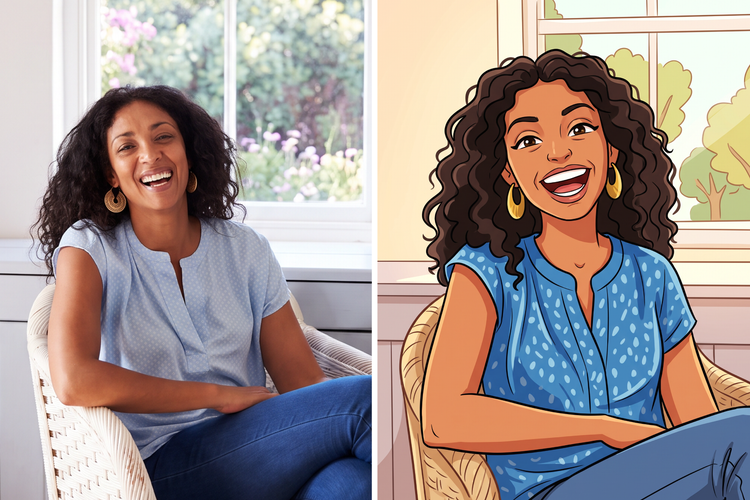
Upload a photo and get illustrated, cartoon-style art in your own colour palette and style. Adjust the prompt and generate as many versions as you like.

Or tap here
File must be JPEG (JPG), PNG or WEBP and up to 100 MB.
By uploading your image, you agree to the Adobe Terms of Use and Privacy Policy and confirm you are 18 years of age or older.
Or tap here
File must be JPEG (JPG), PNG or WEBP and up to 100 MB.
By uploading your image, you agree to the Adobe Terms of Use and Privacy Policy and confirm you are 18 years of age or older.
https://main--cc--adobecom.aem.live/cc-shared/assets/svg/s2-icon-upload-20-n.svg Upload your photo
Or drag and drop here
File must be JPEG (JPG), PNG or WEBP and up to 100 MB.
By uploading your image, you agree to the Adobe Terms of Use and Privacy Policy and confirm you are 18 years of age or older.
- File size larger than 100 MB
- Unable to process the request
- We are unable to process this file type. Please try again.
- Only one file can be uploaded at a time.
- Image is smaller than the minimum dimensions (512 x 512 pixels). Please resize and try again.
https://main--cc--adobecom.aem.live/cc-shared/assets/img/product-icons/svg/firefly-80.svg

Adobe Firefly
The next evolution of creative AI is here for all your ideas, with image, video, audio and vector tools.
What is a photo to cartoon generator?
A photo to cartoon generator turns an everyday photo into illustrated, cartoon-style artwork, so you don't need design software experience to get started. Upload a photo, describe the style you want and Adobe Firefly will turn it into stlylised artwork for free.
Use commercially safe cartoon art with confidence.
Adobe Firefly models generate content that is commercially safe, so you can use your cartoon-style images for marketing, merchandise, social content or client work. Because Firefly connects directly to Creative Cloud apps, your finished art stays editable and ready for further refinement.
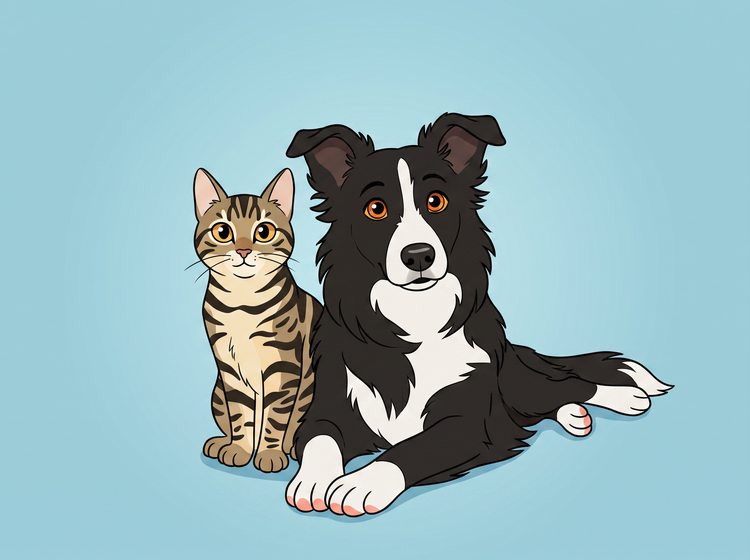
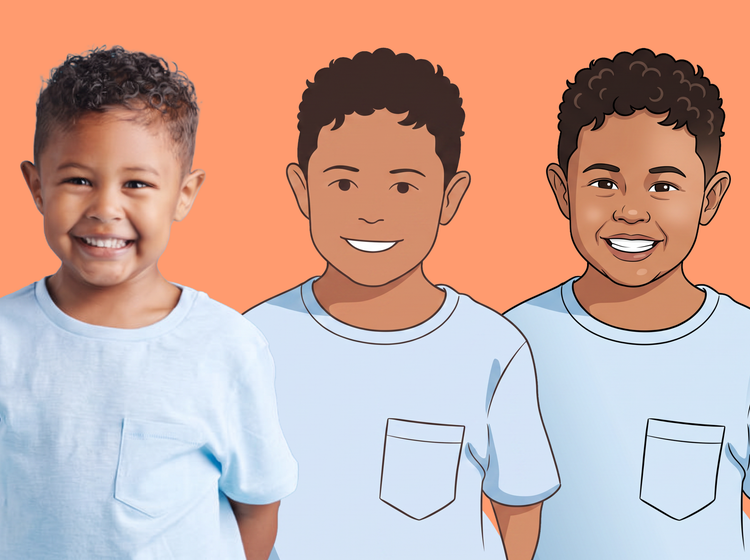
Explore a range of cartoon styles from a single photo.
Try a few style directions from the same photo. Adjust your prompt and apply different style settings to get a new look, then pick the one that feels right.
Take your cartoon art anywhere you need it.
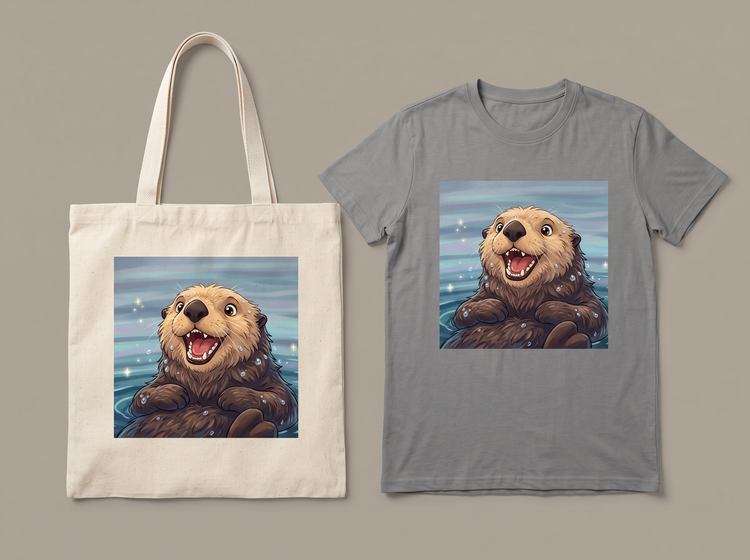
Because your image stays editable, you can adapt one design for social posts, a printed piece or a larger project without starting again. Download your finished piece and use it wherever your idea takes you.
How to turn a photo into cartoon art with Adobe Firefly.
Step 1
Log in to Adobe Firefly.
Step 2
Upload your photo.
Step 3
Review the prompt and pick your style.
Step 4
Generate and download your cartoon art.
Steps on how to turn a photo into cartoon-style art using Adobe Firefly.
PT3M
firefly
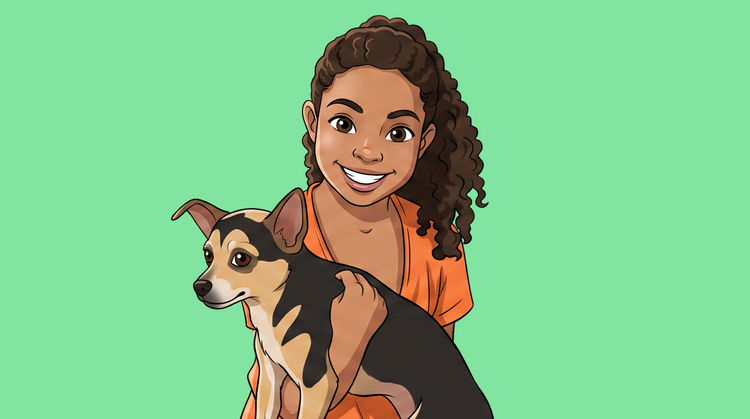
Precise creative control
Adjust the colour palette, line weight and composition until your cartoon art matches the tone you want. Style options let you fine-tune the mood, from playful and bright to bold and graphic.
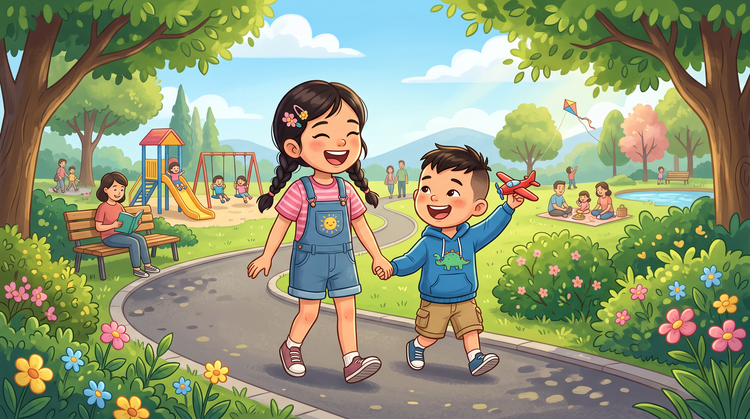
Top AI models
Adobe Firefly brings together its own models with partner models including OpenAI, Google, FLUX and others. Switch between models to compare results, then refine your favourite.
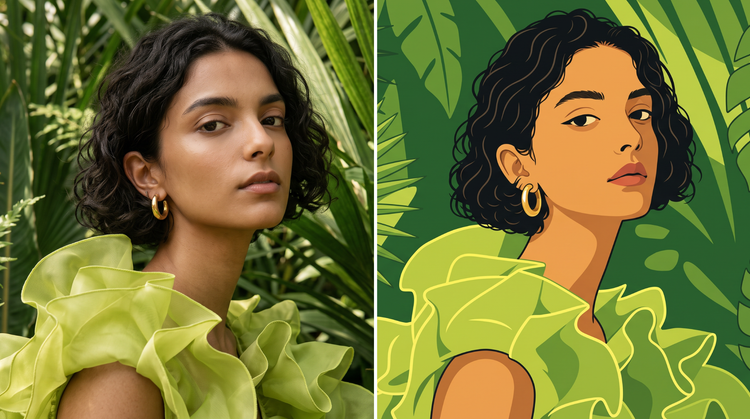
Your complete creative workspace
One space carries your photo from upload to finished cartoon art. Adjust the prompt, choose a model, refine the details and land on an image you're proud to share, all in Adobe Firefly.
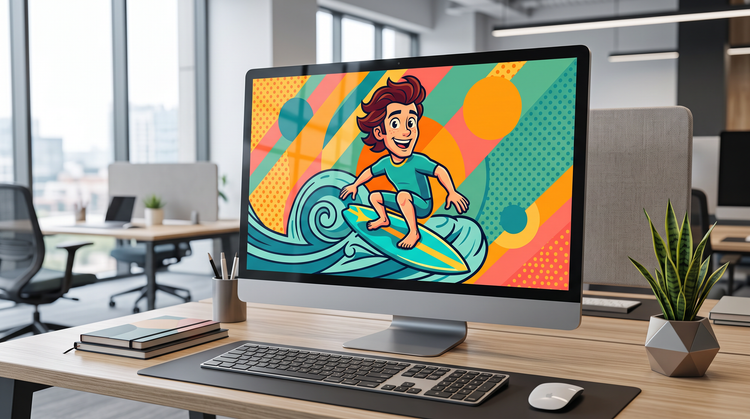
Seamless integration
Bring your finished cartoon art into Adobe Express to build a matching social post or polish fine details first in Photoshop on the web.