https://main--cc--adobecom.aem.live/cc-shared/assets/img/firefly.svg Adobe Firefly

Create free baby shower thank you cards with Adobe Firefly.
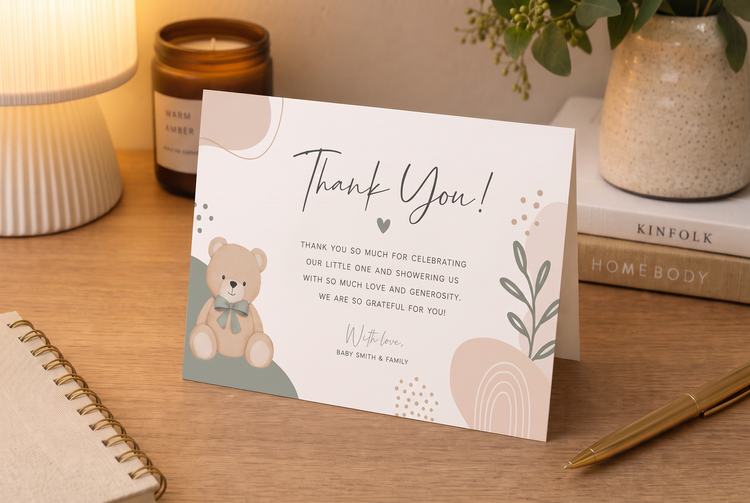
Describe your colours, photos and wording and generate customised thank you card art to match. Adjust the tone and layout until it's ready to send.
- image
- Describe a subject, an action, a place, a mood or a style.
- Adobe Generative AI Terms
- https://main--cc--adobecom.aem.live/creativecloud/animation/testdoc/unity/generate.svg Generate
- Describe the baby shower thank you card you want to generate
- Prompt
- Tip
- Unable to process the request
- Please describe what you want to generate.
- Prompt exceeds the max length of 750 characters
- babyShowerThankYouCard
- Enter prompt


https://main--cc--adobecom.aem.live/cc-shared/assets/img/product-icons/svg/firefly-80.svg

Adobe Firefly
The next evolution of creative AI is here for all your ideas, with image, video, audio and vector tools.
What is a baby shower thank you card generator?
Thank you notes are one of the last things on a new parent's to-do list, but they matter just as much as the shower itself. Adobe Firefly turns your idea into free, customised thank you card art, so you can go from a blank page to a design you're proud to send. Explore looks from soft watercolour blooms to clean, modern lettering, all shaped by your own prompts.
Turn your gratitude into card art.
Describe the colours, the occasion and a few personal details and Adobe Firefly will turn your description into a fully composed thank you card design. Include the copy that you want to appear on your card design, too.
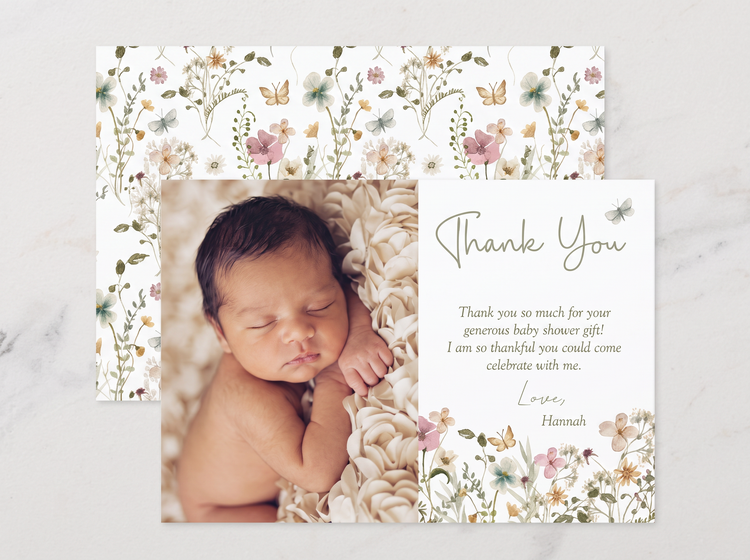
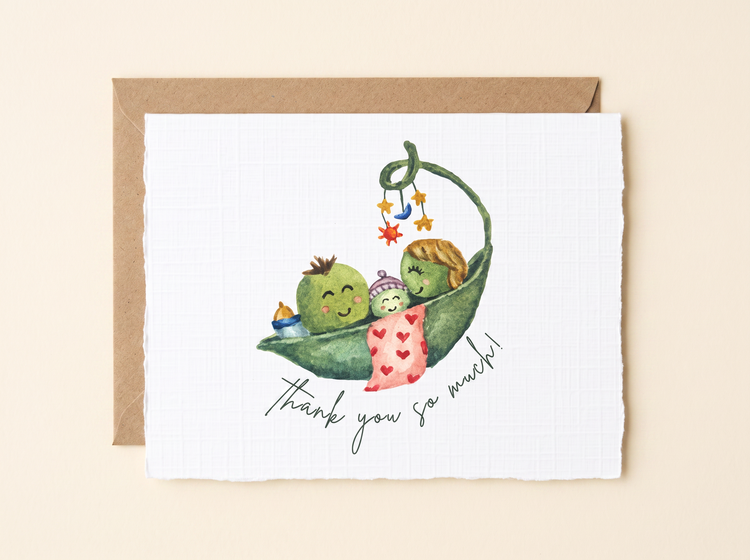
Print and share with confidence.
Adobe Firefly generative AI models generate content that is commercially safe, so you can print, mail or share your thank you card art without licensing questions hanging over the process. Every design starts from your own prompt, so the finished card feels like yours.
Explore options before settling on a design.
Generate several thank you card directions from a single description, then compare results side by side. If a version is close but not quite right, revise your prompt and generate again.
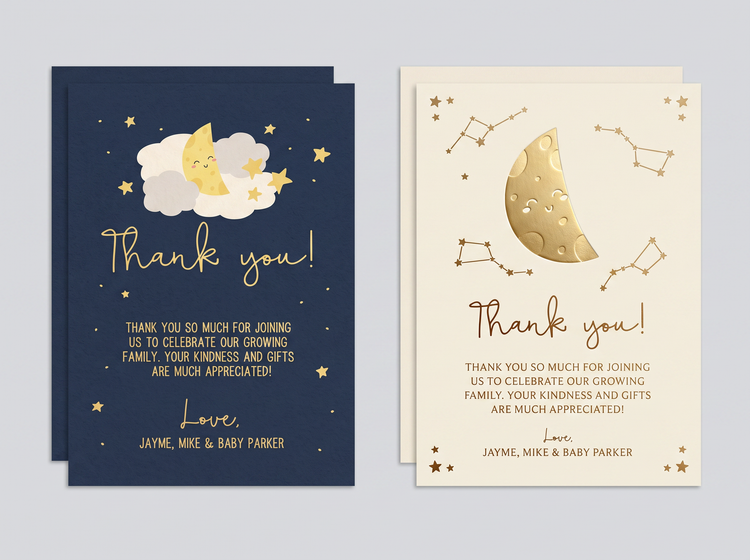
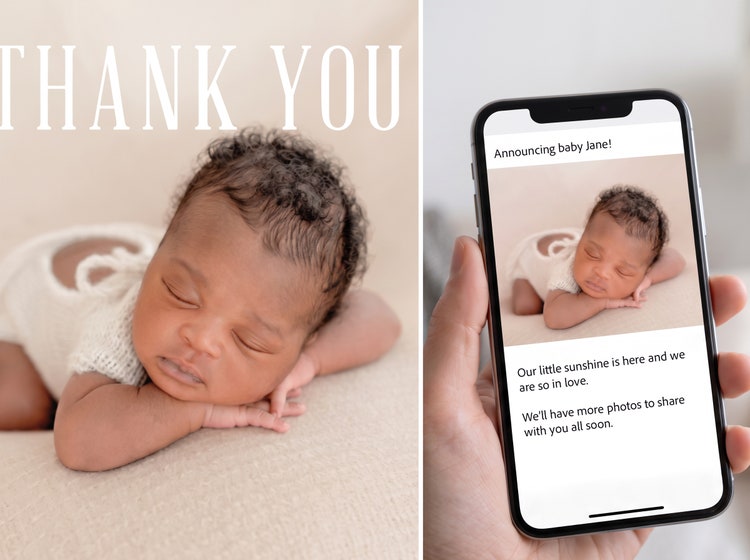
Bring your finished card anywhere you need it.
Because Adobe Firefly connects to Creative Cloud apps, you can take one thank you card image and adapt it for a printed card, a digital note or a matching social post without starting again.
How to generate a baby shower thank you card with Adobe Firefly.
Step 1
Log in to Adobe Firefly.
Step 2
Describe your baby shower thank you card.
Step 3
Adjust your style settings.
Step 4
Download your baby shower thank you card.
Steps on how to generate a baby shower thank you card using Adobe Firefly Generate Image.
PT3M
firefly

Creative control
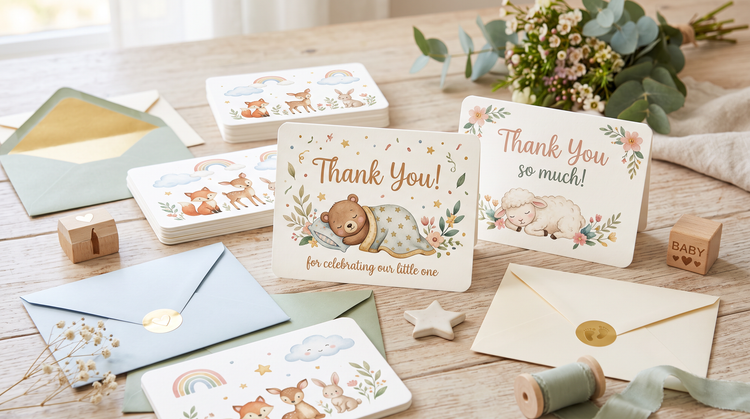
Set the palette, the wording and the mood in your prompt, from soft watercolour blooms to clean modern lettering. Adjust settings until the card matches the tone of your shower.
Top AI models
Adobe Firefly brings together its own models with partner models including OpenAI, Google, FLUX and others. Switch between models and compare results side by side, then refine your favourite thank you card look.

Your complete creative studio
One studio carries you from a first prompt to a finished thank you card. Generate, refine and iterate as many times as the idea needs, all in Adobe Firefly.
Seamless integration
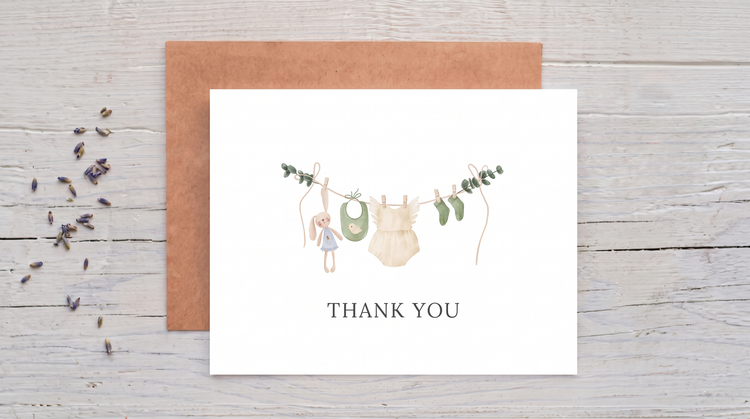
Bring your finished thank you card into Adobe Express to build a matching envelope liner or a full card set or polish fine text and details first in Photoshop on the web.