

Use Adobe Firefly as your emoji generator.
Type an emoji name, category or a single word describing the mood you want and Adobe Firefly will turn it into a specific emoji concept. Experiment with variations of expressions, styles and designs.



Describe the emoji you want and Adobe Firefly will become your customised emoji maker. Create reaction emojis, expressive stickers or branded icons that match your style. Explore different moods, shapes and creative directions to find the perfect emoji for your project.
Alert Text
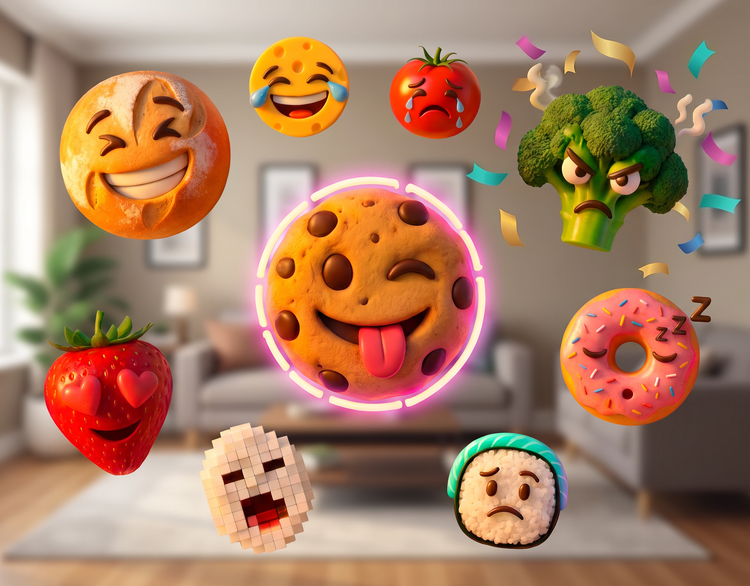
Adobe Firefly turns your description into a customised emoji in moments. Whether you want a silly reaction, a branded mascot or an expressive sticker, just describe it and Adobe Firefly will generate an emoji for you, for free. Describe a feeling, an action or a reaction and get results that you can refine and download fast, before the moment has passed.
Type an emoji name, category or a single word describing the mood you want and Adobe Firefly will turn it into a specific emoji concept. Experiment with variations of expressions, styles and designs.

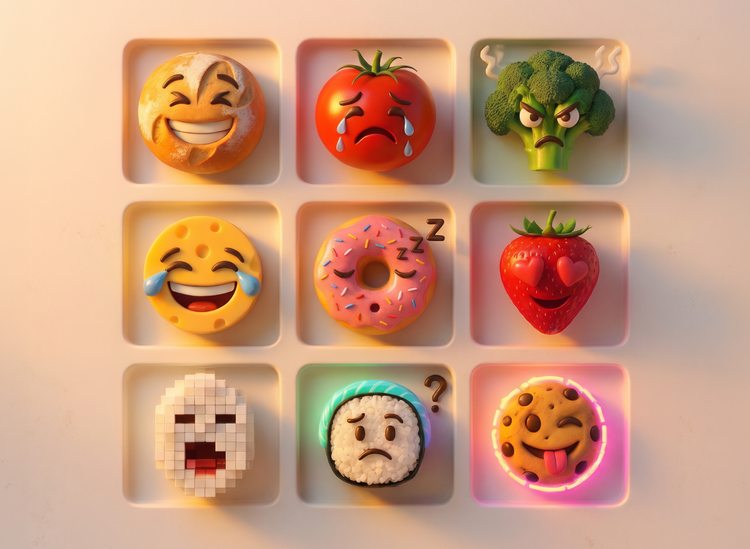
Create emoji concepts quickly from text when you use Adobe Firefly as your emoji maker. Design quick mockups to present to a team, explore different emoji themes or build a complete reaction set for your community.
Once you've settled on an emoji design, you can adjust your prompt and use editing tools to refine the expression, colours and style. Try generating your emoji with different AI models so you can compare results and pick the one that matches your vision.

To get started, open Adobe Firefly and sign in with your Adobe ID or create a free account if you haven't got one.
In the prompt bar, describe the emoji you want, like "a laughing face with tears," "an emoji of a cat wearing a beret that expresses the emotion of ennui" or "a heart emoji in a retro pixel style." The more details you add about mood, expression or style, the closer the result will match your vision.
Select Generate to create your emoji.
Click the emoji to open it in the Edit workspace to adjust colour, expression or style or generate new variations with another prompt.

Describe the emotion, style or theme you want to capture and Adobe Firefly emoji maker will generate a customised emoji for you. Explore new directions—from playful reactions to sleek minimalist designs.

Adjust your prompt, change the mood or try a different style, then generate new variations to fine-tune your result. Adobe Firefly gives you control over expression, colour and detail at every step.
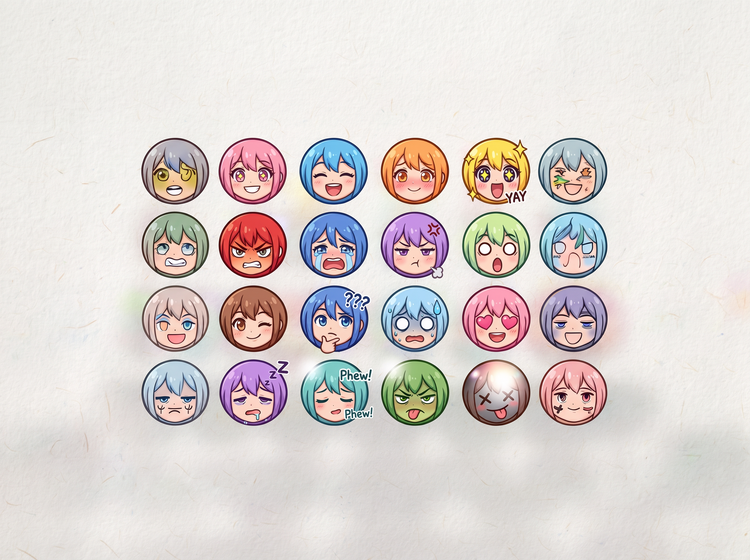
Adobe Firefly brings together its own models with top partner models from FLUX, Google, OpenAI and others in a single creative studio. Try different models and compare results side by side, then refine the emoji that matches your style.

Use intuitive tools to streamline edits so you can dial in your emojis fast. Adobe Firefly adapts your result based on the way you describe what you want.


Based on your location, we think you may prefer the United States website, where you'll get regional content, offerings, and pricing.


