https://main--cc--adobecom.aem.live/cc-shared/assets/img/firefly.svg Adobe Firefly

Use Adobe Firefly as your custom emoji maker for free.
Describe the emoji you want, and Adobe Firefly will become your custom emoji maker. Create reaction emojis, expressive stickers, or branded icons that match your style. Explore different moods, shapes, and creative directions to find the perfect emoji for your project.

- image
- Describe a mood, an expression, a style, or a theme.
- Adobe Generative AI Terms
- https://main--cc--adobecom.aem.live/creativecloud/animation/testdoc/unity/generate.svg Generate
- Describe the emoji you want to generate
- Prompt
- Tip
- Unable to process the request
- Please describe what you want to generate.
- Prompt exceeds the max length of 750 characters
- emojiGenerator


Create the right emoji for any emotion.
Adobe Firefly turns your description into a custom emoji in moments. Whether you want a silly reaction, a branded mascot, or an expressive sticker, just describe it and Adobe Firefly will generate an emoji for you, for free. Describe a feeling, an action, or a reaction, and get results that you can refine and download fast, before the moment has passed.
Use Adobe Firefly as your emoji generator.
Type an emoji name, category, or a single word describing the mood you want, and Adobe Firefly will turn it into a specific emoji concept. Experiment with variations of expressions, styles, and designs.

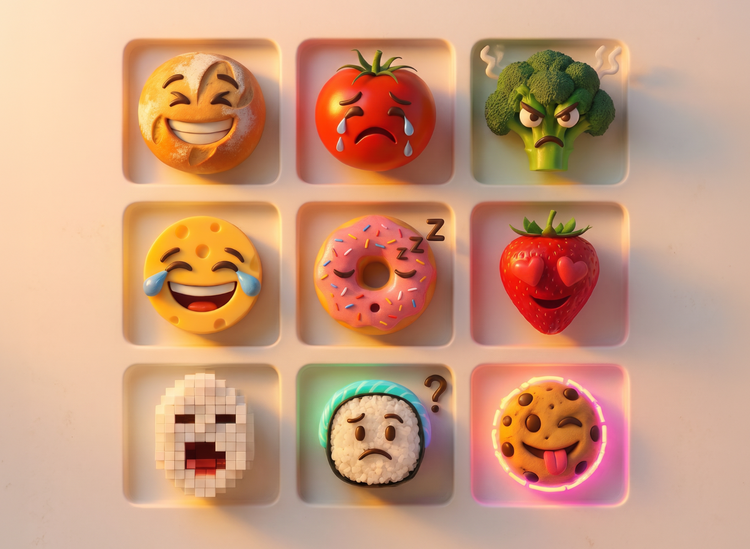
Generate concepts and sets in moments.
Create emoji concepts quickly from text when you use Adobe Firefly as your emoji maker. Design quick mockups to present to a team, explore different emoji themes, or build a complete reaction set for your community.
Polish your emoji by adjusting your prompts.
Once you've settled on an emoji design, you can adjust your prompt and use editing tools to refine the expression, colors, and style. Try generating your emoji with different AI models so you can compare results and pick the one that matches your vision.

How to use Adobe Firefly as an emoji maker.
Step 1
Open Adobe Firefly.
Step 2
Describe your emoji.
Step 3
Generate your emoji.
Step 4
Refine in the Edit tab.
Step 5
Download or share.
Steps on how to generate a custom emoji with Adobe Firefly.
PT5M
firefly

Endless emoji directions
Describe the emotion, style, or theme you want to capture, and Adobe Firefly emoji maker will generate a custom emoji for you. Explore new directions—from playful reactions to sleek minimalist designs.

Precise creative control
Adjust your prompt, change the mood, or try a different style, then generate new variations to fine-tune your result. Adobe Firefly gives you control over expression, color, and detail at every step.
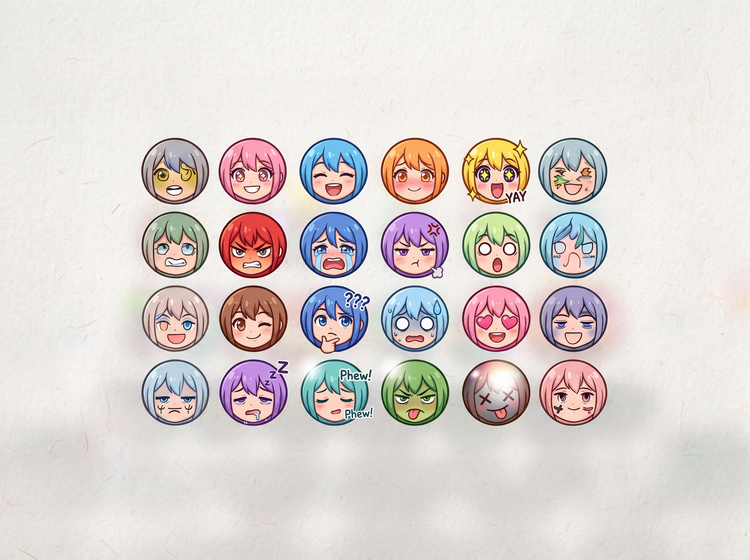
Top AI models, all in one place
Adobe Firefly brings together its own models with top partner models from FLUX, Google, OpenAI, and others in a single creative studio. Try different models and compare results side by side, then refine the emoji that matches your style.

An emoji maker for creators
Use intuitive tools to streamline edits so you can dial in your emojis fast. Adobe Firefly adapts your result based on the way you describe what you want.