

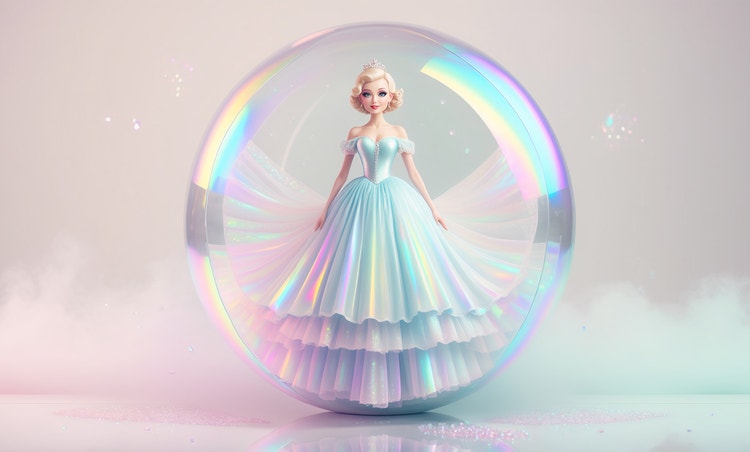
Explore different aesthetics without starting again.
Try a new mood any time your style changes. Describe a different palette or vibe and Adobe Firefly will generate a completely new profile picture while keeping your face recognisable.


Get an aesthetic profile picture that matches the look you want, from soft pastels to bold graphic colour. Upload a photo and describe your style and Adobe Firefly will apply it for you.
By uploading your image, you agree to the Adobe Terms of Use and Privacy Policy and confirm you are 18 years of age or older.
By uploading your image, you agree to the Adobe Terms of Use and Privacy Policy and confirm you are 18 years of age or older.
By uploading your image, you agree to the Adobe Terms of Use and Privacy Policy and confirm you are 18 years of age or older.
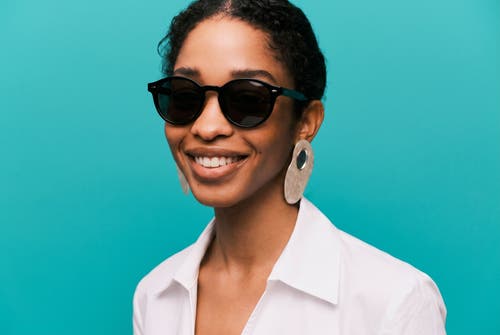
Aesthetic profile pictures do a lot of work in a small space, whether you're refreshing your profile picture, building a creator persona or just want something that reflects how you would like to present yourself to the world. Describe the mood you want, from cute and soft to bold and graphic and Adobe Firefly will apply it to your photo for free.
Try a new mood any time your style changes. Describe a different palette or vibe and Adobe Firefly will generate a completely new profile picture while keeping your face recognisable.


Upscale your image or use Generative Expand to adjust the crop for a square, circular or vertical profile format. Your colours and details stay sharp at the size you need.
Use Generative Remove to clean up small distractions or adjust lighting and colour balance until the look feels finished. Adobe Firefly keeps your original photo intact while you experiment.

Log in to Adobe Firefly with your Adobe ID or create a free account, then select Edit an Image and upload the photo you want to turn into your profile picture.
Type a prompt naming the mood, palette and style you're going for. Try something like “soft pastel tones with a dreamy glow” or “bold graphic colour with high contrast.”
Select an aspect ratio suited to your profile format and apply style options to fine-tune the colour and texture. Upload a reference image if you already have a look in mind.
Select Generate to apply your prompt, then review the result. Adjust your wording and generate again until the style matches what you had in mind.
Download your finished image as a high-resolution PNG and set it as your new profile picture anywhere you need it.
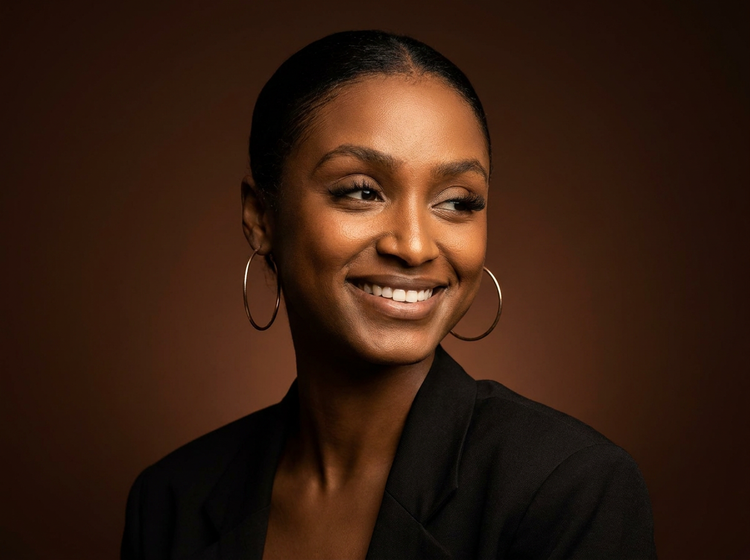
Your face stays yours; the styling is what changes. Adjust the mood, palette and finish until the aesthetic matches how you want to show up online, then keep refining without touching your original photo.

Adobe Firefly combines its own models with partner models from Google, OpenAI, Flux and more, built for the full creative process. Compare a few different takes on your profile picture, then polish your favourite with precision tools.

A profile picture update is quick, but Adobe Firefly gives you room to go further. Generate the look, fine-tune it with precision tools and land on a version you're happy to have as your face everywhere.
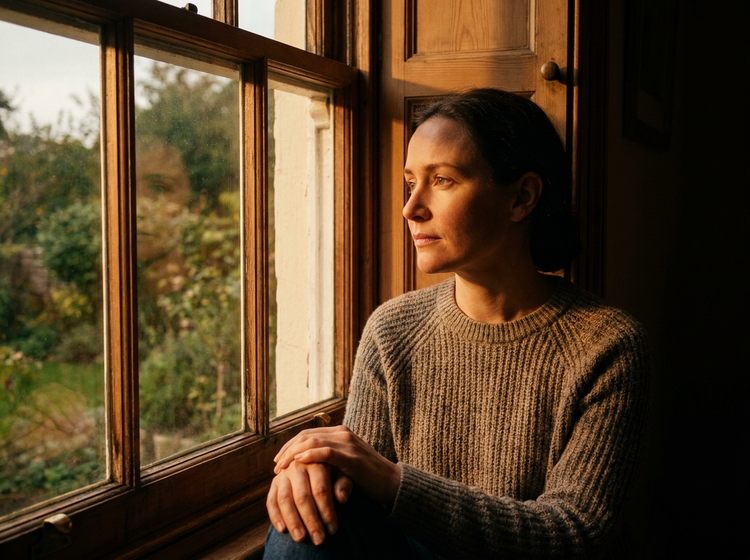
Building a matching banner or header image? Bring your profile picture into Adobe Express to design around it or open it in Photoshop on the web for closer retouching.


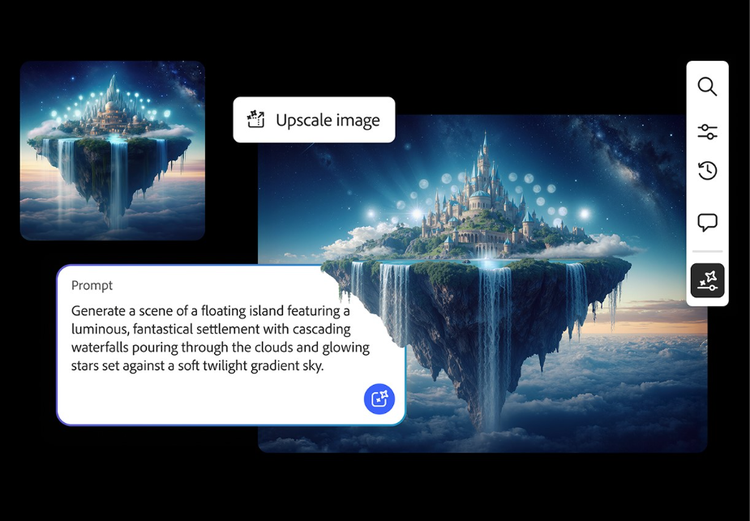
From realistic product photos for e-commerce to abstract art shared on social media, generative AI is transforming the way images are imagined, created and customised. See what's possible with the Adobe Firefly AI image generator examples below.

There's an art to crafting the perfect image prompt. Browse AI image prompt examples with their AI generated results to see how specific language shapes visuals with Adobe Firefly.
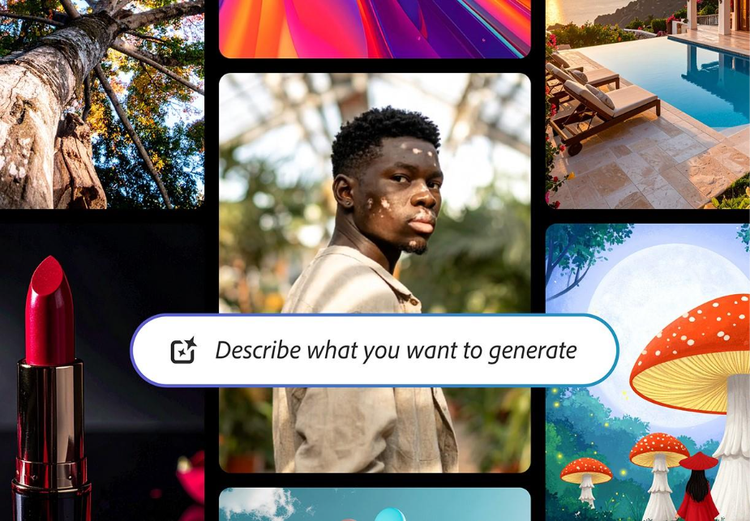
From the way we explore ideas to the way we bring concepts to life, generative AI is transforming creative work. Explore generative AI examples of visuals, video and sound created with Adobe Firefly.
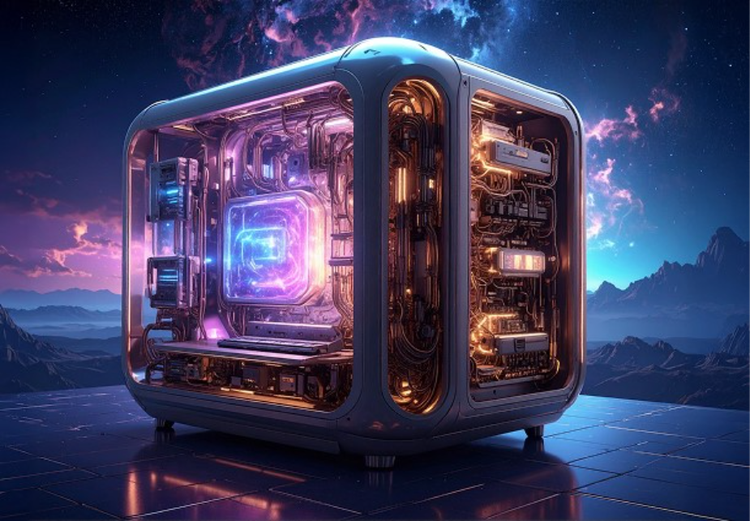
Generative AI is all over the headlines and that's not empty hype. This new technology is likely to be part of your life soon. Learn how generative AI works and start streamlining your workflow.
Based on your location, we think you may prefer the United States website, where you'll get regional content, offerings, and pricing.


