https://main--cc--adobecom.aem.live/cc-shared/assets/img/firefly.svg Adobe Firefly

Create a free aesthetic profile picture with Adobe Firefly.
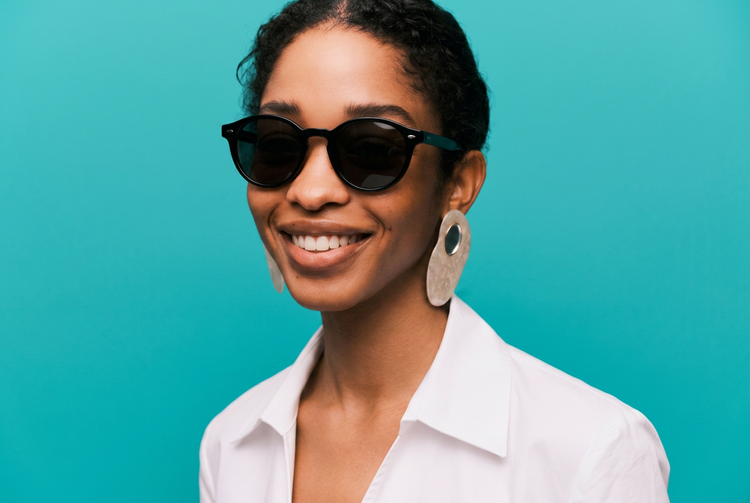
Get an aesthetic profile picture that matches the look you want, from soft pastels to bold graphic color. Upload a photo and describe your style, and Adobe Firefly will apply it for you.

Or tap here
File must be JPEG (JPG), PNG, or WEBP and up to 100MB.
By uploading your image, you agree to the Adobe Terms of Use and Privacy Policy and confirm you are 18 years of age or older.
Or tap here
File must be JPEG (JPG), PNG, or WEBP and up to 100MB.
By uploading your image, you agree to the Adobe Terms of Use and Privacy Policy and confirm you are 18 years of age or older.
https://main--cc--adobecom.aem.live/cc-shared/assets/svg/s2-icon-upload-20-n.svg Upload your photo
Or drag and drop here
File must be JPEG (JPG), PNG, or WEBP and up to 100MB.
By uploading your image, you agree to the Adobe Terms of Use and Privacy Policy and confirm you are 18 years of age or older.
- File size larger than 100MB
- Unable to process the request
- We are unable to process this file type. Please try again.
- Only one file can be uploaded at a time.
- Image is smaller than the minimum dimensions (512 x 512 pixels). Please resize and try again.

{{nbsp}}
Design an aesthetic profile picture that feels like you.
Aesthetic profile pictures do a lot of work in a small space, whether you're refreshing your profile picture, building a creator persona, or just want something that reflects how you would like to present yourself to the world. Describe the mood you want, from cute and soft to bold and graphic, and Adobe Firefly will apply it to your photo for free.
Explore different aesthetics without starting over.
Try a new mood any time your style changes. Describe a different palette or vibe, and Adobe Firefly will generate a completely new profile picture while keeping your face recognizable.


Resize and refine your profile picture for any platform.
Upscale your image or use Generative Expand to adjust the crop for a square, circular, or vertical profile format. Your colors and details stay sharp at the size you need.
Fine-tune the details with precision edits.
Use Generative Remove to clean up small distractions, or adjust lighting and color balance until the look feels finished. Adobe Firefly keeps your original photo intact while you experiment.

How to create an aesthetic profile picture with Adobe Firefly.
Step 1
Open Adobe Firefly and select Edit Image.
Step 2
Describe the aesthetic you want.
Step 3
Adjust your style settings.
Step 4
Generate and refine your profile picture.
Step 5
Download your profile picture.
Steps on how to generate an aesthetic profile picture using Adobe Firefly Edit Image.
PT4M
firefly
Precise creative control
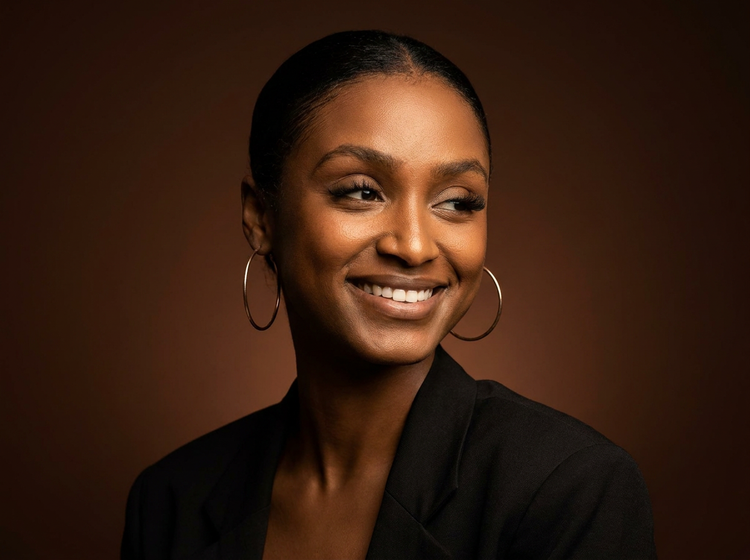
Your face stays yours; the styling is what changes. Adjust the mood, palette, and finish until the aesthetic matches how you want to show up online, then keep refining without touching your original photo.

Top AI models, all in one place
Adobe Firefly combines its own models with partner models from Google, OpenAI, Flux, and more, built for the full creative process. Compare a few different takes on your profile picture, then polish your favorite with precision tools.
Your complete creative space
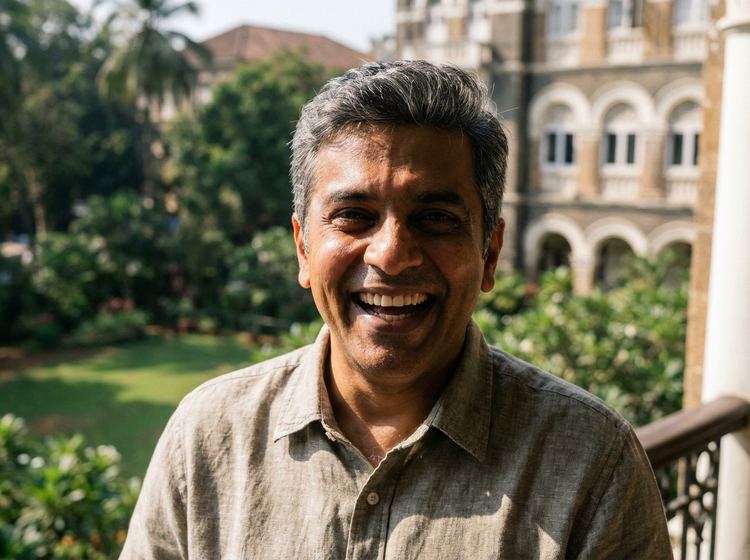
A profile picture update is quick, but Adobe Firefly gives you room to go further. Generate the look, fine-tune it with precision tools, and land on a version you're happy to have as your face everywhere.
Seamless integration
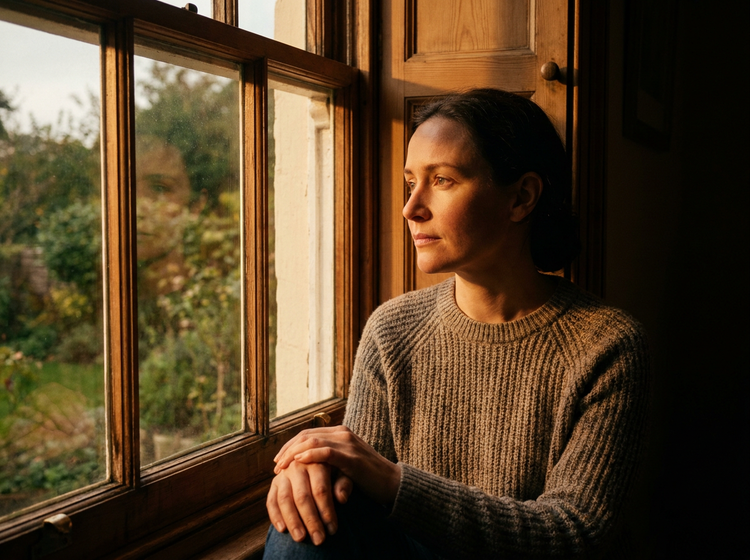
Building a matching banner or header image? Bring your profile picture into Adobe Express to design around it, or open it in Photoshop on the web for closer retouching.