

#1e1e1e

VIDEO

Convert Live Photos to videos with seamless effects using Adobe apps.

Turn fleeting moments into smooth, shareable videos. With Adobe Premiere Pro, it’s easy to convert a Live Photo into a high-quality video with added motion, transitions, and effects. From capturing everyday memories to designing branded social reels, Adobe apps let you transform Live Photos into videos that feel crafted, not casual.

Explore Premiere Pro

https://www.youtube.com/watch?v=1ROBjONLpQ0
#FFFFFF

Why Live Photos deserve a second life as videos.

Live Photos are an iOS feature that records a few seconds of movement and sound before and after you tap the shutter, creating more than just a still frame.

Live Photos capture more than a single frame they hold a few seconds of motion and sound, often filled with personality. But if left as-is, they remain locked to a device. Turning them into videos gives you the ability to enhance, share, and reuse them across platforms.

Whether you’re a smartphone creator in Kochi or a content editor in Delhi, using Adobe Premiere Pro to convert Live Photos into videos opens a more polished, flexible editing process. You can add movement, effects, titles, or even extend the moment with smart tools that keep your edits fast and natural.

This guide walks you through how to convert a Live Photo to video and make it look better than the original.
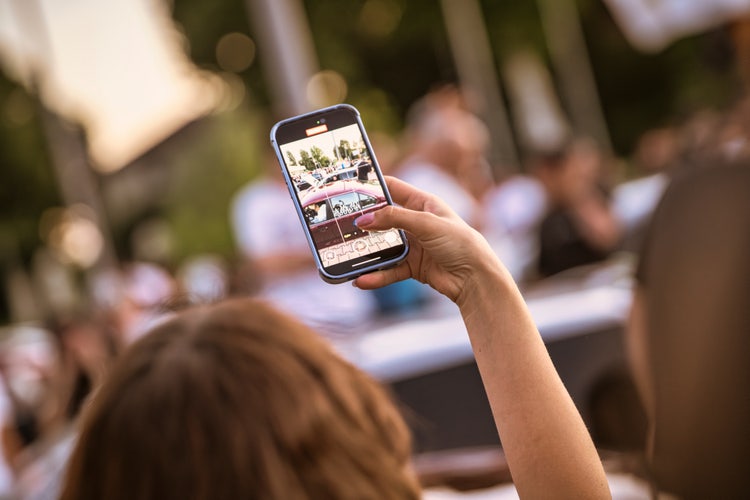
Person capturing a moment with a smartphone in a busy outdoor setting, illustrating the concept of converting Live Photos to video for sharing.

How to convert Live Photos to video using Adobe Premiere Pro.

Adobe Premiere Pro lets you bring Live Photos into a video timeline, expand them into editable sequences, and apply motion tools and templates for smooth, cinematic results.

Start with these AI-enhanced features:

  • Auto Extend: Seamlessly stretches a Live Photo’s motion frame to match a chosen video length without visible jumps or loops, as featured in Extend Video.
  • Motion Enhancement: Adds natural camera motion or subject tracking to keep the moment feeling dynamic and intentional.
  • Video Templates: Drop your converted Live Photo into prebuilt templates for social posts, vlogs, or branded stories complete with transitions and text. You can also explore the best film trailer video templates for cinematic inspiration.

Each of these tools makes it easier to turn a brief Live Photo into a video asset that feels fully designed and ready to publish.

#F5F5F5

How can Premiere Pro elevate your Live Photos?

Here’s how Adobe Premiere Pro makes the process smooth, even if you’re new to editing:
  1. Import your Live Photo with full motion
    Transfer the Live Photo from your iPhone to your computer (Airdrop or cloud sync recommended) and import both the still and motion file into Premiere Pro. Premiere automatically syncs the pair into one editable clip.
  2. Use Auto Extend to stretch the moment
    Need a few more seconds? With Auto Extend, Premiere can intelligently slow and stretch the motion, preserving fluidity and avoiding any awkward freezes or skips.
  3. Add Motion Enhancement for cinematic polish
    Apply a subtle zoom, pan, or focus shift using built-in Motion Enhancement effects. These AI features in Premiere Pro bring movement to otherwise static frames, especially useful when prepping for social platforms like Instagram or YouTube Shorts.
  4. Apply a Video Template to save time
    Choose from Premiere Pro’s template library to apply preset transitions, text overlays, and music ideal for quick publishing or matching brand visuals.

{{nbsp}}

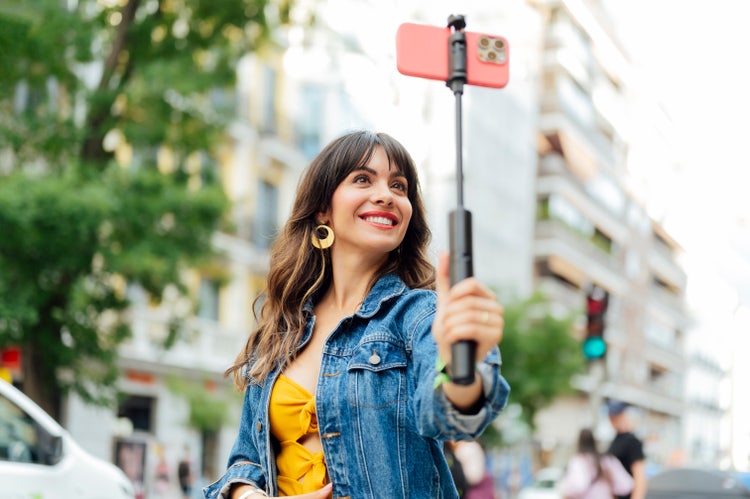
Smiling woman recording herself with a smartphone on a selfie stick in an urban setting, representing creators converting Live Photos to video for vlogs and social media content.

Can I convert Live Photos to video for free?

If you’re testing workflows before subscribing, here are your best options:

  • 7-day free trial of Adobe Premiere Pro: Includes all features to convert Live Photos and apply advanced edits
  • Adobe Express: While it doesn’t support native Live Photo files, you can upload exported frames or clips into video templates
  • 7-day free trial of Creative Cloud Pro : Access advanced AI features across Premiere Pro and other Adobe apps. This plan includes automated editing, motion tools and smart templates that help you achieve professional results faster.

These tools offer an easy way to experiment with Adobe’s video editing flow before committing long-term.

#F5F5F5

Why creators across India are turning Live Photos into videos.

From short-form content creators to boutique studio editors, more people are using Adobe Premiere Pro to breathe life into Live Photos. Converting them into videos means:

  • Easier sharing across apps that don’t support Live Photo format
  • Better control over timing, sound, and effects
  • More professional presentation for reels, ads, and highlights
  • Ability to combine multiple Live Photos into a short story or montage

Whether you’re editing for business or just capturing personal memories, Premiere Pro helps you turn spontaneous captures into stunning visual content.

Connect your Live Photo video editing with other Adobe products.

Integrate Premiere Pro into your broader creative workflow with these Adobe products:

  • Adobe Photoshop: Edit or retouch the still frame of your Live Photo before importing
  • Adobe Express: Reformat your finished video into share-ready sizes and add branded overlays
  • Adobe Audition: Refine the audio captured with your Live Photo or add clean background music
  • Adobe After Effects: Add advanced visual effects or animations once your video is assembled

Together, these products give you creative freedom from photo to final cut. The Creative Cloud Pro plan brings them together with AI features that streamline editing, enhance motion and make collaboration easier.


https://www.adobe.com/in/cc-shared/fragments/creativecloud/all-apps/ccpro-testimonials

Frequently asked questions.

Can I convert a Live Photo to video without losing quality?
Yes. Premiere Pro supports high-resolution video output, and tools like Auto Extend maintain fluidity without quality drop-offs.
What’s the best format to export my converted Live Photo as a video?
MP4 is the most versatile for sharing online. Premiere Pro also supports MOV, AVI, and social-optimised formats depending on your needs.
Can I add music or voiceover to my converted Live Photo video?
Absolutely. Once converted, treat the clip like any other video - add music, adjust volume, or even record a voiceover directly within Premiere Pro.
What if my Live Photo has unwanted background movement?
Use crop, blur, or mask tools in Premiere Pro to reduce distractions and draw focus to the main subject.
How can I blend multiple Live Photos into a single video?
Import them into a single timeline, apply Auto Extend and Motion Enhancement as needed, and use crossfade transitions or templates to bring them together seamlessly.

https://www.adobe.com/in/cc-shared/fragments/creativity-for-all/default

You may also like

Content as a Service v3 - video - Thursday 11 September 2025 at 16:43

https://main--cc--adobecom.aem.page/cc-shared/fragments/seo-articles/do-more-premiere-pro-color-blade