https://main--da-cc--adobecom.aem.page/cc-shared/assets/img/firefly.svg Adobe Firefly

Add inspiration to your screen with the AI wallpaper generator in Adobe Firefly.
Type a description of the look you want and Adobe Firefly will generate a customised wallpaper sized for your phone or desktop for free.
- image
- Describe a subject, an action, a place, a mood or a style.
- Adobe Generative AI Terms
- https://main--cc--adobecom.aem.live/creativecloud/animation/testdoc/unity/generate.svg Generate
- Describe the AI wallpaper you want to generate
- Prompt
- Tip
- Unable to process the request
- Please describe what you want to generate.
- Prompt exceeds the max length of 750 characters
- aiWallpaperGenerator


{{nbsp}}
Turn a text prompt into a wallpaper for any device.
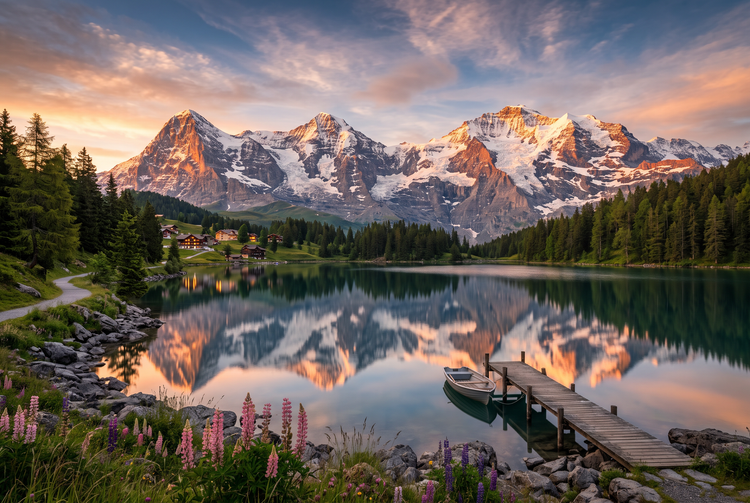
With the AI wallpaper generator in Adobe Firefly, you can turn a text prompt into a customised background for your phone, tablet or desktop. Whether you want a quiet gradient for a lock screen, a bold skyline for a gaming set-up or a soft watercolour for a laptop, describe it in your own words and Firefly will generate options to choose from for free. Start with Generate image to write your first prompt, then adjust the size and style to fit your screen.
Generate AI wallpaper from a text prompt.
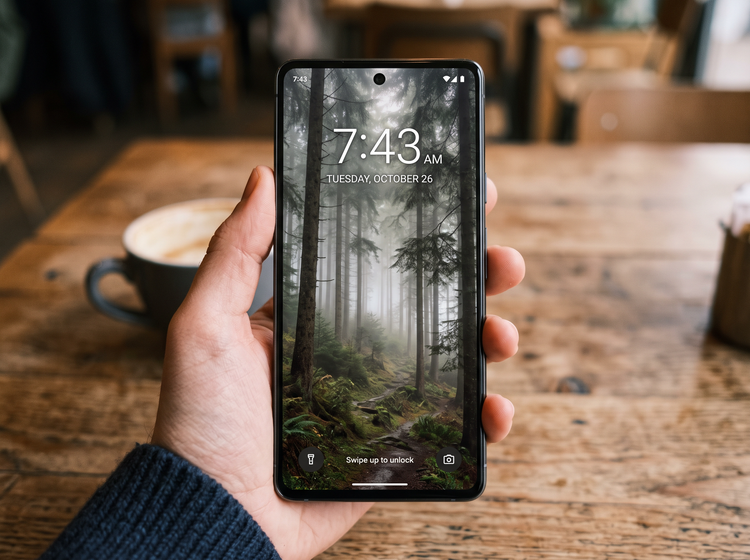
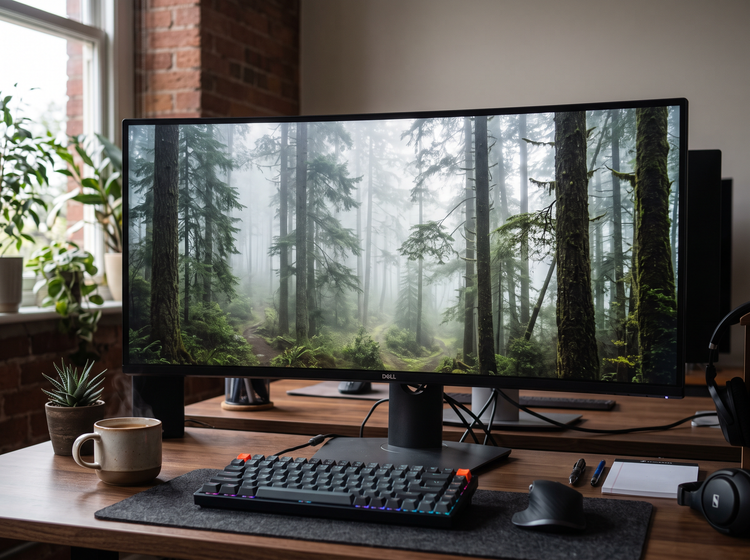
Describe the scene, colours and mood you want, such as, “a calm misty forest,” “a neon skyline” or “a soft abstract gradient” and Firefly will generate customised wallpaper options for you to choose from. Write a short prompt, compare the options side by side and pick the one that suits your screen. Add details about lighting or texture to guide the next round of options.
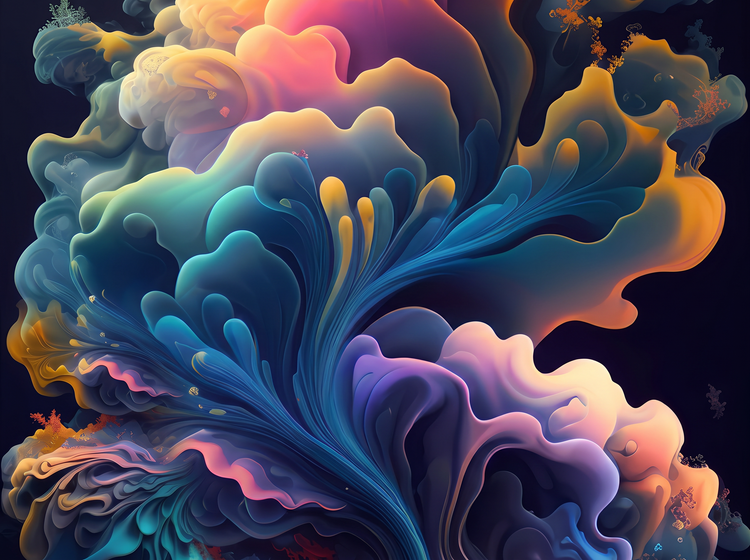
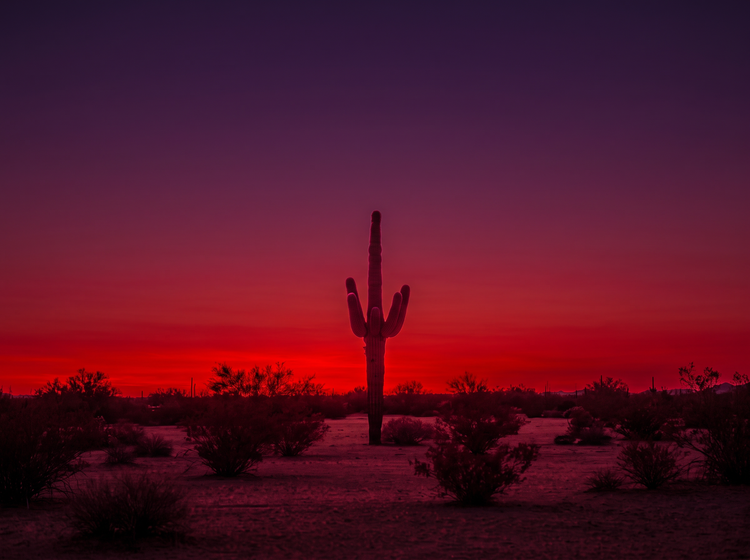
Make wallpapers sized for any screen.
Choose the right shape for your device, from a tall 9.16 for a phone, to a wide 16:9 for a desktop, plus tablet and ultra-wide options. Your wallpaper will fit without cropping or stretching. When you’re happy with the composition, use the upscale image quality to add detail for a crisp, high-resolution finish on modern displays. Set the aspect ratio before you generate so the scene is composed for your screen from the start, with the focal point clear of your clock and icons.
Explore any style, from abstract to anime.
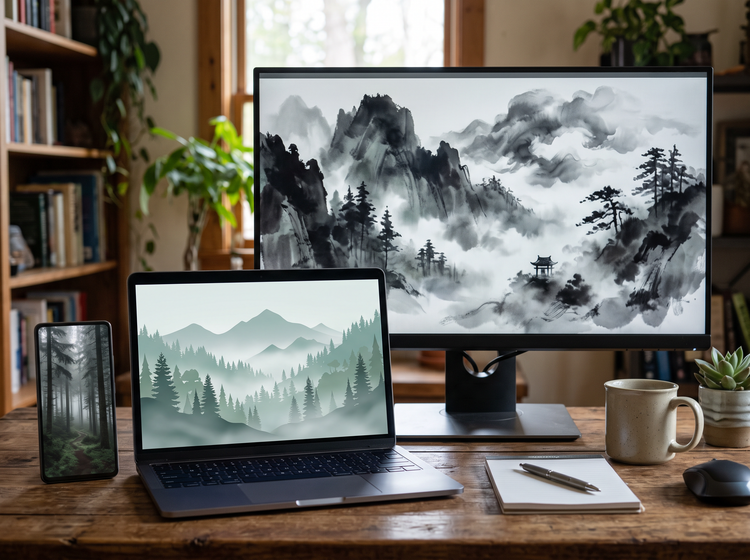
Steer the look with your prompt or a reference image: minimalist, nature, watercolour, cyberpunk, anime or aesthetic. Generate several directions and compare them side by side. Changing a few words in your prompt shifts the whole mood, so trying variations is quick. For a bolder illustrated look, the AI cartoon generator is a good companion and the model drop-down menu lets you switch between models from FLUX, Google, OpenAI and others to see how each one interprets your idea.
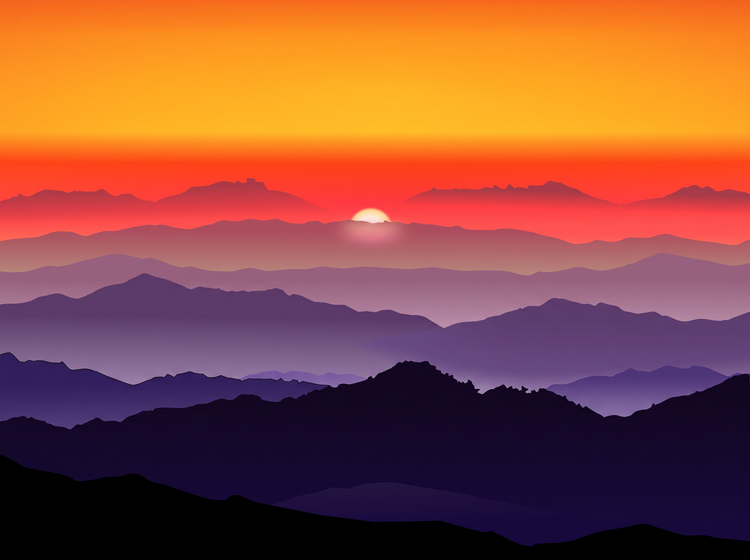
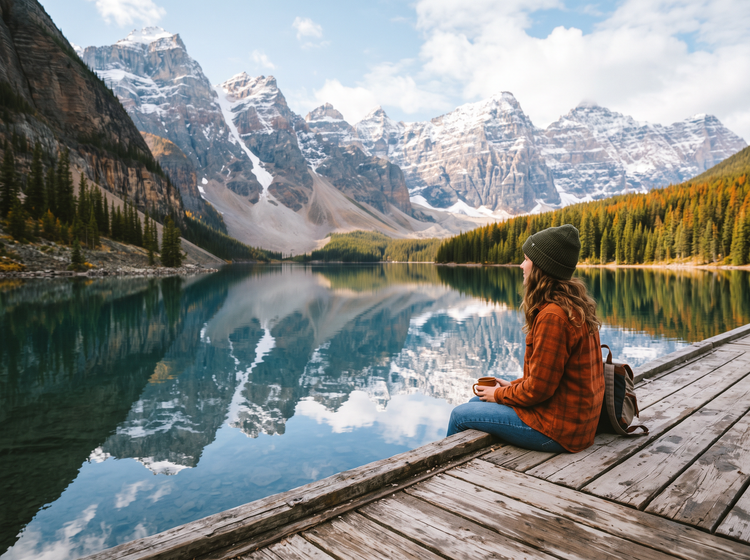
Turn your own photo into a wallpaper.
Upload a photo and restyle it into a wallpaper with Image to image. Teams can also make on-brand device backgrounds for a campaign or event, keeping a consistent look across every screen. Describe the style you want, like “watercolour,” “soft film” or a “clean graphic look” and Adobe Firefly will generate versions for you to compare before you download your favourite.
How to make an AI wallpaper with Adobe Firefly.
Step 1
Open Adobe Firefly.
Step 2
Select Generate image.
Step 3
Describe your wallpaper.
Step 4
Set the aspect ratio for your device.
Step 5
Choose a model and generate.
Step 6
Upscale and download.
- How to make an AI wallpaper with Adobe Firefly.
- Steps on how to make an AI wallpaper using Adobe Firefly Generate image.
- PT3M
- firefly
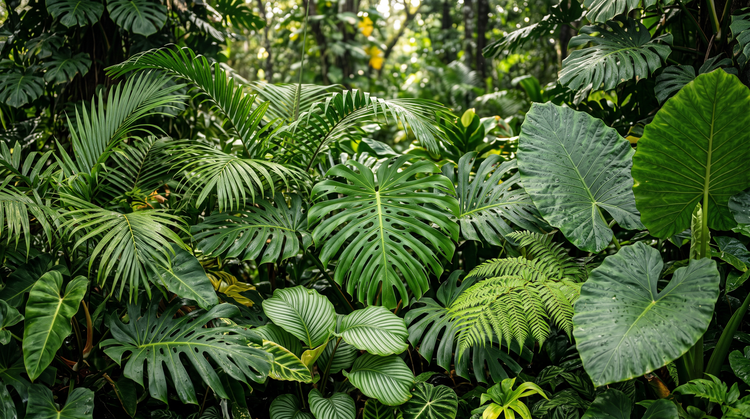
Precise creative control
Every wallpaper starts with a look you choose. Describe the palette, textures and lighting of your ideal scene, then adjust the details.
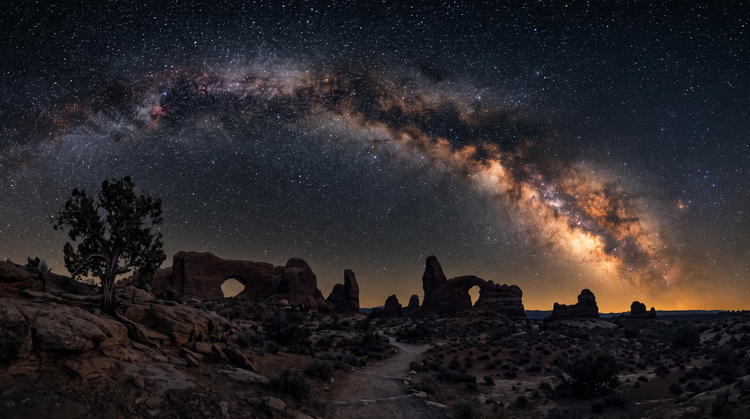
Any screen, any resolution
Firefly generates the right shape for a phone, desktop or tablet, then upscales your wallpaper for a sharp result on high-density displays.

Top AI models, all in one place
Move across styles and choose from a Firefly model and partner models from FLUX, Google, OpenAI and others in one studio to get the look you want.

Built for creators
Move quickly with tools built for real workflows. Adjust colours, crop, resize and refine small details, whether you need a quick tweak or a precise edit.
See what else you can do with Adobe Firefly.