Record and edit music

Explore the Audition user interface
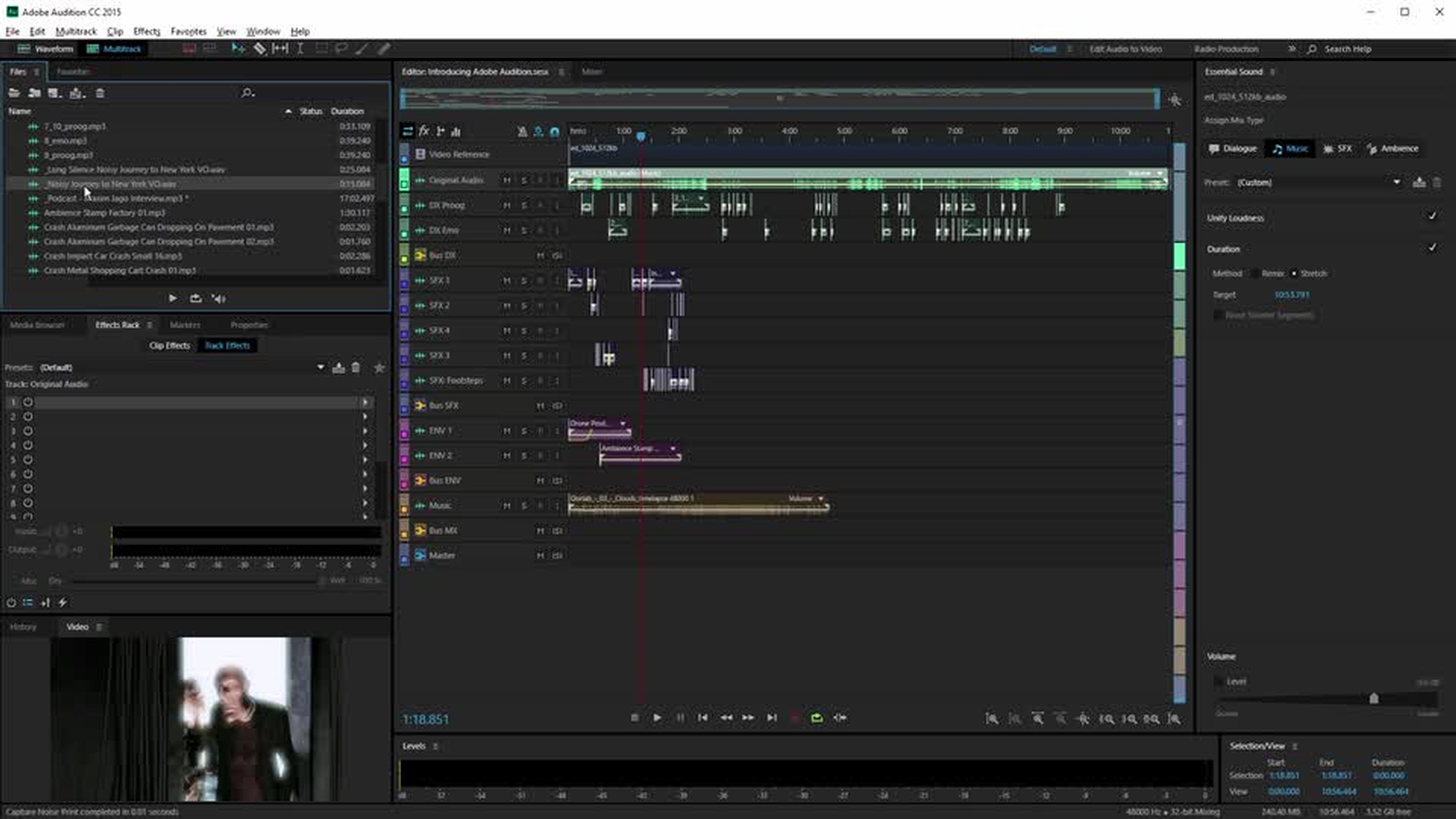
In this video, you’ll learn about the Audition user interface and get an overview of the Waveform and Multitrack modes.
Waveform editing
Multitrack editing
Essential Sound panel
Record, edit, and apply effects to audio clips
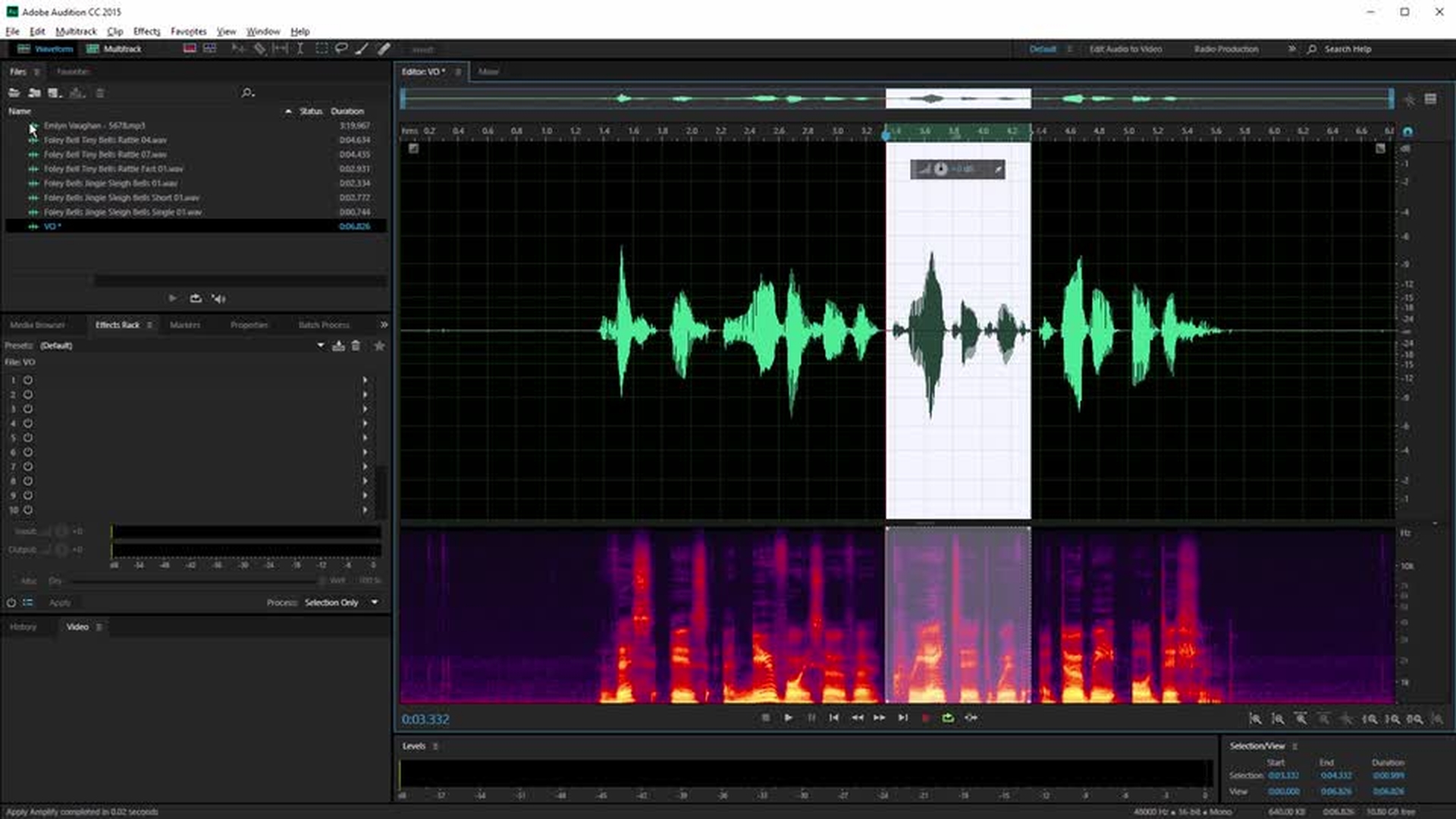
In this video, you’ll record a sample audio track, change the volume, apply a fade-in and fade-out effect, add a Studio Reverb, and then save your edited audio file.
Record audio file
Edit audio files
Apply effects
Save a file
Record and adjust multitrack sessions
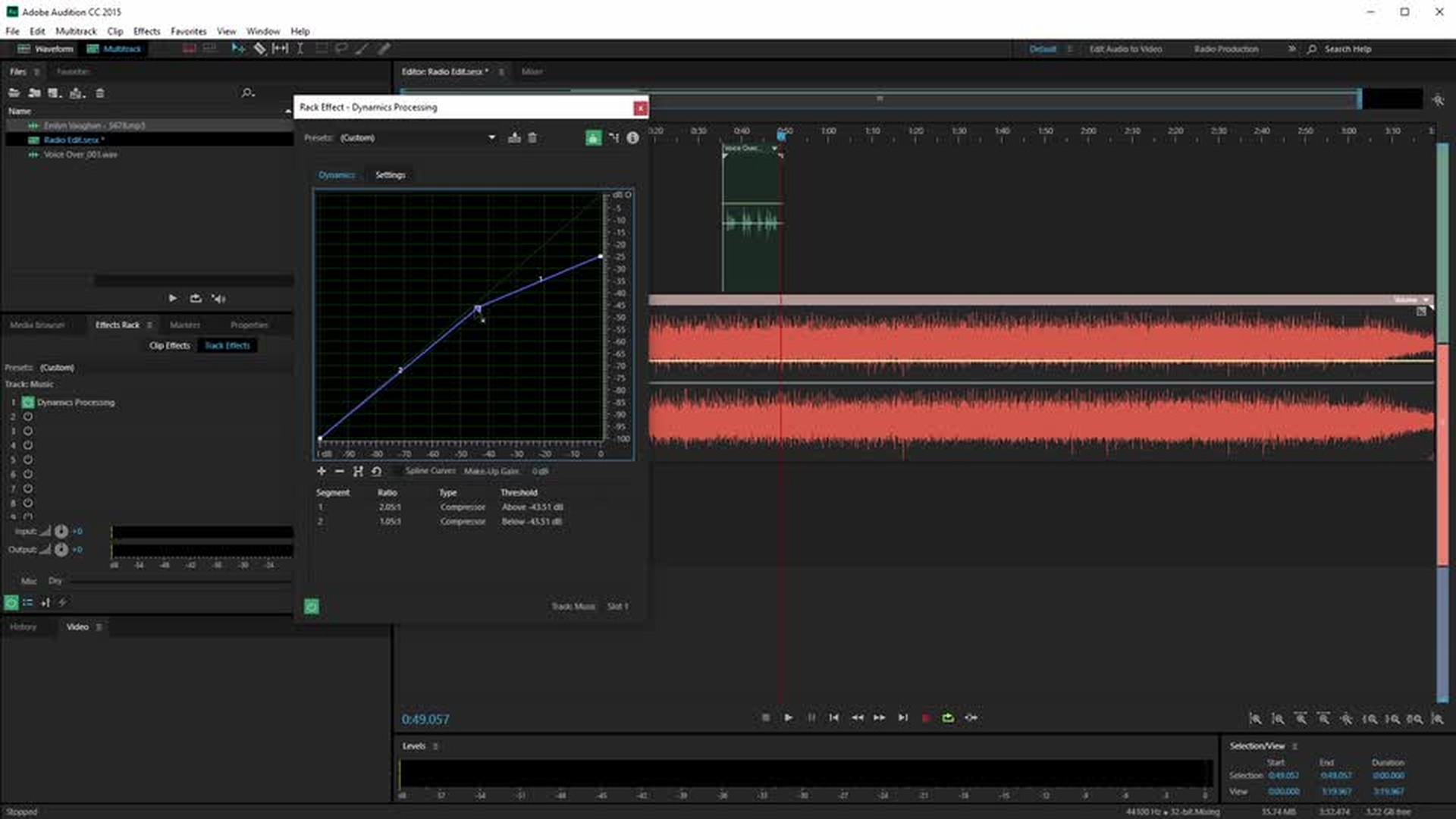
In this video, you’ll combine multiple audio files into a complete composition using the Multitrack editor. You’ll also use a Dynamics Processing effect that automatically lowers the audio level of one track when there’s a voiceover track present — an effect called “music ducking.”
Create multitrack session
Music ducking
Change track effects
Group clips
Customize track colors
Work with multitrack sessions
In this video, you’ll produce a multitrack session using a video as a reference. After adding a crossfade between two pieces of music, you’ll use the Essential Sound panel to adjust the clarity of the sound and reduce the volume by adjusting the level of the entire track, rather than the individual clips.
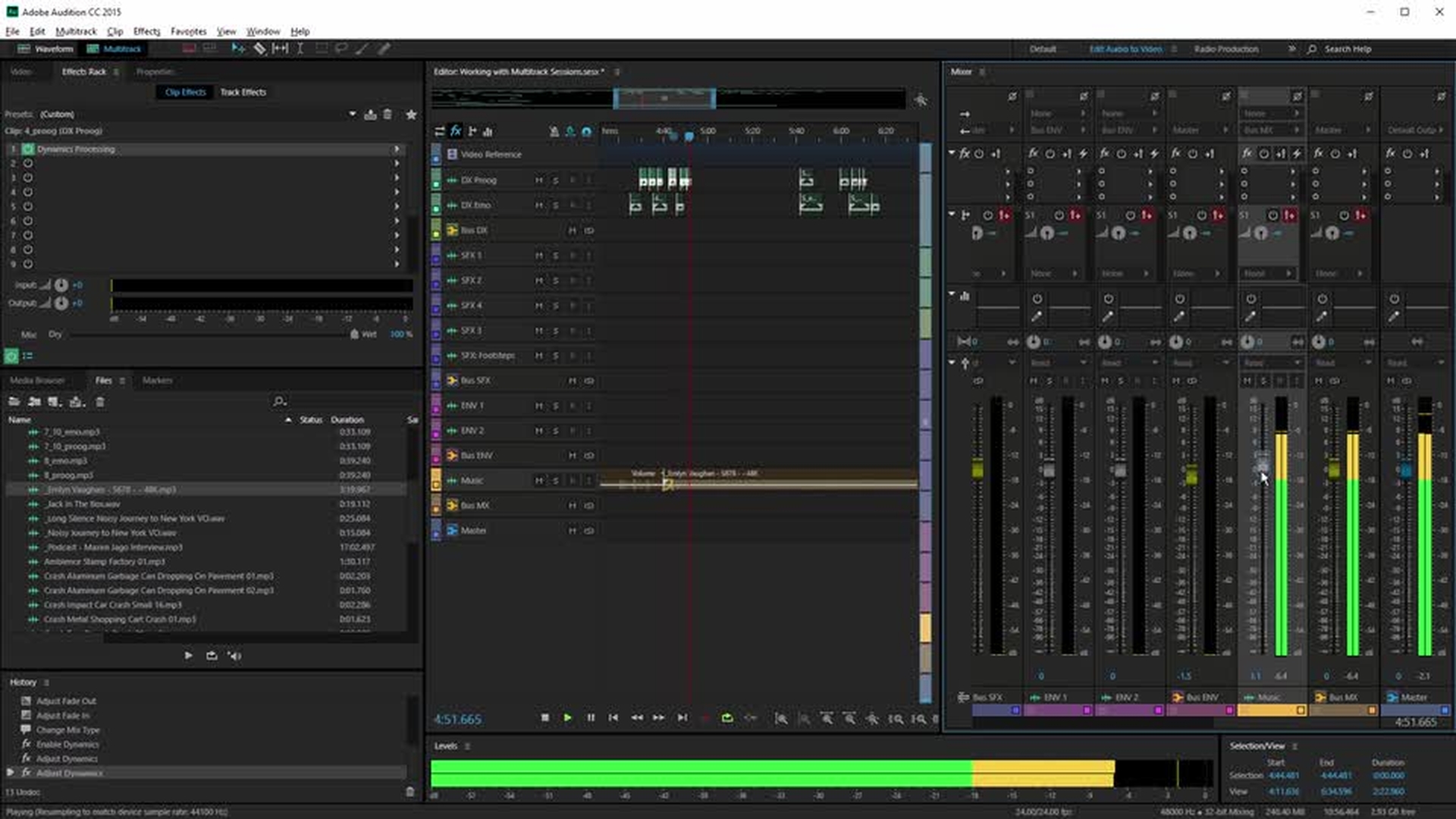
Multitrack session with reference video
Add cross-fade
Dialogue options in Essential Sound panel
Multitrack mixer
Export the mix
Dynamic link to Premiere Pro
In this video, you’ll learn how Audition integrates seamlessly with Premiere Pro. Starting with a Premiere Pro sequence that contains a noisy voice recording, you’ll use the noise reduction features offered by Audition to clean up this audio track.
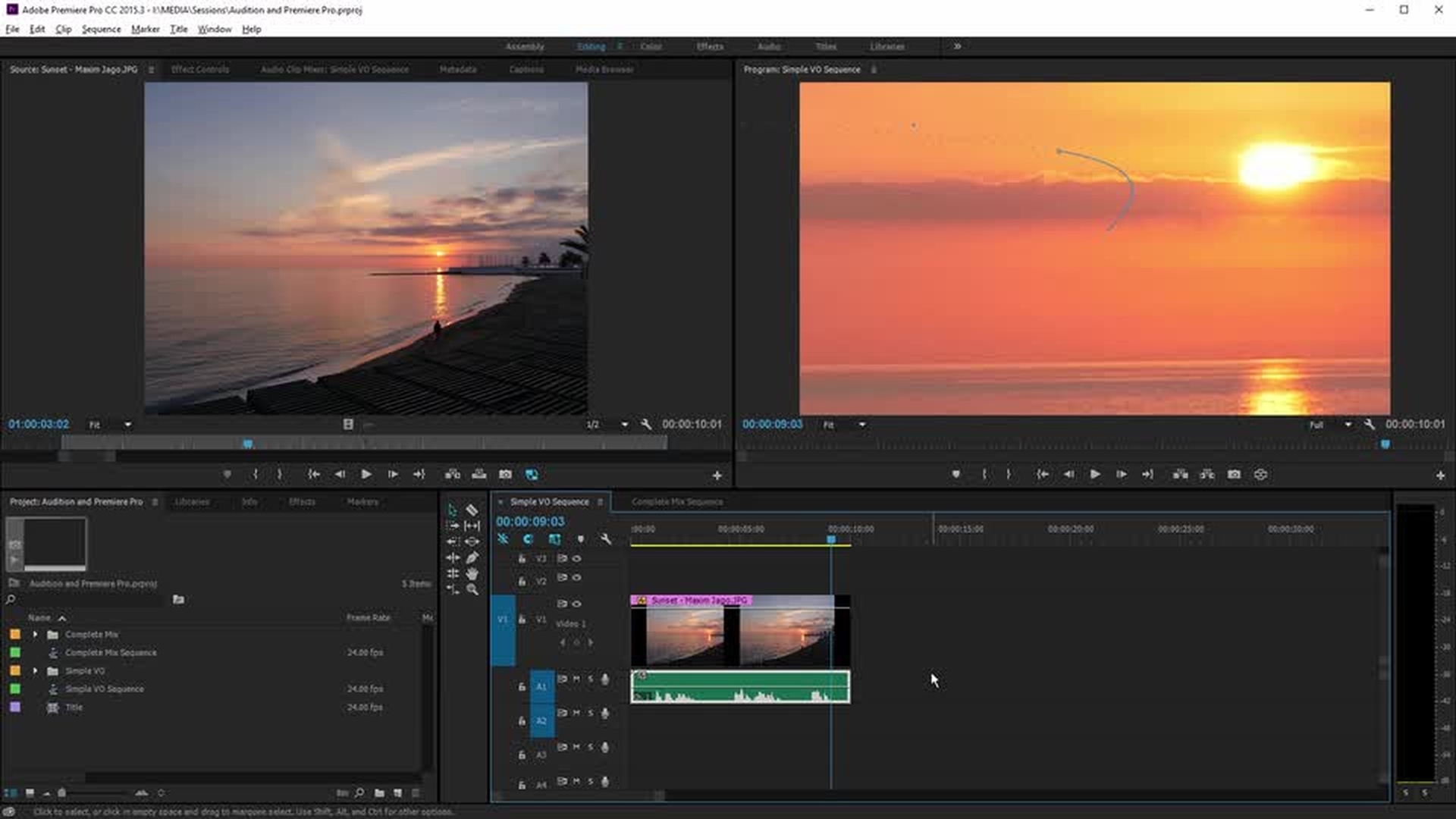
Send Premiere Pro clip to Audition
Clean up audio
Send Premiere Pro sequence to Audition
Diagnostics panel
Export to Media Encoder
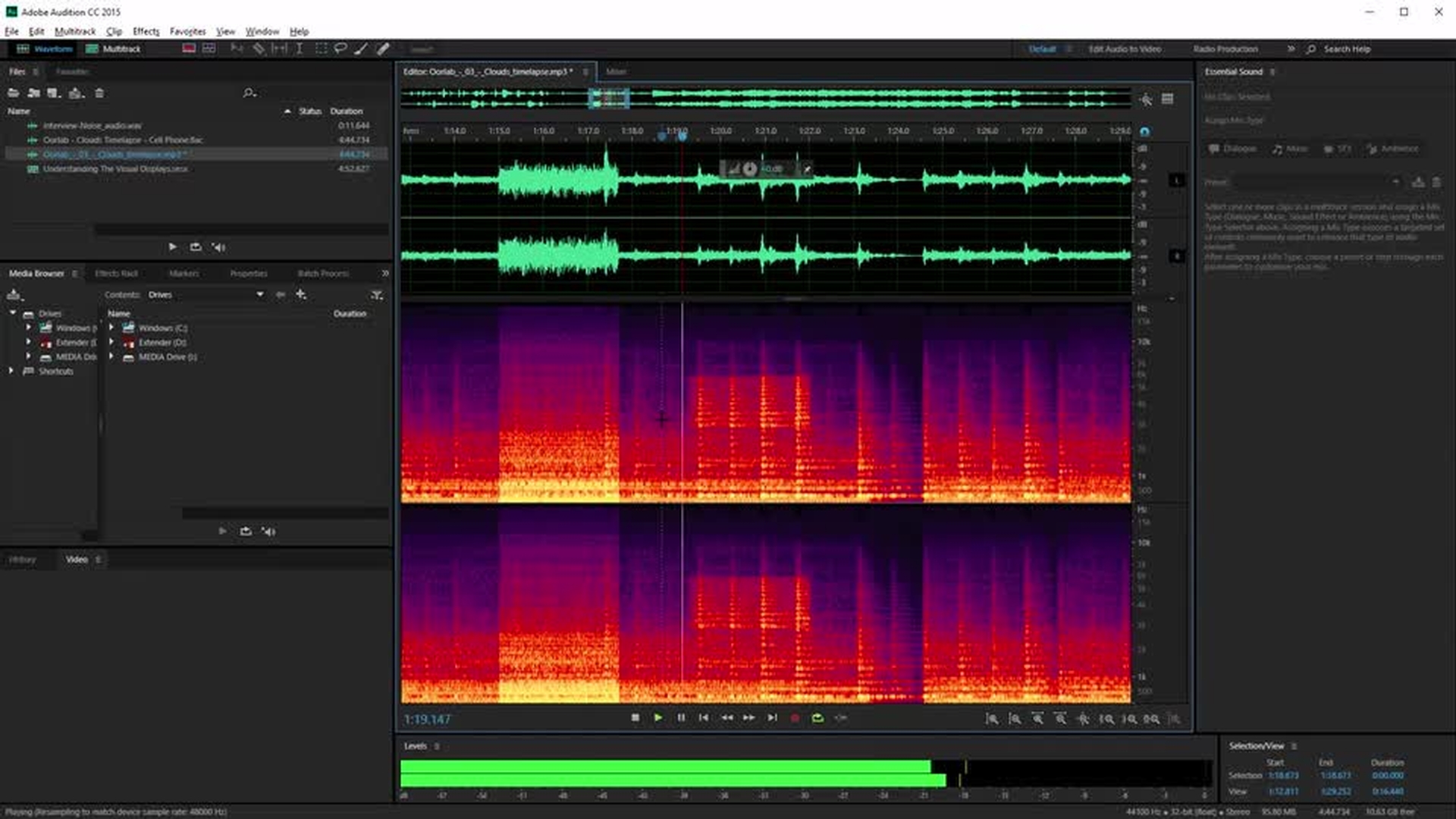
Understand the visual displays
In this video, you’ll learn the differences between the waveform display, which indicates amplitude over time, and the spectral frequency display, which indicates amplitude at specific frequencies and is great for adjusting — and removing — the amplitude of specific frequencies.