https://main--cc--adobecom.aem.live/cc-shared/assets/img/firefly.svg|AdobeFirefly Adobe Firefly
Free online AI image generator: Create images from text.
Bring your ideas to life with the Adobe Firefly AI image generator. You can use text prompts to create and transform images quickly and easily, now with higher quality, more detail, and improved lighting and color.
- image
- video
- Describe a subject, an action, a place, a mood, or a style.
- Adobe Generative AI Terms
- https://main--cc--adobecom.aem.live/creativecloud/animation/testdoc/unity/generate.svgGenerate
- Describe what you want to generate
- Prompt
- Tip
- Unable to process the request
- Please describe what you want to generate.
- Prompt exceeds the max length of 750 characters
- Enter prompt
https://main--cc--adobecom.aem.live/cc-shared/assets/img/product-icons/svg/firefly-80.svg
{{nbsp}}
Generate AI images now | Generate AI images now - Adobe Firefly
https://main--cc--adobecom.aem.live/cc-shared/assets/img/product-icons/svg/firefly-80.svg
Adobe Firefly
Generate AI images now | Generate AI images now - Adobe Firefly
https://main--cc--adobecom.aem.live/cc-shared/assets/img/product-icons/svg/firefly-80.svg
Adobe Firefly
The next evolution of creative AI is here for all your ideas, with image, video, audio, and vector tools.
Generate AI images now | Generate AI images now - Adobe Firefly
Key AI image generation features for creative freedom and precision.
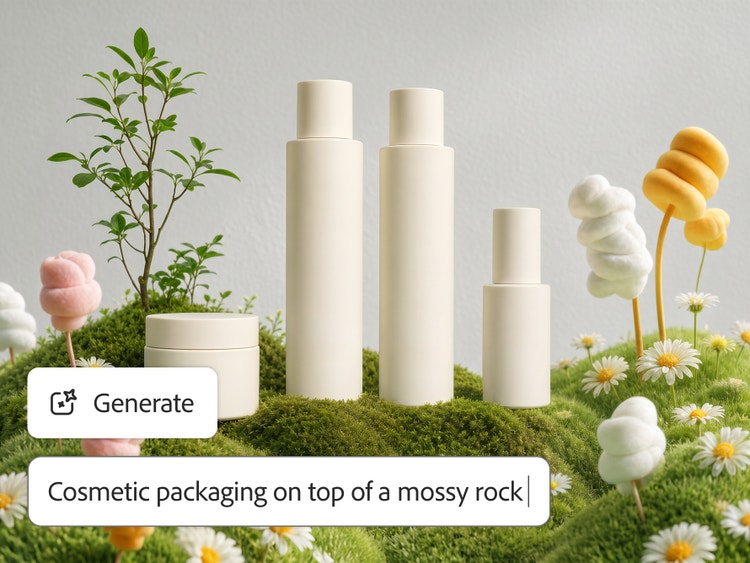
The free Adobe Firefly AI image generator makes creative exploration easier and faster for everyone. Whether you’re creating a photorealistic product shot, an illustrated background pattern, or a fresh tattoo design, all you need is a simple image prompt to bring your wildest ideas to life.
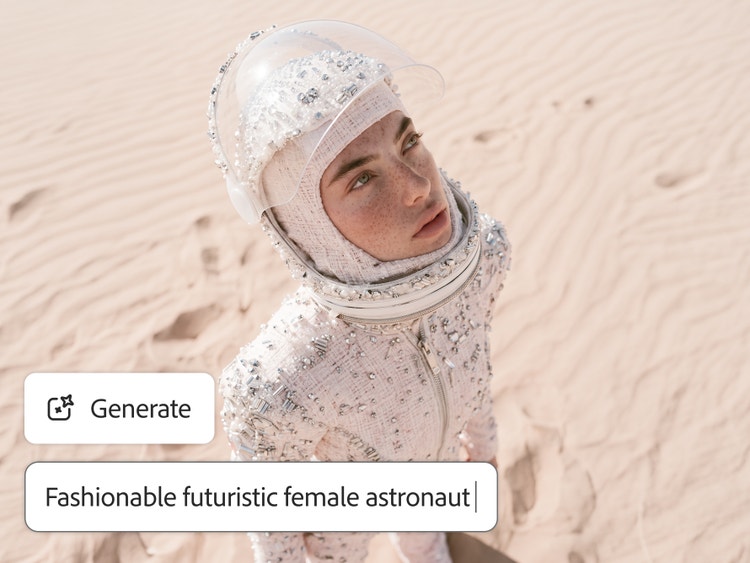
Never run short of images.
With the Generate Image tool, you can instantly create unique photos, illustrations, or pictures in various styles, from realistic to abstract, or graphic to painterly. Whether you’re designing content for social posts, banners, Reels, or TikToks, each prompt gives you unique results. Then click Generate More to explore even more visual possibilities.
Generate custom results with more creative control.
Use the image-to-image generator to influence composition, color, or mood, then fine-tune your result with cropping tools, opacity adjustments, and filter effects to bring your vision to life.
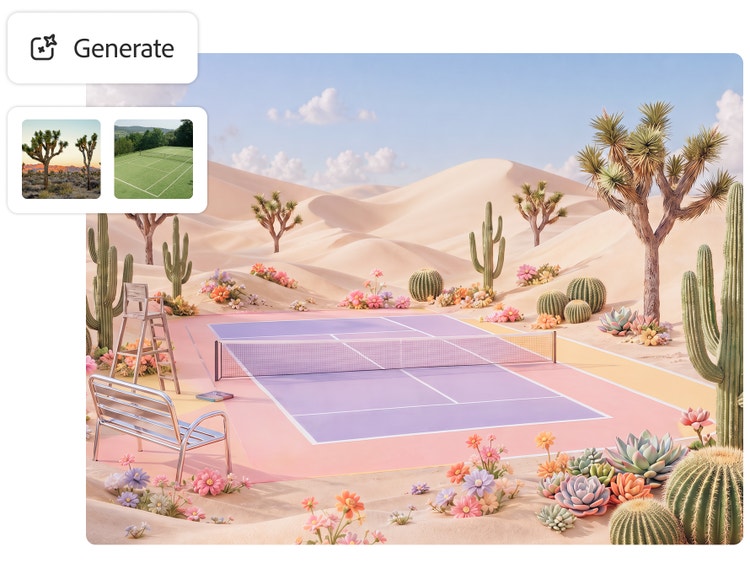
Quick content when you need it.
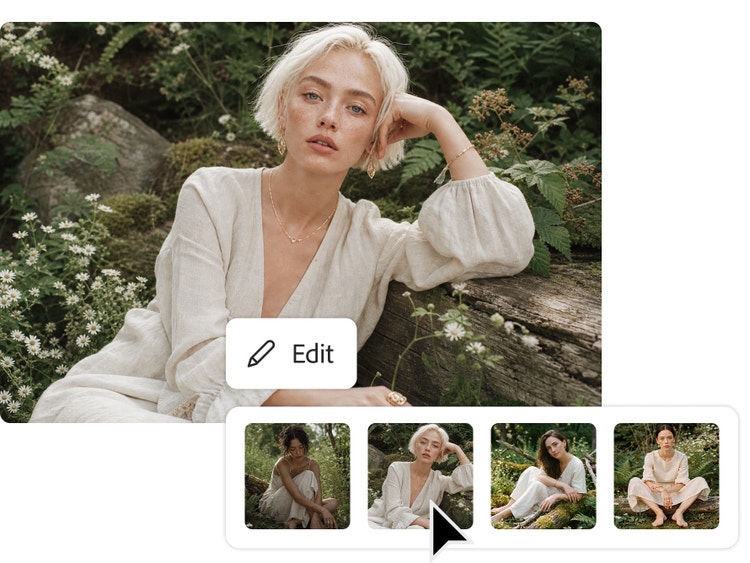
Text to Image is fast and easy to use. With the free AI image generator, every prompt generates up to four image suggestions. If you like one, just click the use as reference image option in the Edit dropdown to create images with similar styles or compositions. You can also move quickly into the Edit Image workspace to add or remove objects, generate or remove backgrounds, and refine your text to image results even further.
Match any image style, from photorealistic to painterly.
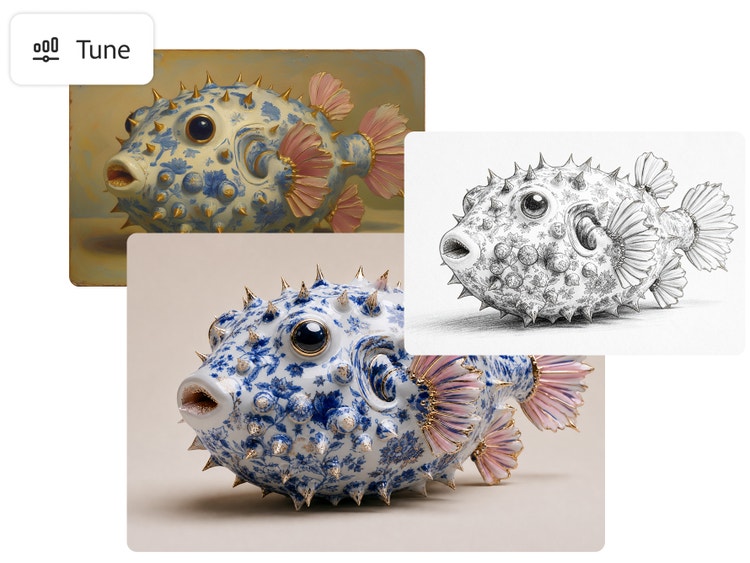
Choose your favorite art style, from Surrealism to Cubism to Impressionism, and turn text into stunning images with the free AI image generator. Adjust color and lighting, add neon effects, and more to create your masterpiece in minutes.
Create commercially safe content for brand work.
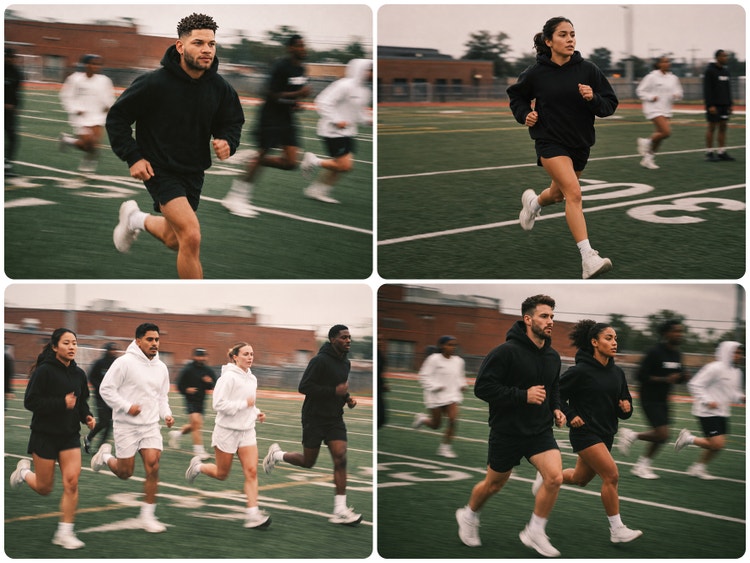
Firefly AI image models are trained on licensed images from Adobe Stock and public domain content where the copyright has expired, so you can confidently use your generated images in commercial projects. Learn more about Adobe’s commitment to AI ethics principles.
Tips for using the online AI image generator.
The best image generation starts with a solid concept, a simple image prompt, and some strong reference images. Start with a simple phrase, such as ‘raining soccer balls in the desert.’ Then experiment with different words to see what else Text to Image can create for you. For the best results, be as descriptive as possible. Use simple text prompts and iterate.
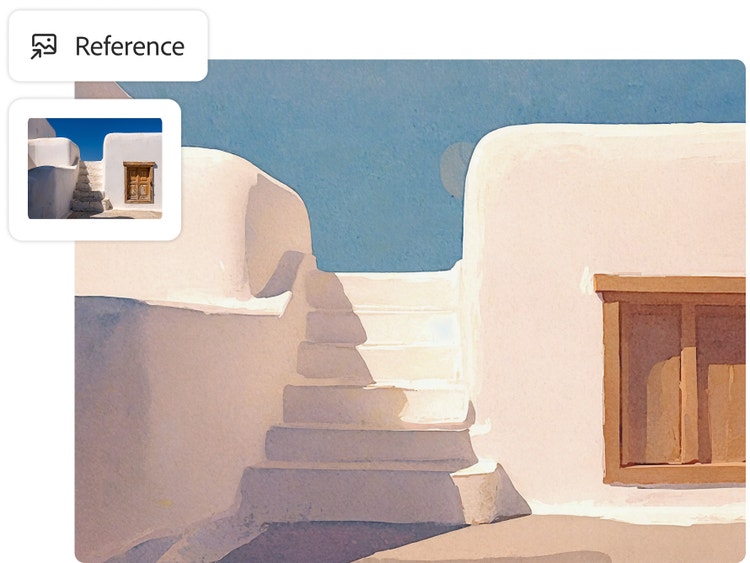
Upload reference images or create in stages.
Upload an image with the style you want to replicate, for example, a white 3D sphere on a blue background. Then build on that structure to generate similar shapes like basketballs, soccer balls, or anything round you can imagine. You can also use generative AI to create images, then reuse the images as style references later.
How to generate AI images with Adobe Firefly.
Step 1
Open the AI image generator in Adobe Firefly.
Step 2
Write a text prompt.
Step 3
Generate your AI image.
Step 4
Refine, edit, and regenerate.
Step 5
Save and share your AI-generated artwork.
- How to generate AI images.
- Steps on how to generate AI images
- PT5M
- firefly
Create with multiple top AI models, all in one place.
Choose top AI models from Adobe, Google, OpenAI, Runway, and more to create your best content ever.
Learn more | Learn more - Create with multiple top AI models, all in one place
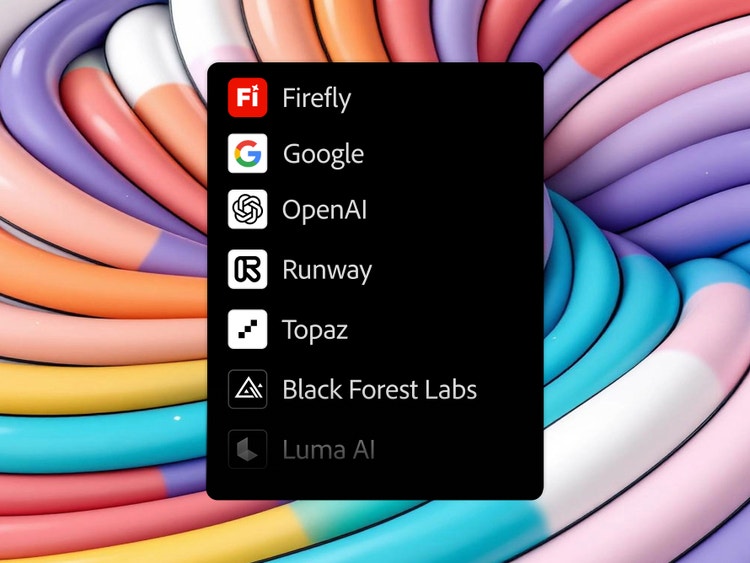
One login. Multiple top AI models.
Mix and layer outputs to best suit your vision. More models means more creative range, and you get them all with one login.
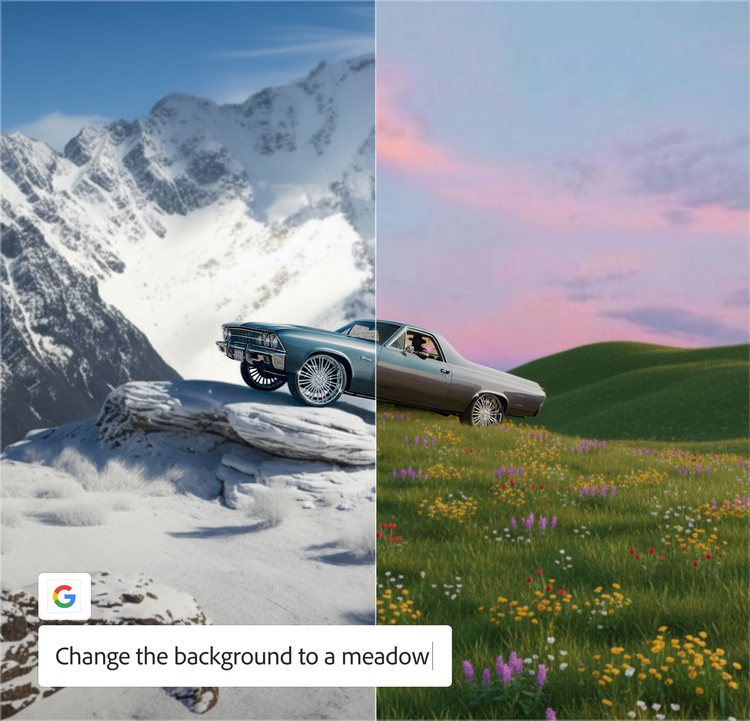
The AI you need. When you need it.
Whether you’re doing full-on generative AI work, or just getting a fast workflow assist, you always have the right model for the job.
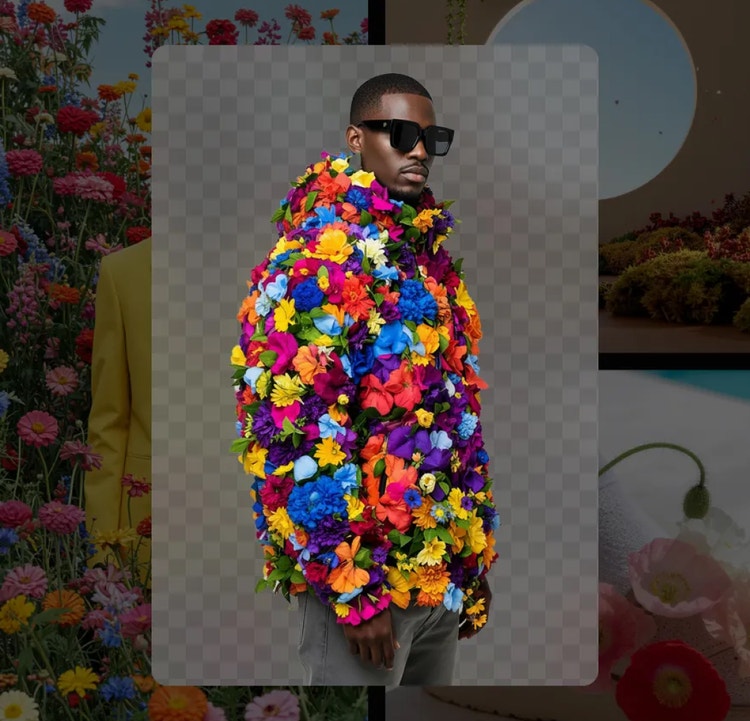
Astounding power. Abundant controls.
Make the most of these advanced AI capabilities with the creative control you expect from Adobe. It’s all included.
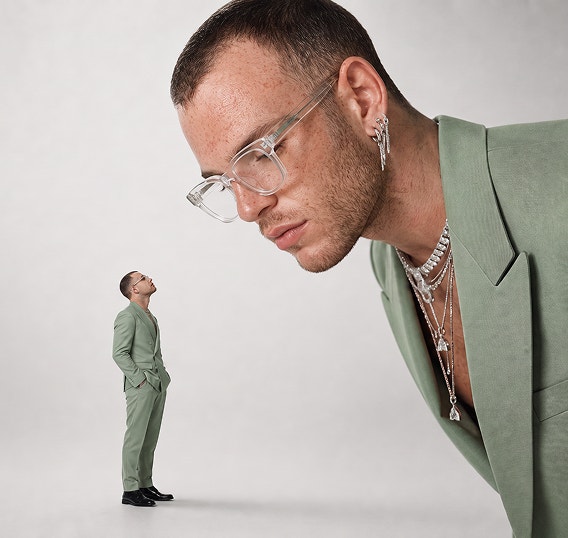
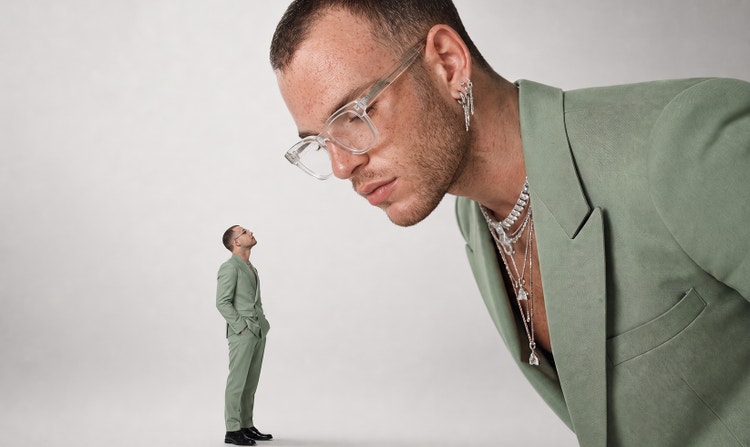
High-quality images, exceptional detail
Firefly transforms simple text prompts into high-fidelity, richly detailed AI-generated images, delivering crisp lighting, accurate textures, and consistent visual style powered by generative AI.
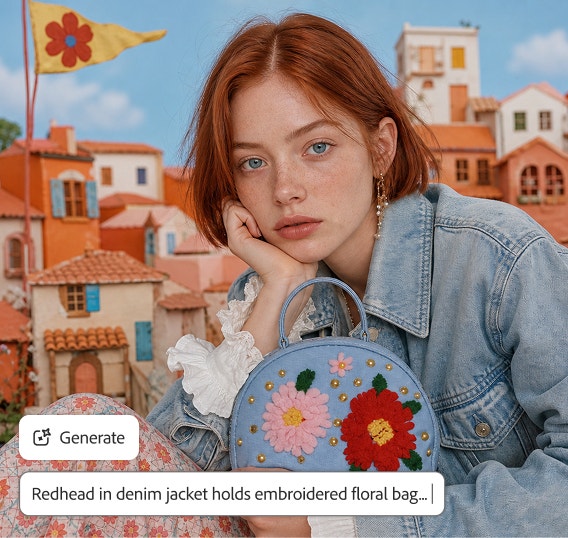
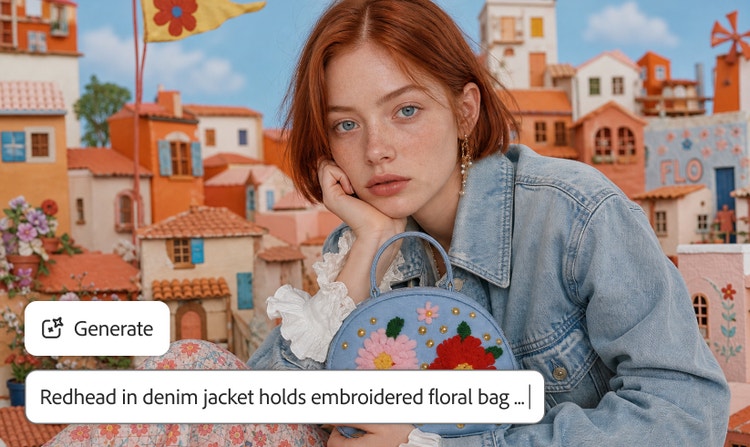
Creative freedom for any project
Generate visuals for social posts, moodboards, thumbnails, videos, flyers, and more. Firefly gives you a versatile text to picture workflow that adapts to your needs.
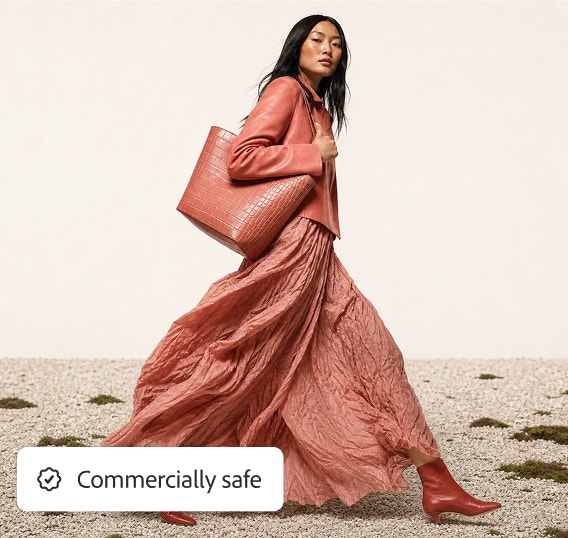
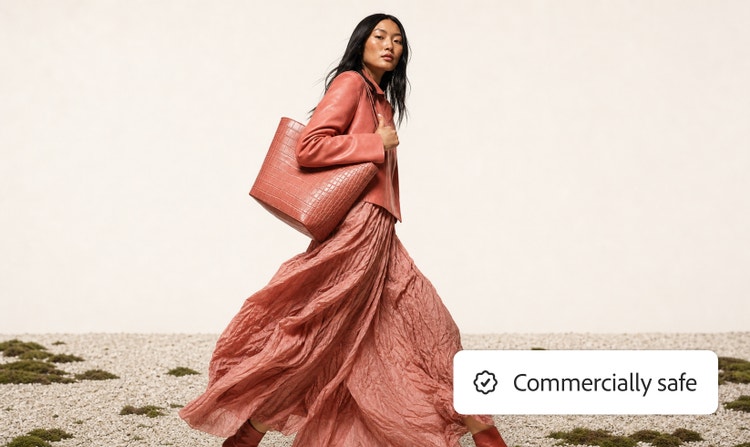
Custom results with precise controls
Adjust aspect ratio, color, lighting, style, and composition to shape your final image. You can also swap styles, iterate on ideas, or explore variations without starting over.
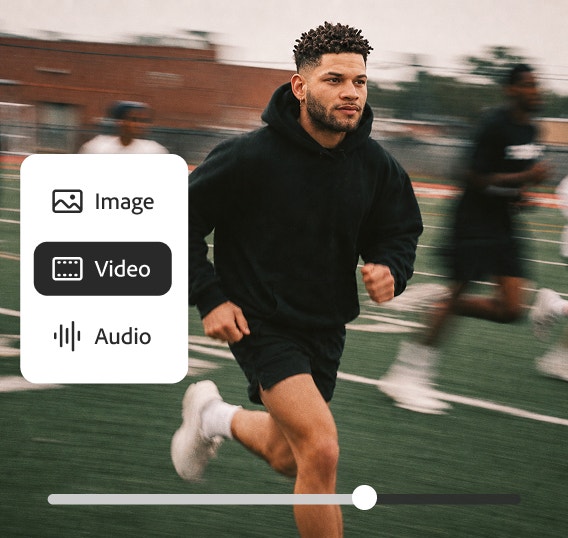
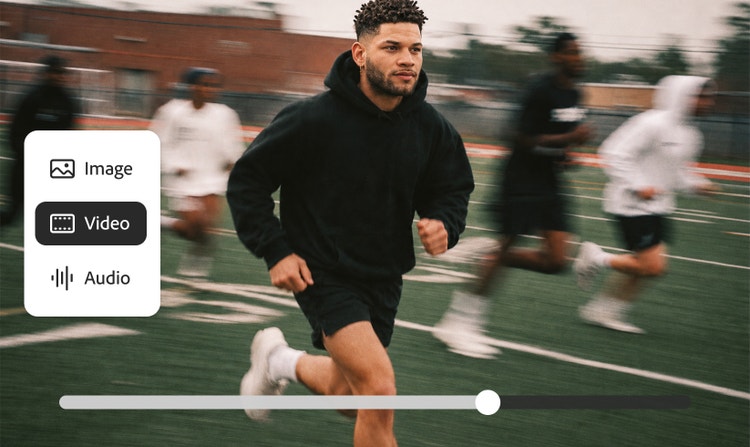
Everything you need in one app
Firefly brings image, video, audio, and vector generation together, so you can create and refine your whole project without switching platforms.
See what you can do in Firefly.
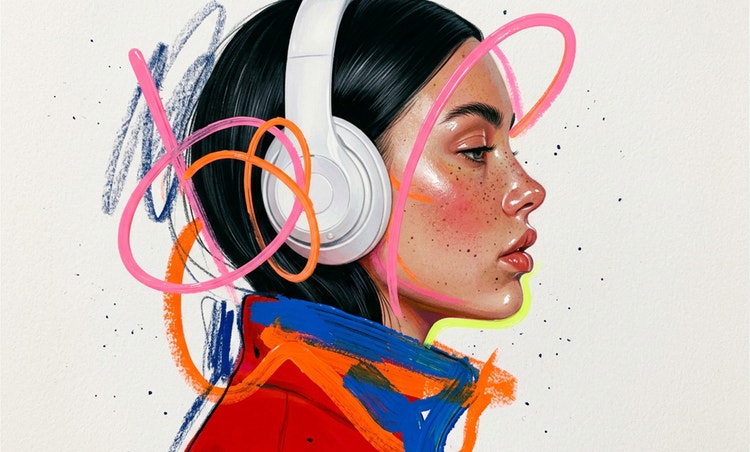
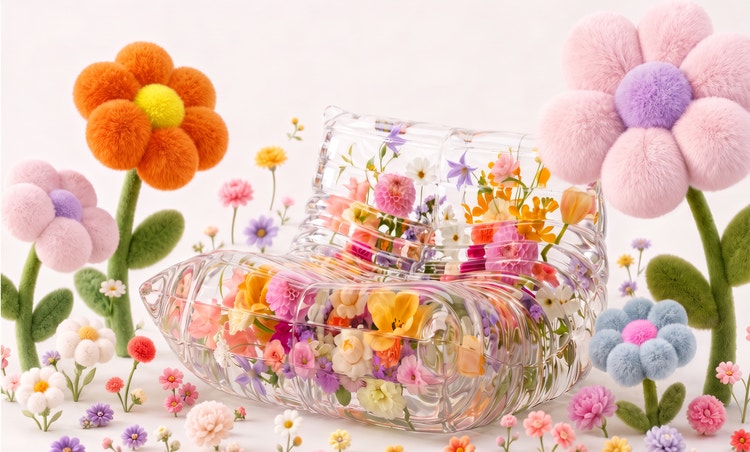



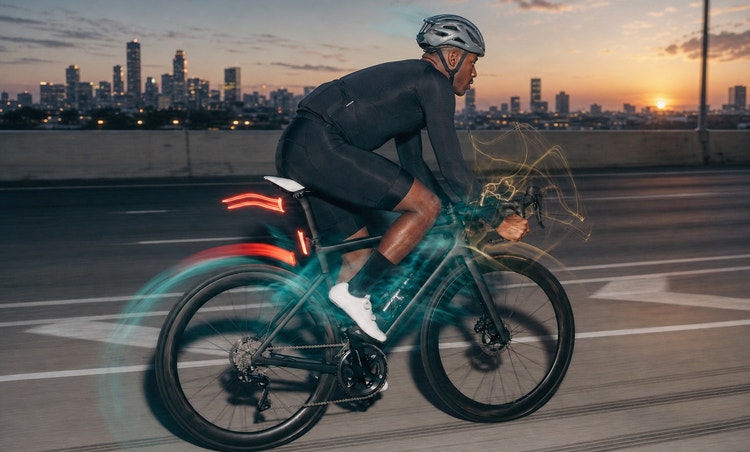
Discover even more features.
Questions? We have answers.
What is text to image in AI?
How do text-to-image generators work?
Are Adobe Firefly images available for commercial use?
What is an AI image generator?
Do I own the copyright to the images I generate in Adobe Firefly?
Is the Adobe Firefly online AI image generator free to use?
Yes, you can use the Adobe Firefly AI image generator for free with an Adobe account. If you have a free account, you’ll get free daily generations to create images from text prompts across a wide range of styles and subjects. Learn more about using Adobe Firefly for free.
Paid Adobe Firefly plans are available for higher-volume use and for access to more partner models.
Can I edit the images created by the AI picture generator?
Can I generate images in Adobe Firefly using Nano Banana?
What is the best AI image generator?
How do I craft the perfect AI image prompt?
What are the best AI text-to-picture generators available?
Who is Adobe Firefly Generate Image for?
What devices and browsers does Adobe Firefly support?
What file formats and resolutions does Adobe Firefly support?
Share this page.
Explore more Firefly tools.
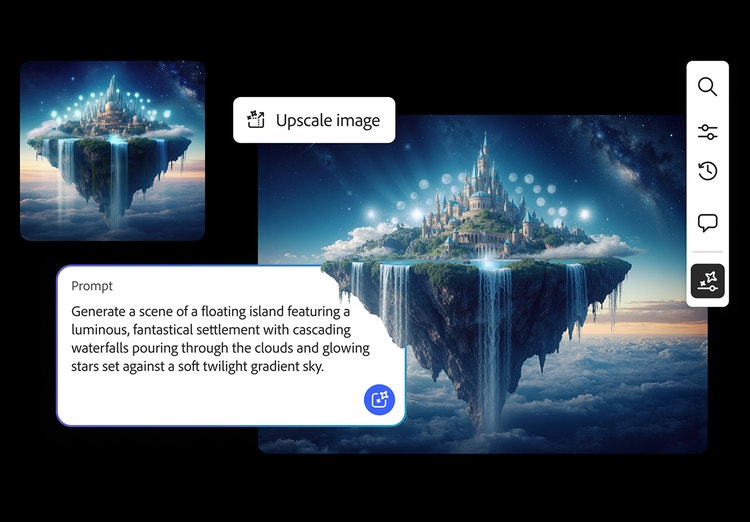
AI-generated images
From realistic product photos for e-commerce to abstract art shared on social media, generative AI is transforming the way images are imagined, created, and customized. See what’s possible with the Adobe Firefly AI image generator examples below.
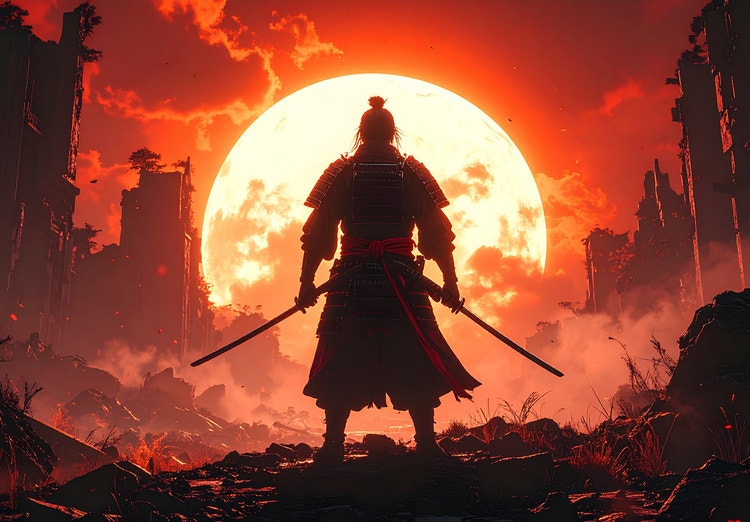
Image prompt examples
There’s an art to crafting the perfect image prompt. Browse AI image prompt examples alongside their AI-generated results to see how specific language shapes stunning visuals with Adobe Firefly.
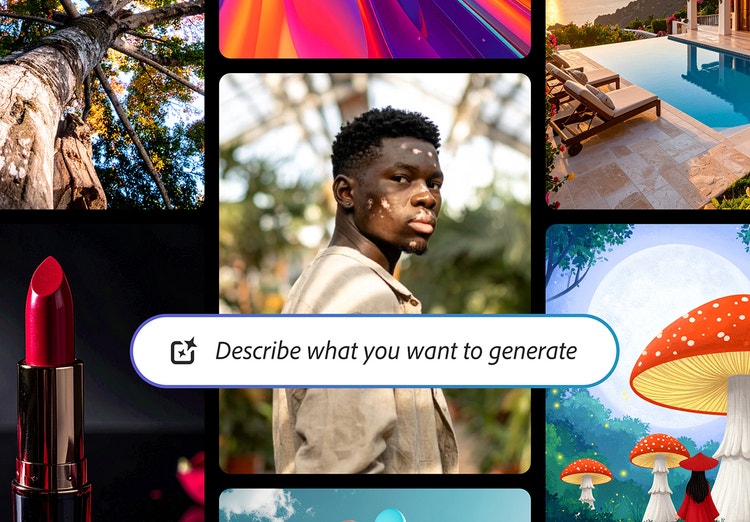
AI-generated examples
From the way we explore ideas to the way we bring concepts to life, generative AI is transforming creative work. Explore generative AI examples of visuals, video, and sound created with Adobe Firefly to see what’s possible and spark ideas for whatever you create next.
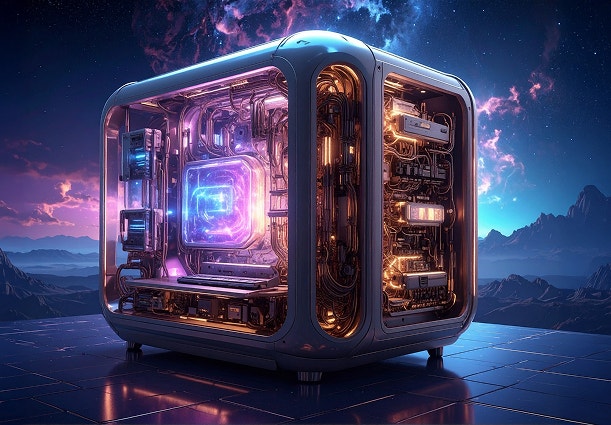
How Gen AI works
Generative AI is all over the headlines, and that’s not empty hype. This new technology is likely to be part of your life soon — if it’s not already. Learn how generative AI works and start streamlining your workflow.