
Delete PDF pages in seconds
Use Adobe Acrobat's online services to easily remove pages from a PDF. Simply sign in, upload your PDF document and download or share your edited file.
To delete PDF pages online, all you need to do is upload your document into our free online tool. Select the PDF pages you want to delete, then save and download your new document.
Use Adobe Acrobat's online services to easily remove pages from a PDF. Simply sign in, upload your PDF document and download or share your edited file.

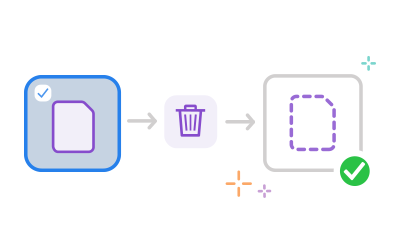
Sign in and highlight the specific thumbnails of the pages you want to delete from the PDF. Once you've finished highlighting the unwanted pages, click the dustbin icon in the toolbar at the top to remove them.

Once you're happy with your PDF, it's easy to share it with others. Your collaborators will have the same online view as you, so it's a great way to collect feedback or request signatures. You can even compress your PDF, to make sending easier.

You can access Acrobat online tools on any device and any operating system. From desktops to laptops and smartphones, you can easily use the tools you need wherever you are.

Acrobat lets you work seamlessly. Delete pages from a PDF quickly and easily to get the results you need in a flash. Rest assured your PDF edits are safe, with powerful encryption and GDPR compliant procedures, so your data stays secure.



