https://main--cc--adobecom.aem.live/cc-shared/assets/img/firefly.svg Adobe Firefly
Free AI image combiner: Merge photos online with AI.
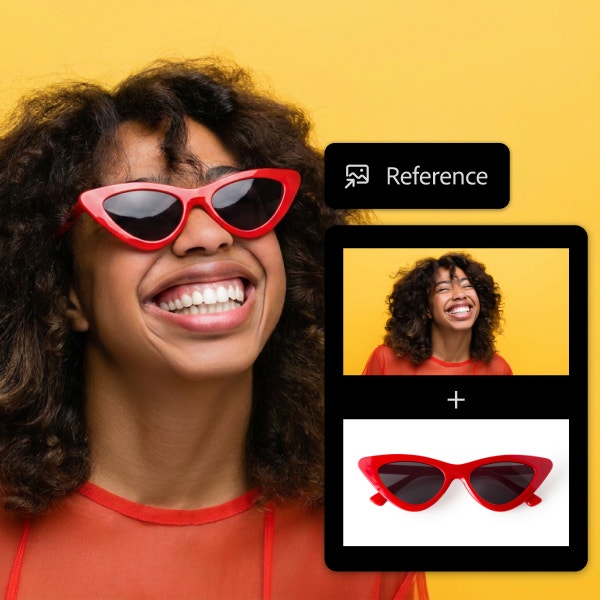
From product shots and lifestyle scenes to portraits, backgrounds and creative composites, Firefly makes it easy to transform multiple photos into one seamless image with consistent depth, lighting and atmosphere.
Or tap here
File must be JPEG(JPG), PNG or WEBP and up to 100 MB.
By uploading your image or video, you agree to the Adobe Terms of Use and Privacy Policy and confirm you are 18 years of age or older.
https://main--cc--adobecom.aem.live/cc-shared/assets/svg/s2-icon-upload-20-n.svg Upload your image
Or tap here
File must be JPEG(JPG), PNG or WEBP and up to 100 MB.
By uploading your image or video, you agree to the Adobe Terms of Use and Privacy Policy and confirm you are 18 years of age or older.
https://main--cc--adobecom.aem.live/cc-shared/assets/svg/s2-icon-upload-20-n.svg Upload your image
Or drag and drop here
File must be JPEG(JPG), PNG or WEBP and up to 100 MB.
By uploading your image or video, you agree to the Adobe Terms of Use and Privacy Policy and confirm you are 18 years of age or older.
- File size larger than 100 MB
- Unable to process the request
- We are unable to process this file type. Please try again.
- Only one file can be uploaded at a time.
- Image is smaller than the minimum dimensions (512 x 512 pixels). Please resize and try again.
https://www.adobe.com/cc-shared/assets/img/product-icons/svg/firefly-appicon-64-new.svg
{{Adobe Firefly}}
https://www.adobe.com/cc-shared/assets/img/product-icons/svg/firefly-appicon-64-new.svg
{{Adobe Firefly}}
The next evolution of creative AI is here for all your ideas, with image, video, audio and vector tools.
Combine any two images into one with Firefly.
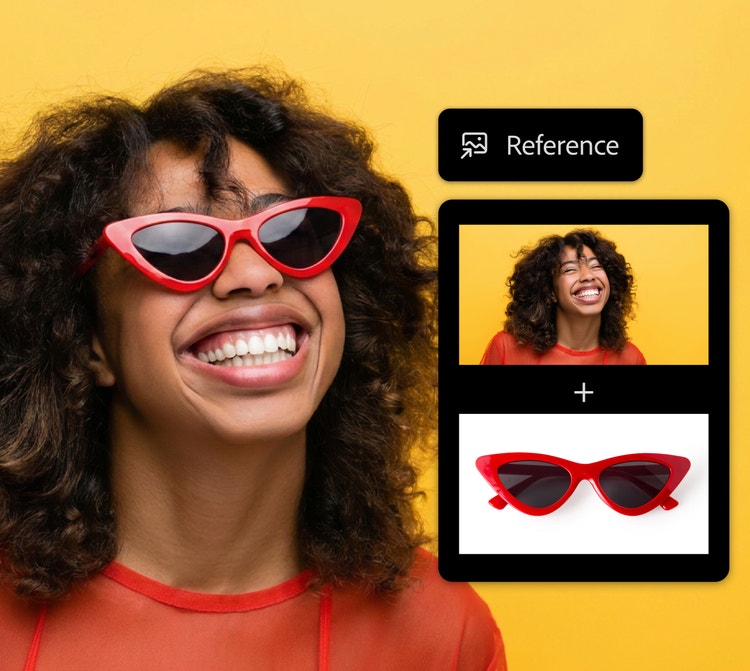
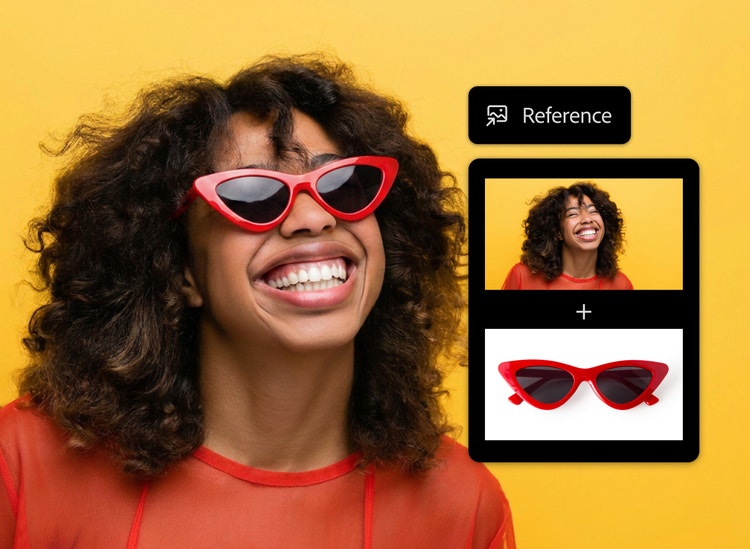
With Firefly, you can upload multiple photos and merge them into a single, unified image with consistent depth, lighting and atmosphere. Combine product photography with different landscapes, place a portrait in a new setting or blend two or more visual styles into one cohesive result. No matter the project, Firefly makes it easy to merge photos for free online without starting from scratch.
Merge photos online without losing detail or quality.
Firefly maintains consistent lighting, colour, texture and detail between the original images and the generated result, so the finished visual looks intentional instead of patched together. Whether you’re placing a portrait in a new setting or blending a product into a styled scene, Firefly makes it easier to create an AI photo merge with the highest quality. Explore the Firefly AI background generator for more ways to build the scene around your subject.
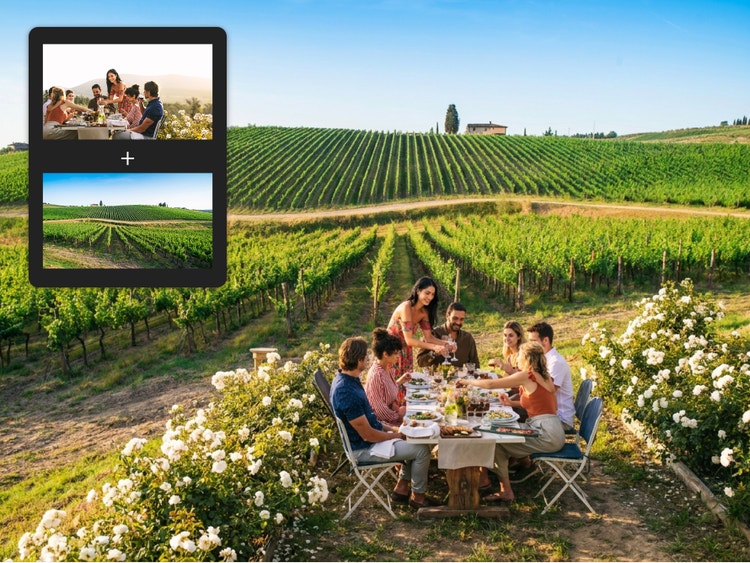
Use the AI image combiner for any creative project.
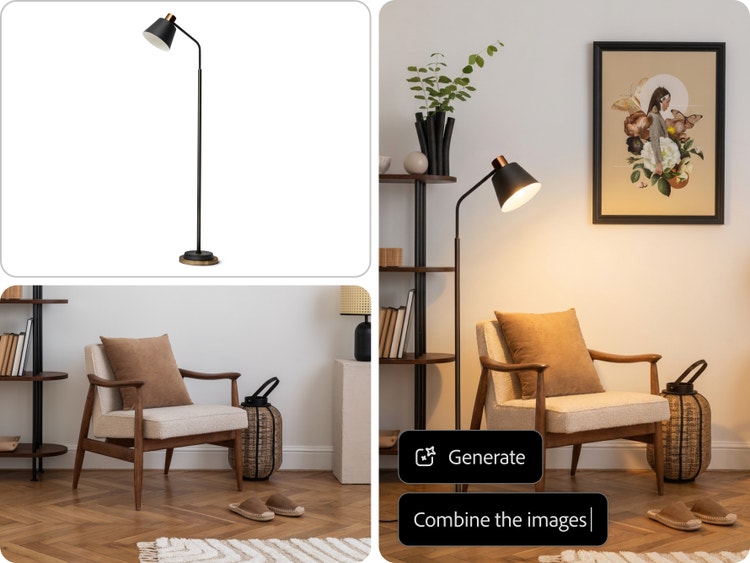
The image combiner in Firefly works across a wide range of creative needs. Ecommerce teams can use it to place product shots into lifestyle scenes, like kitchens, flat lays and outdoor settings for categories ranging from furniture and food to clothing and beauty. Editorial creators can build cohesive visuals for campaigns, album artwork and social content. Personal users can create an AI photo merge for invitations, profile images and fan art. For even more ways to transform existing visuals, explore image-to-image AI in Firefly.
Maintain creative control with the AI photo merge workflow.
Once you merge photos in the Firefly image editor, you can explore additional Firefly tools to refine the result. Adjust lighting and colour balance to better match the scene; refine subject placement and scale; swap, remove or generate new background elements; and fine-tune specific areas of the image with brush-based selection and prompt-driven edits.
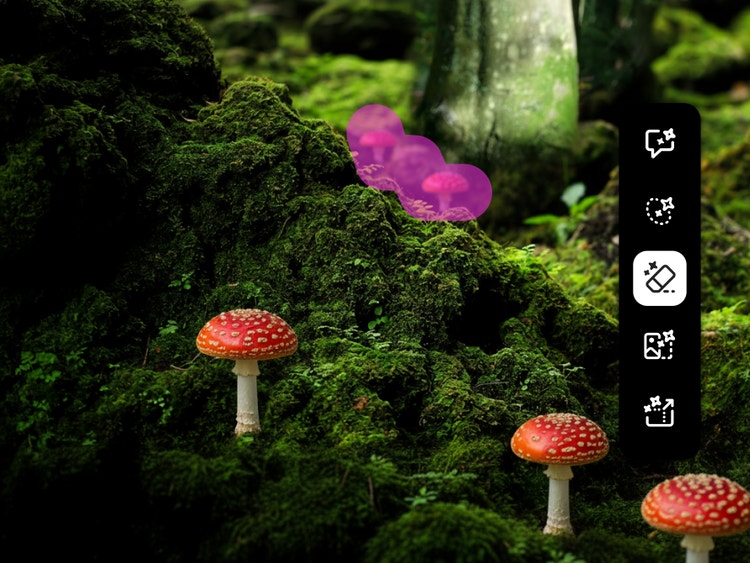
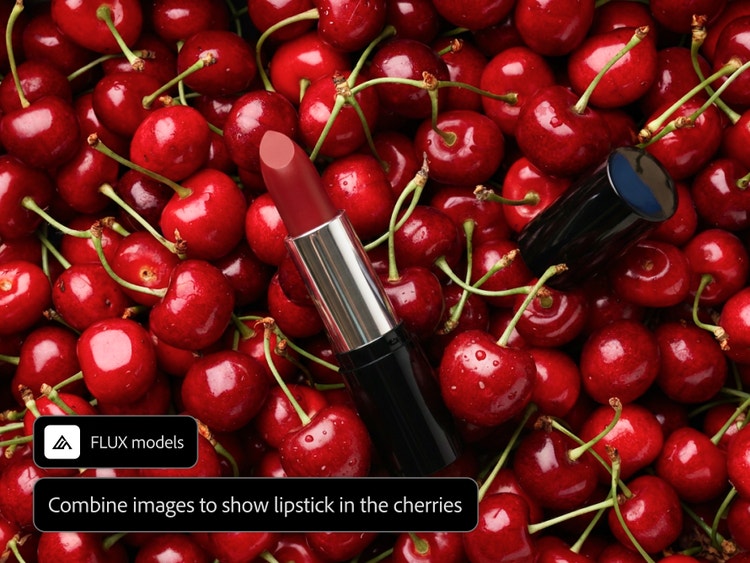
Quickly explore AI photo merge variations across AI models.
While in the Firefly image editor, you can choose from a number of models to combine images with AI partner models, like FLUX and Gemini. Each model brings a different style, tone and level of realism to your combined image, making it easy to explore different creative directions and find the best result, all within one seamless workflow.
How to combine images with AI using Adobe Firefly.
Step 1
Open Adobe Firefly and go to image generation.
Step 2
Upload two or more reference images.
Step 3
Write a prompt describing how to combine the images.
Step 4
Set your model and creative controls.
Step 5
Download or continue iterating.
- How to combine images with AI using Adobe Firefly.
- Steps on how to make combine images with AI using Adobe Firefly.
- PT5M
- firefly
Why use Firefly as your AI image combiner?
Whether you’re a casual creator experimenting with an AI photo merge or a professional combining visuals for client work, Firefly makes it easy to merge multiple photos into one seamless result for free.
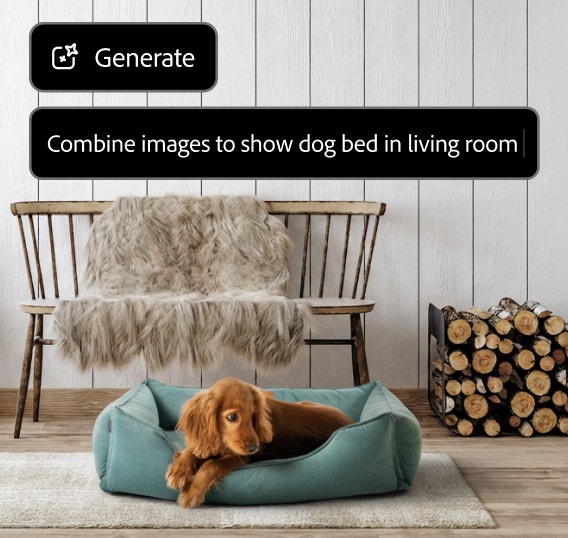
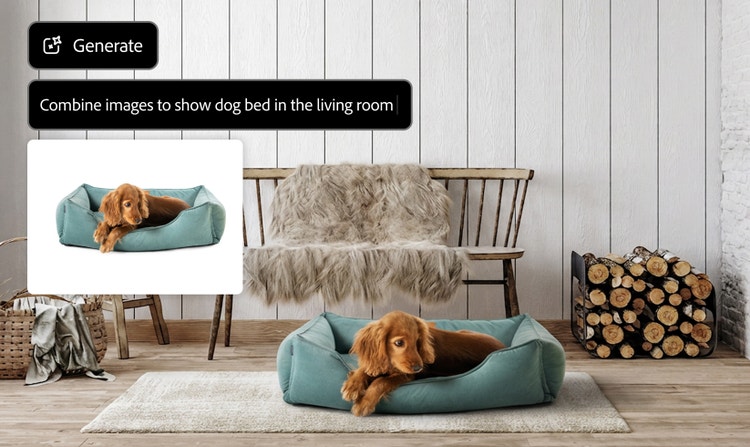
Realistic results
Firefly helps match depth of field, shadow direction, lighting and overall mood across your combined image, so the result feels like one cohesive scene, not two separate images stitched together.
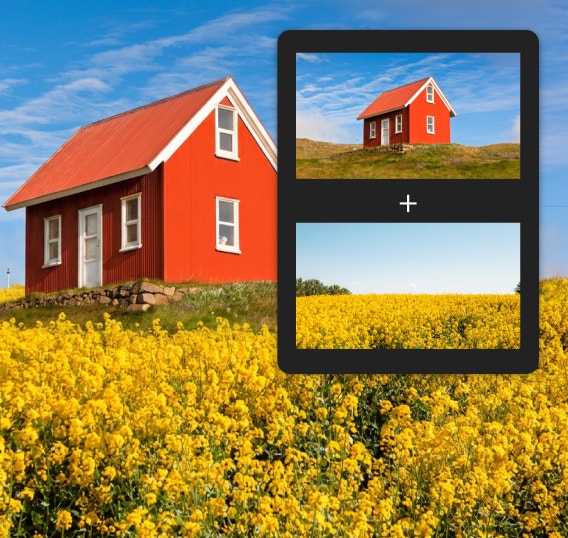
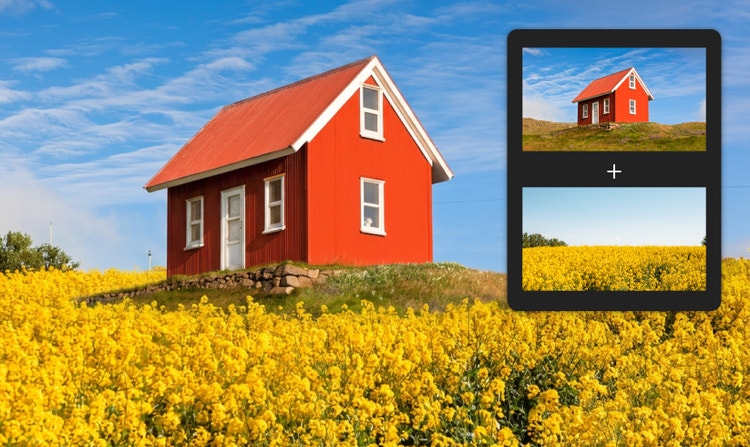
Simple to start
No need to install software or know how to work with layers and masks. Just upload your reference images, describe how you want to combine them and use Firefly to generate a polished final result.
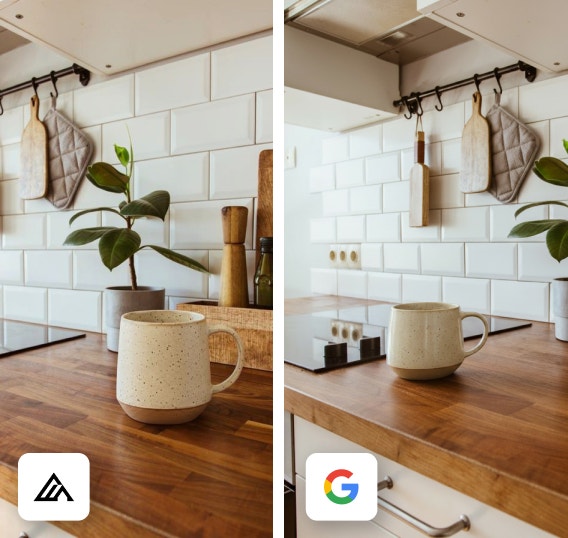
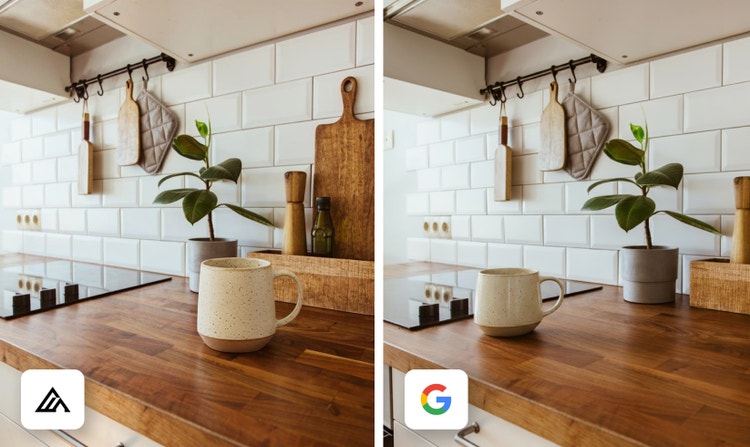
More models to choose from
Explore different looks across Firefly and AI partner models like GPT Image, FLUX and Gemini. Each model brings a different style, tone and level of realism to your merged image.
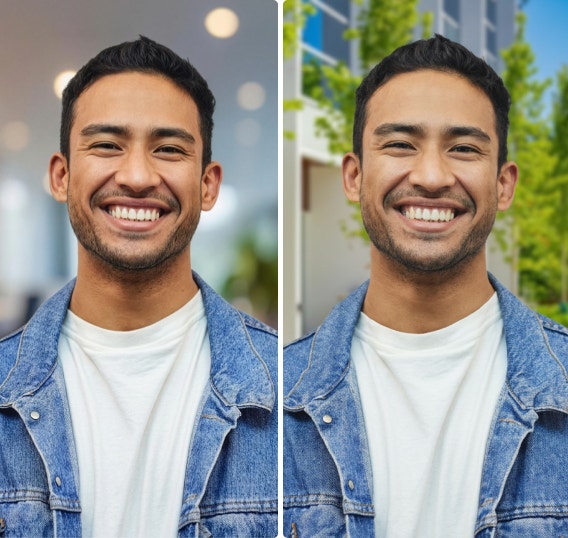
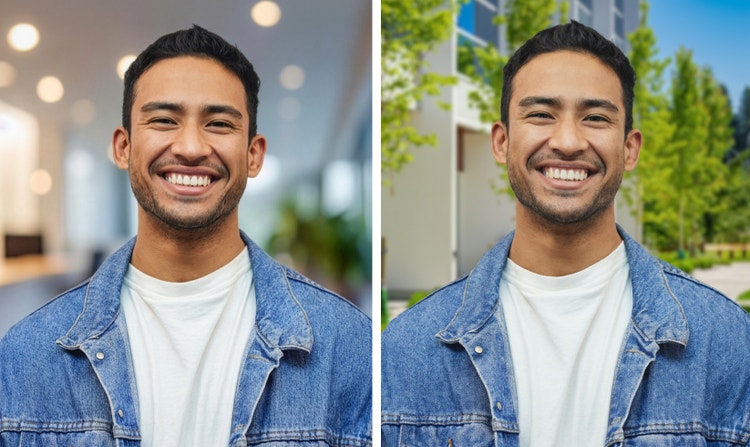
Versatile use cases
Use the image combiner in Firefly for product photography, portrait backgrounds, character scenes, style transfers, campaign concepts, social posts and more.
See what you can do in Firefly.



Discover even more features.
Questions? We have answers.
What is an AI image combiner?
What is the best image combiner?
How does Adobe Firefly compare to other image combiners?
Can I merge two different art styles into one image?
What can I use an AI image combiner for?
Can I use the images I create with Adobe Firefly commercially?
Which AI models does Adobe Firefly use to combine images?
Is the AI image combiner in Adobe Firefly free to use?
Can I combine images of different sizes?
Share this page
Explore more Firefly tools.
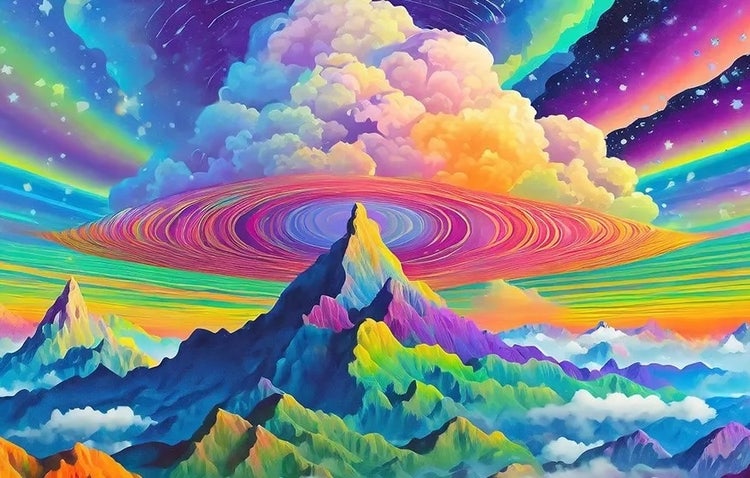
A creative revolution: The top three use cases for AI art
Discover the many applications of AI art and how it’s transforming the creative landscape.
Learn more | Learn more - A creative revolution: The top three use cases for AI art.
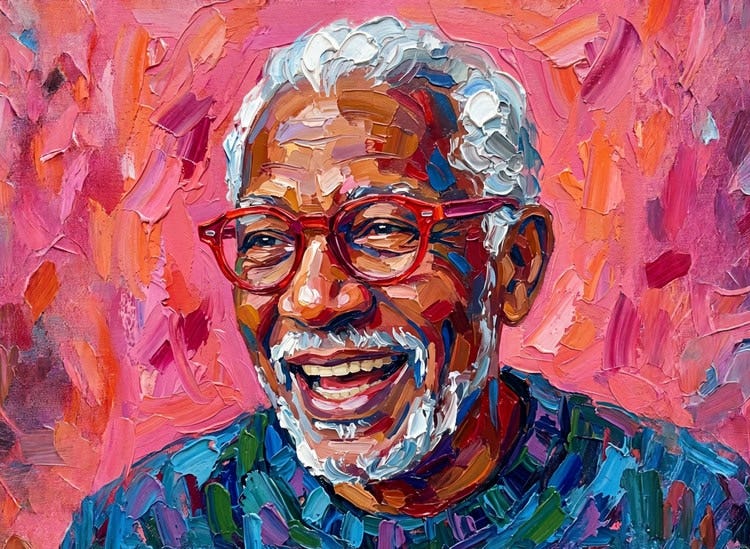
Free AI art generator
Type a prompt, choose a style and watch your idea transform into a finished image in the Firefly AI art generator.
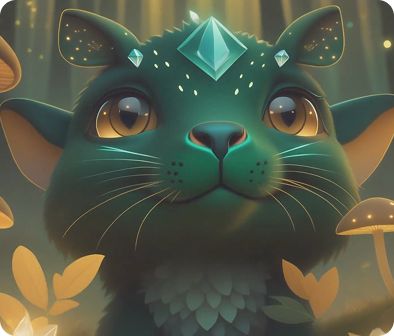
AI character generator
Bring characters to life with Adobe Firefly. Use prompts to customise appearance, style and personality to create your ideal character.
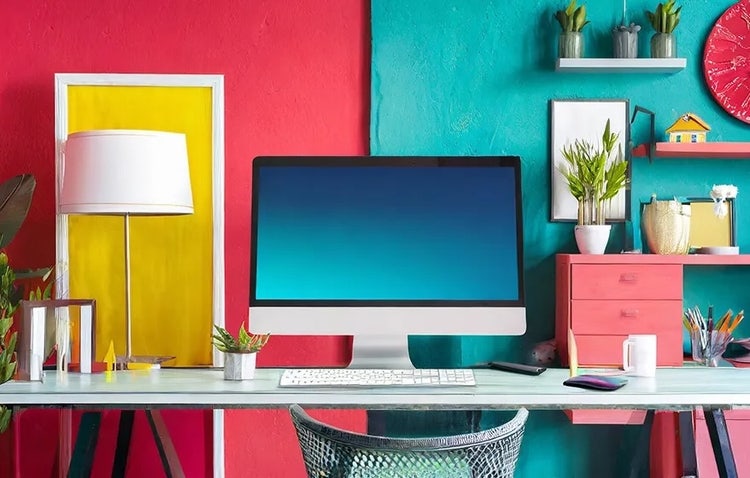
AI art prompts for graphic designers
Learn how to write effective prompts for generative AI to get amazing results for graphic design.
Learn more | Learn more AI art prompts for graphic designers