https://main--da-cc--adobecom.aem.page/cc-shared/assets/img/firefly.svg Adobe Firefly

Generate spooky nighttime pixel art for free.
Describe the spooky nighttime pixel art you want and Adobe Firefly will generate it in moments for free.
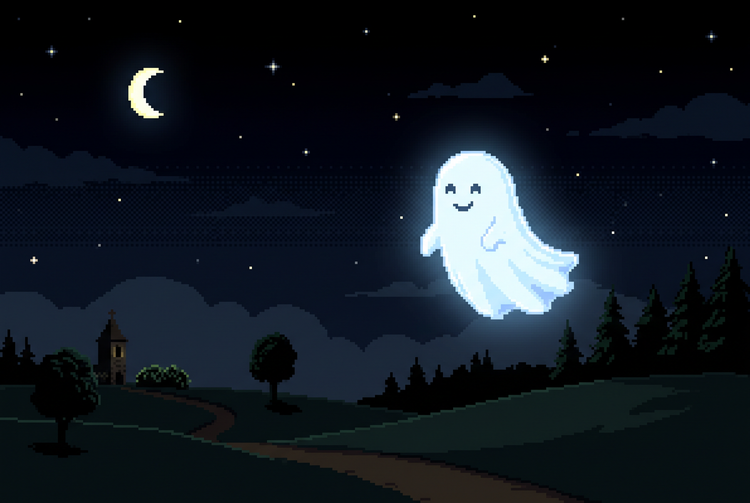
- image
- Describe a subject, an action, a place, a mood or a style.
- Adobe Generative AI Terms
- https://main--cc--adobecom.aem.live/creativecloud/animation/testdoc/unity/generate.svg Generate
- Describe the nighttime spooky pixel art idea you want to generate
- Prompt
- Tip
- Unable to process the request
- Please describe what you want to generate.
- Prompt exceeds the max length of 750 characters
- nightTimeSpookyPixelArt


Create spooky nighttime pixel art with Adobe Firefly.
The AI nighttime pixel art generator applies moody purple and green palettes, chunky pixel grids and eerie character silhouettes to your prompt, creating art that leans into haunted atmosphere and nostalgia over photorealistic detail, all for free.
Explore eerie colour palettes and pixel styles.
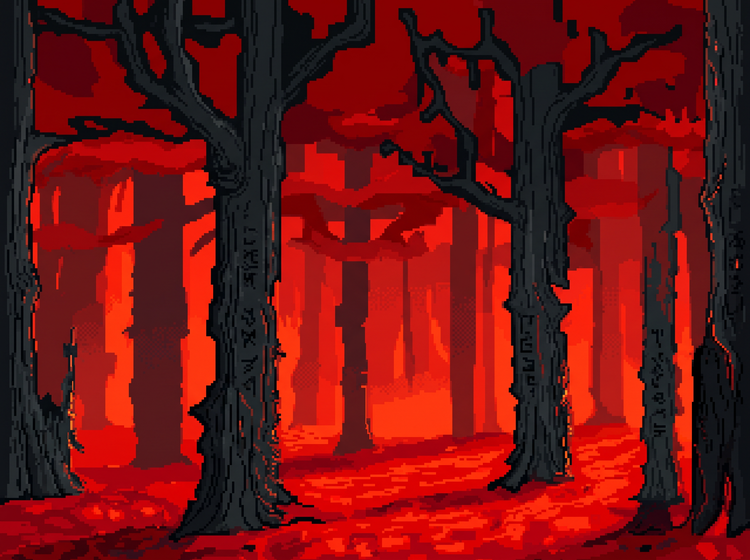
Using Adobe Firefly as a spooky nighttime pixel art generator, you can experiment with moody purple and green palettes, blood-red accents or moonlit blue tones. Adjust your prompt and apply style options to fine-tune pixel density and character look to achieve your desired haunted aesthetic.
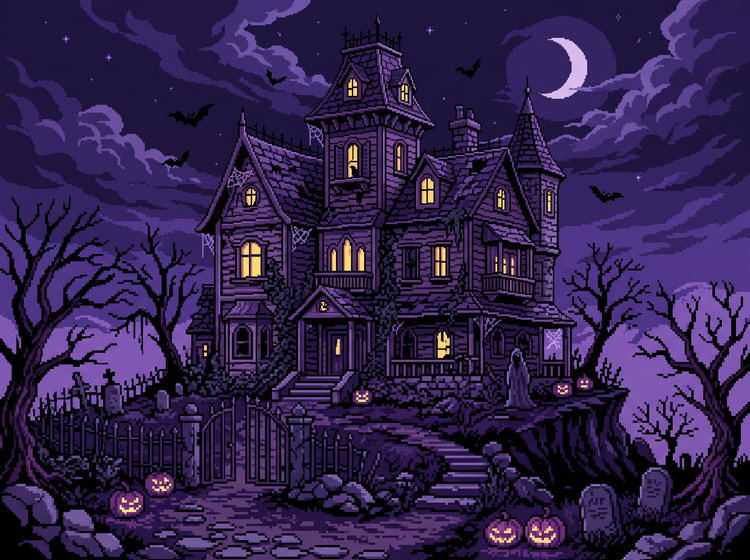
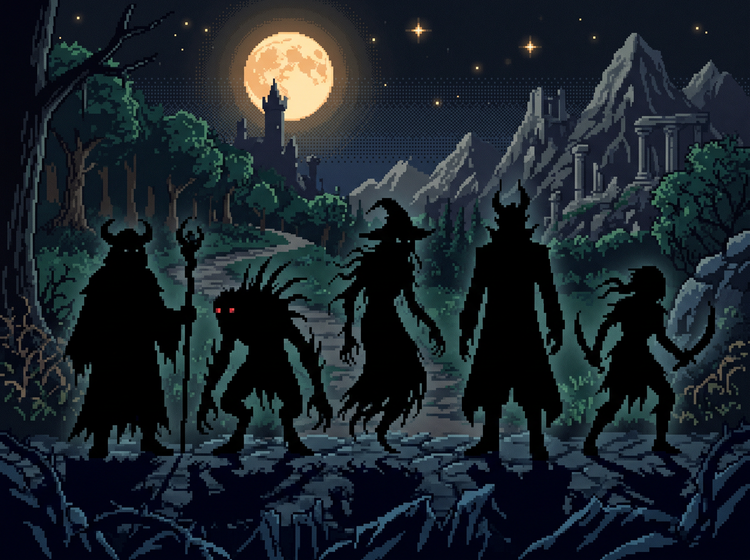
Create nighttime ghost pixel art for any project.
Whether you’re designing game sprites, sticker packs, avatars or social graphics, the Adobe Firefly AI image generator makes it easy to generate pixel art ideas at any size and resolution.
Easily refine your spooky pixel art.
Take your artwork further with editing tools built into Adobe Firefly. Adjust colour, character details and composition or generate new variations to evolve your design.
How to generate spooky nighttime pixel art ideas.
Step 1
Open Adobe Firefly.
Step 2
Describe your spooky nighttime pixel art idea.
Step 3
Generate your pixel art.
Step 4
Refine in the Edit tab.
Step 5
Download or share.
Steps on how to generate nighttime spooky pixel art ideas with Adobe Firefly.
PT5M
firefly
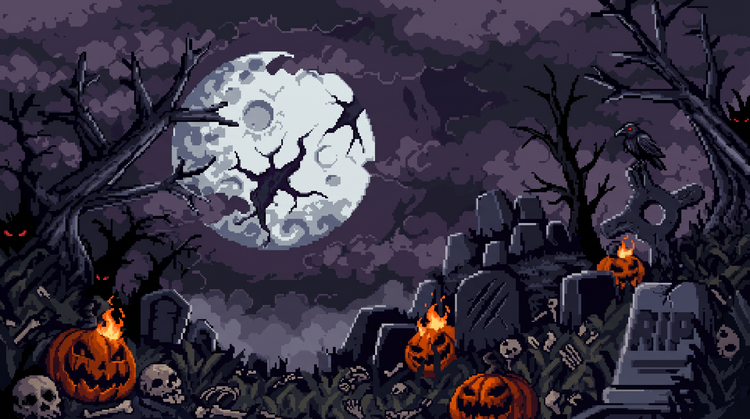
Precise creative control
Adjust and refine your pixel art with intuitive editing tools. Fine-tune palette, pixel density and composition to get the haunted look you want.
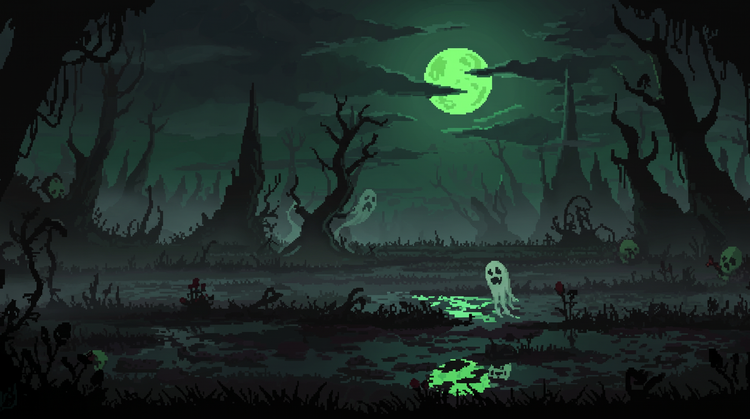
Top AI models
Adobe Firefly brings together its own models with partner models including OpenAI, Google, FLUX and more. Switch between models in the drop-down and compare results side by side, then refine your favourite with precision tools before you’re done.

Your complete creative studio
Adobe Firefly is more than an image generator. Start with a prompt, refine your result with precision editing tools and go from first idea to a finished haunted image without leaving your creative flow.
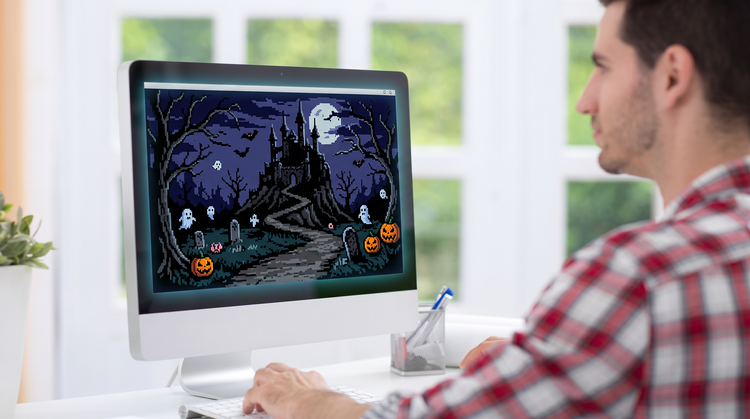
Built for creators
Get fast results when you need them for your spooky art using intuitive tools that automate common image edits. Dial in the details with precision tools when details matter.