https://main--cc--adobecom.aem.live/cc-shared/assets/img/firefly.svg Adobe Firefly

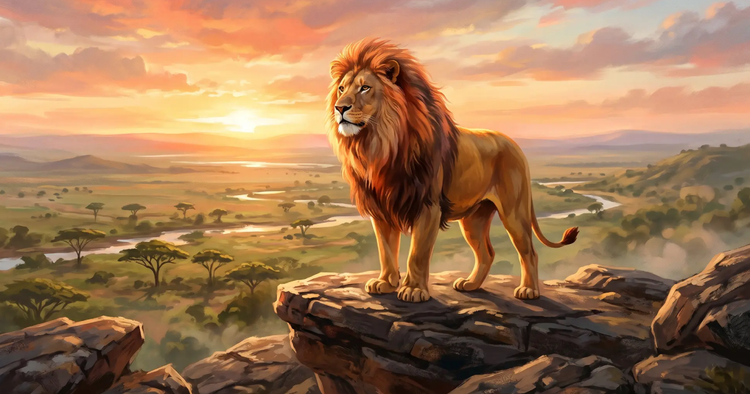
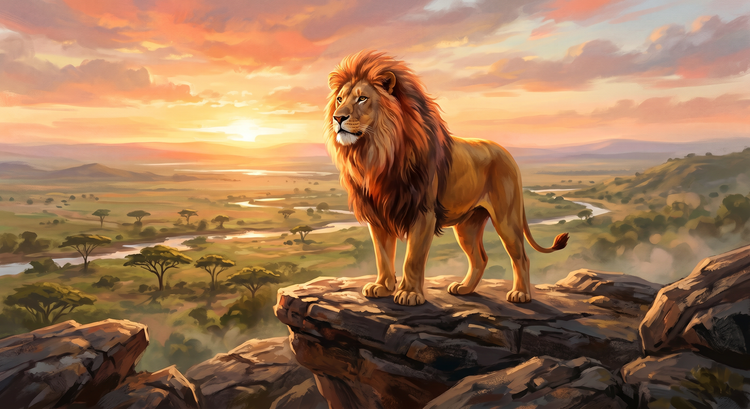
Generate original animals with the free AI animal generator.
- image
- Describe a subject, an action, a place, a mood or a style.
- Adobe Generative AI Terms
- https://main--cc--adobecom.aem.live/creativecloud/animation/testdoc/unity/generate.svgGenerate
- Describe what animal you want to generate
- Prompt
- Tip
- A red fox in medieval knight armour standing in an enchanted forest, illustrated in a storybook style
- promoid=QLD1P1SC&mv=other
- Unable to process the request
- Please describe what you want to generate.
- Prompt exceeds the max length of 750 characters
- Enter prompt


https://www.adobe.com/cc-shared/assets/img/product-icons/svg/firefly-appicon-64-new.svg
Adobe Firefly
https://www.adobe.com/cc-shared/assets/img/product-icons/svg/firefly-appicon-64-new.svg
Adobe Firefly
The next evolution of creative AI is here for all your ideas, with image, video, audio and vector tools.
Realise your ideas with an AI animal generator.
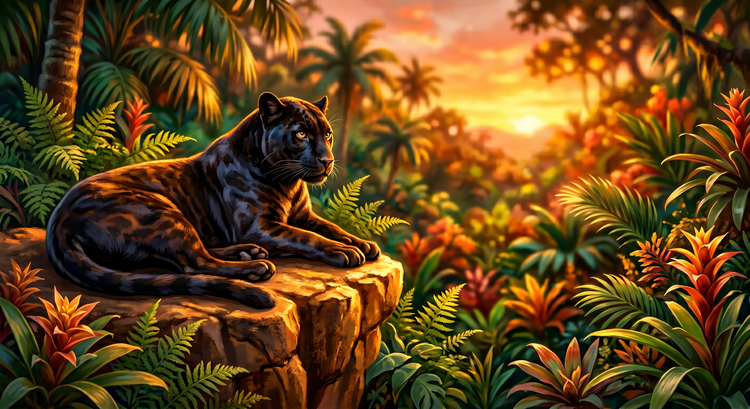
An AI animal generator uses text prompts to produce original creature and animal imagery from scratch. Type a description, choose your style settings and generate an image for your project. Whether you need a mascot for a brand, concept art for a game or an illustration for a children's book, the Generate Image feature in Adobe Firefly turns your words into detailed visuals in moments for free.
Create from your descriptions.
Describe the animal you want and generate detailed original imagery in moments. Start from a reference image to guide the style and composition or bring your animal to life as a video with the AI video generator.
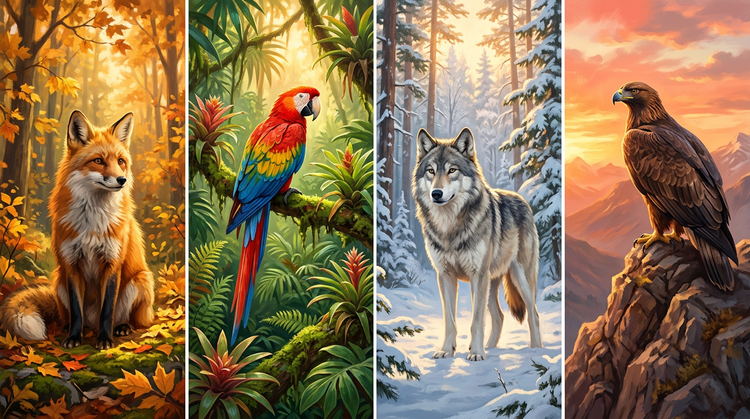
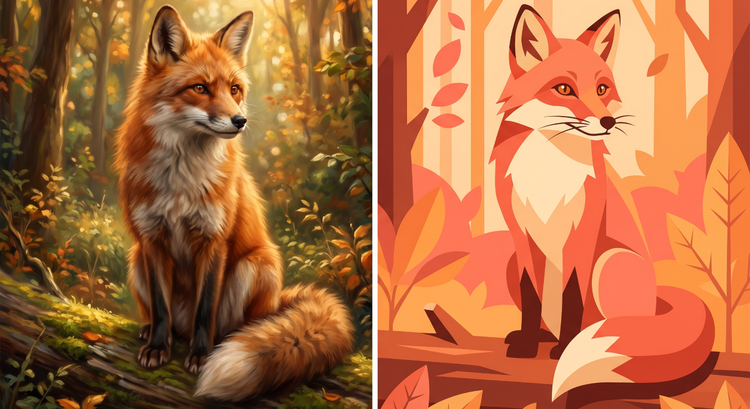
Iterate fast on concepts.
Before committing to a final direction, you can generate several variations in moments. Try a different species, swap the art style or adjust your prompt for a new look. Faster iteration means you can come to a creative decision more quickly.
Use your images with confidence.
The Adobe Firefly model is trained on licensed and public domain content, so you can use your generated animal illustrations in client work, marketing and publishing with confidence.
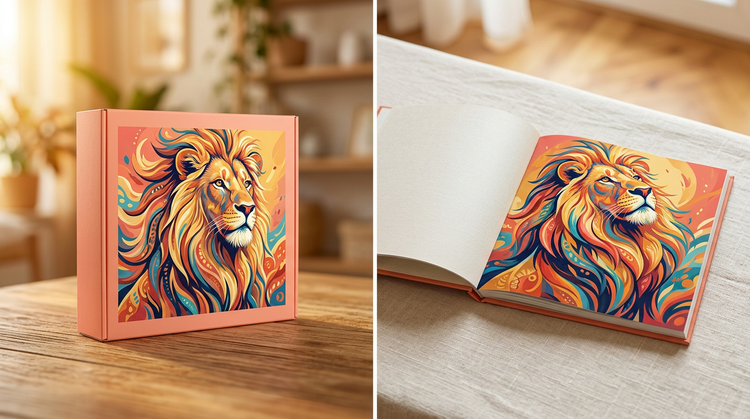
How to generate an AI animal image.
Step 1
Open Adobe Firefly.
Step 2
Write your prompt.
Step 3
Adjust your style settings.
Step 4
Generate and review your results.
Step 5
Download and share your image.
- How to generate an AI animal image.
- Steps on how to generate an AI animal image.
- PT5M
- firefly
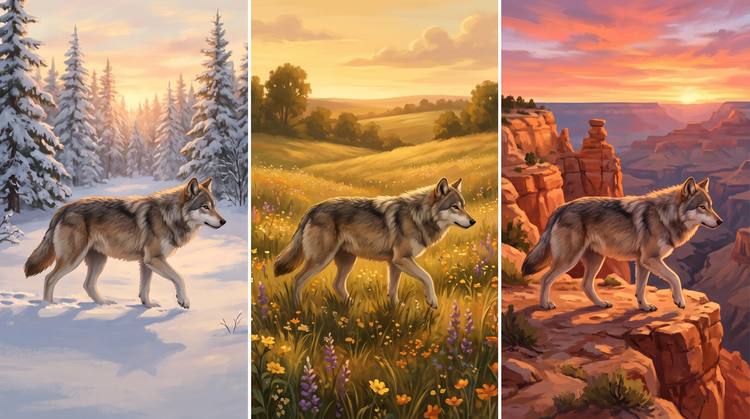
Maintain style consistency.
Generate variations of your animal in different poses, settings and scenes while keeping the visual style consistent. Build a full cast of creatures that feel like they belong in the same world.
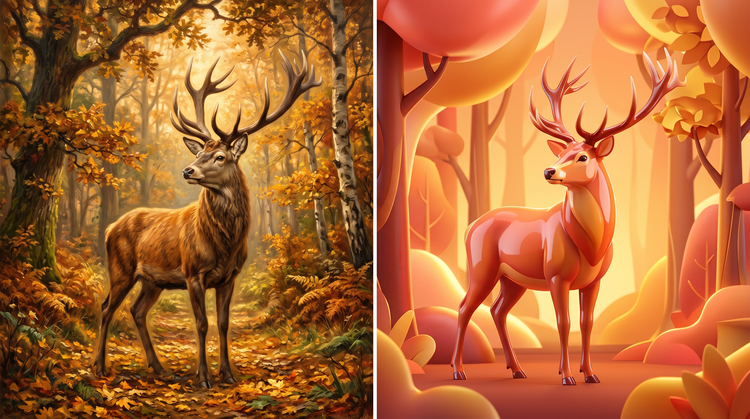
Experiment with AI models.
Try from our selection of partner models like GPT Image, Nano Banana and more to find the right look for your project.
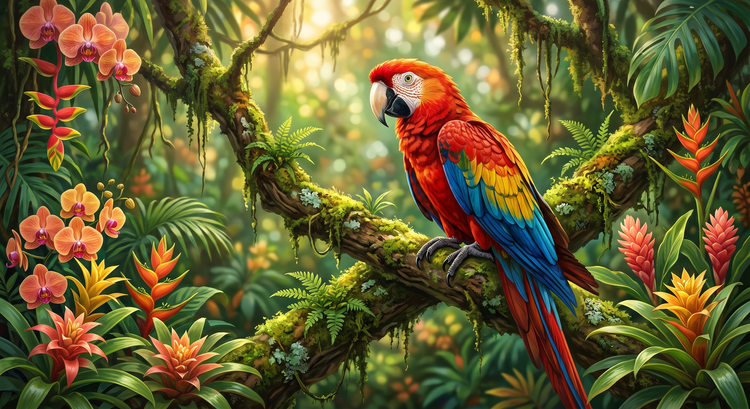
Refine your results.
Use the editing tools in Adobe Firefly to fine-tune your animal images after generation. Add and remove content, extend your canvas with Generative Expand or replace the background to put your creature in any environment you choose.
Keep editing in Adobe apps.
Open your files in Photoshop on the web or Adobe Express directly from Adobe Firefly or download a high resolution image for an easy, end-to-end workflow.
Questions? We have answers.
What kinds of animals can you generate with the Adobe Firefly animal generator?
What art styles can I use with the Adobe Firefly AI animal generator?
How do I write a good prompt for the Adobe Firefly animal generator?
Who uses the Adobe Firefly AI animal generator?
Can I use my AI-generated animal images in professional projects?
What file formats can I download from the Adobe Firefly animal generator?
Is the Adobe Firefly animal generator free to use?
Share this page.