How to convert AI to PDF online
Converting your Adobe Illustrator file to PDF is fast and simple with free Acrobat online tools. Whether you’re working on desktop or on the go, you can turn vector artwork into a shareable PDF without installing extra software.
Follow these steps to convert AI to PDF:
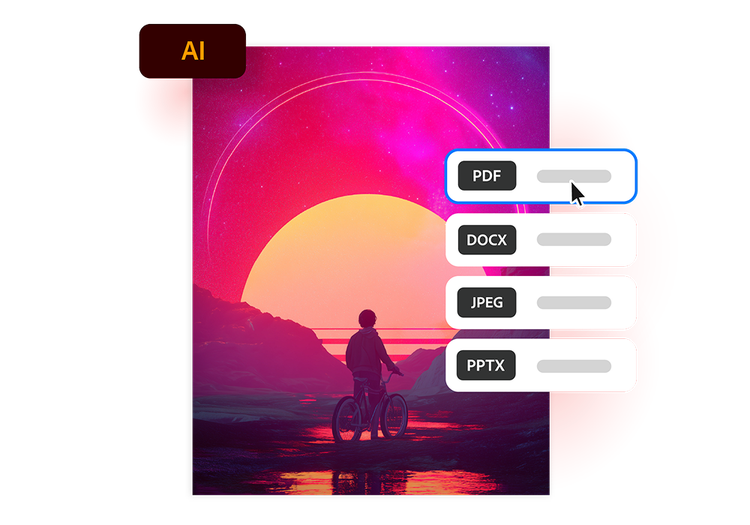
- Upload an AI file: Upload or drag and drop your Adobe Illustrator file into the converter tool above.
- Convert the file: Your Illustrator file is processed and converted into a PDF in seconds.
- Download your file: Download your newly converted file, then save, print or share your PDF.
Try our free AI to PDF converter
Discover the benefits of converting AI files to PDF with Acrobat online tools.
https://main--da-dc--adobecom.aem.page/dc-shared/assets/images/frictionless/icons/share.svg

Easily share artwork
Turn Illustrator artwork into PDFs that are easy to share with stakeholders, while helping designs remain accessible and easy to view across desktops, tablets and mobile devices.
https://main--da-dc--adobecom.aem.page/dc-shared/assets/images/frictionless/icons/image-quality.svg

Preserve vector quality
Maintain crisp vector graphics, typography, colour detail and scalable artwork when converting AI to PDF, helping designs look professional in print and on screen, without loss of clarity.
https://main--da-dc--adobecom.aem.page/dc-shared/assets/images/frictionless/icons/print.svg

Prepare files for print
Convert AI files to PDF for brochures, packaging, retail graphics and large-format signage, helping printers reproduce artwork accurately with layouts, fonts and vector details intact.
https://main--da-dc--adobecom.aem.page/dc-shared/assets/images/frictionless/icons/compress.svg

Reduce file complexity
Convert complex Illustrator files with multiple layers, linked images and editable elements into streamlined PDFs that are easier to distribute and archive without sharing source files.
https://main--da-dc--adobecom.aem.page/dc-shared/assets/images/frictionless/icons/comment.svg

Streamline approvals and feedback
Share AI designs as PDFs with marketing teams and clients, making it easier to review artwork, gather feedback and approve creative assets without altering the original design.
https://main--da-dc--adobecom.aem.page/dc-shared/assets/images/frictionless/icons/more.svg

Access more PDF tools
After converting AI to PDF, use Acrobat online tools to compress files, combine artwork, reorder pages, protect content, add comments and share projects securely throughout production stages.
More ways to work with PDFs
Try our online tools to convert image and design files to PDF documents. Acrobat can do it all.

Convert Adobe InDesign files to PDF

Save Adobe Photoshop files as PDFs

Turn TIFF scans into PDF documents

Create PDFs from image files
Questions about the AI to PDF converter? We have answers.
Use Acrobat tools for free
- Sign in to try 25+ tools, like convert or compress
- Add comments, fill in forms and sign PDFs for free
- Store your files online to access from any device
Create a free account | Create a free account Adobe Acrobat Sign in


