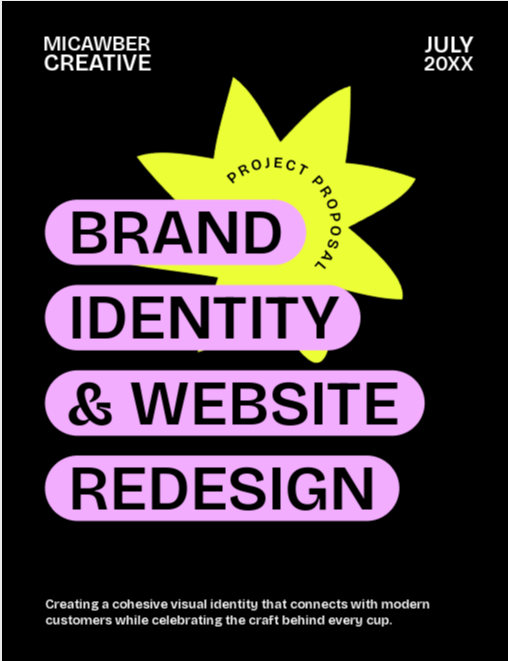
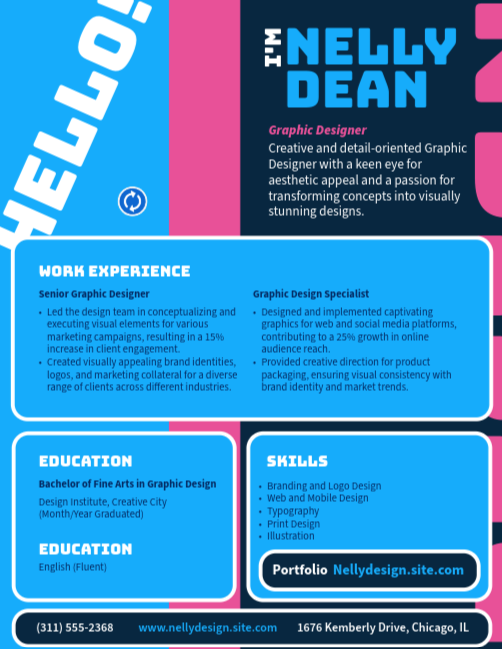

Creativity for all
Photography, video, graphic design, illustration and so much more. Everything you need, wherever your imagination takes you.


GRAPHIC DESIGN
Learn what to include in your graphic designer portfolio PDF, explore templates and examples, and discover practical tips for students, freshers, freelancers, and experienced designers in India.

TABLE OF CONTENTS
What is a graphic designer portfolio PDF?
Graphic designer portfolio PDF templates.
When to use a graphic designer portfolio PDF.
What to include in a graphic design portfolio PDF.
How to create a graphic design portfolio PDF.
Graphic designer portfolio PDF for freshers and entry-level designers.
Portfolio PDF file size and formatting tips.
Portfolio PDF mistakes to avoid.
Key takeaways:
A graphic design portfolio PDF is a downloadable document that showcases a designer's best work, skills, and experience in a professional, easy-to-share format. It typically includes selected projects, brief case studies, an introduction, and contact information.
Unlike online portfolios, PDF portfolios can be viewed offline and attached directly to job applications, client proposals, and emails. They are commonly used by students, freelance graphic designers, and experienced professionals who need a polished portfolio that is easy to share.
A graphic design portfolio PDF is a downloadable document that showcases a designer's best work, skills, and experience in a professional, easy-to-share format. It typically includes selected projects, brief case studies, an introduction, and contact information.
Unlike online portfolios, PDF portfolios can be viewed offline and attached directly to job applications, client proposals, and emails. They are commonly used by students, freelance graphic designers, and experienced professionals who need a polished portfolio that is easy to share.
Whether you're applying for your first design role or pitching freelance services to clients, the best portfolio template is one that helps your work stand out while remaining clear, organised, and easy to navigate.
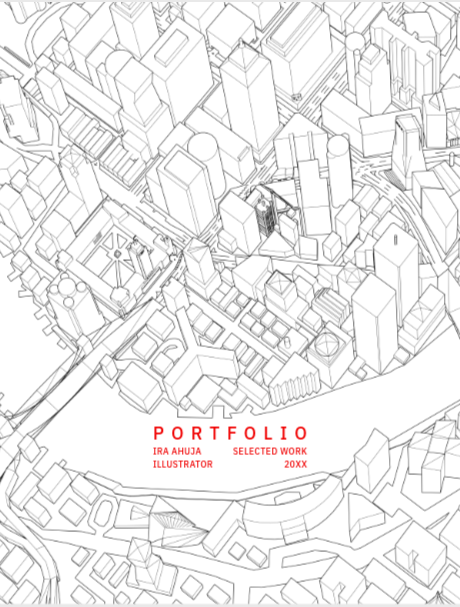
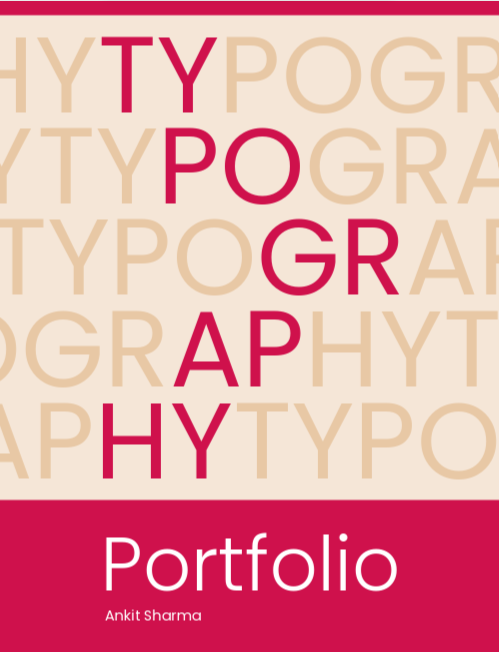
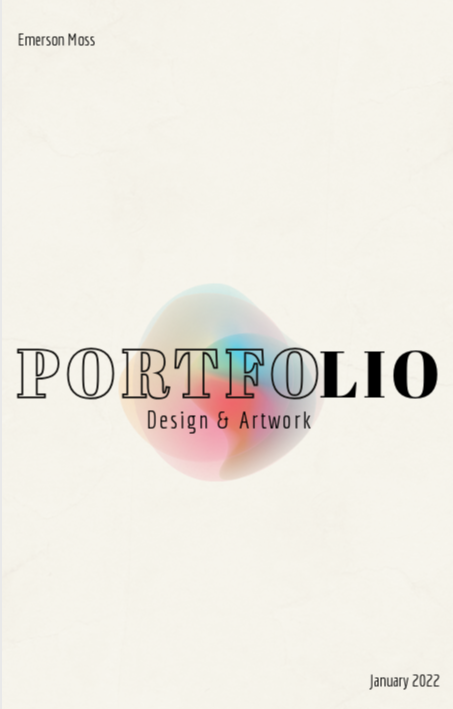
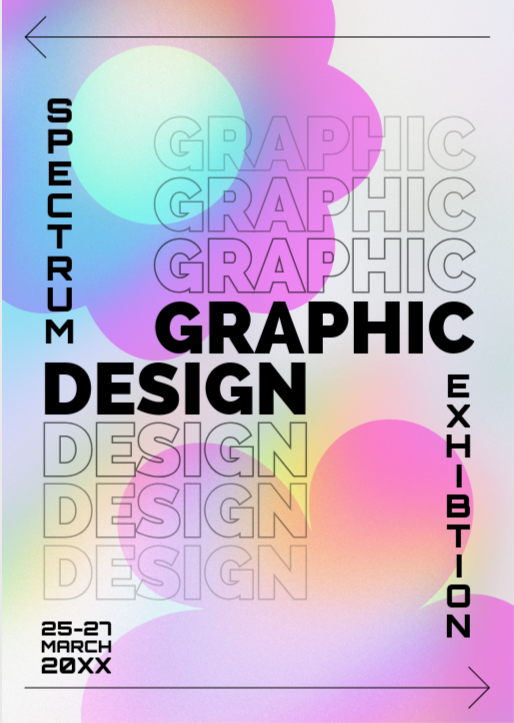
Here are a few customisable Adobe Express portfolio PDF templates that can complement your work and support the story you want to tell. These templates can be adapted for a wide range of graphic design projects common in India, from startup branding and packaging design to social media campaigns for festive sales and local events.
Just a reminder: templates are a useful starting point, but they should be customised to reflect your own style and experience.
You can explore more portfolio examples on platforms such as Behance, Adobe Portfolio, social media networks, and other creatives’ personal websites. As you browse, pay attention to how designers organise projects, explain their creative process, and highlight their strongest work. Use these examples as inspiration, then adapt the ideas to create a portfolio that reflects your own style, skills, and career goals.
A portfolio design PDF is useful whenever you need to share your work in a professional, portable format. Because it can be downloaded, viewed offline, and attached via different channels, it's often the preferred portfolio format for designers.
A strong graphic design portfolio PDF should showcase your best work while providing enough context for potential employers or clients to understand your skills and creative process. Focus on quality over quantity, and structure the document so it's easy to browse.
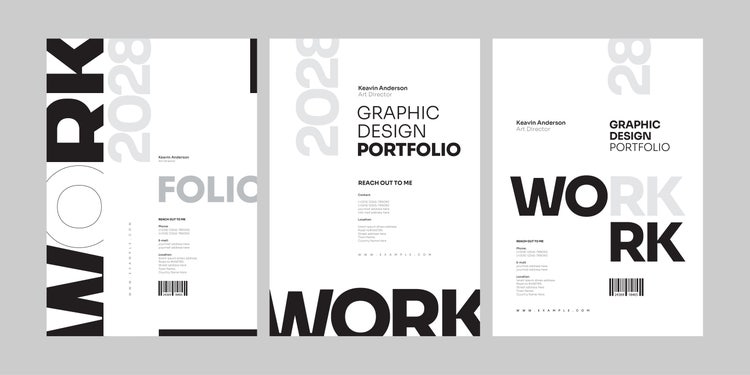
Your cover page creates the first impression. Include your name, job title or specialisation, and a simple visual that reflects your design style. Keep the layout clean and professional. For example, a designer specialising in branding for Indian startups may feature a logo design project, while a social media designer could showcase a campaign visual from their portfolio.
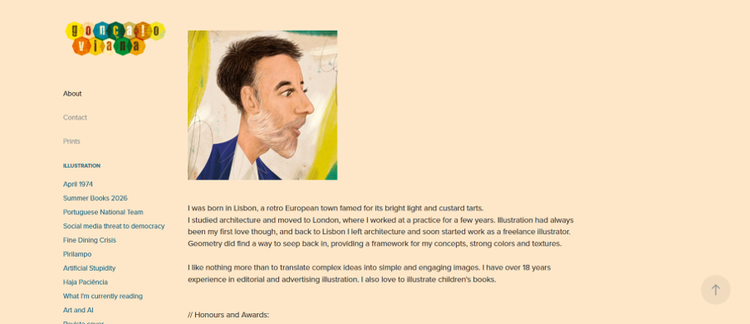
Use this section to briefly introduce yourself, your background, and the type of design work you enjoy. Mention key skills, tools, or areas of focus, such as branding, illustration, UI/UX design, packaging, or social media design. Keep the content concise and relevant to the opportunities you're seeking.
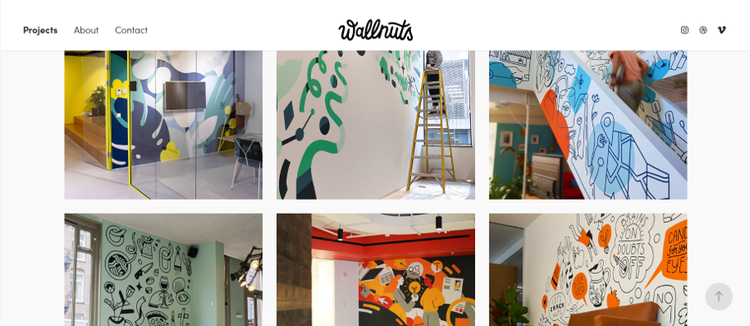
Project pages are the core of your portfolio. Each project should demonstrate your design abilities through strong visuals and concise explanations. Consider including work, such as brand identity projects, social media campaigns, packaging designs, website or app interfaces, marketing materials, college or personal projects, and festival campaigns for Holi, Eid, Navratri, Pongal, Onam, or Durga Puja.
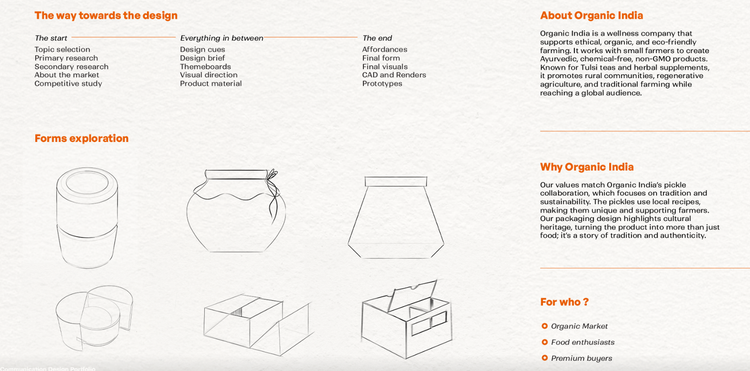
Case studies add depth to your portfolio by showing how you approach design challenges. Rather than displaying only the final outcome, explain the problem, your process, and the solution you created. This helps employers and clients understand your strategic thinking and problem-solving skills. For example, if you designed promotional creatives for a Diwali campaign or developed branding for a local business, explain the objectives, your approach, and the final outcome.

Make it easy for viewers to get in touch. Include your email address, phone number (optional), portfolio website, and relevant social profiles such as Behance or LinkedIn. You can also include links to relevant freelance platforms if you regularly work with clients.
Whether you're applying for your first graphic design role, changing careers, or looking for freelance clients, a portfolio PDF is often your most important marketing tool. It should showcase not only your visual skills but also how you approach design problems.
Choose a layout or template.
Start with a layout that complements your work rather than competing with it. A branding designer may prefer a clean, minimalist portfolio that highlights logos and identity systems, while an illustrator can give more space to artwork and visuals. Whatever style you choose, keep it consistent throughout the document.
Select your best projects.
A strong portfolio focuses on quality rather than quantity. Rather than including every project you've completed, focus on work that showcases your strengths and the type of opportunities you want to attract. Students and freshers can include college assignments, self-initiated projects, redesign concepts, or event branding work. Freelancers should prioritise projects that demonstrate client outcomes and the services they want to be hired for.
Organise your work logically.
Think about how someone will review your portfolio for the first time. Group similar work together and lead with your strongest projects. For example, you might dedicate separate sections to branding, social media design, packaging, or UI/UX work. A clear structure makes it easier for recruiters and clients to quickly understand your areas of expertise.
Write brief case studies.
For each major project, include a short overview of the challenge, your approach, and the final solution. For example, if you created branding for a local business or designed creatives for a seasonal campaign, explain the goals of the project and how your design helped achieve them. This demonstrates strategic thinking, not just design execution.
Design and refine each page.
Your portfolio itself is a design project. Use consistent typography, spacing, colours, and image treatments throughout the document. Give visuals enough room to stand out and keep written content concise. The goal is to guide readers through your work rather than overwhelm them with information.
Export and optimise your PDF.
Before sharing your portfolio, review it on both desktop and mobile devices. Ensure images remain sharp, links work correctly, and the file size is manageable for email attachments and job portals.
All graphic designers start from scratch. If you're a student, fresher, or career switcher, focus on projects that demonstrate your skills and interests. For example, you could showcase branding for a chai café, packaging for a fictional namkeen or spice brand, Instagram creatives for a sale, posters for a college cultural fest, or a UI redesign for Swiggy, Zomato, Blinkit, BookMyShow, IRCTC, or Paytm.
If you're creating your first graphic designer portfolio PDF, you don't need to start from a blank page. Many designers use professionally designed portfolio templates as a foundation and customise them with their own work.
For example, Adobe Stock offers portfolio templates for Adobe InDesign that can be edited with your projects, colours, typography, and branding. Adobe Express also provides portfolio templates that are suitable for students, freshers, and freelance designers looking for a quicker starting point.
Using a template can help you focus on selecting strong projects and presenting them effectively rather than spending time building page layouts from scratch. Once your portfolio is complete, you can export it as a PDF and share it with employers, clients, or collaborators.
Rather than including every project you've created, select five to ten pieces that best represent your abilities. Add brief context about the objective, your approach, and the final outcome so recruiters can understand your thinking process.
Showing a mix of design skills, such as branding, digital content, illustration, or layout design, can also help demonstrate versatility.
Adobe Creative Cloud gives you access to industry-standard apps like Photoshop, Illustrator, InDesign, and Adobe Express: all available at a special discounted rate for students and teachers in India.
A well-designed portfolio PDF should be visually impressive without being difficult to download, upload, or email. This is especially important when applying for jobs through LinkedIn, Naukri, Indeed, or any company career portals that may have file size limits.
A few simple habits can make your portfolio more effective and easier to review:
Even strong design work can lose impact if it's presented poorly. Watch out for these common mistakes when you are building your portfolio:
A portfolio does not have to showcase every type of design work. In fact, many of the strongest portfolios are built around a clear specialisation, whether that's branding, illustration, packaging, social media design, editorial design, or UI/UX.
As your skills develop, refine your portfolio to highlight the work you want to be known for. Next, explore our related guides on graphic design specialisations to discover career paths across agencies, startups, technology companies, ecommerce brands, gaming studios, media companies, and freelance creative businesses in India.
Photography, video, graphic design, illustration and so much more. Everything you need, wherever your imagination takes you.
Based on your location, we think you may prefer the United States website, where you'll get regional content, offerings, and pricing.



