





.
  • audio
  • Keep it short and specific, like birds chirping
  • Adobe Generative AI Terms
  • Generate
  • Describe what you want to generate
  • Prompt
  • Suggestions
  • Tip
  • Variation 1
  • Variation 2
  • Variation 3
  • Variation 4
  • ff_campaign=embed_generate_acom&promoid=YFRVG67R&mv=other
  • Unable to process the request
  • Please describe what you want to generate.
  • Prompt exceeds the max length of 750 characters
  • Unable to play audio. Please try other variations.
  • Enter prompt

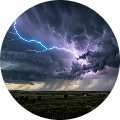
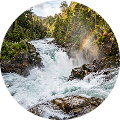
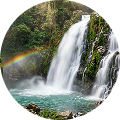
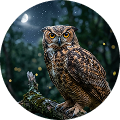
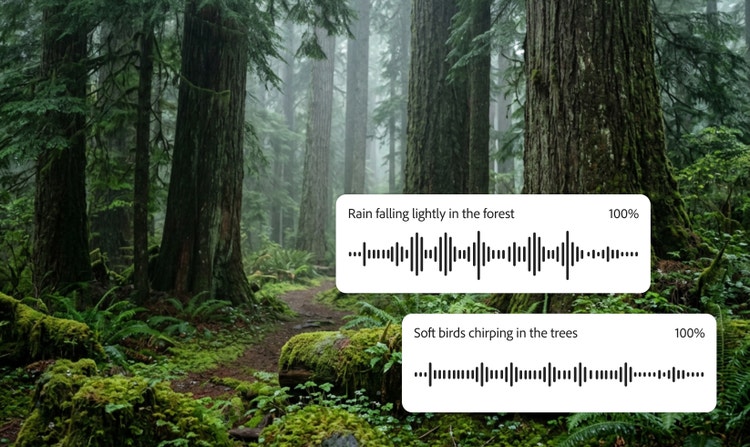
Explore nature sounds created with Firefly.

How to create nature sound effects with Adobe Firefly.

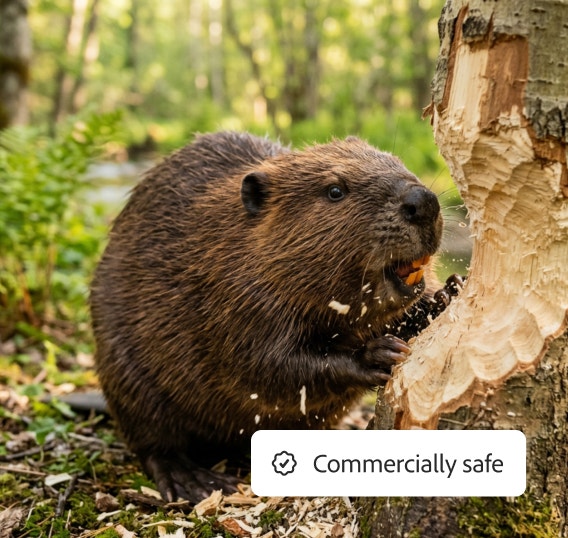
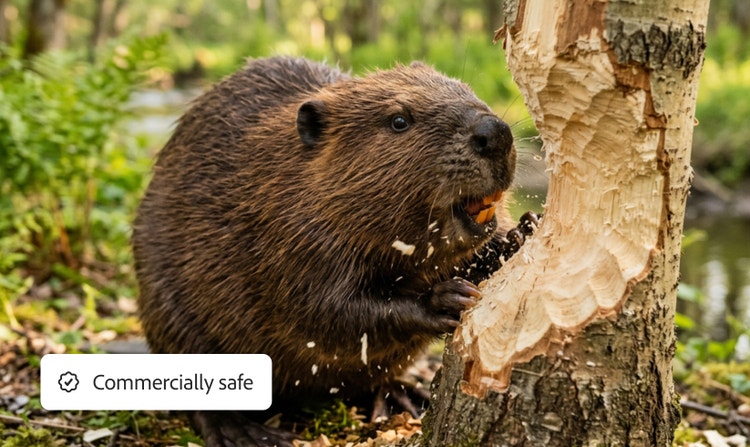
Commercially safe

Content produced with Adobe Firefly models is commercially safe, so you can use it in professional and client projects with confidence.

Precise control

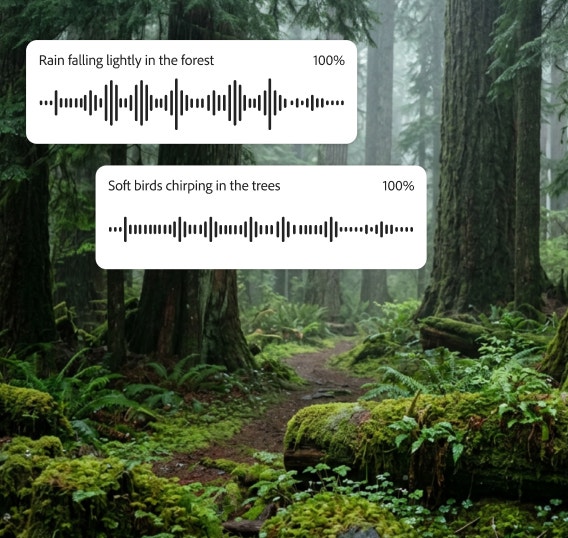
Easily create and layer multiple sound effects and adjust duration and timing to create the perfect soundscape.

Customised sound

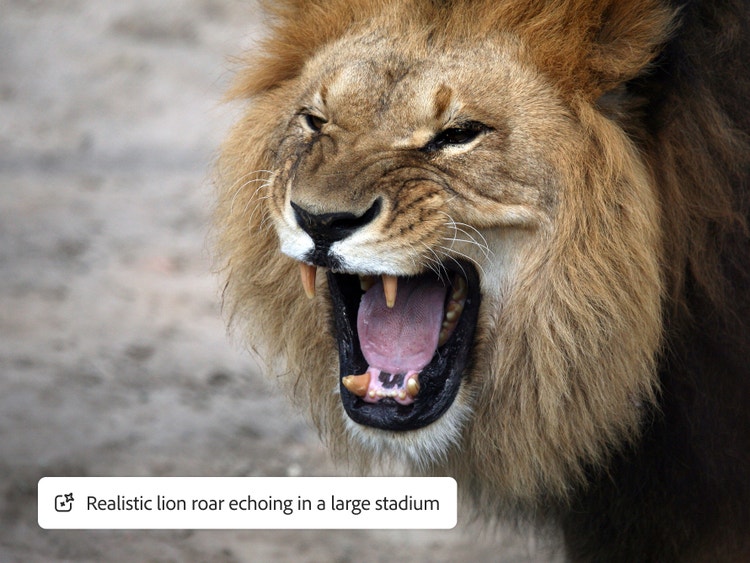
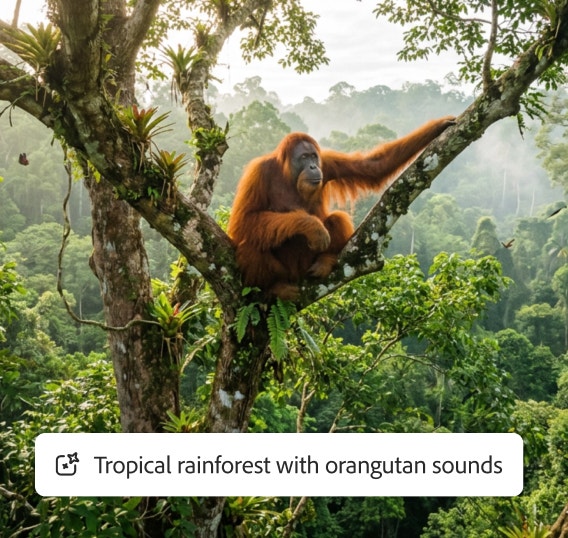
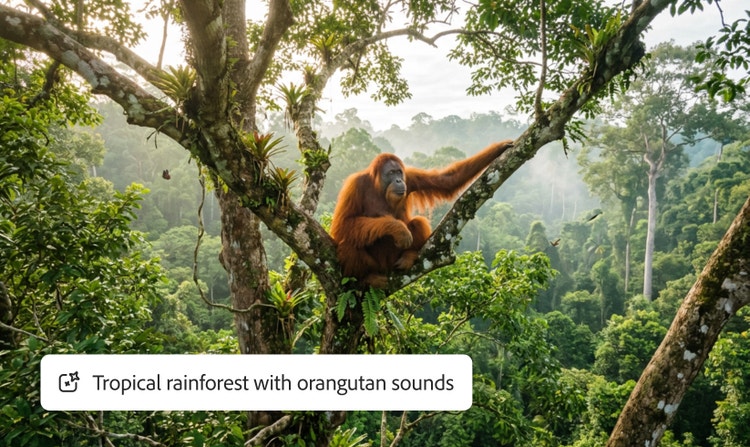
Create wind, rain, wildlife and other realistic nature sounds quickly without digging through endless libraries or recording in the field.

Ease of use

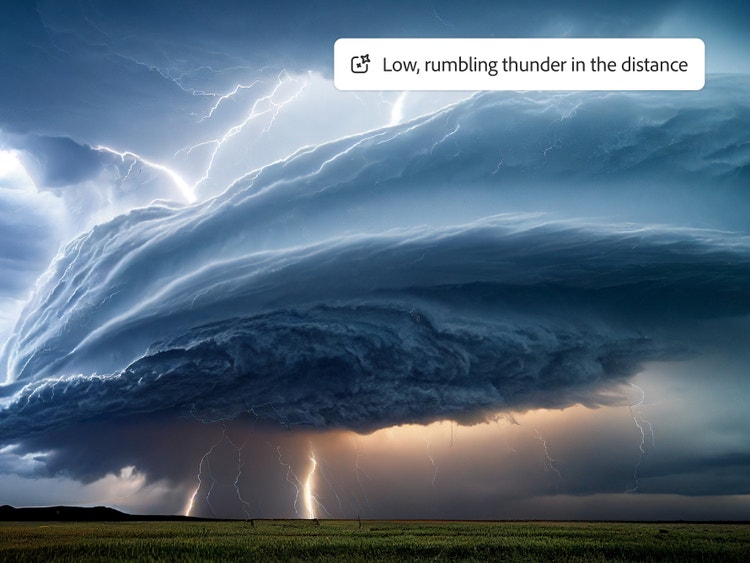
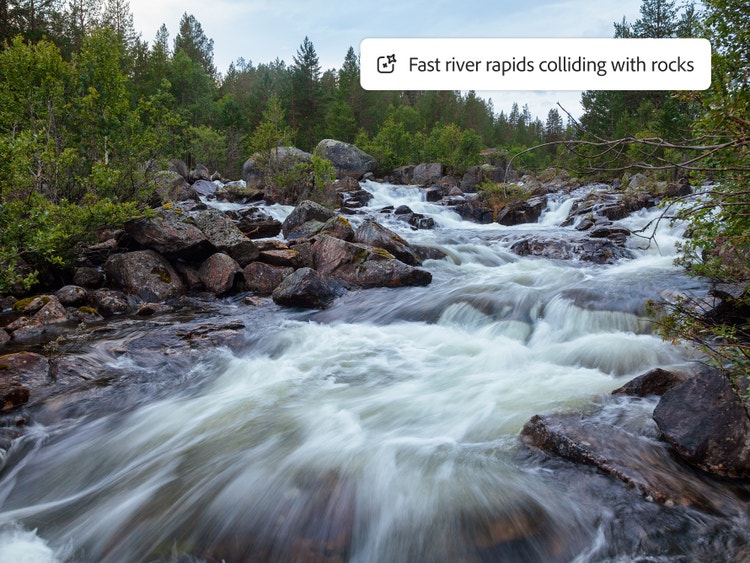
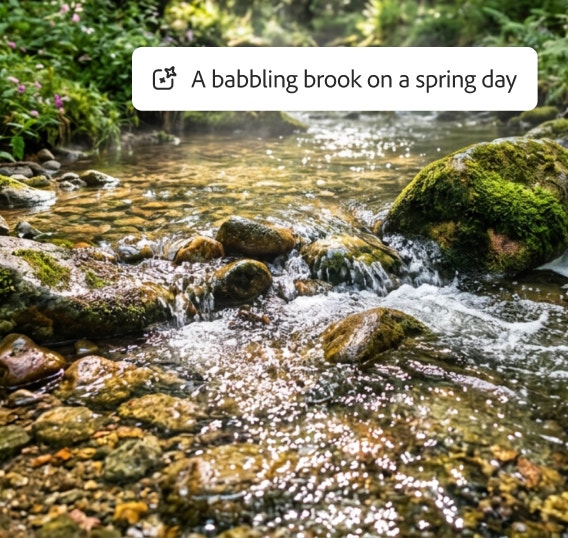
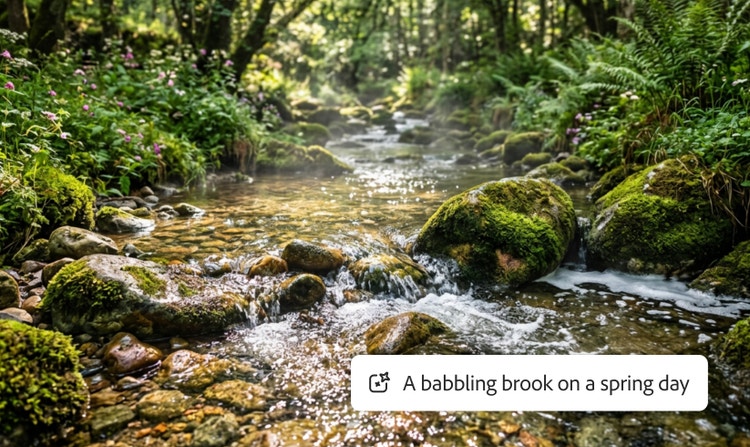
Generate high-quality nature sounds like moody thunder claps, a babbling brook or a chorus of birdsong with a prompt or just your voice.

See what you can do in Firefly.

Discover even more features.

Questions? We have answers.

Share this page

Explore more Firefly tools.

Adobe Firefly

The next evolution of creative AI is here for all your ideas, with image, video, audio and vector tools.

Generate nature sound effects