
Try these tutorials with Illustrator
Create illustrations and other graphics with vectors.
Organizing artwork in layers can make selecting and working with objects much more manageable. Discover a few ways to bring order to your workflow!
This video introduces the essentials of layers and how they can benefit projects, making locking, hiding, selecting, and arranging artwork easier.
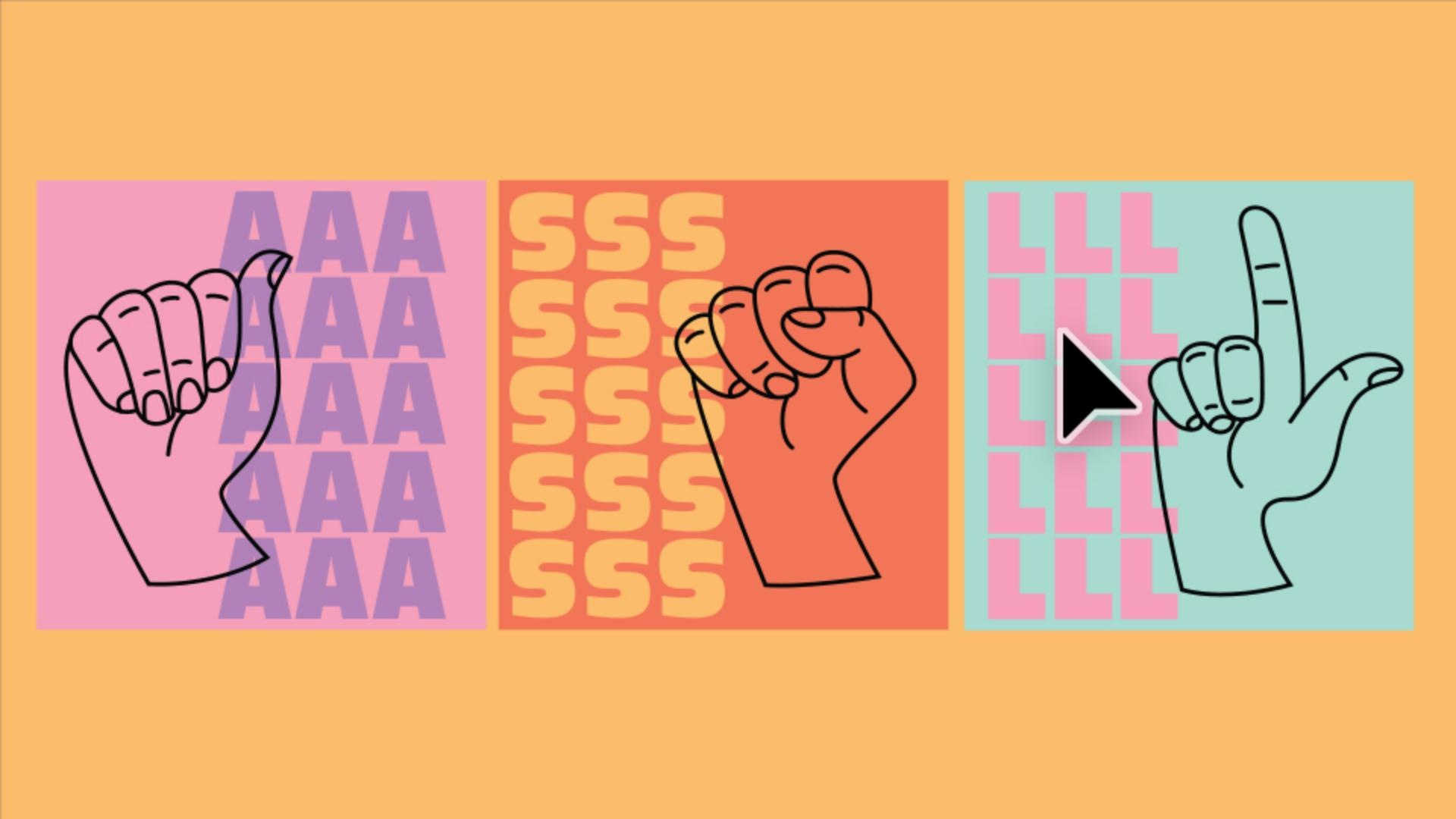
Understand the benefits of layers for organizing and arranging your artwork, and explore how layers are created and used in the Layers panel.
Organize your content by showing and hiding artwork in the Layers panel so you can work faster and focus on what you need.
Lock artwork in the Layers panel to avoid accidentally moving or selecting it on the canvas.
For artwork with complex, overlapping content, identify and select content in the Layers panel more easily than on the canvas.
You'll get step-by-step instructions that guide you around the interface.
