#f8f8f8

ADOBE CONNECT FEATURES

Audience engagement

Adobe Connect transforms virtual sessions from one-way presentations to dynamic, interactive experiences using personalized rooms and powerful engagement tools.


Watch video › Free trial

Personalized virtual rooms

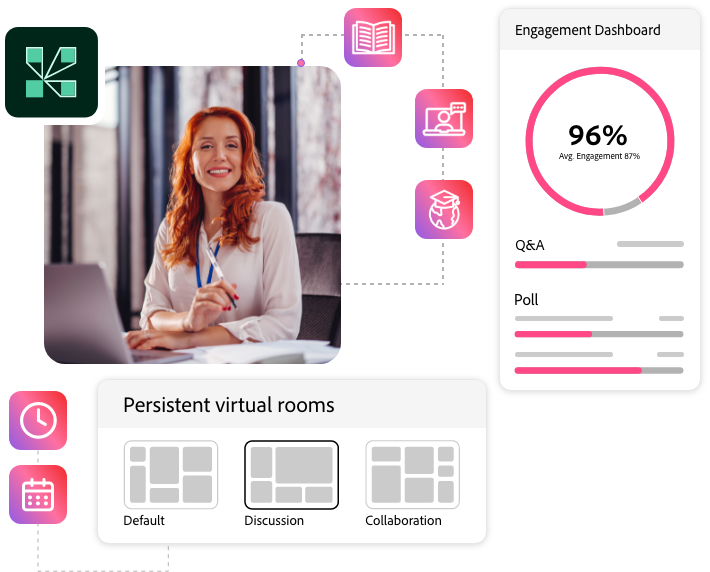
Adobe Connect uses Pods and Layouts to transform static online meetings into dynamic flexible virtual rooms where your content truly shines and stays persistent.

  • Pods: Use resizable, modular windows to add, arrange, and customize elements within your space.
  • Layouts: Use these pre-configured Pod arrangements to create structured flows and dynamic transitions for your content.
Personalized virtual rooms
Versatile engagement tools

Versatile engagement tools

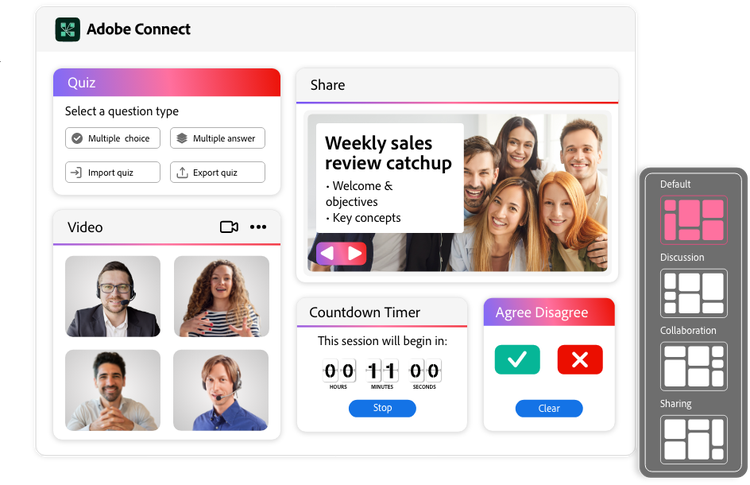
Ever feel like your virtual sessions are just monologues? Design precisely timed interactions to create an engaging presentation flow that sustains focus and boosts retention.

  • Custom pods library: Add interactive tools, games, and unique features beyond the standard pods to enhance your sessions.
  • Breakout rooms: Split your audience into smaller groups for focused discussions. You control who goes where or let them pick their own breakout.
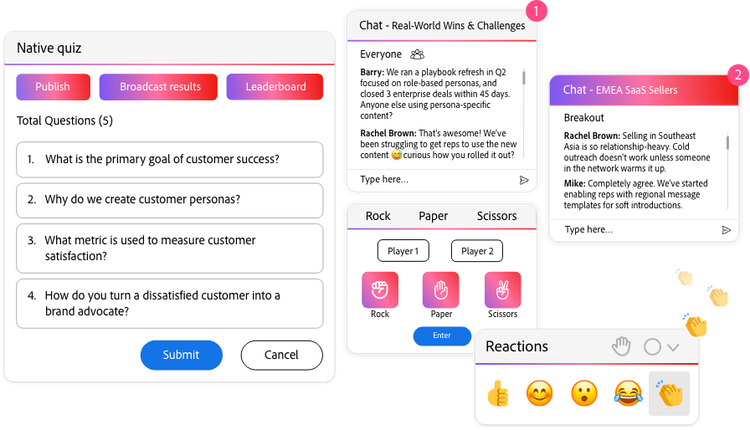
  • Native quizzes & Polls: Run interactive tests & surveys with real-time results, gamification (leaderboards), and proctoring tools, all supported by comprehensive post-session reporting.
  • Moderated Q&A: Filter and manage incoming questions in real-time to ensure discussions stay focused and professional.
  • Multiple screens & chats: Showcase multiple content types and manage several chats simultaneously for an organized session.
  • Interactive whiteboard: Draw, write, and brainstorm together on a shared virtual canvas.
  • Live video overlay & pause: Overlay the presenter or interpreter video on slides and content across all layouts. You can pause the video anytime for deeper dives and interaction.

Post-session content access

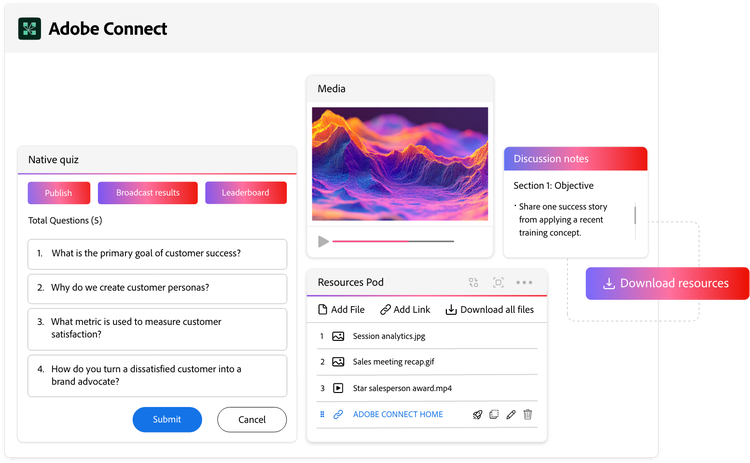
Extend the value of every session by making content, materials, and assessments persistently accessible in the virtual room for participants to revisit after the live event.

  • File Share & Weblinks Pods: Easily share and link to downloadable resources for participants to revisit anytime.
  • Asynchronous browse: Allow attendees to explore shared content at their own pace, while the live session continues.
  • Adobe Captivate Project Import: Upload interactive modules directly into Adobe Connect rooms for both live and on-demand access.
  • [Coming Soon] Interactive Recordings: Soon, recordings will retain all session interactivity, enabling dynamic review.
Post-session content access

https://main--cc--adobecom.aem.page/cc-shared/fragments/products/adobeconnect/lets-talk