https://main--da-cc--adobecom.aem.live/cc-shared/assets/img/firefly.svg Adobe Firefly

Create anime pixel art with Generate Image in Adobe Firefly.
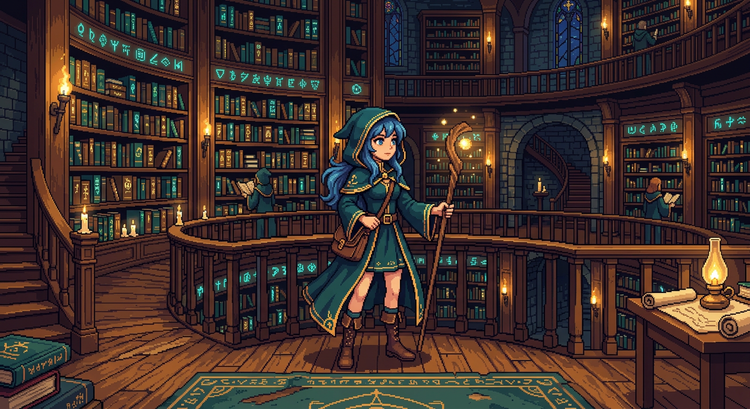
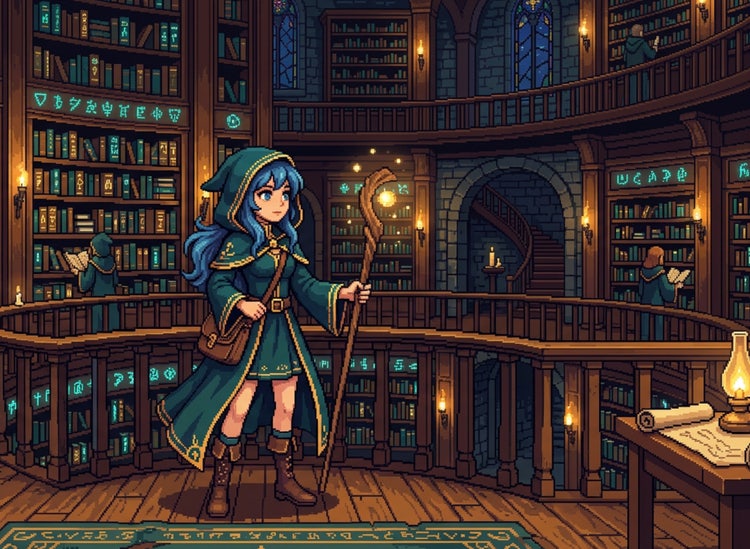
Describe your character, palette, and style. Adobe Firefly will produce sprite-ready anime pixel art for your next project.
- image
- Describe a subject, an action, a place, a mood, or a style.
- Adobe Generative AI Terms
- https://main--cc--adobecom.aem.live/creativecloud/animation/testdoc/unity/generate.svg Generate
- Describe the anime pixel art you want to generate
- Prompt
- Tip
- Unable to process the request
- Please describe what you want to generate.
- Prompt exceeds the max length of 750 characters
- animePixelArt


https://main--cc--adobecom.aem.live/cc-shared/assets/img/product-icons/svg/firefly-80.svg

Adobe Firefly
The next evolution of creative AI is here for all your ideas, with image, video, audio, and vector tools.
Create your anime vision with help from AI.
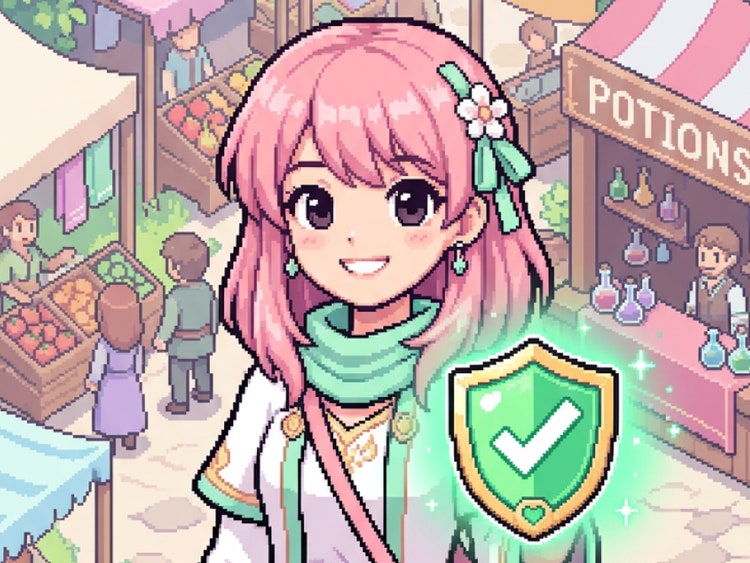
Anime pixel art blends two distinct visual traditions into something instantly recognizable: the expressive proportions and vivid palettes of anime with the satisfying grid-based precision of pixel art. Whether you're building a game, designing merch, or just exploring a style, Adobe Firefly lets you describe the character and aesthetic you want and get polished results you can take straight into your workflow.
Describe your character and watch it come to life.
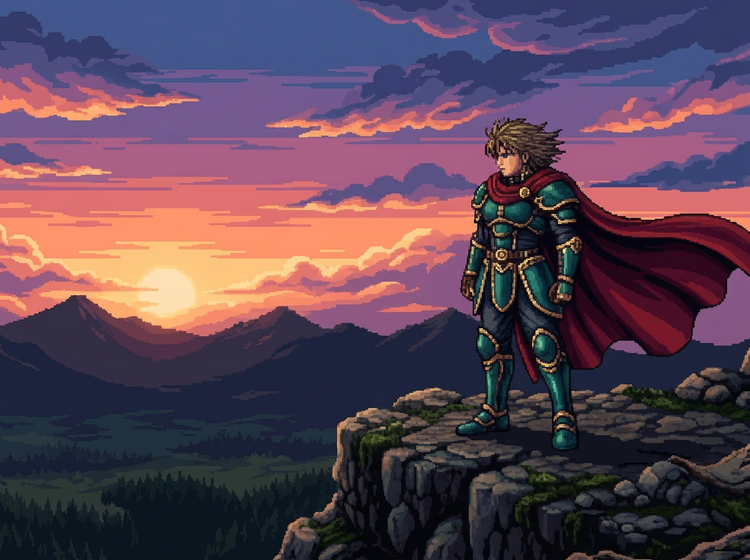
Type a prompt that covers the subject, color palette, and mood. Adobe Firefly will produce pixel art rendered in the anime style you describe, whether that means a brooding warrior in deep teals and crimson or a cheerful healer in soft pastels with large expressive eyes. The more detail you put in, the closer your result matches your vision. Adjust and regenerate until every element is right.
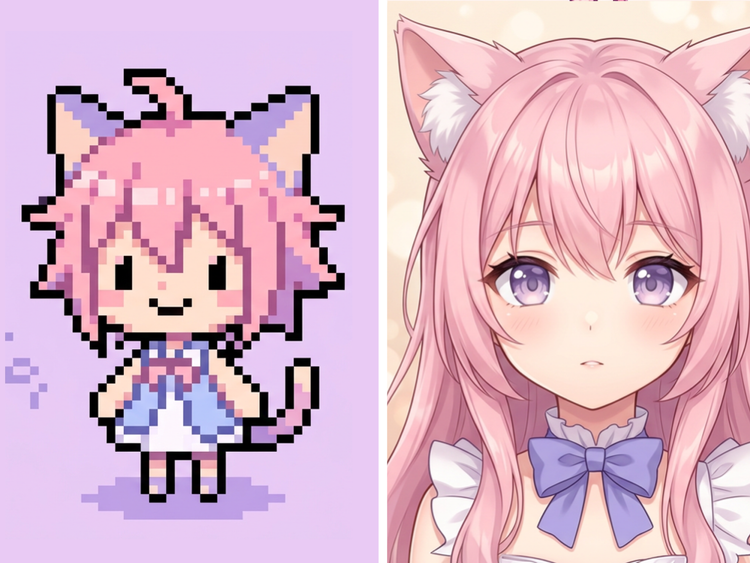
Direct the aesthetic from classic sprites to modern portraits.
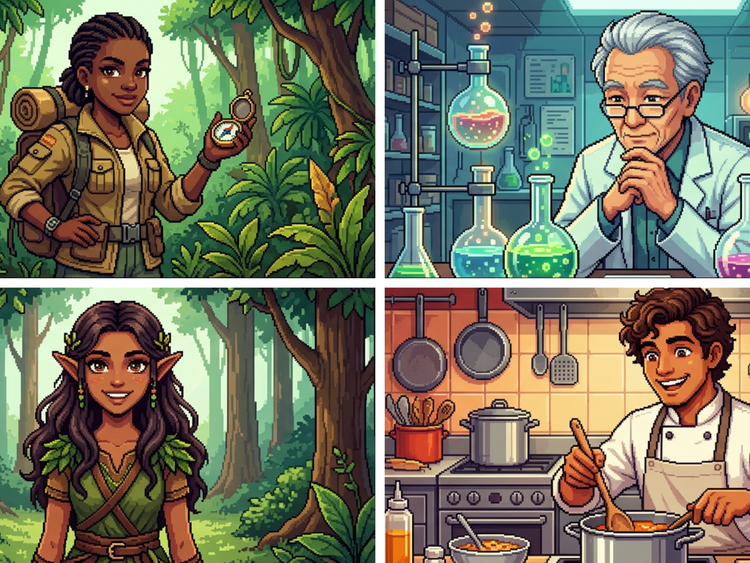
Pixel art spans a wide range of styles, from chunky 8-bit icons to high-resolution pixel portraits with fine detail. Use your prompt to specify the resolution feel, character proportions, background treatment, and color depth you want. You can also upload a reference image using the image-to-image tool to anchor the style direction before generating your pixel art.
Use your anime pixel art with confidence.
Adobe Firefly models are trained on licensed and public-domain content, so every image you generate with a Firefly model is commercially safe to use in client projects, game releases, merchandise, and marketing materials.
Try different models to find your perfect result.
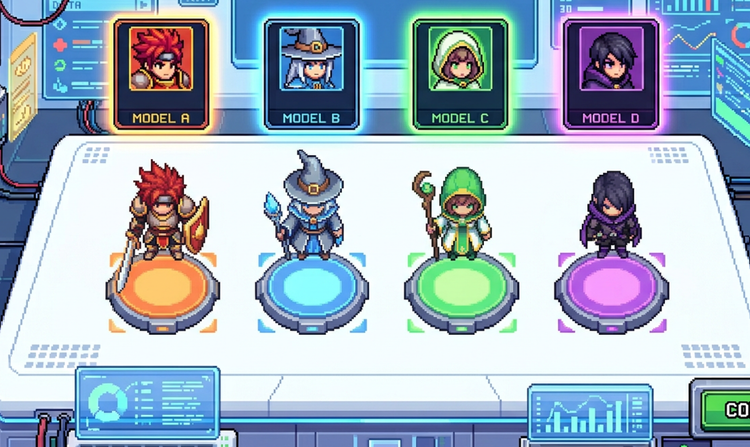
Adobe Firefly brings together its own models and top partner models from companies such as Google, OpenAI, and Flux. Generate your anime pixel art with different models to compare results and pick the one that matches your style best, all without switching between tools or platforms.
How to generate anime pixel art with Adobe Firefly.
Step 1
Open Adobe Firefly and select Generate Image.
Step 2
Write your anime pixel art prompt.
Step 3
Adjust your settings.
Step 4
Generate and review your results.
Step 5
Download your anime pixel art.
Steps on how to generate anime pixel art using Adobe Firefly Generate Image.
PT3M
firefly
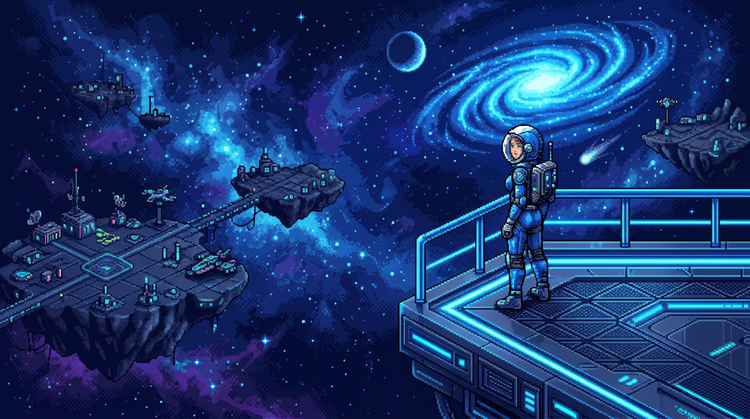
Precise creative control
Write detailed prompts to specify character style, palette depth, resolution feel, and background treatment. Adjust style settings and regenerate until the result matches your vision.
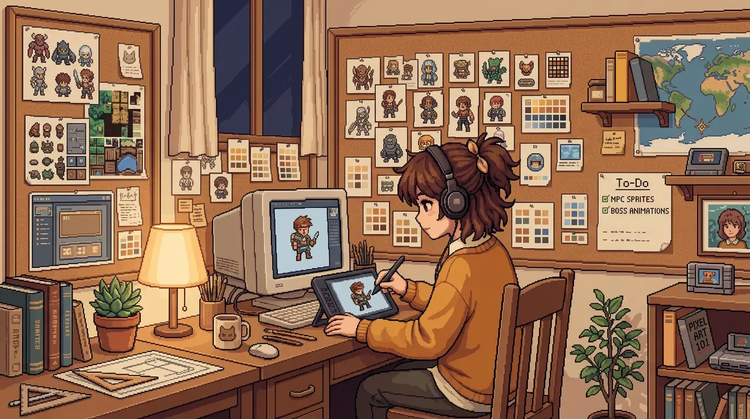
Top AI models, all in one place
Adobe Firefly brings together its own models and top partner models from companies such as Google, OpenAI, Flux, and more in a single creative studio. Generate with the model that's best suited to your style, without switching between tools.
Your complete creative studio
Adobe Firefly is more than an image generator. Start with a prompt, refine your result with editing tools, and go from first idea to finished image without leaving your creative flow.
Seamless integration
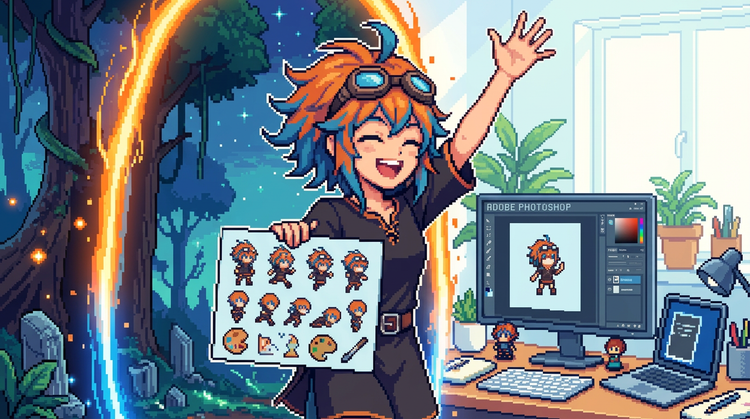
Easily open your anime pixel art in Adobe Photoshop on the web or Adobe Express for a seamless creative workflow, all in one place.