How to convert TIFF to PDF online.
Convert TIFF images into shareable PDFs in seconds with Adobe Acrobat free online tools. This can help to minimise storage and ease printing and collaboration – whether you’re working with scanned documents or high-resolution photography.
It couldn’t be easier to convert a TIFF to PDF file using our tool:
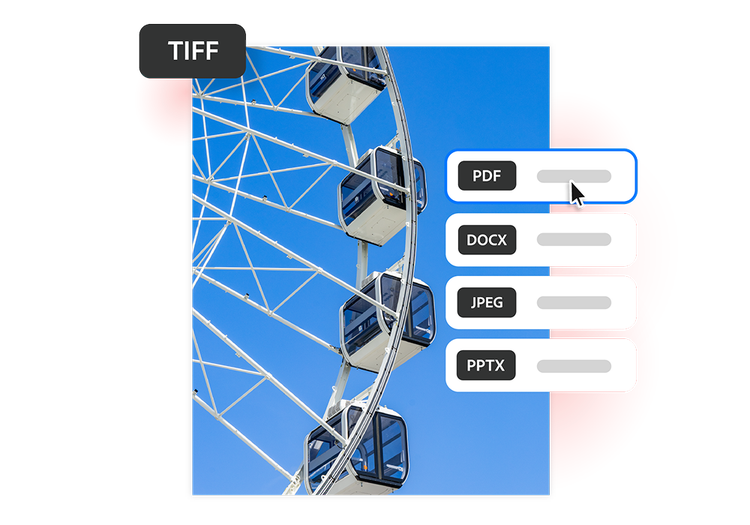
- Upload a file. Drag and drop or upload your TIFF file.
- Click convert. Your TIFF file will be transformed into a PDF in seconds.
- Download the file. Once the TIFF file is converted, you can save, print or share your new PDF.
Why use our free TIFF to PDF converter tool?
It's quick and easy to convert TIFF to PDF files online with our tool.
https://main--da-dc--adobecom.aem.page/dc-shared/assets/images/frictionless/icons/share.svg

Share large files easily
TIFF files are large by design, but converting a TIFF to PDF makes it easier to share, upload and distribute them.
https://main--da-dc--adobecom.aem.page/dc-shared/assets/images/frictionless/icons/image-quality.svg

Preserve image clarity
TIFF files are high-resolution and typically hard to share. Converting a TIFF to PDF format makes it easy to email, upload and distribute files without losing any image quality.
https://main--da-dc--adobecom.aem.page/dc-shared/assets/images/frictionless/icons/scan.svg

Added security
While TIFF files are useful when designing and creating, PDF files allow graphic designers to share their work without the worry that their creation could be edited by someone else.
https://main--da-dc--adobecom.aem.page/dc-shared/assets/images/frictionless/icons/print.svg

Better for scanned documents
Transform scanned contracts, forms, receipts and records into organised PDFs. The PDF file format is easier to store, search and access across different types of devices.
https://main--da-dc--adobecom.aem.page/dc-shared/assets/images/frictionless/icons/print.svg
Reliable printing results
PDFs work well for professional printing, presentations and document distribution, thanks to consistent formatting and page sizing.
https://main--da-dc--adobecom.aem.page/dc-shared/assets/images/frictionless/icons/organize.svg

Organise files efficiently
Using a TIFF to PDF converter reduces clutter and creates clear digital archives for work, school or personal projects.
https://main--da-dc--adobecom.aem.page/dc-shared/assets/images/frictionless/icons/more.svg

Unlock more PDF features
Edit, organise and sign your PDFs with Acrobat's online tools. Consolidate multiple files into one document, compress large documents and encrypt sensitive information with password protection.
More ways to work with PDFs
Try our online tools to convert, compress and merge PDF files — Acrobat can do it all.

Try our free PDF to Word converter

Try our free JPG to PDF converter

Try our free Word to PDF conversion tool

Combine PDF files any time, anywhere
Questions about the TIFF to PDF converter? We have answers.
Anyone! TIFF to PDF converters are often used by photographers, designers and archivists. It’s also a useful tool for medical imaging professionals who work with high-resolution TIFF files and need to share or print them in a universally accessible format.
Adobe Acrobat makes it easy to convert large, detailed files into polished PDFs – without losing quality. It's also handy for office workers who need to convert scanned contracts or forms into organised documents that are easy to share.
More resources
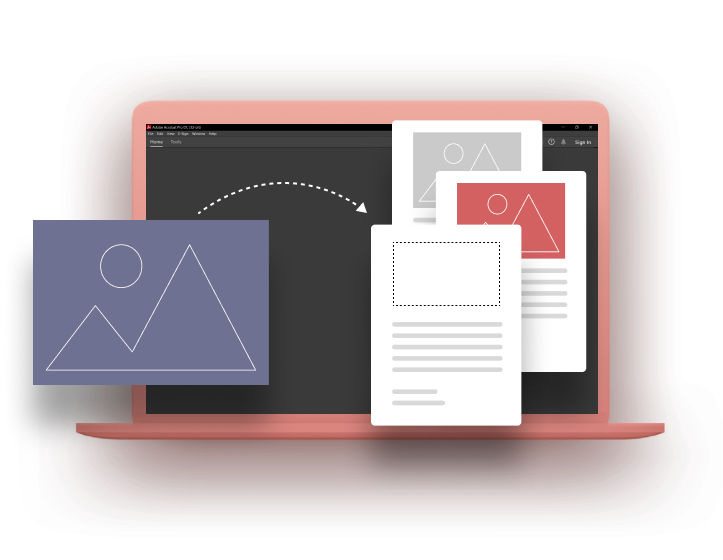
Learning How to Add an Image to a PDF
We have the how-to guide to insert an image into a PDF.
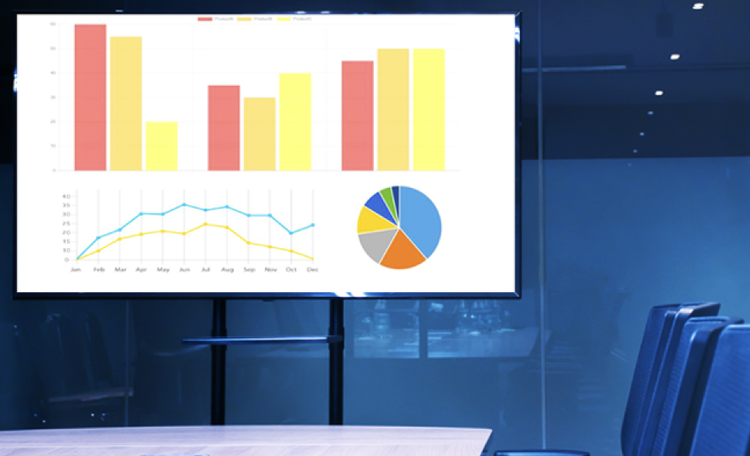
Convert PowerPoint to JPG
You have a presentation coming up that you’ll need to present on a different computer. No problem. In this guide, we’ll show you how to convert PPT to JPG and make presenting a breeze.
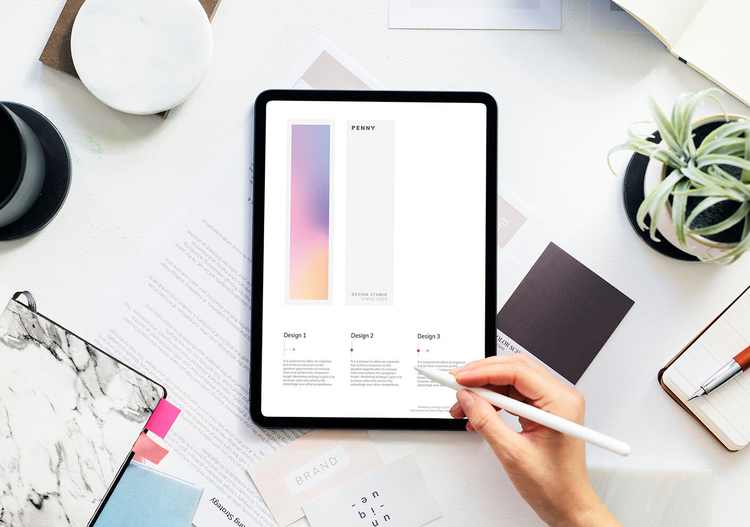
How to Draw on PDF
A picture is worth a thousand words. Whether you’re annotating a design project or signing a document, learn how to draw on a PDF in a few simple steps.
Insert a PDF into PowerPoint with Adobe Acrobat
Inserting your PDF into PowerPoint is a great way to share and showcase a PDF you've recently created using Adobe Acrobat. Discover how to insert a PDF into PowerPoint in our handy step-by-step guide.

Use Acrobat tools for free
- Sign in to try 25+ tools, like convert or compress
- Add comments, fill in forms and sign PDFs for free
- Store your files online to access from any device
Create a free account | Create a free account Adobe Acrobat Sign in


