


 Acrobat Studio
Do more because Acrobat does more.
Trusted PDF tools. AI-powered productivity. Professional content creation. It’s all in Acrobat Studio.
What you need is what you get.
Get all the top PDF tools in Acrobat Pro.
Access 70+ PDF tools to edit, convert other file types into PDF and back, gather feedback, compare documents, and more.
Use AI Assistant to work smarter.
Edit and analyze documents with a prebuilt AI Assistant — or one that you customize around your documents and your business.


Where modern workflows meet real productivity.
Get insights quickly.
Partner with AI to understand your PDFs better.
Use an AI Assistant to analyze your documents, giving you reliable answers and summaries with verifiable citations, all within Acrobat.
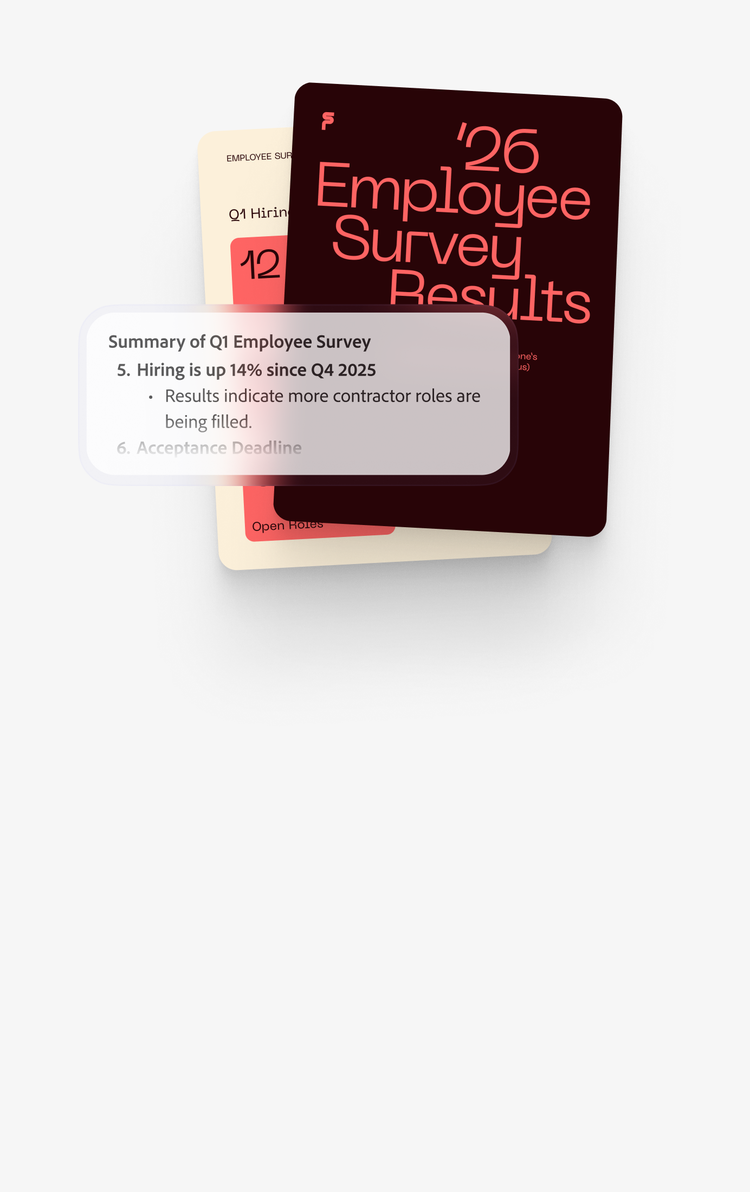
Rely on trusted technology.
Work with confidence in the trusted and secure Acrobat platform, with its responsible AI practices and accountability.
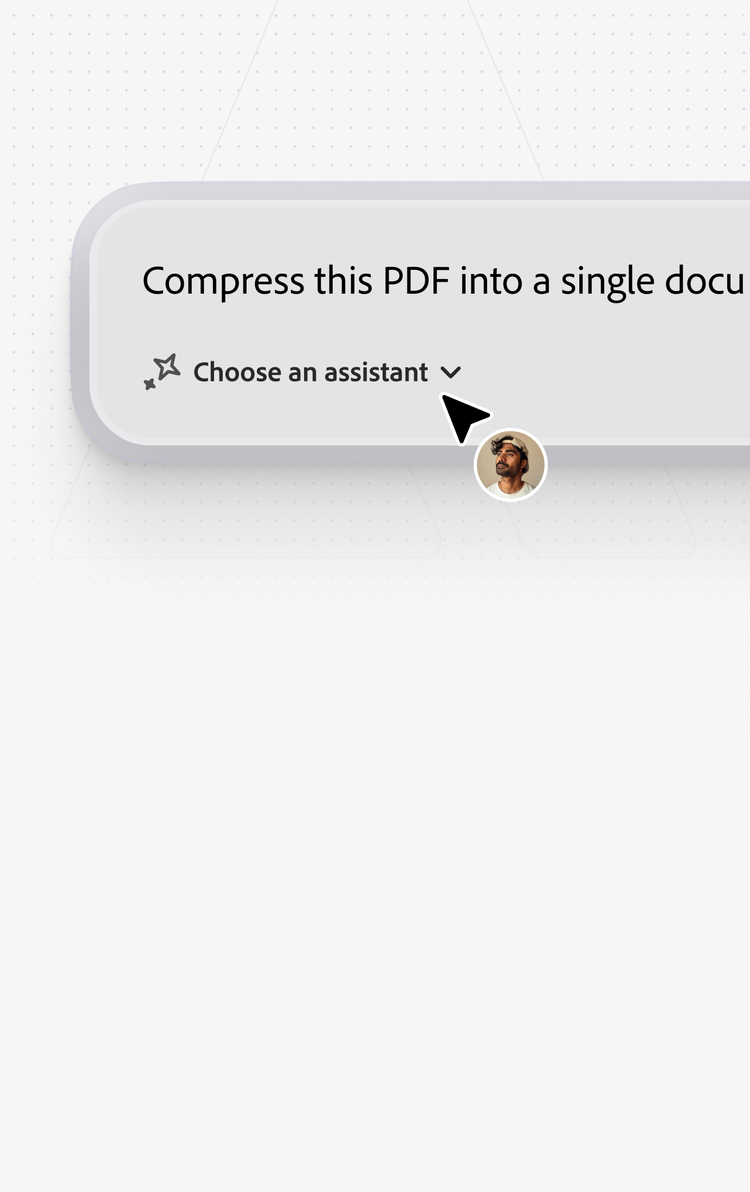
Fix your PDFs just by asking.
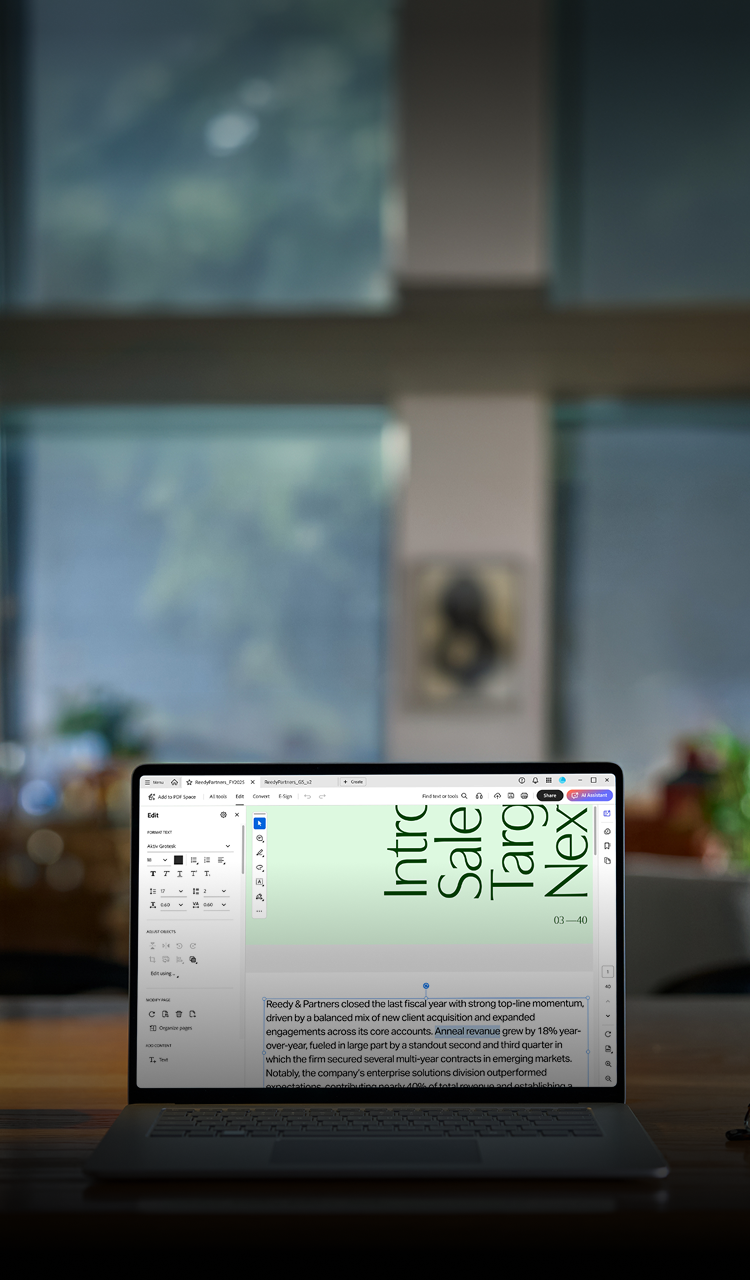
Use everyday language to ask AI Assistant to edit and update documents for you, using PDF tools in Acrobat Studio.

Bring it all together in a PDF Space.
Analyze documents in a single workspace.
Pull multiple documents into a PDF Space, then turn them into audio experiences, interactive visuals, polished presentations, and more.
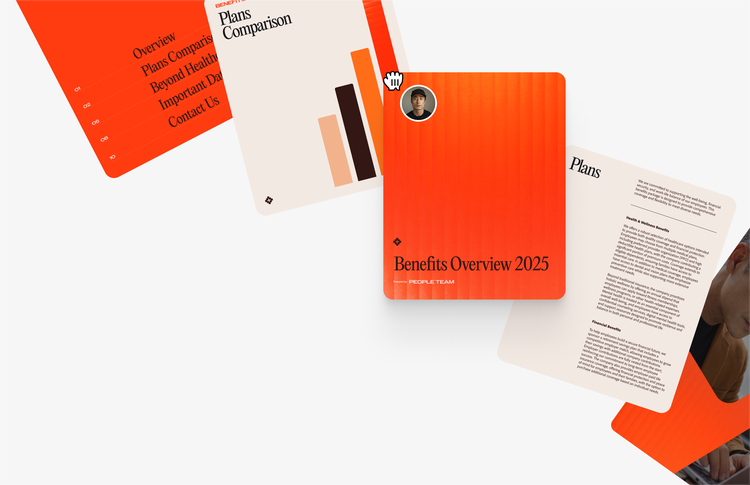
Get to a shared understanding.
Create a PDF Space for your team or clients, where everyone can analyze docs on their own, share insights, and iterate together.
Use an AI that gets it.
Work more effectively with AI that understands your business and has been personalized to your priorities.
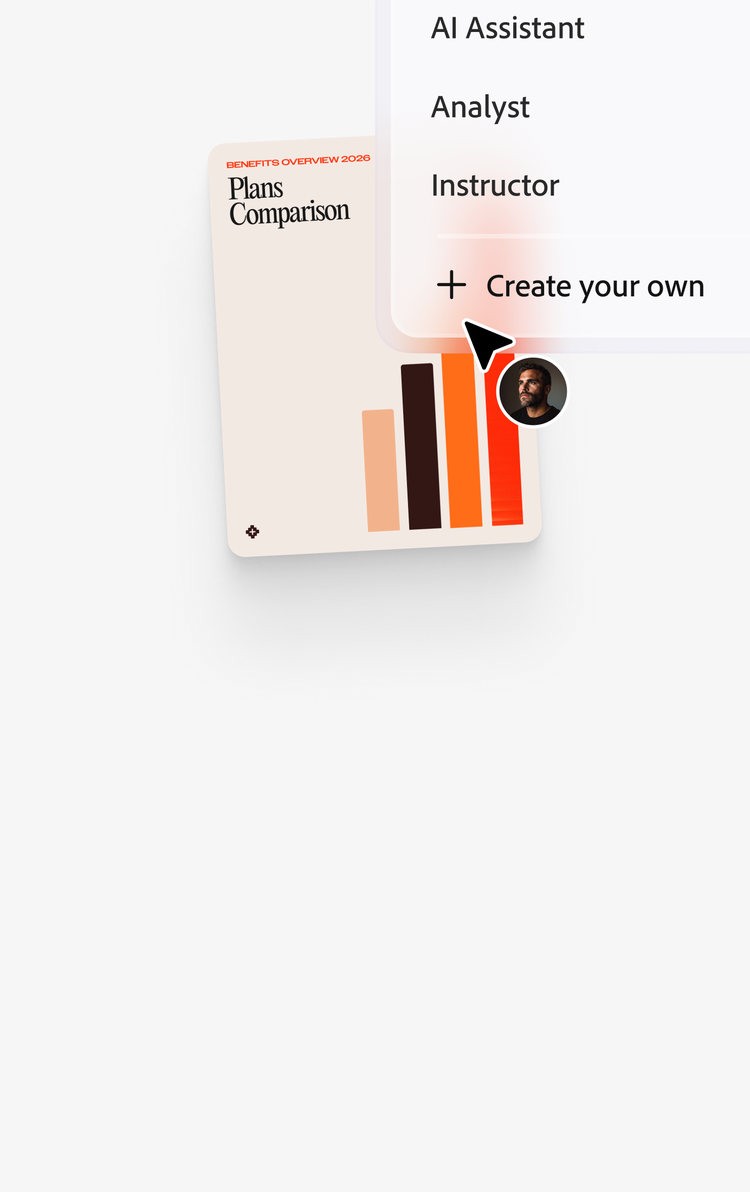
Click once to create.
Express whatever you want.
Generate presentations, flyers, social content, and more with access to thousands of templates in Adobe Express.

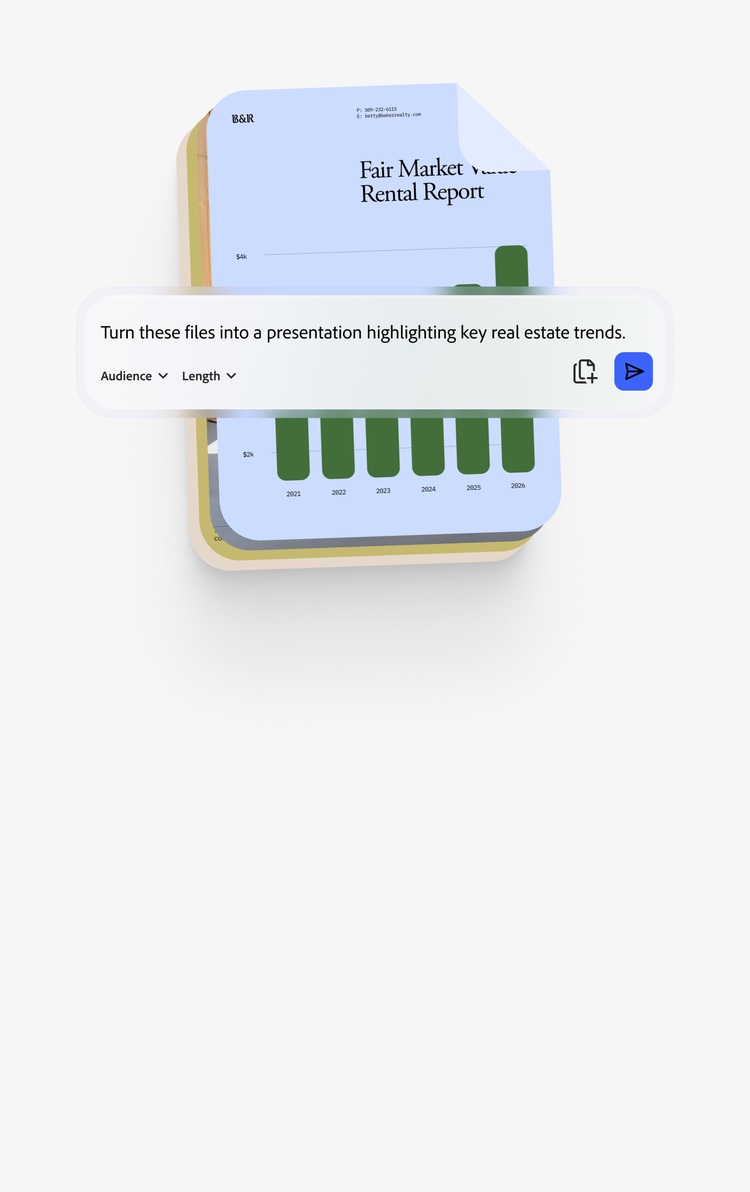
Make presenting ideas or insights easy.
Use your shared PDF Space to gather materials, share with others, then convert it all into a polished document with one click.
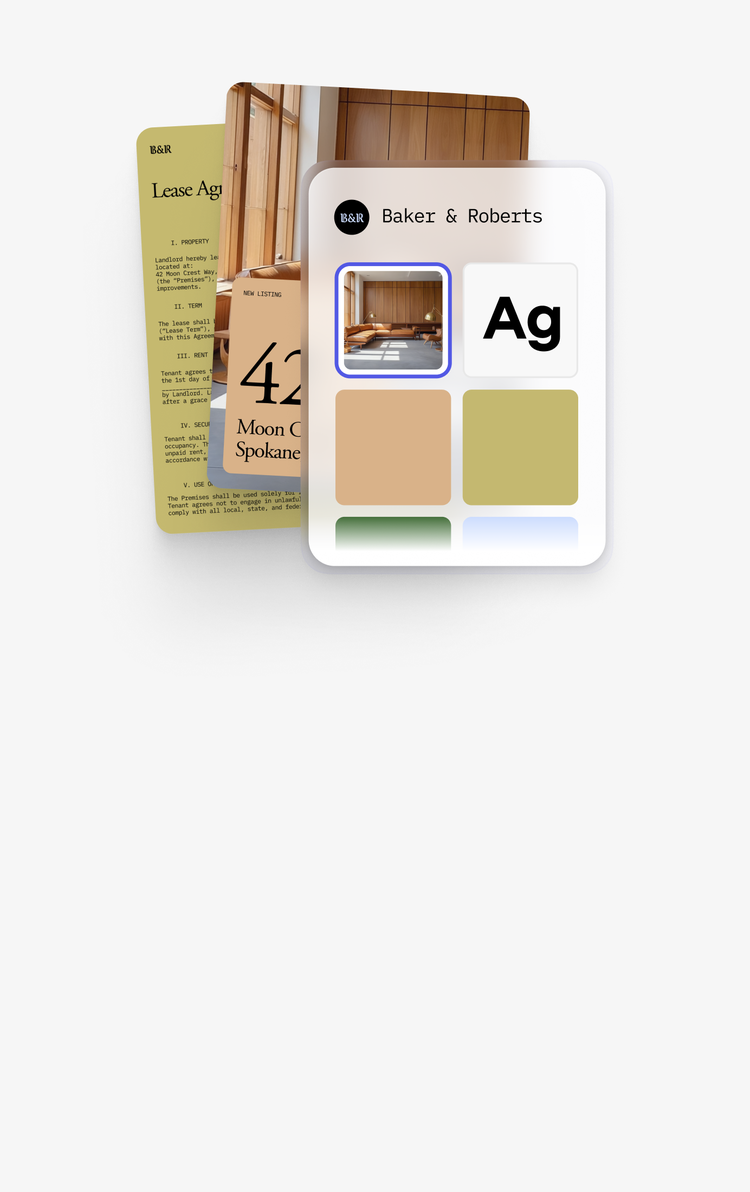
Design without being a designer.
Use brand kits, templates, and responsibly-generated AI images to create professional content for web or social.
“The new AI features in PDF Spaces are changing the way I educate my clients and students.”

Accountability and transparency
Enterprise-grade trust. At any size.
Responsible AI
Adobe AI is built on accountability, transparency, and respect for your content. You stay in control.
Admin controls
Manage users, permissions, and policies from a single dashboard, without slowing anyone down.

Secure sign on
Connect Acrobat Studio to your existing identity infrastructure. The way enterprise expects.

Get Acrobat Studio today.
The highly secure PDF and e-signature solution with advanced tools, PDF Spaces, Acrobat Pro, AI Assistant, plus Adobe Express Premium.

