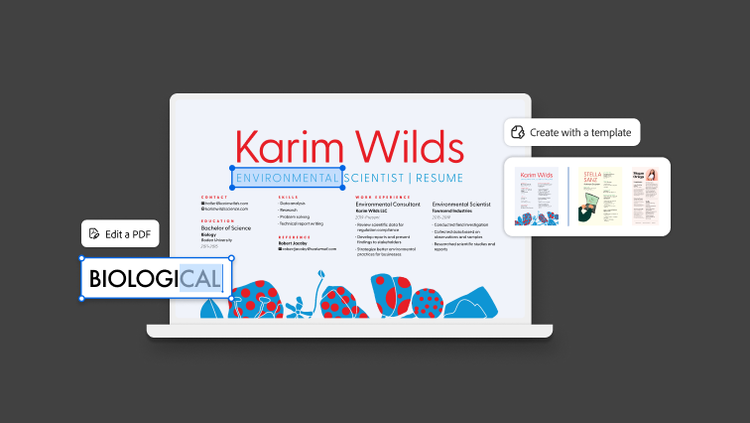
How to tailor your resume to any job description in 10 minutes.
Customize your resume to match any job description in four simple steps.
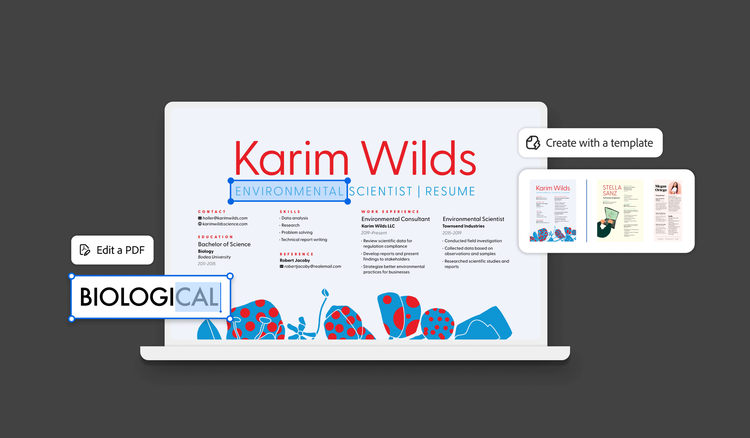
Don’t rewrite: Tailor instead.
Updating your resume for each application may sound time-consuming, but skipping this step puts your resume at a major disadvantage. A 2024 Adobe resume survey found that 45% of Gen Z job seekers don’t tailor their resumes for specific roles, compared to 71% of Baby Boomers who do. Adopting a fast, 10-minute tailoring process can help you level the playing field.
Even if you are creating a resume for the first time, use a structured resume template to speed up the process — you’ll only have to make modifications afterward.
Why the same resume for every job doesn’t work.
When you submit an application online, it usually enters an ATS. Research from Jobscan shows that 97.4% of Fortune 500 companies use an ATS. But the idea that an ATS is an auto-rejecting robot that discards applications is a myth. In reality, an ATS acts as an indexed database that recruiters use to search for specific keywords, job titles, and skills.
The real issue with an untailored resume is database visibility. If a job posting requires “cross-functional project management” and your resume only says “team coordination,” the ATS will not surface your file when a recruiter searches for that exact phrase. Keyword coverage isn’t the only thing that hides a resume — formatting mistakes can keep it from being parsed at all.
Joint research from Harvard Business School and Accenture found that 88% of employers agree that qualified, high-skill candidates are filtered out simply because their resumes do not match the exact criteria specified in the job description.
The 10-minute resume tailoring process.
Align your resume with any job description and have it application-ready by following these four steps.
Review the job description.
Open the job posting and identify key technical skills, required software tools, industry certifications, and recurring phrases. Pay special attention to the requirements listed in the first third of the posting or under “Minimum Qualifications.” These sections typically reflect the recruiter’s highest-priority search terms.
Rewrite your summary and top three bullets.
Adjust your opening professional summary to incorporate the target job title and core required competencies. Mirror the vocabulary of the job posting in the first three bullet points under your current or most recent role, as shown in the following example:
- Posting phrase: Data analysis using SQL
- Your resume bullet point: Analyzed business data
- Updated bullet point: Performed complex data analysis using SQL to identify operational bottlenecks
Reorder for relevance.
Move your most relevant projects, technical proficiencies, and specialized skills to the top of their respective sections. Move any secondary responsibilities that don’t map directly to the target role’s core responsibilities underneath.
Final check and export.
Verify that your resume incorporates the job description’s primary keywords naturally. Read your resume out loud. Edit any awkward phrasing or places where it feels like you are artificially packing in keywords. Finally, export your tailored resume to PDF.
Download the interactive resume tailoring checklist to work through these steps on your next application.
Do it faster the second time.
Once you create your first tailored resume, customizing it for other applications becomes even faster. Use these tips to keep things organized:
- Duplicate and swap. Instead of starting over each time, duplicate your primary resume template. Then, you can easily swap out the professional summary and top three bullet points and adjust the skill lists.
- Keep an application log. Record the company, job title, date applied, and which resume version you sent. When a recruiter calls for an interview, you’ll know exactly which version they’re looking at — the interactive checklist has a section built in for this.
Remember the 2-version strategy.
The two-version strategy balances ATS demands with a visually appealing resume for humans. As the name suggests, you have two versions of your resume:
- The application version (ATS-compliant). This version uses a clean, simple layout with standard headers and fonts. Start with an ATS-optimized template, then check it against the basics — single column, standard section headings, no text boxes — to create a document ready for online application portals.
- The networking version (visually polished). This version is a stylized layout with graphics and colors. Use a tool like Adobe Express and create a networking resume for direct email outreach, networking events, and in-person interviews.
Using AI to tailor your resume.
Generative AI tools can significantly accelerate your keyword analysis and tailoring workflow. Adobe’s same resume survey found that 64% of hiring professionals approve of using AI on resumes as long as the content remains accurate and authentic.
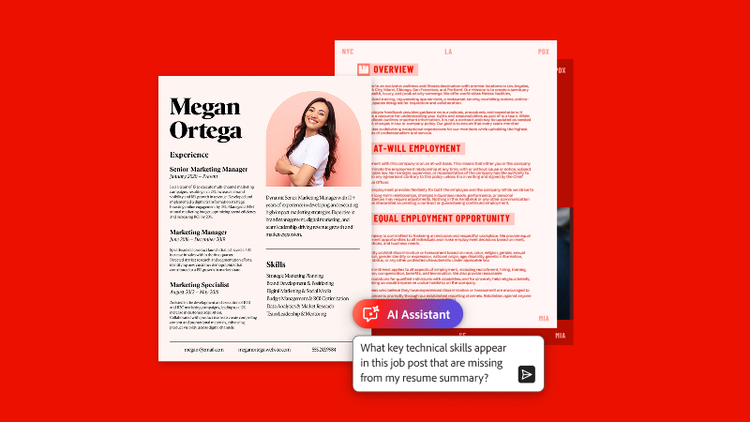
You can use generative AI PDF tools as a collaborative partner to compare your resume text against a job description, identify missing keyword coverage, and suggest stronger phrasing. For example, upload your application materials and job posting into Adobe Acrobat. When you add AI Assistant as a paid add-on, you can ask, “What key technical skills appear in this job posting that are missing from my resume summary?”
Always review AI-generated text for complete factual accuracy. Never allow AI to invent experience or skills you don’t have.
No matter how you draft it, the first tailored version takes ten minutes. The next one takes three: duplicate your resume in, swap the summary and top three bullets, and you’re ready for the next posting.
Frequently asked questions
Does keyword stuffing work on resumes?
Should I really rewrite my resume for every job?
How long should the professional summary on a resume be?
Should I submit my tailored resume as a PDF or DOCX file?
You may also like