https://main--cc--adobecom.aem.live/cc-shared/assets/img/firefly.svg Adobe Firefly

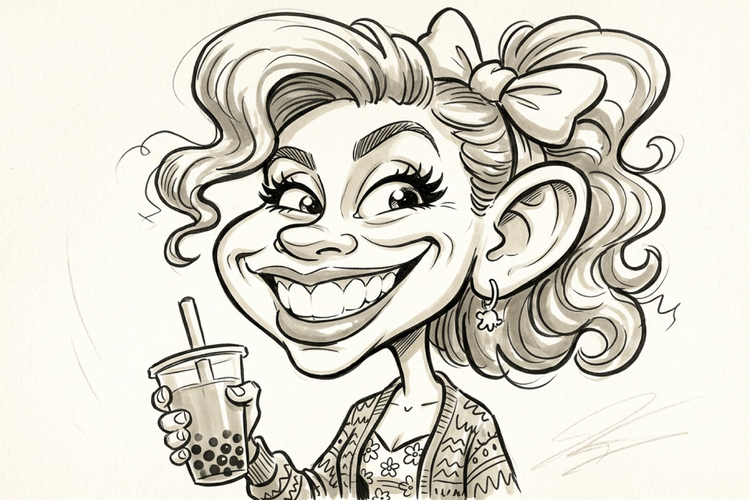
Turn any photo into a caricature with the free AI caricature generator.
Upload a photo and get a playful, exaggerated caricature that looks like you. Add a prompt to fine-tune the style and Adobe Firefly will handle the rest.
https://main--cc--adobecom.aem.live/cc-shared/assets/svg/s2-icon-upload-20-n.svg Upload your image

Or tap here
File must be JPEG(JPG), PNG or WEBP and up to 100 MB.
By uploading your image or video, you agree to the Adobe Terms of Use and Privacy Policy and confirm you are 18 years of age or older.
https://main--cc--adobecom.aem.live/cc-shared/assets/svg/s2-icon-upload-20-n.svg Upload your image
Or tap here
File must be JPEG(JPG), PNG or WEBP and up to 100 MB.
By uploading your image or video, you agree to the Adobe Terms of Use and Privacy Policy and confirm you are 18 years of age or older.
Or drag and drop here
File must be JPEG(JPG), PNG or WEBP and up to 100 MB.
By uploading your image or video, you agree to the Adobe Terms of Use and Privacy Policy and confirm you are 18 years of age or older.
- File size larger than 100 MB
- Unable to process the request
- We are unable to process this file type. Please try again.
- Only one file can be uploaded at a time.
- Image is smaller than the minimum dimensions (512 x 512 pixels). Please resize and try again.
https://main--cc--adobecom.aem.live/cc-shared/assets/img/product-icons/svg/firefly-80.svg

Adobe Firefly
The next evolution of creative AI is here for all your ideas, with image, video, audio and vector tools.
Generate playful caricatures in moments.
Whether you need a caricature for a birthday card or a fun avatar, Adobe Firefly turns a single photo into a bold, exaggerated portrait for free.
Upload a photo to start your caricature.
Choose a clear photo of yourself, a friend or a pet and Adobe Firefly will use it as the foundation for your caricature. Type a prompt describing the style you want, like exaggerated features or a specific art style and Adobe Firefly will apply it to your upload.
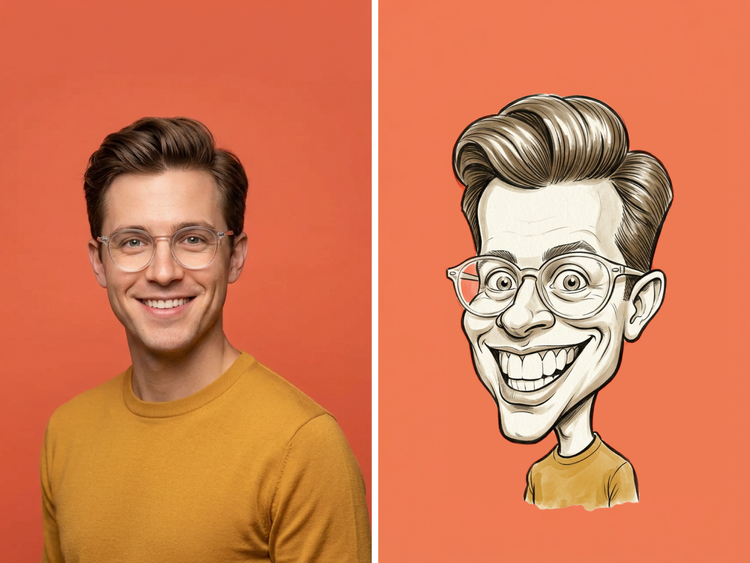
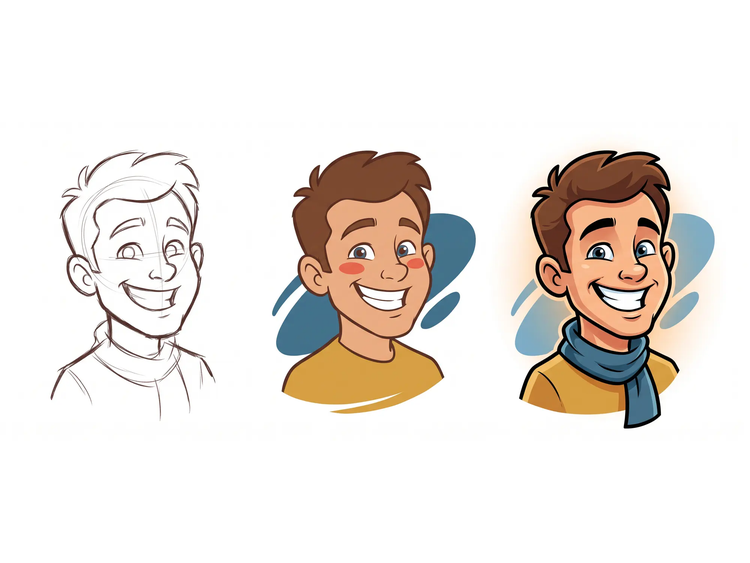
Adjust the exaggeration and style.
Fine-tune how playful or subtle you want the caricature to look, then adjust colour, lighting and tone until it matches your vision. Every caricature can be regenerated, so you can keep refining until it feels right.
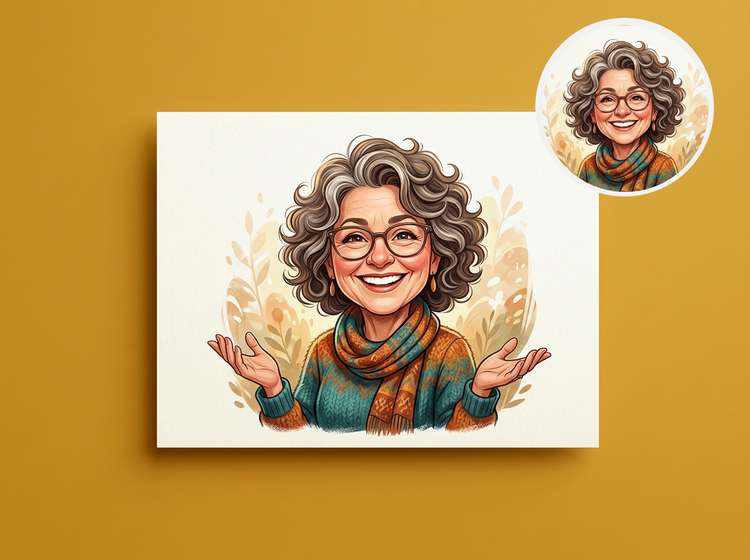
Share your caricature anywhere.
Turn your caricature into a social media avatar, a printed gift or a fun addition to an invitation or greeting card. Wherever you want to share your caricature, it’s ready to use.
How to make a caricature with Adobe Firefly.
Step 1
Log in to Adobe Firefly.
Step 2
Review your pre-filled prompt.
Step 3
Adjust your style settings.
Step 4
Generate and review your caricature.
Step 5
Download and share your caricature.
Steps on how to turn a photo into a caricature using Adobe Firefly.
PT3M
firefly
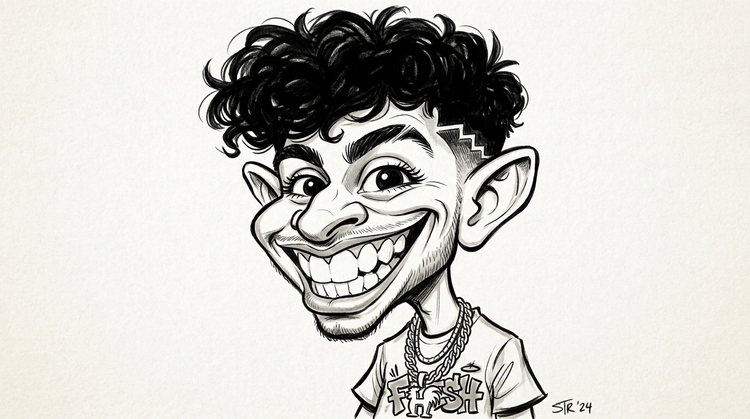
Precise creative control
Exaggeration is a dial, not a switch. Push the proportions further, pull back the colour, adjust the tone, then regenerate as many versions as it takes to land on the personality you're going for.
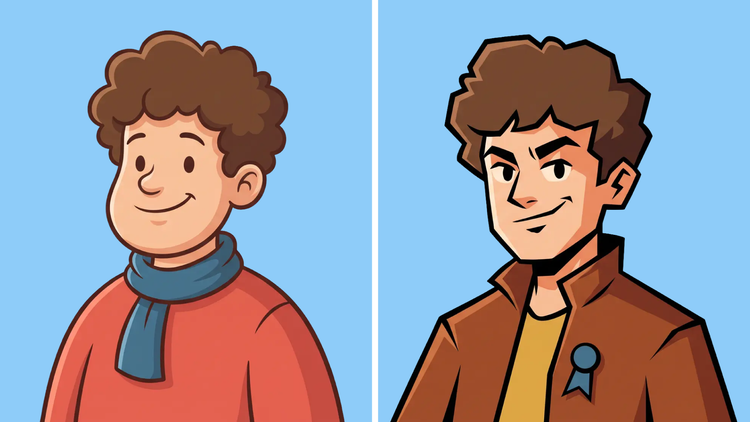
Top AI models, all in one place
Adobe Firefly draws on its own models and partner models including Google, OpenAI, Flux and more, together in one creative workspace, so your caricature isn't limited to a single style. Compare a few exaggerated takes, then refine your favourite with precision tools.
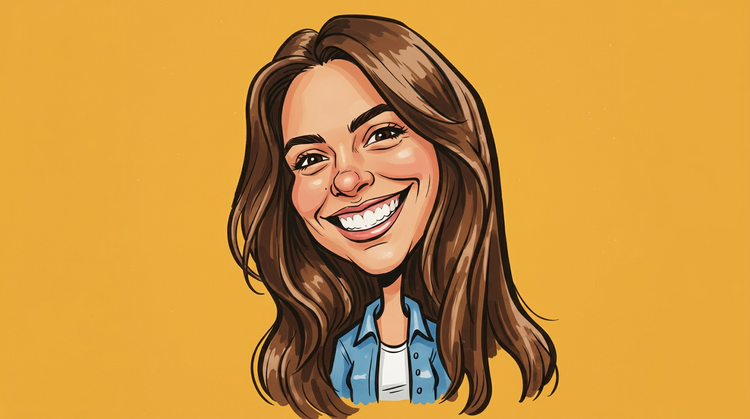
Your complete creative space
A caricature can start rough and get sharper with each pass. Adobe Firefly lets you regenerate, refine with precision tools and keep going until the exaggeration and likeness both feel right.
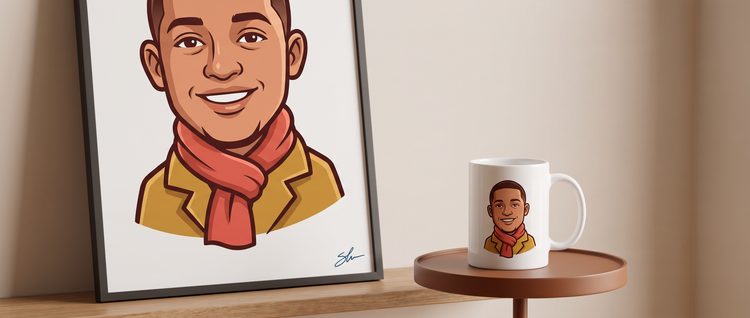
Seamless integration
Printing your caricature onto a gift or building it into an invitation? Open it in Adobe Express to design around it or bring it into Photoshop on the web for closer retouching first.