Frequently asked questions
Does Adobe train Firefly on my work without permission?
No. Adobe does not train Firefly generative AI models on Creative Cloud subscribers' personal content. Adobe states that Firefly is trained on licensed content from Adobe Stock and public domain content where copyright has expired.
Creators can also attach a Do Not Train preference to their own work's metadata, and Adobe's free Content Authenticity web app lets any creator set AI training opt-out preferences on their images, audio, and video. Read more about Firefly’s approach to generative AI.
Will AI take creative jobs?
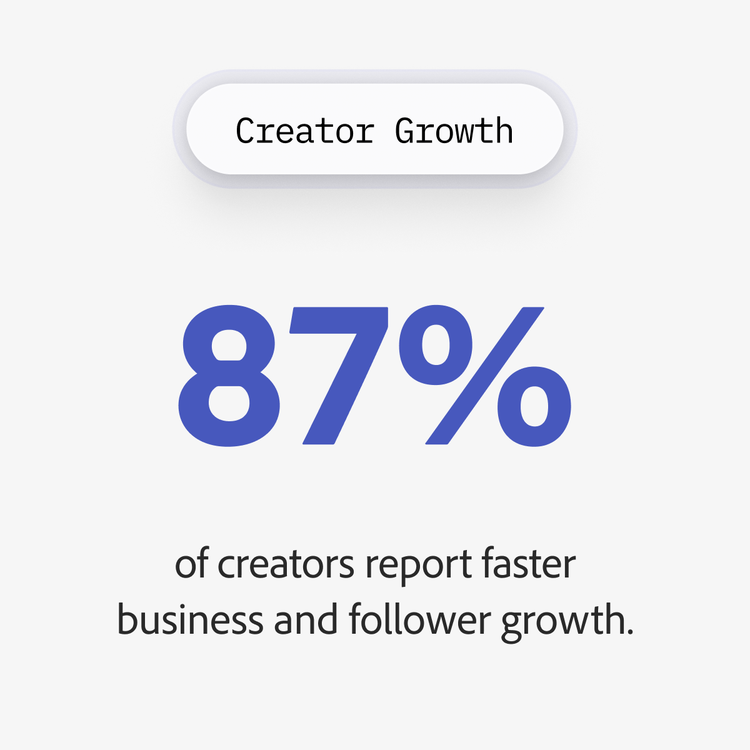
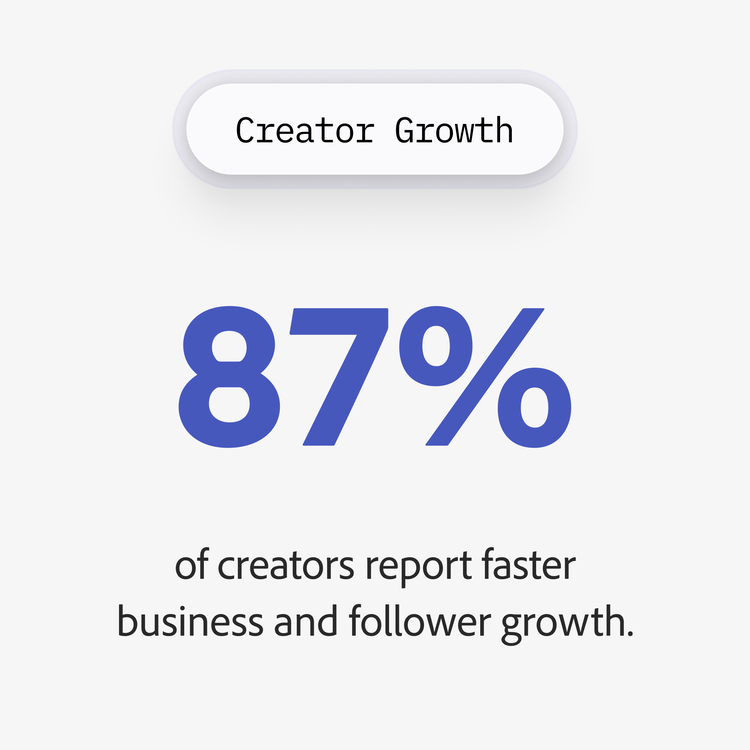
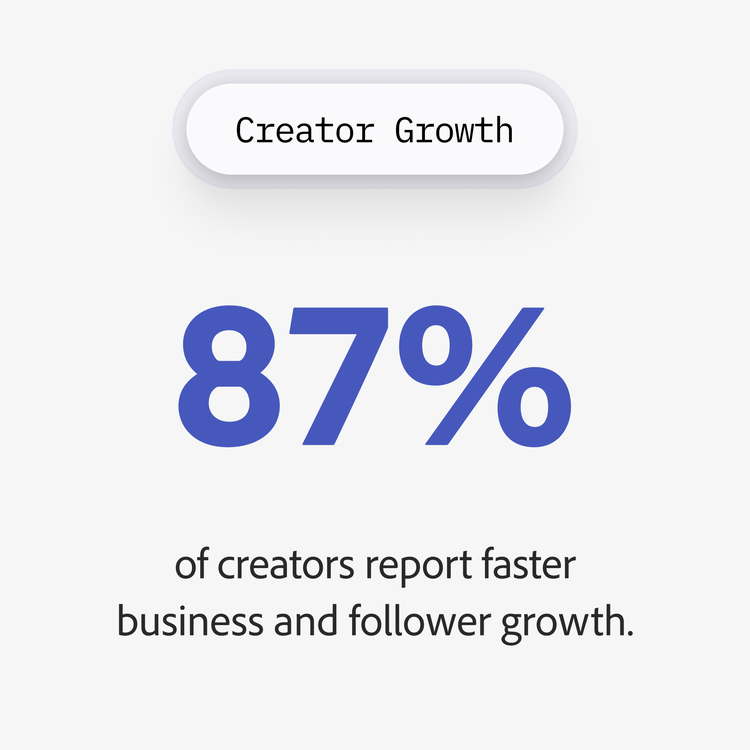
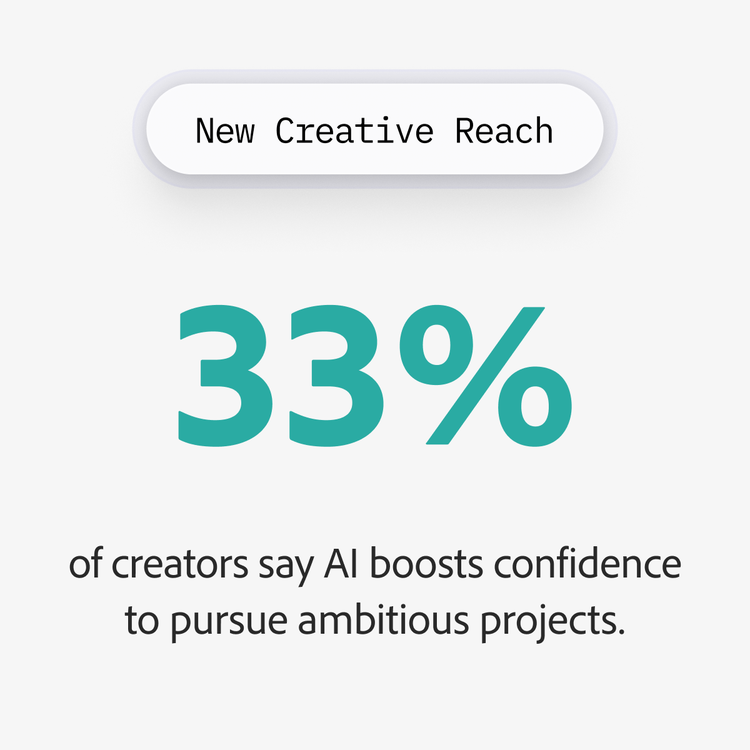
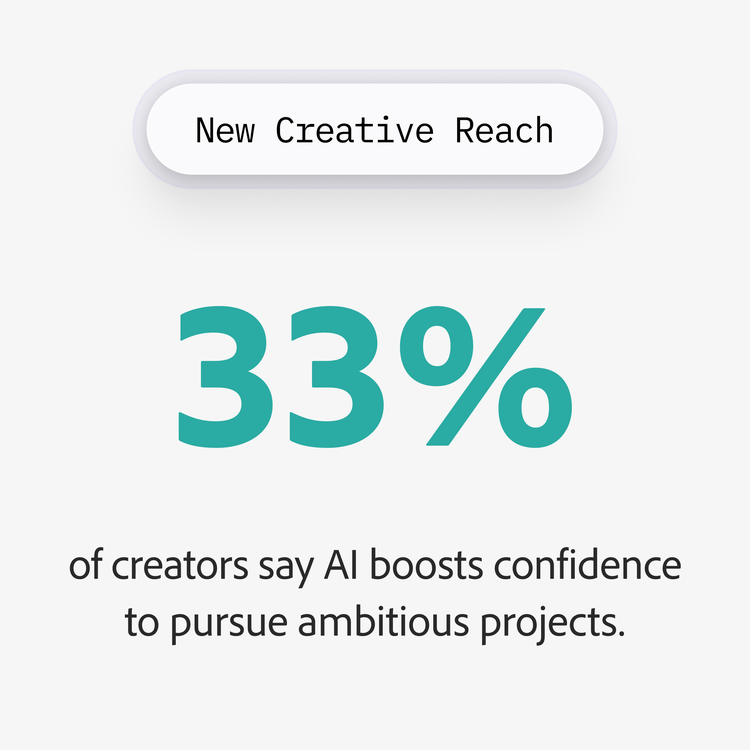
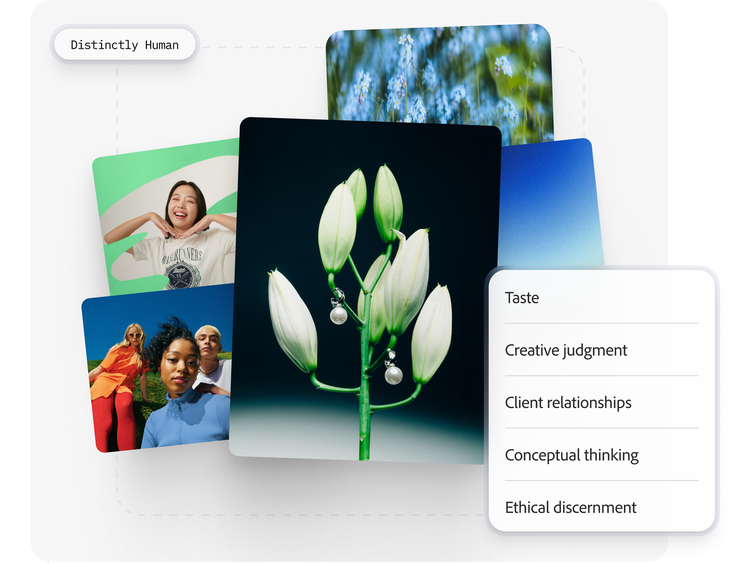
Adobe's data points to augmentation rather than replacement for people who adapt: 86% of working creators already use generative AI, and Adobe frames the real risk as ignoring the shift rather than using it. What stays distinctly human, and valuable, is taste, creative judgment, client relationships, and ethical discernment (Responsible AI Student POV, citing Adobe's 2025 AI & Digital Trends Report and Creators' Toolkit Report). Creators themselves back this up: 81% say human judgment remains essential to creative taste, and 85% say the final creative decision should always stay with the creator, even as they adopt increasingly capable AI tools (
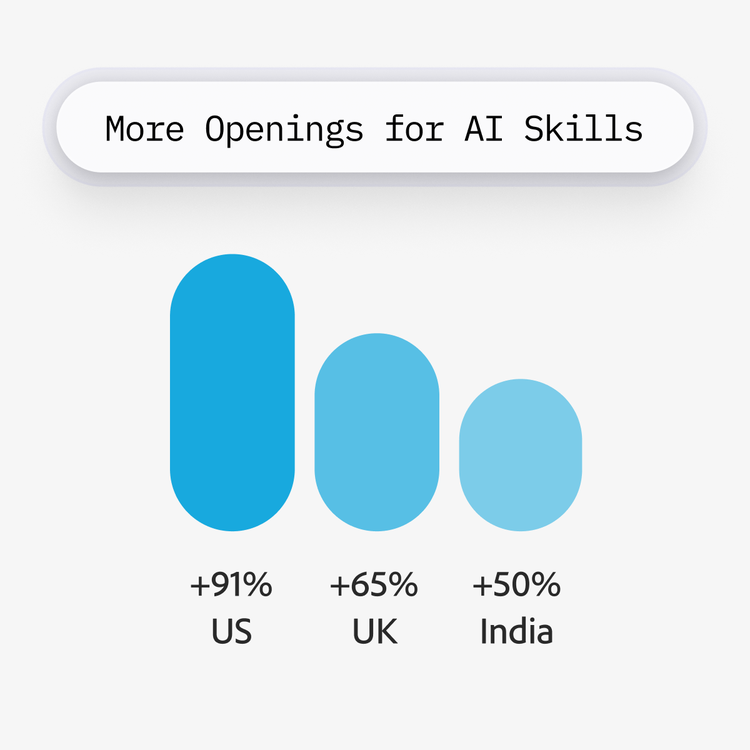
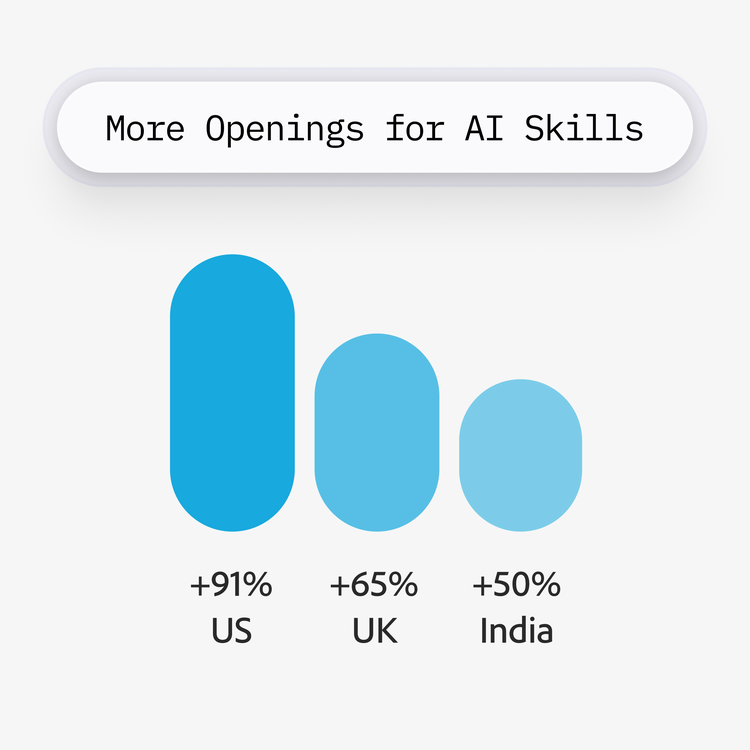
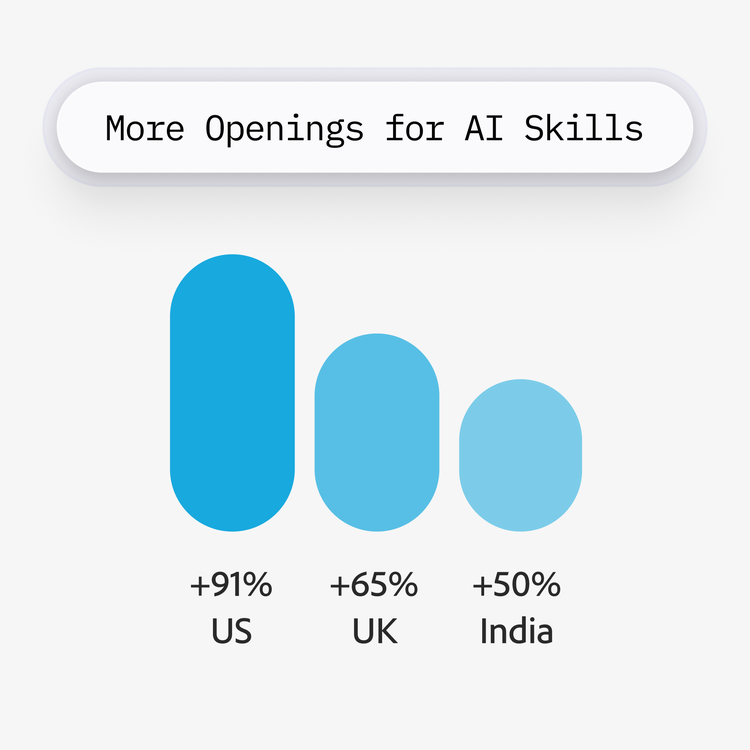
Adobe 2026 Creators' Toolkit Report). Entry-level job market data supports the same point: postings requiring AI skills kept climbing last quarter alone, up 7% to 13% quarter over quarter across the US, UK, and India (Q1 2026 to Q2 2026), and creative roles like graphic design and video editing continue to show the highest AI-skill share of any entry-level job family, at 53% to 60% in Q2 2026 versus just 10% to 17% for sales. (Lightcast job posting data, Q1 2025-Q2 2026).
What is Adobe doing about AI's environmental impact?
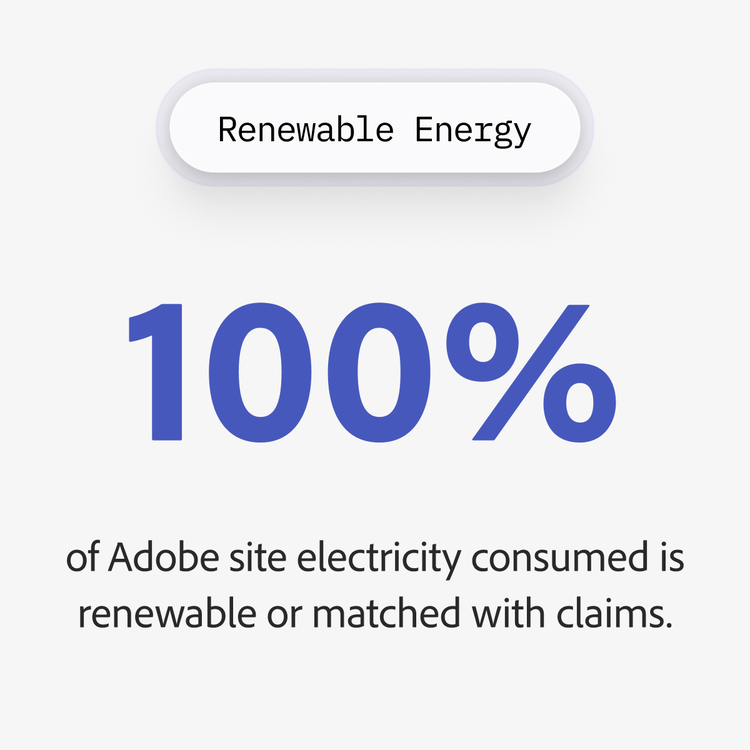
We recognize generative AI models require a large amount of computing power. Adobe is partnering with our cloud providers to leverage the best combination of services (cloud computing and storage), regions and data center density to reduce the environmental impact through the entire workload lifecycle. The storage services feature intelligent data tiering to optimize storage for sustainability, reducing idle storage resources. When it comes to generative AI, we take additional steps, including training model optimization, minimizing redundant steps, avoiding unnecessary generation, and executing efficient scheduling and batching.
How does Adobe address harmful bias in AI-generated content?
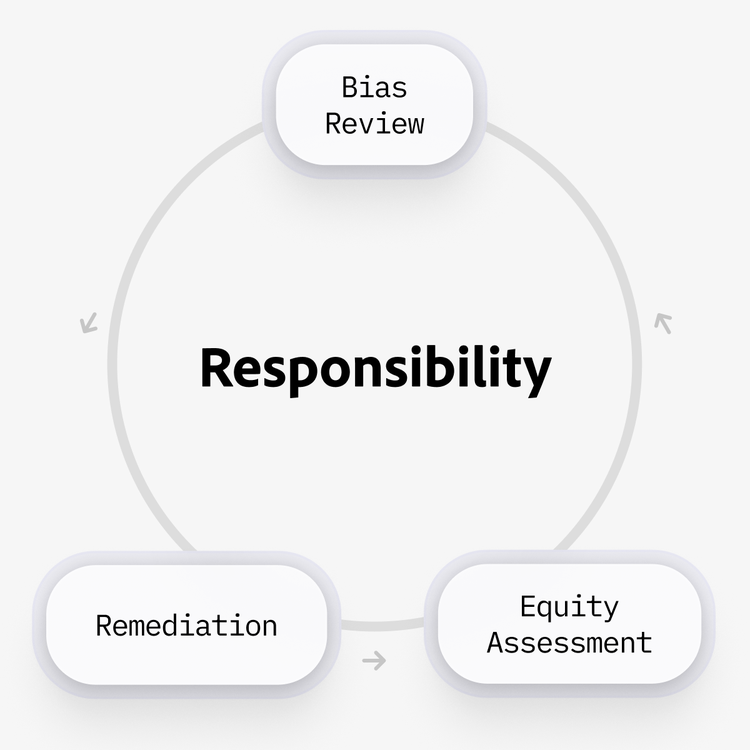
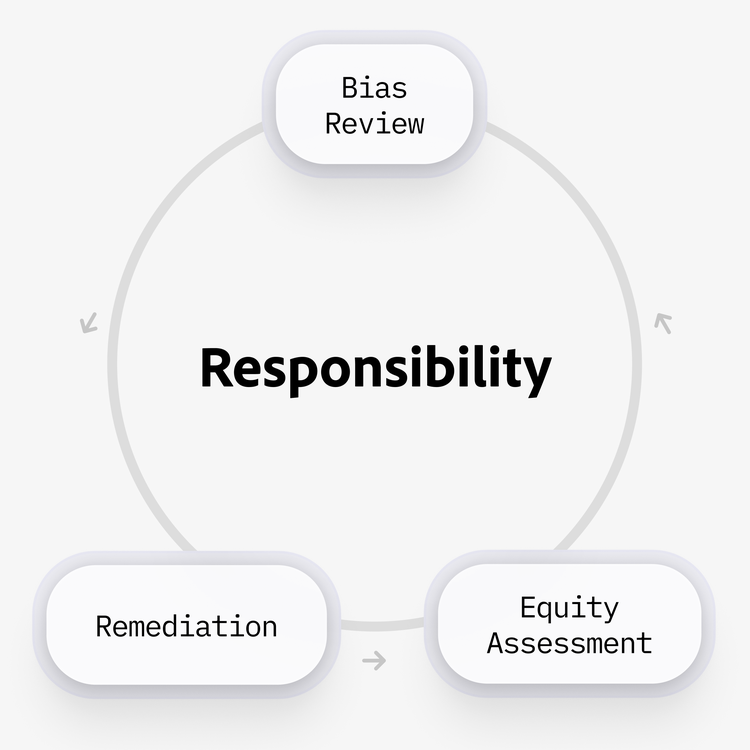
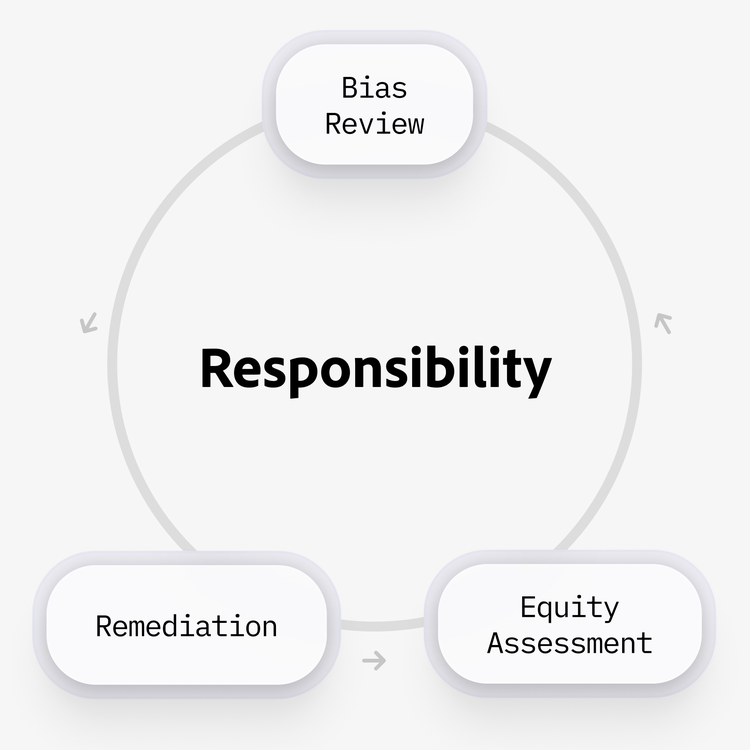
Adobe is committed to remediating the output of our AI systems for harmful bias, regardless of the input. At Adobe, all Adobe AI features undergo a rigorous, multi-stage safety review to identify and mitigate harms before release. The highest-impact features are reviewed by a diverse, cross-functional AI Ethics Review Board. Adobe also runs ongoing automated and human testing to catch biased or harmful outputs, and Firefly includes a built-in feedback mechanism so users can flag results directly (
Adobe AI Ethics Principles, October 2024; Adobe Responsible AI).
Can I stop my work from being used to train AI models?
Yes. For creative work like images, audio, and video, Adobe's Do Not Train tag lets any creator flag their work's metadata, and Adobe is advocating for that preference to be honored industry-wide. The free Content Authenticity web app extends this to any creator, not just Creative Cloud subscribers. For documents and coursework in Acrobat, Adobe's responsible AI policy is that student content, including notes, slides, and readings uploaded to features like Student Spaces and AI Assistant, is never used to train Adobe's underlying AI models.
Does Adobe support legislation protecting artists from AI style theft?
Adobe publicly backed the
CREATOR Act in June 2026, a bipartisan federal bill that would create a new right protecting visual artists from AI-generated style impersonation at commercial scale, distinct from existing copyright protection. This is pending legislation, so messaging should describe it as something Adobe supports rather than a settled protection.
Does using tools like Student Spaces in Acrobat hurt critical thinking, reading, or writing skills?
Adobe's position is that the real risk is disengaging from the material, not using AI to study it.
Student Spaces is built to help students get to learning faster (organizing notes, slides, and readings into flashcards, quizzes, and study guides) so they can spend more of their time engaging with the material, not less. Because every answer ties back to the student's own uploaded source through citations, students are prompted to check the work against the original reading rather than accept it uncritically, which is the same habit of verification that builds critical thinking in the first place.
How does Adobe support academic integrity when students use AI tools?
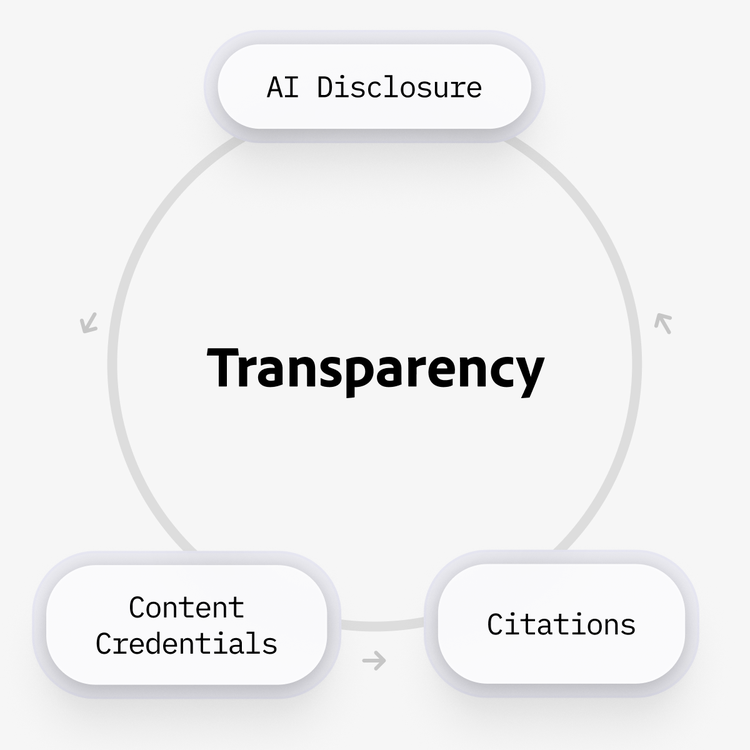
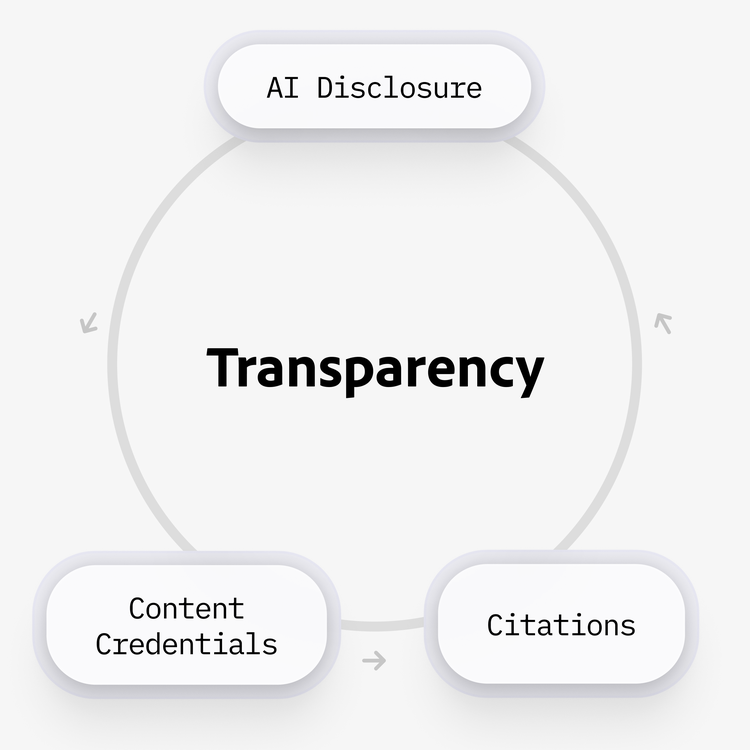
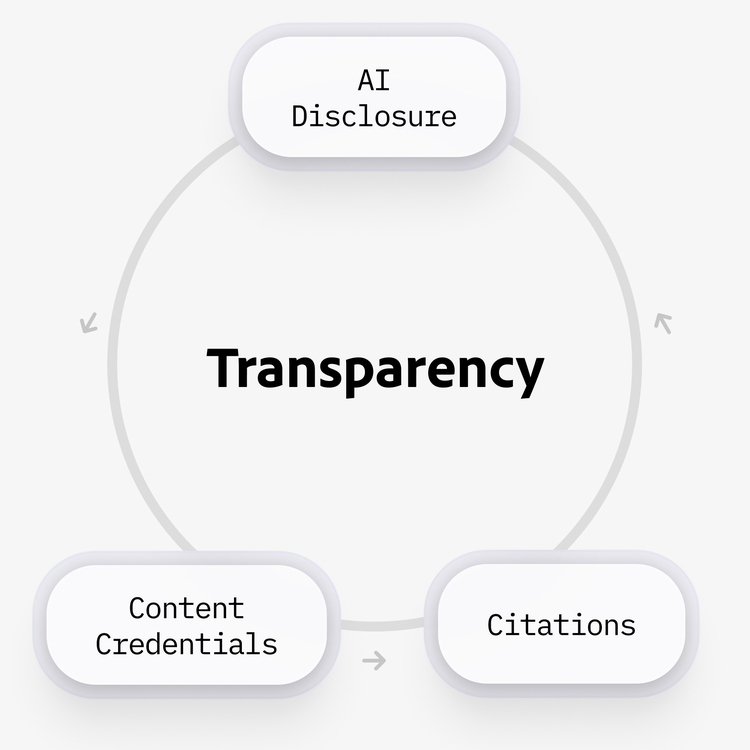
In Acrobat, Student Spaces ties every AI-generated study answer back to citations from the student's own uploaded notes, slides, and readings, so the work can be checked against the original source.
More on citations in Student Spaces.
Sources: Adobe Creators' Toolkit Report, Lightcast, Adobe Sustainability Policy Statement, Adobe Corporate Social Responsibility Report, "Growing Responsibly in the Age of AI: Adobe Firefly and Stock" Adobe Blog 2024, Adobe AI Ethics Principles