
Learning experiences that last
Easily design rich and interactive courses. Retain, engage and teach your learners effectively with simulations, roleplays, videos, games, branched paths, widgets and more.



Easily design rich and interactive courses. Retain, engage and teach your learners effectively with simulations, roleplays, videos, games, branched paths, widgets and more.
Get started instantly with readymade slides
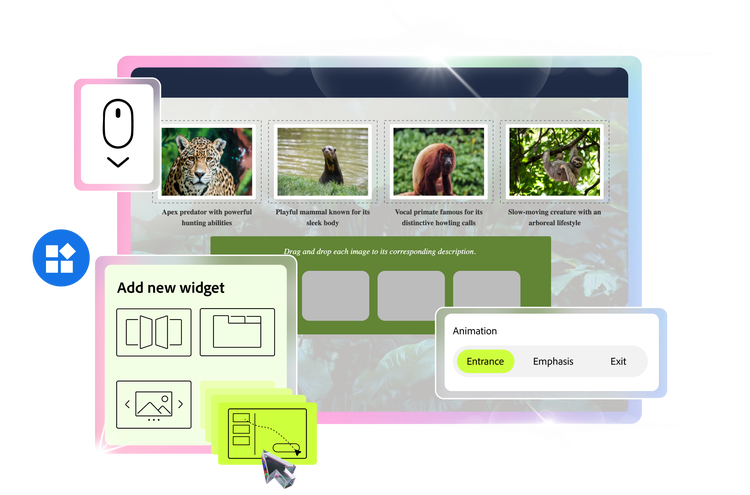
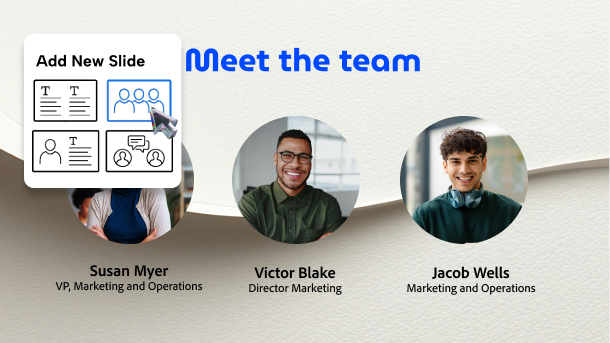
Pick slides with pre-built layouts that include text, images, scenarios and questions. Customize every detail to meet your learning objectives.
Brand your slides
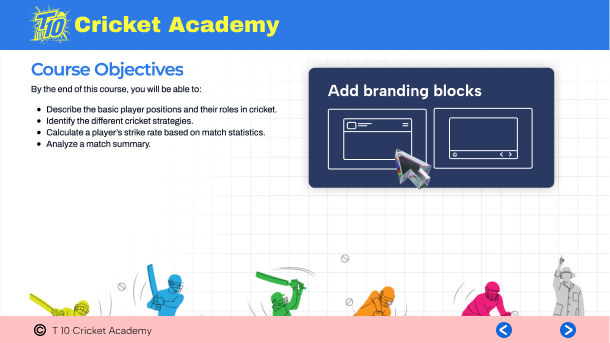
Easily add header and footer content blocks to apply brand identity, slide number, table of content and more. Ensure consistency and save time by templatizing the slide design.
Duplicate attributes
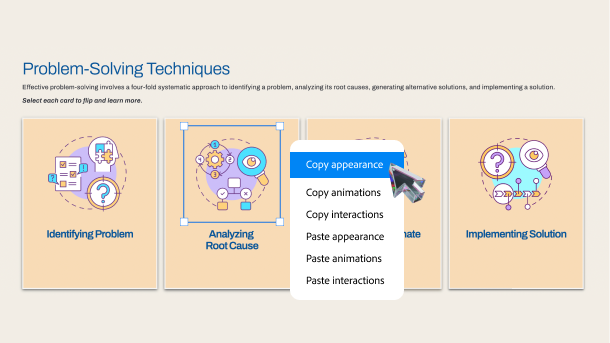
Easily replicate selected attributes of different objects or components. Quickly copy and paste interactions, animations or appearance of one object to another.
Fasttrack authoring
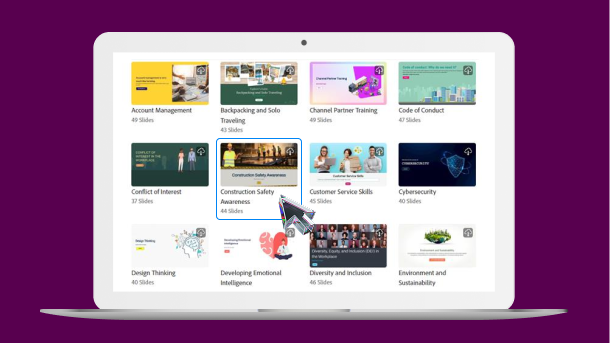
Choose a real content Quick Start Project from the assets library. Swap out the text and images to make it your own project, in no time.
Plug and play your content
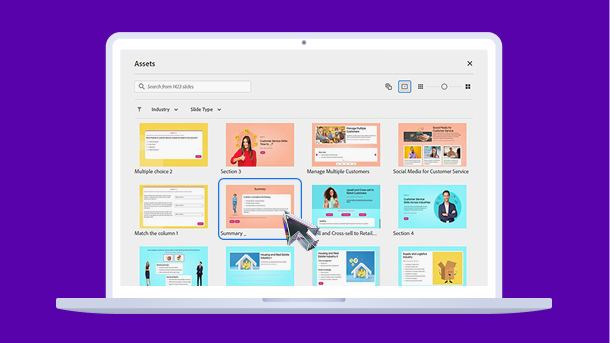
Select from hundreds of responsive ready-to-go slides with real content and add them to your project. Easily replace text, characters, images, and videos to create your course.
Unfold your course with scroll
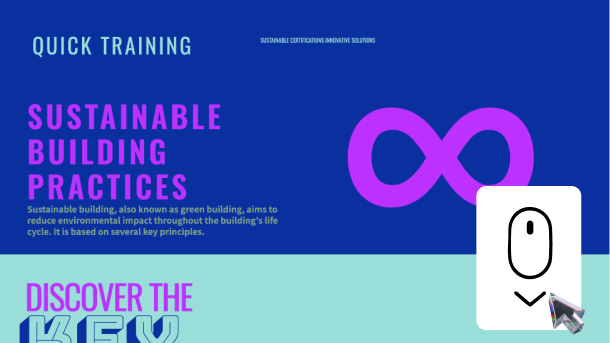
Keep your learners hooked with smooth, endless scrolling. Combine visuals, animations and interactivity to build courses that flow like a story.
Style it right
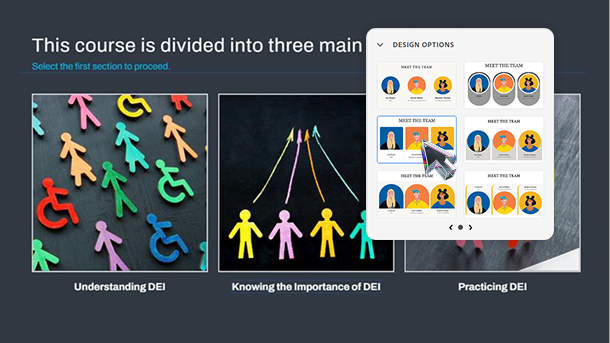
Make courses look the way you imagine. Choose from responsive design options for text, images, videos, widgets and more. Nail the look for every device, with a single click.
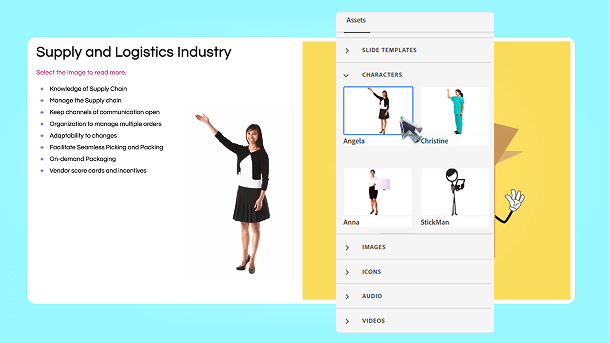
Dazzle with free assets
Find the perfect asset for your projects, from a library of thousands of royalty-free images, characters, slide templates, icons, audio and videos.
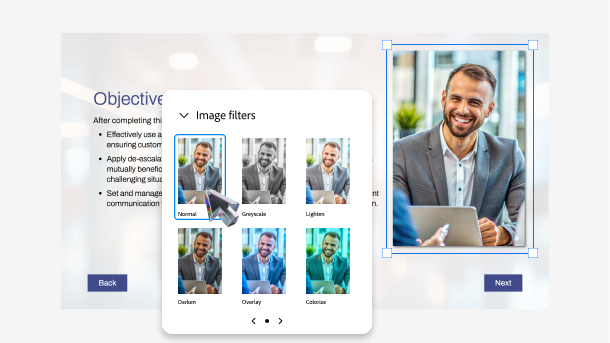
Finetune visuals with ease
Easily crop images, add filters, shadows, overlays. Increase or decrease brightness, contrast, blur and much more. Reduce dependency on graphic designers and get your images ready in minutes.
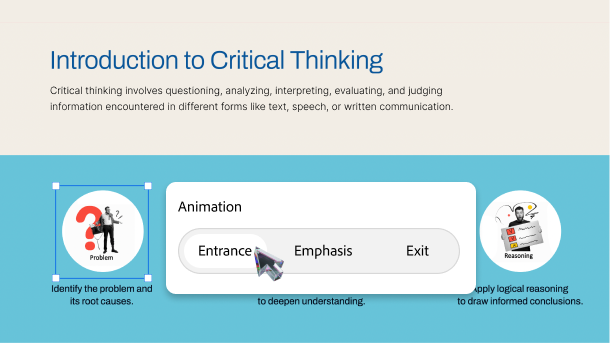
Catch attention with movement
Choose a slide object and set a motion effect for its entry, emphasis or exit. Engage learners with stimulating animations like rotation, wobble, flicker and more.
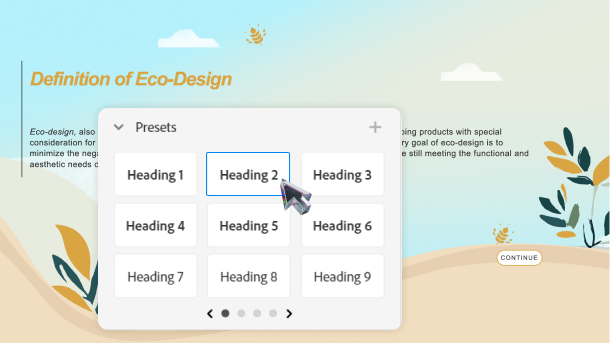
Design clean and readable text
Achieve flawless typography for text content. Choose from a variety of presets to get the perfect look for headlines, subheadings, body text, variables and questions.
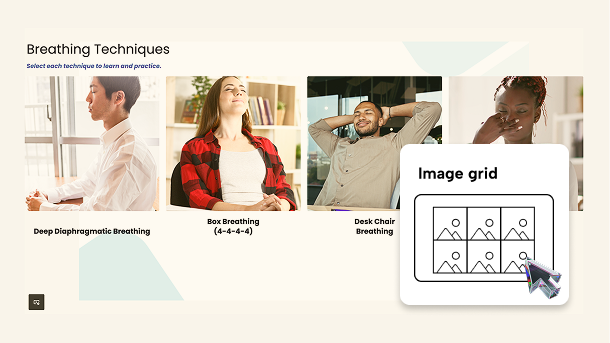
Say more with images
Use a grid of images to make your slide look gorgeous. Replace default images with your own and add captions to explain better.
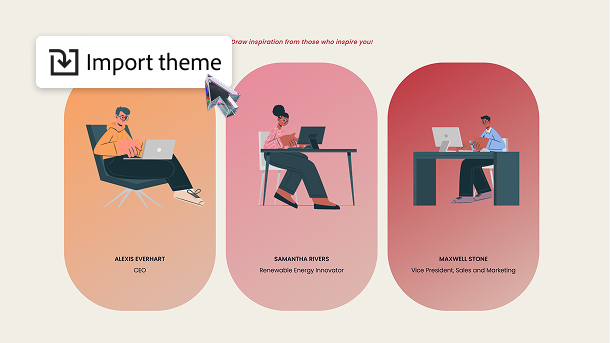
Establish visual identity
Customize default themes or create your own, to meet brand design requirements. Import and export themes to maintain consistency across projects created by your team.
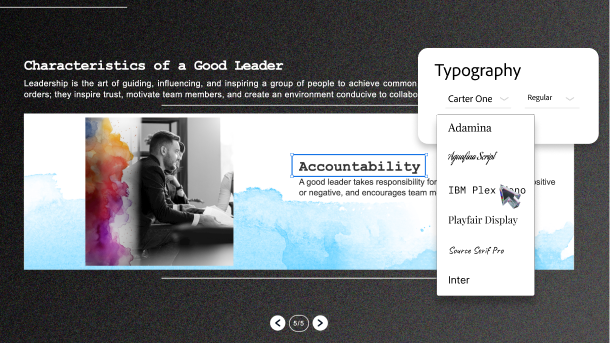
Polish content with quality fonts
Offer a pleasant and consistent reading experience with out-of-the-box Adobe and Google fonts. Use these premium fonts to create professional and easy-to-follow content.
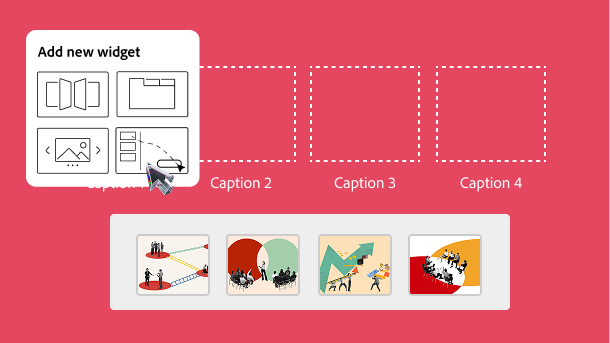
Make learning fun
Build interesting games, quizzes and learning modules using the drag and drop widget. Easily map drag items to drop targets with a few clicks.
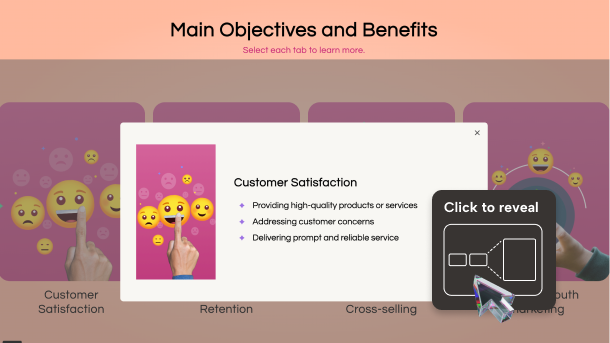
Unravel insights on click
Let learners click to uncover content at their pace. Use the click-to-reveal interaction to layer information, reduce clutter, and keep them curious and engaged.
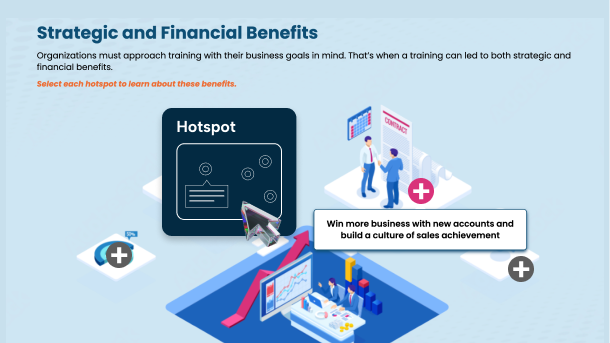
Guide learners to discover
Create virtual tours, product walkthroughs and other forms of visual storytelling using hotspot widget. Let your learners explore by clicking different areas on an image.
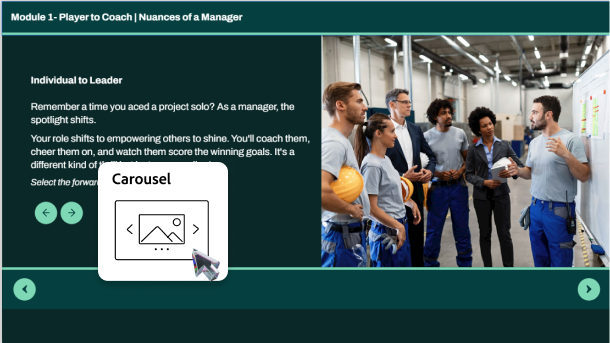
Showcase stories effortlessly
Let learners swipe through images to explore details, compare visuals or follow a sequence. Make learning memorable and self-paced by plugging your content into the carousel widget.
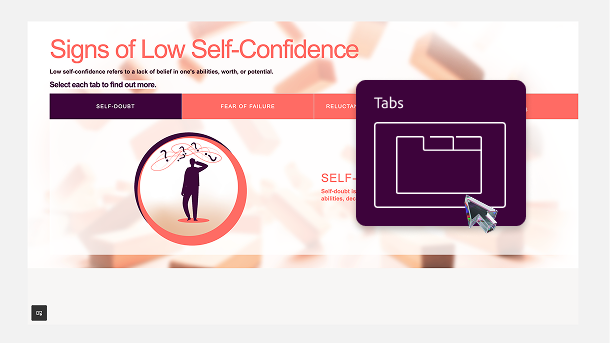
Declutter training material
Present long and complex content in clickable tabs format. Eliminate scrolling and allow learners to quickly jump to the relevant information.
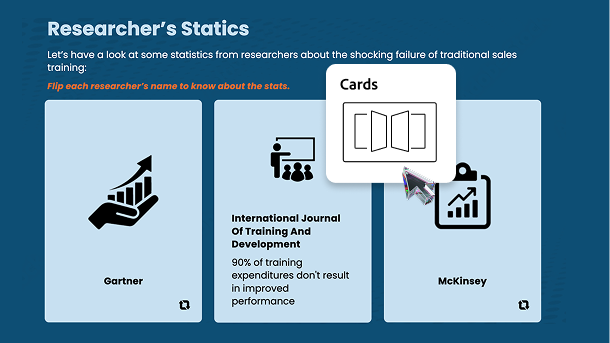
Spark curiosity
Use a flashcard-style interaction to uncover and explain concepts. Mimic the physical act of flipping a card and allow learners to reveal information on the other side.
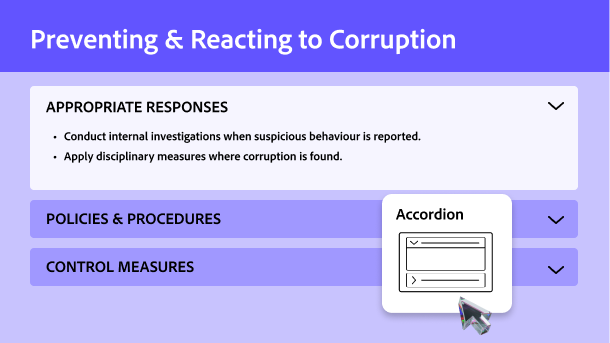
Organize content to train better
Create step-by-step instructions, FAQs, progressive disclosures that look clean and clutter-free. Help learners grasp concepts easily, as they expand and collapse accordion sections.
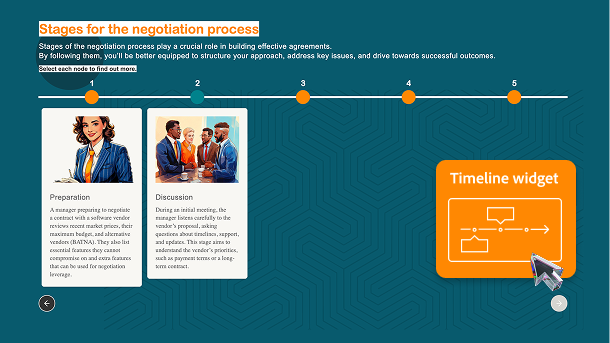
Depict chronology
Add and customize the timeline widget to enable learners to effortlessly navigate through historical events, project milestones, or any sequential information.
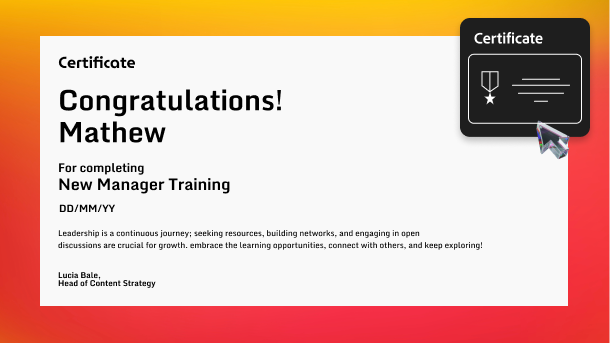
Reward for success
Celebrate your learners’ accomplishments with formal acknowledgement. Easily generate beautiful and personalized certificates that recognize their achievements.
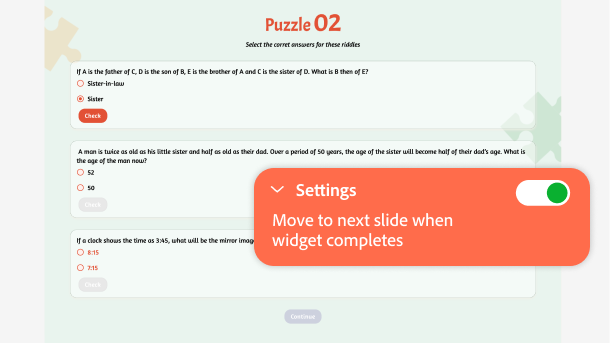
Set rules for learner journey
Ensure your learners do not skip lessons to complete course. Restrict navigation to next slide until they finish interacting with every section in your widget.
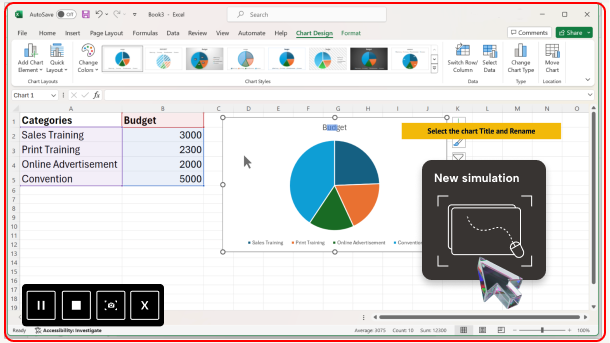
Train via hands-on simulations
Offer immersive learning experiences in a risk free, controlled environment. In a single session, record system audio, keyboard and mouse activities to create ‘Demo’, ‘Training’ and ‘Assessment’ modules.
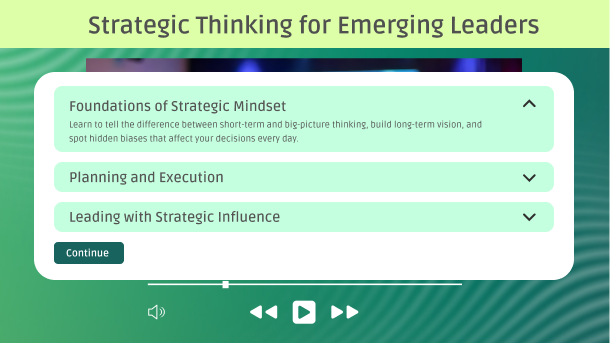
Drive active learning
Add overlays, knowledge checks and feedback in your training videos to turn passive viewers into active learners. Use bookmarks to help them navigate to relevant sections with ease.
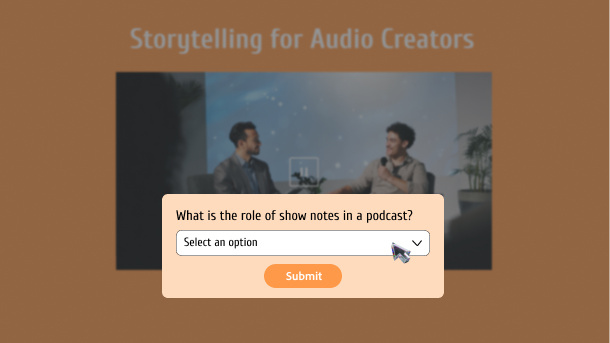
Enrich with timely intervention
Insert overlay slides in your course timeline to pause videos and present focused content. Introduce additional information, knowledge checks, or actions that boost learner engagement.
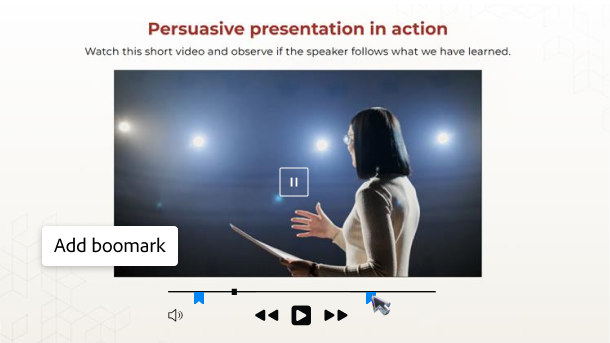
Draw focus to important information
Add bookmarks to slides or videos to trigger overlays, animations or interactions. Easily capture attention with timely placed content.
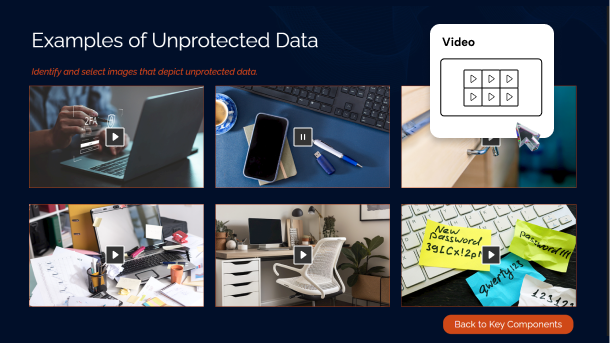
Unify narratives and scenarios
Display multiple videos in a grid layout. Enable learners to watch and interact with related content without losing context or feeling disconnected.
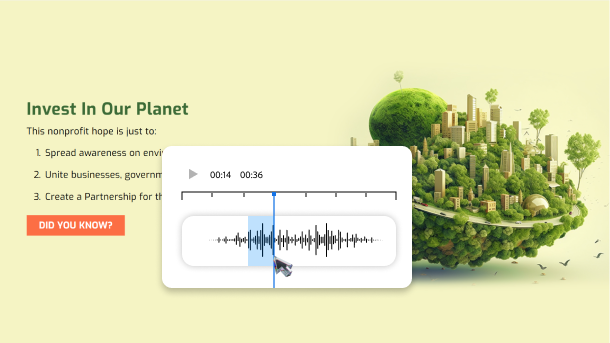
Save time and cost for the right sound
Apply native audio editing on clips from your system, asset library, voice recording, or text-to-speech. Perfect the sound by cutting, pasting, removing background noise, looping, and more.
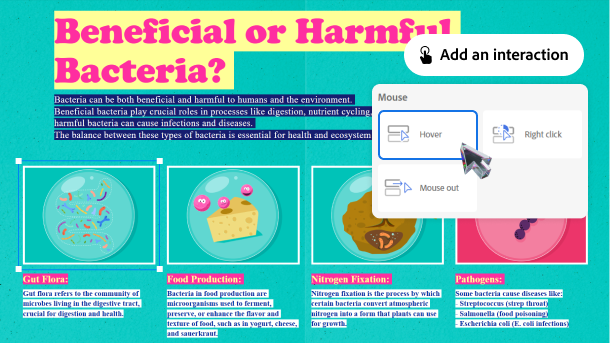
Build interactions in minutes
Quickly create games and immersive learning experiences with the simple and intuitive interactions panel. Choose triggers, set conditions, assign actions and test in just a few clicks.
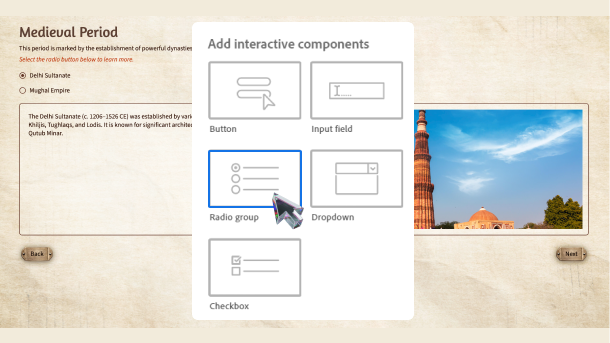
Involve learners at every step
Add readily available interactive components like buttons, input fields, radio groups, checkboxes and drop downs, to improve engagement.
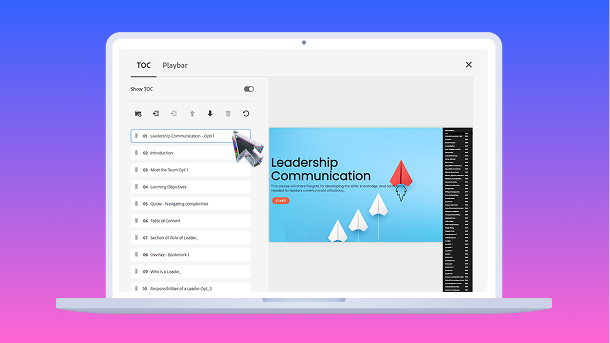
Enable easy navigation
Give clear overview of your training content to learners. Automatically generate TOC, rearrange the topics and get the desired course structure.
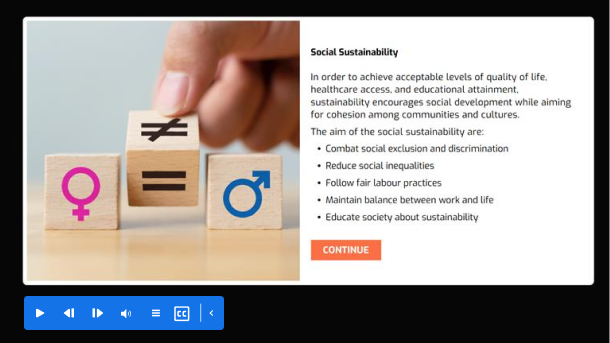
Amplify engagement
Add a configurable playbar to your course. Apart from Next and Back buttons, easily show or hide play button, closed captions, TOC, mute options, Tooltips and much more.
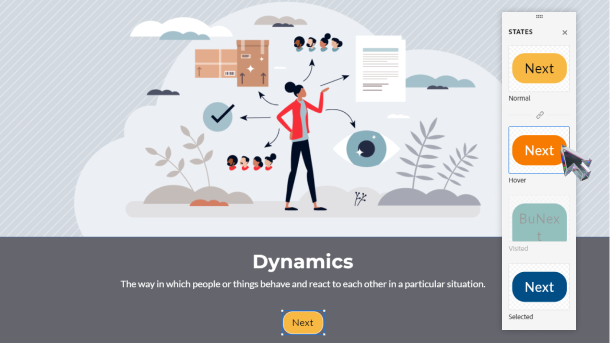
Make interaction intuitive
Easily configure states for an object to make it respond visually and contextually. Guide learner behavior by enabling unlimited custom or in-built states for images, text, buttons, and more.
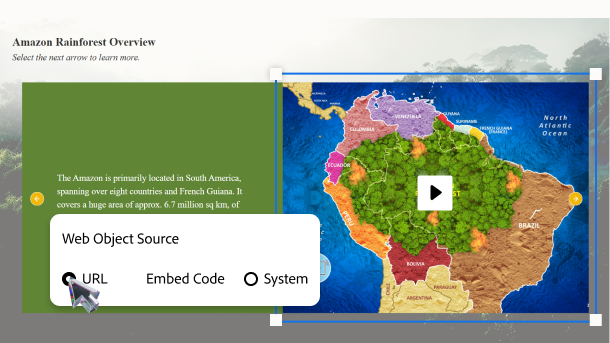
Link learners to live web content
Let learners access online resources without leaving your course. Integrate websites, videos, and documents into your training using the native support for web-based HTML objects.
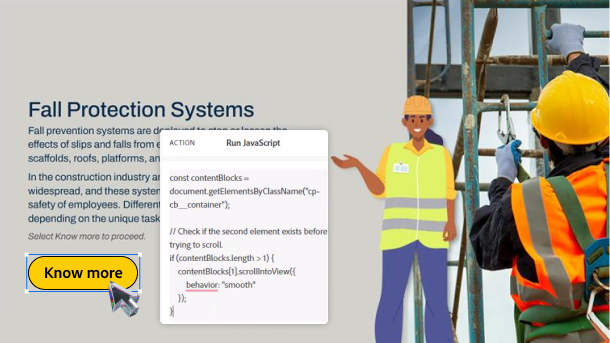
Own your interactions
Use Javascript coding to build advanced interactions for your slides, objects, images, SVGs and much more.
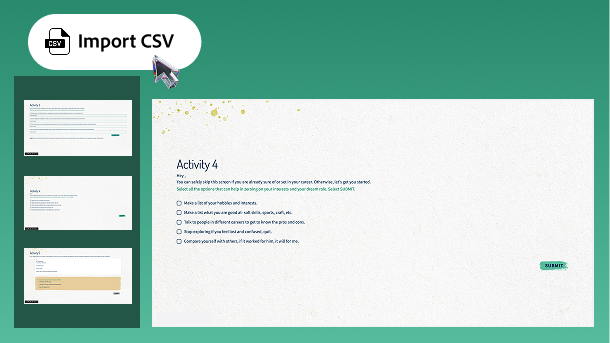
Create quizzes faster
Automatically create question slides with CSV Question Import template. Add questions, answers, score, and feedback in a single file. Import it and create the full assessment instantly.
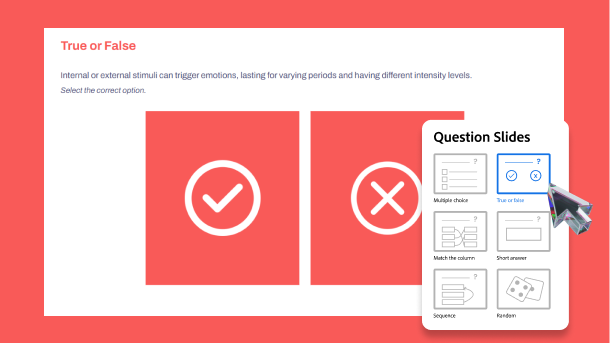
Quiz with ease
Evaluate learners’ progress and understanding with thought-provoking quizzes and knowledge checks. Cherry-pick question slides for multiple-choice, true or false, match the columns and other formats.
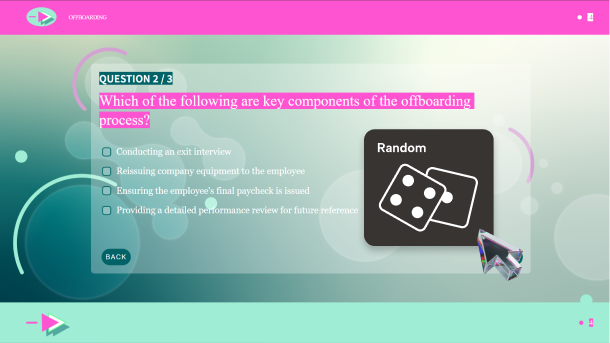
Ensure a fair assessment
Author a randomized pool of questions to provide a unique testing experience every time your learner takes the test.
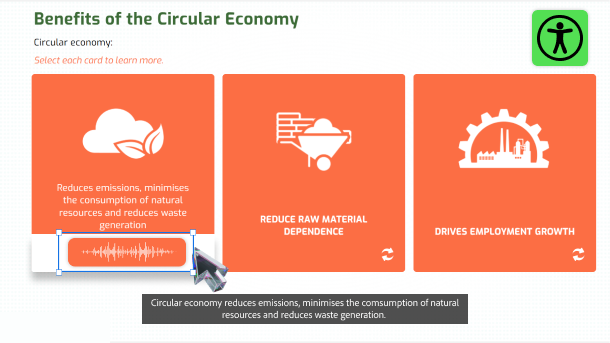
Make audio inclusive with subtitles
Add closed captions for audio or video, to meet accessibility standards. Quickly import SRT / VTT files or type in your captions. Effortlessly customize timestamps and appearance of your captions.
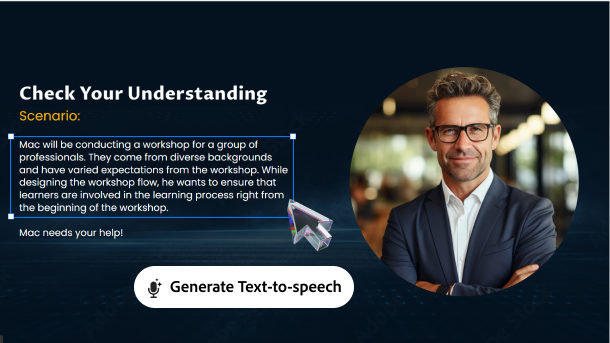
Tune in everyone
Easily turn text into high-quality speech. Select from hundreds of AI powered non-robotic, multi-accent, multi-lingual voice options. Just click once to update the audio for any text edits.

