

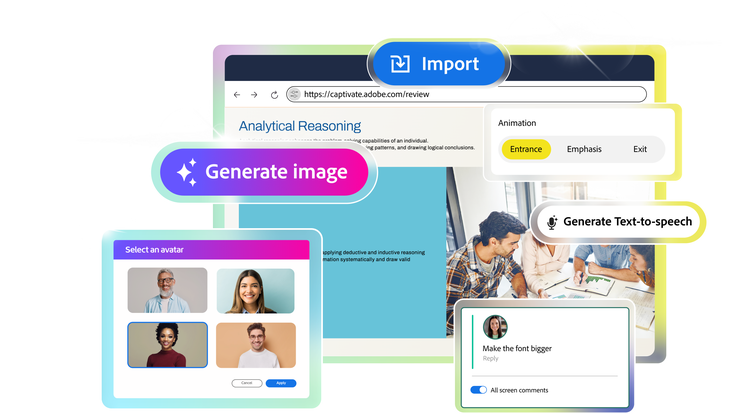
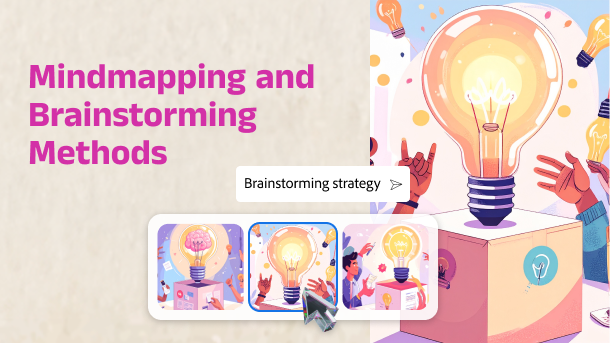
Bring your content to life. Easily illustrate concepts, workflows, and learning scenarios. Use Adobe Firefly-powered image generation to create unique, high-quality visuals from simple text prompts or reference images.
Generate text
Make every word count
Polish your text content instantly. Just type a prompt or select existing content to rephrase, expand, improve grammar, readability or itemize any text block with one click.
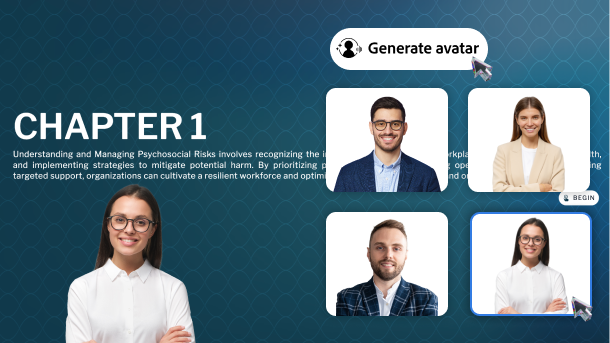
Generate avatar
Add a human touch
Add AI-generated avatars or narrators to your slides—choose a voice, style, or character to make learning more engaging and life-like.
Generate voice
Narrate in many voices
Find the perfect voice for your course. Select language, accent, and tone to resonate better with your audience. Save recording cost and hassles.
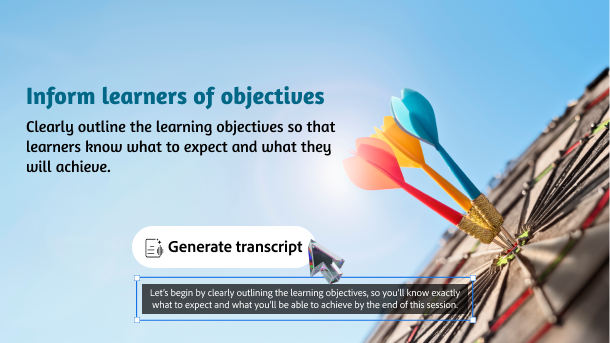
Generate transcript
Script it swift
Quickly generate accurate closed captions for course voiceovers, accessibility, and more. Just select slide content and get transcripts in one-click.
tab
features, 1
style
m spacing, grid width 10, three-up
Import
Bring in slides in seconds
Easily import presentation decks with existing training and subject matter expert content. Each slide element is smartly converted into native objects - ready for edits, media additions, and interaction setup.
Edit
Refine content with ease
Customize every single slide element of your imported PowerPoint deck. Freely edit text, images, audio, animations, shapes and more.
Add media
Fascinate learners with rich media
Insert images, SVGs, characters, audio, and video to your imported slides, or generate fresh visuals and voiceovers with AI.
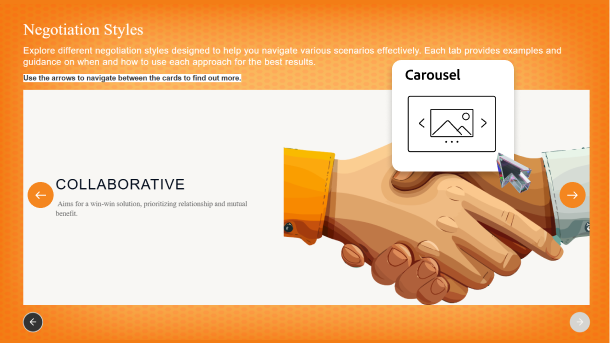
Add interactivity
Engage with immersive elements
Add branching, object states, trigger actions, widgets, quizzes and more, to turn static slides into interactive learning experiences.
Add narrator
Add human touch to your training
Tell your course story with a human-like narrator. Easily generate AI avatars or voiceovers that can read slide notes or transcripts, to keep your learners involved.
tab
features, 2
style
m spacing, grid width 10, three-up
Templates
Fast-track authoring with templates
Build courses faster with customizable templates, branding blocks, Quick Start Projects, and ready-to-go slides. Swap default images and text with your content, and quickly launch a training.
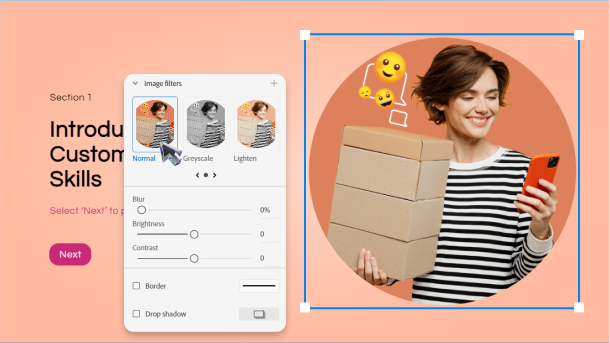
Visual appeal
Design dazzling content
Create visually rich learning content like a pro. Use native image editing, scroll-based storytelling, animations, stylish fonts, royalty-free assets, responsive design options, SVG support, and more.
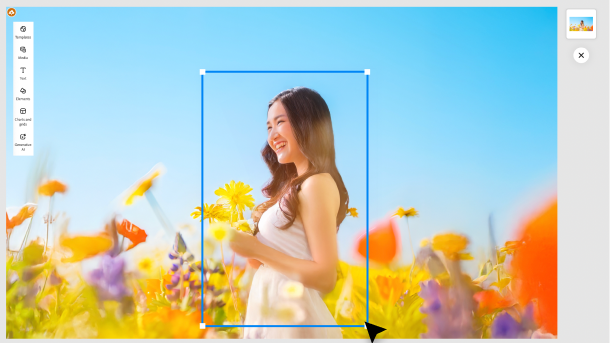
Audio and video
Boost attention and retention
Create immersive learning experiences to help learners grasp concepts better. Capture attention with video-based courses. Improve learner retention through interactive simulations and hands on training.
Widgets
Woo with the Widget Gallery
Effortlessly build advanced interactions without coding. Choose widgets like drag-and-drop, click-to-reveal, flip cards, hotspots, timelines and more. Plug in your content and get ready to impress your audience.
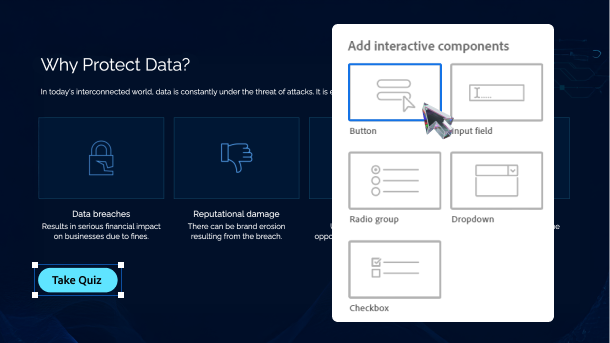
Interactivity
Drive active learner participation
Enable learners to explore, reflect and respond to your courses. Build custom interactions using interactive components, table of content, playbar, trigger actions, and multi state objects.
Accessibility
Design for all with accessibility
Easily generate eLearning content that meets accessibility standards like Section 508 and WCAG 2.1. For learners with special abilities, define text equivalents, clickable areas for keyboard access, and more.
tab
features, 3
style
m spacing, grid width 10, three-up
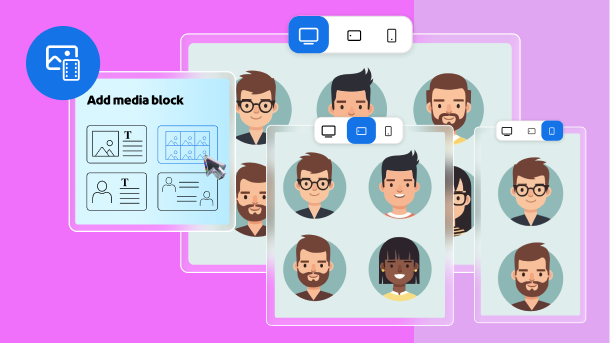
Device adaptive media blocks
Fit to frame
Add images, videos, SVG, text, and characters using device adaptive media blocks that allow you to seamlessly resize and reposition based on screen sizes.
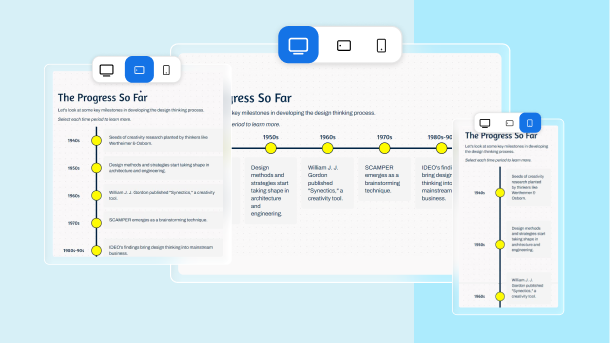
Responsive text blocks
Adapt text to every screen
Add text in multiple layouts using responsive text blocks. Deliver visually appealing experience across devices as the blocks automatically adjust size, placement, and formatting to fit your learner's screen.
Customizable text layouts
Optimize spacing with advanced layout options
Effortlessly customize how your course looks across devices, by using padding. Easily get the desired padding width through drag and drop, auto layout, or pixel value.
Multi-device preview
Preview for all screen sizes
See your course adapt to different screens, in landscape and portrait orientations. While authoring, easily check your course’s responsiveness by selecting desktop vs. tablet vs. mobile preview icons.
Live device preview
Eliminate guesswork
See exactly how your content will play out on different devices. Scan a live device preview QR code, using your mobile device and mirror the project real-time on the device browser.
tab
features, 4
style
m spacing, grid width 10, three-up
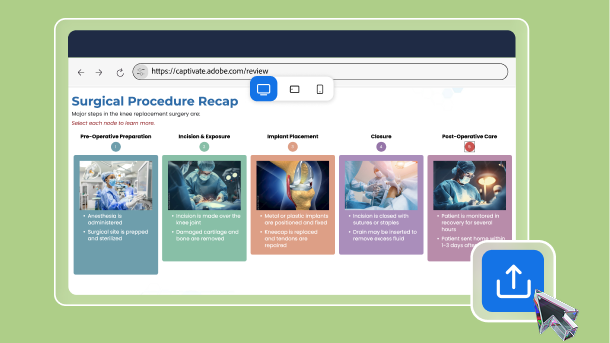
Share for review
Collaborate effectively with teams
Share projects for review and leverage your team’s collective genius. Generate dedicated project review links for multiple stakeholders. Easily refresh links with updated content. Reviewers do not need software installation.
Precise commenting
Give device-specific feedback
Easily add comments for each slide. Comment separately for desktop, tablet, and mobile view. Effortlessly edit, reply to, resolve, or delete comments and tag the relevant stakeholders.
tab
features, 5
style
m spacing, grid width 10, three-up
Den här Adobe-webbplatsen motsvarar inte din plats.
Baserat på din plats rekommenderar vi webbplatsen för Sverige, där du hittar regionala erbjudanden och priser.
You can control how Adobe websites use cookies and similar technologies by making choices below. But note that if you disable cookies and similar technologies entirely, Adobe websites may not function properly.
Cookies are small text files stored by your web browser when you use websites. There are also other technologies that can be used for similar purposes like HTML5 Local Storage and local shared objects, web beacons, and embedded scripts. These technologies help us do things like remembering you and your preferences when you return to our sites, measure how you use the website, conduct market research, and gather information about the ads you see and interact with.
You can make choices in the menu below about what cookies and other technologies you want us to use on Adobe sites when you visit them from this browser. You can always change those choices later by clicking on the Cookie Preferences link at the bottom of the page.
If enabled:
We can improve your experience by tailoring the site and the content to things we think might be of interest
We can better keep track of your preferences — like what language you prefer to use
We will better understand your likely interests so we can provide you more relevant Adobe ads and content on non-Adobe websites and in non-Adobe apps
It will help us improve the performance of our website and those of our partners who use the Adobe Experience Cloud
If disabled:
We won’t be able to remember you from session to session so the experience may not be tailored to your interests
You’ll still have access to the content of the site but certain features that depend on cookies may not function
You’ll still see ads, they just may not be as relevant to you
General information
You can control how Adobe websites use cookies and similar technologies by making choices below. But note that if you disable cookies and similar technologies entirely, Adobe websites may not function properly.
Cookies are small text files stored by your web browser when you use websites. There are also other technologies that can be used for similar purposes like HTML5 Local Storage, web beacons, and embedded scripts. These technologies help us do things like remembering you and your preferences when you return to our sites, measure how you use the website, conduct market research, and gather information about the ads you see and interact with.
You can make choices in the menu below about what cookies and other technologies you want us to use on Adobe sites when you visit them from this browser. You can always change those choices later by clicking on the Cookie Preferences link at the bottom of the page.
If enabled:
We can improve your experience by tailoring the site and the content to things we think might be of interest
We can better keep track of your preferences — like what language you prefer to use
We will better understand your likely interests so we can provide you more relevant Adobe ads and content on non-Adobe websites and in non-Adobe apps
It will help us improve the performance of our website and those of our partners who use the Adobe Experience Cloud
If disabled:
We won’t be able to remember you from session to session so the experience may not be tailored to your interests
We’ll still count your use of our site and services
You’ll still have access to the content of the site but certain features that depend on cookies may not function
You’ll still see ads, they just may not be as relevant to you
Operate the site and core servicesOperate site and measure engagement
Always active
These cookies are required, and they are used to enable the site and related services core functionality. Without them the site could not operate, so they cannot be disabled.
These cookies enable the site and related services’ core functionality and collect statistics about user engagement, such as counting active use to help us understand trends. These cookies cannot be disabled.
Measure performance
These cookies are used to analyze site usage to measure and improve performance. Without them Adobe cannot know what content is most valued and how often unique visitors return to the site, making it hard to improve information we offer to you.
These cookies are used to analyze site usage to measure and improve performance. Without them Adobe cannot know what content is most valued, making it hard to improve information we offer to you.
Extend functionality
These cookies are used to enhance the functionality of Adobe sites such as remembering your settings and preferences to deliver a personalized experience; for example, your username, your repeated visits, preferred language, your country, or any other saved preference.
Personalize advertising
These cookies are used to enable Adobe and our partners to serve ads more relevant to your interests. Without them you will still see ads, but they might not be as relevant to you.