
Adobe

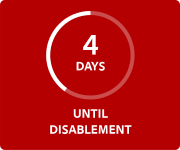
This non-genuine Adobe app will be disabled soon
Non-genuine apps may contain malware that exposes your organisation and its files to security risks. Adobe provides a 10-day grace period to resolve this issue with replacement apps.
Contact your IT administrator to switch to genuine Adobe apps
1. Select a plan
Pick any single or multi-app plan to get genuine Adobe apps.
2. Uninstall your non-genuine app
Remove non-genuine apps from your device.
3. Install genuine Adobe apps
Get the latest features and security updates so you can continue to create with confidence.