Let’s protect your account and help prevent misuse.
Frequently asked questions
Why am I being asked to change my password?
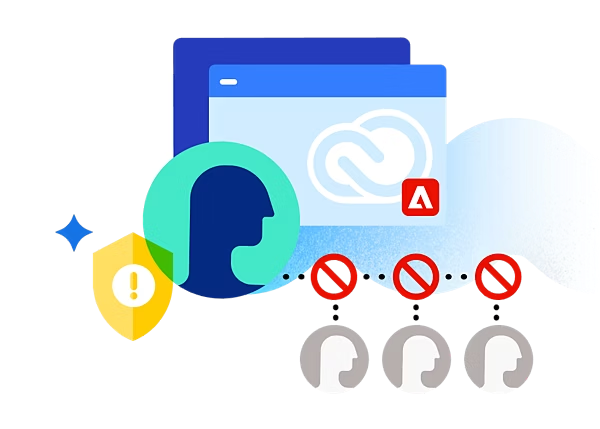
Your account appears to be in use by more than one person. You are being asked to change your password to help protect your Adobe account. An Adobe account can be used by only one person — and not shared.
How do I reset or change my password?
To change your Adobe account password, visit this page for detailed instructions.
Learn how to set up and use two-step verification as an additional authentication step that makes your sign-in experience more secure.
Can I use Adobe apps on two devices?
An individual plan allows you to:
- Use Adobe apps on only one device at a time
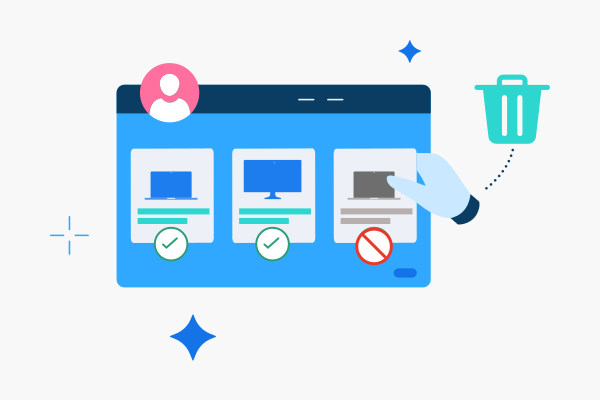
- Sign in (activate) your account on up to two devices
If you would like to sign in to (activate) Adobe apps on a third device, you’ll need to sign out of (deactivate) another device first. Learn more about using an Adobe app on more than one device.
How do I manage devices I’m signed into (activated devices)?
Follow these steps to manage devices you’re signed into (activated devices) on your Adobe account.
- Sign in to your Adobe account online.
- Go to the dropdown menu below Plans and payment and click on Activated devices.
- Sign yourself or someone else out of a device by clicking on the Deactivate button next to the name of the device.
When you sign out of (deactivate) a device, the Adobe apps on that device will no longer work and files will stop syncing.
Why am I still receiving notifications about my account after changing my password and signing out of all active logins?
It may take 24-48 hours for you to stop receiving these notifications after you changed your password and signed out of all active logins.
Can I share my Adobe account with another person?
No. Individual plans are for one person only. You cannot have more than one person share an individual plan. Additional information can be found in the Adobe General Terms of Use, 3. Use of Services and Software.
Can I switch from an individual to a team plan?
In most circumstances, individuals can switch from an individual to a team plan but there are some exceptions. Team plans are for multiple people. However, each team member requires a license (that can easily be managed in the Admin Console). Read the requirements to upgrade from an individual to a team plan.
How do I sign out of an Adobe app or account?
Learn more about how to sign out of an Adobe app or account.
#E0F3FF
Need additional help?
Call Adobe Support at {{phone-number-genuine}} or start a chat.